
Your PC
eclean vs AIDA64
AIDA64 is the paid hardware suite for sensors, benchmarks, and stress tests. Here is how eclean compares on knowing your PC and keeping it in shape.
Last checked

HWiNFO is the enthusiast's sensor dashboard for Windows hardware. Here is how eclean compares on knowing your PC and watching it work.
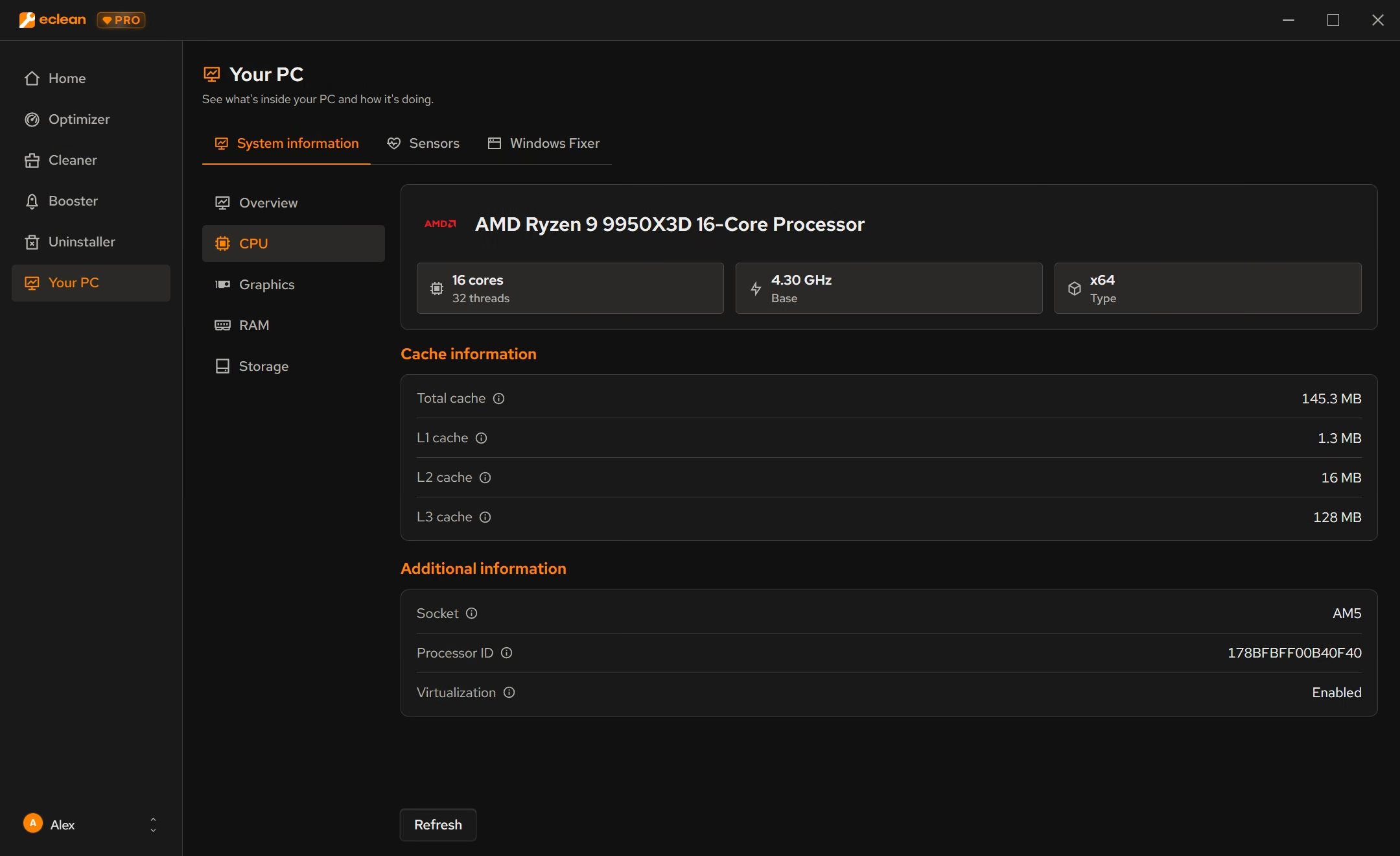
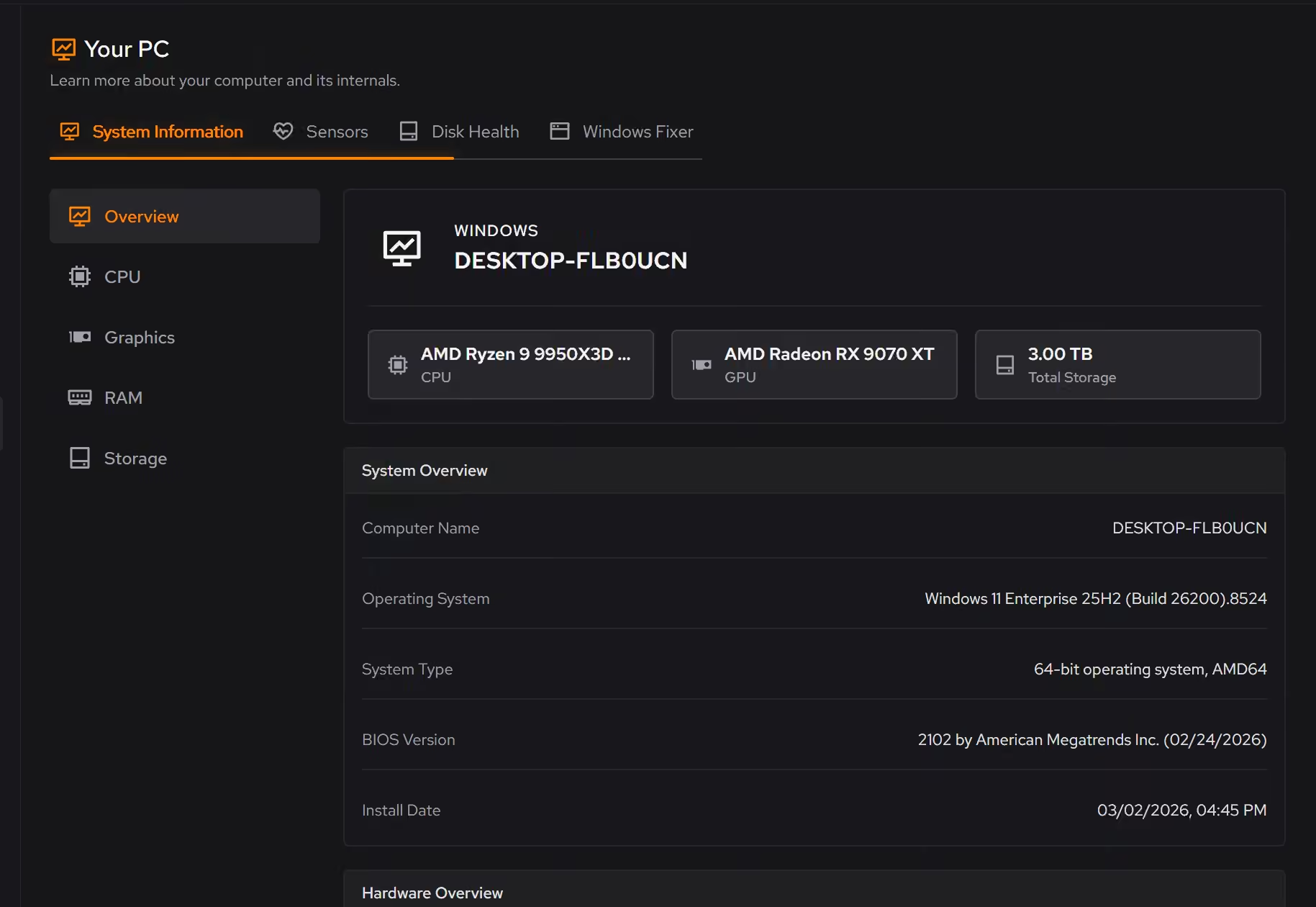
HWiNFO is a very deep free sensor tool for Windows. Every temperature, voltage, fan, and power rail your board exposes is there, with logging and on-screen overlays, and new hardware support lands almost every month. It speaks in sensor names and readings. eclean's Your PC covers what most people need (what is in the machine and what it is doing right now) in plain language, and the rest of eclean can act on what you find.
Free · Windows 10 and 11
Stay with HWiNFO if…If this list sounds like you, HWiNFO is a fine choice.
The same jobs, done two ways.
With eclean
Focused CPU, graphics, memory, storage, and network views show what is being asked of the hardware the moment something feels wrong.
With HWiNFO
Hundreds of readings per machine, from core temperatures to VRM power rails. Precise and complete, and you need to know which ones matter.
With eclean
Your PC presents Windows build, processor, graphics, memory, storage, and network the way you would explain them to a friend.
With HWiNFO
The summary and device tree go down to chip revisions, memory timings, and firmware versions. It is the reference when detail matters.
With eclean
Your PC can reset network, audio, or Microsoft Store settings, renew your IP, and flush DNS. Cleaner and Booster handle what you find.
With HWiNFO
HWiNFO observes and reports. It includes a basic stress test, and acting on what it shows happens in other tools.
HWiNFO is a Windows tool for in-depth hardware details and real-time sensor monitoring, free for personal use with a paid Pro license. Here is how the two line up, feature by feature.
| Capability | eclean Free, or Pro at $59.99/year | HWiNFO Free for personal use, Pro (see the vendor's site) |
|---|---|---|
| Knowing your PC | ||
| Processor, graphics, memory, storage, and network | ||
| Windows version and build alongside hardware | ||
| Chip-level detail (revisions, timings, firmware) | Essentials | |
| Plain-language presentation | Technical terms | |
| Watching it work | ||
| Live CPU, graphics, memory, storage, and network activity | ||
| Temperatures, voltages, fans, and power rails | ||
| Sensor logging to a file | ||
| On-screen overlay while gaming | Up to 5 items free | |
| Stress test | Basic free, advanced in Pro | |
| How it treats you | ||
| Fixes for network, audio, and Store problems | ||
| Cleaning, startup, and uninstaller in the same app | ||
Checked by William Hallin. Last checked . Spot something out of date? Tell us and we'll fix it.
Sources: HWiNFO licenses and editions (checked 10 Nov 2026)HWiNFO version history
Free on Windows 10 and 11, no trial timer.
Download freeEverything HWiNFO does here lives in one module of the same free download.
Every recommendation says what it changes and why before you commit to it.
Supported changes keep an undo history, so trying something is never a commitment.
Scans and cleaning run locally. eclean does not upload your files, documents or installed-program list.
HWiNFO has a strong reputation with enthusiasts, and it keeps up with new hardware. Version 8.60 shipped on 10 November 2026 with support for upcoming Intel platforms and more NVIDIA GPU detail. It is free for personal use, and a Pro license covers commercial use and adds automatic logging, unlimited overlays, and an advanced stress test.
If you are tuning fan curves, chasing a thermal throttle, or logging a benchmark run, HWiNFO is the tool to have open.
Most people open a hardware tool with a simpler question. They want to know what is in the machine, whether it is okay, and what it is doing right now. A list of a few hundred sensor readings answers that, if you already know which ones matter.
eclean's Your PC starts from that question. The inventory reads like a person wrote it, and focused views for the processor, graphics, memory, storage, and network show demand as it changes. When the fans spin up or a game stutters, you can see which part of the system is being asked to work.
Your PC is free and has no Pro tier, and it sits next to the rest of eclean. It can reset network or audio settings and flush DNS, and the same download cleans, trims startup, and removes software with its leftovers.
If you live in sensor data, keep HWiNFO. It is the specialist. If you want your PC explained and looked after in one place, that is what eclean is for.
Your PC
AIDA64 is the paid hardware suite for sensors, benchmarks, and stress tests. Here is how eclean compares on knowing your PC and keeping it in shape.

Your PC
Need more than a CPU-Z spec sheet? Compare hardware detail, plain-language inventory, and live monitoring, and see when CPU-Z is still the right tool.

Optimizer · Your PC
WinUtil is the popular open-source script for debloating and tweaking Windows. Here is how eclean compares on tweaks, undo, and day-to-day upkeep.
5.0 out of 5 on Trustpilot from 11 reviews
“Easy to use. Great support. And it really helped me clean my computer. When you are uncertain which files you could delete, the program solves that for you. I don't even need to think, that's great. =)”