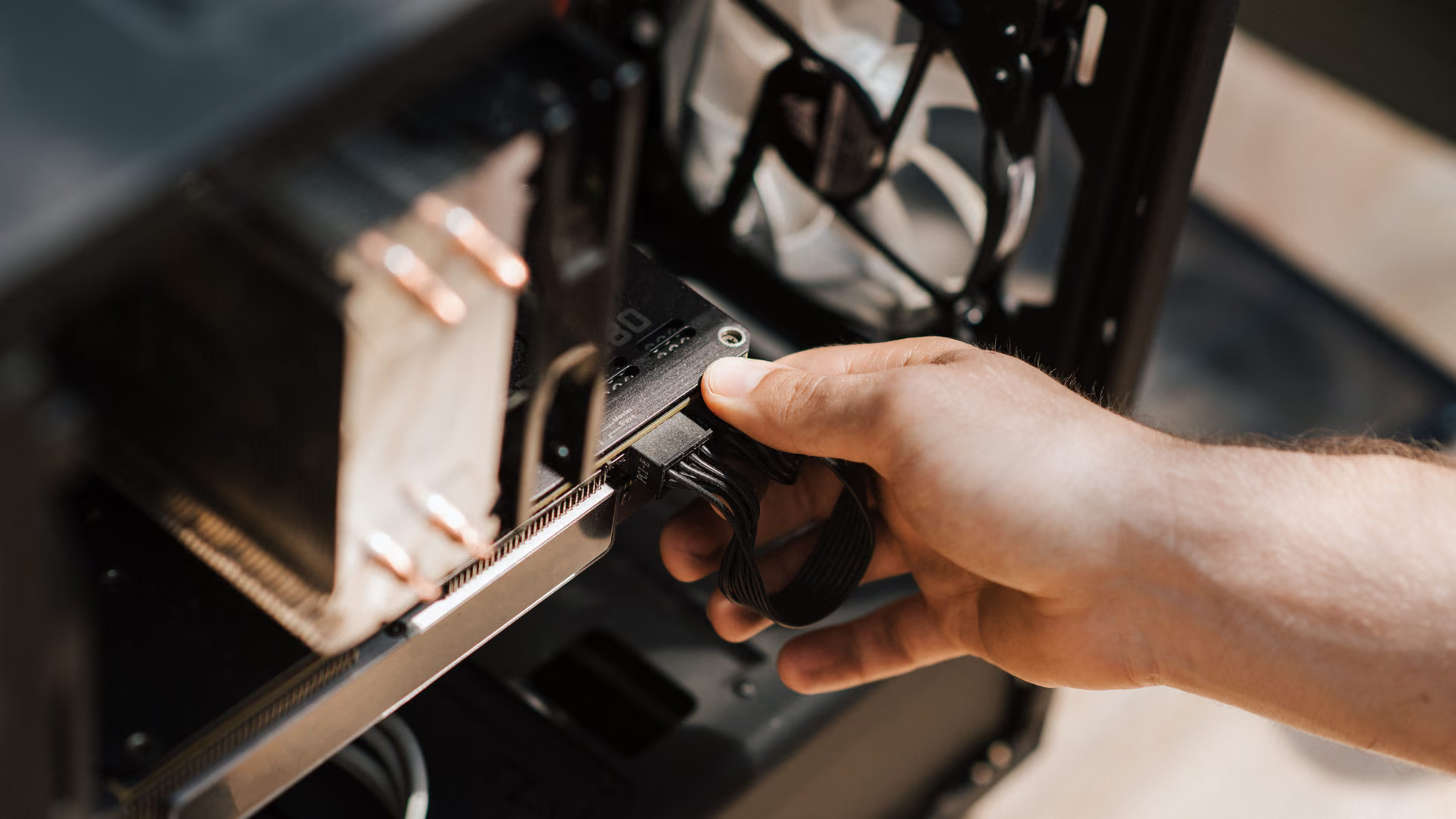
More life in an older PC. Before you pay for a new one.
A slow PC is usually a busy PC. How eclean trims startup, services, and clutter on aging hardware, and is honest about what software cannot fix.
Free · Windows 10 and 11
The problem.
The PC that felt fast in 2019 now takes minutes to settle after login, and every search for help ends the same way, with someone telling you to buy a new one. Most of the slowdown is not age. It is years of installed software, startup apps, and background services stacking up on hardware that never got faster.
An older PC attracts two kinds of advice. The first is to replace it. The second is a one-click speedup tool that promises a new machine and never says what it changed. Neither takes the machine seriously. Most of what makes an aging PC slow is accumulation, and accumulation can be removed.
eclean works through that accumulation in the open. Startup apps, services, and scheduled tasks appear in one place so you can trim what no longer needs to be there. Cleaning is previewed before it runs, removals include the leftovers, and every optimization explains itself with a supported route back. All of it is free on Windows 10 and 11, which matters most on the PCs that never moved to 11.
What eclean does here.
A slow PC is usually a busy PC
The work an older PC does before you ask for anything lives in three corners of Windows. Booster brings startup apps, services, and scheduled tasks together, so years of accumulated background load is something you can see and trim deliberately.
In Booster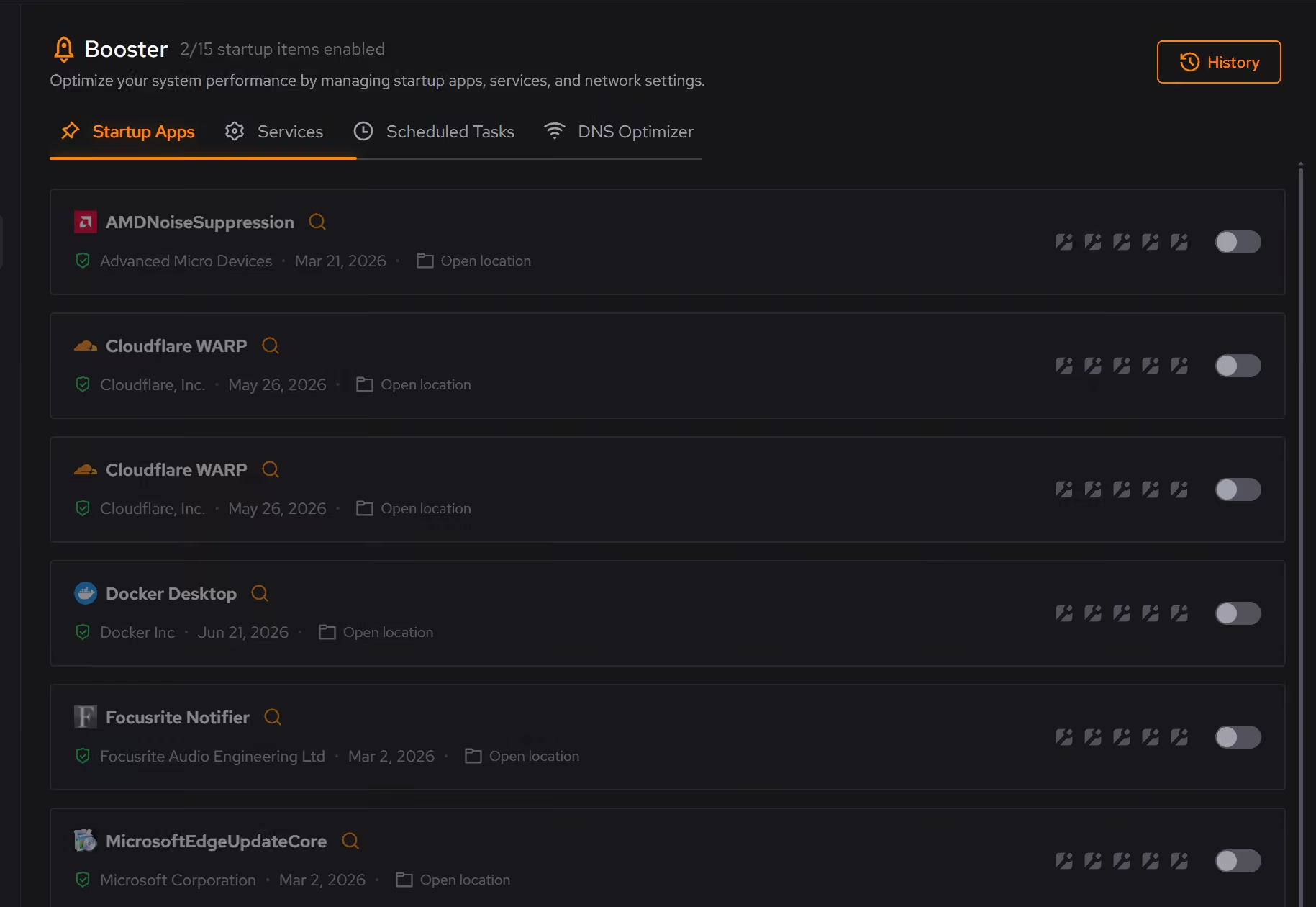
Space back on a small drive
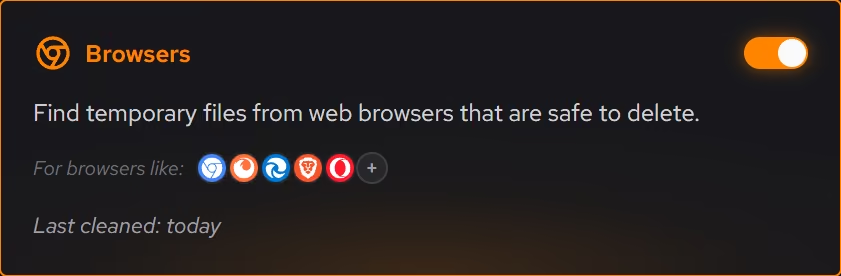
Older PCs often run small drives that years of clutter have filled. Cleaner groups it by where it comes from, browsers, apps, Windows itself, and games, and shows what will be removed and how much space it frees before anything happens.
In Cleaner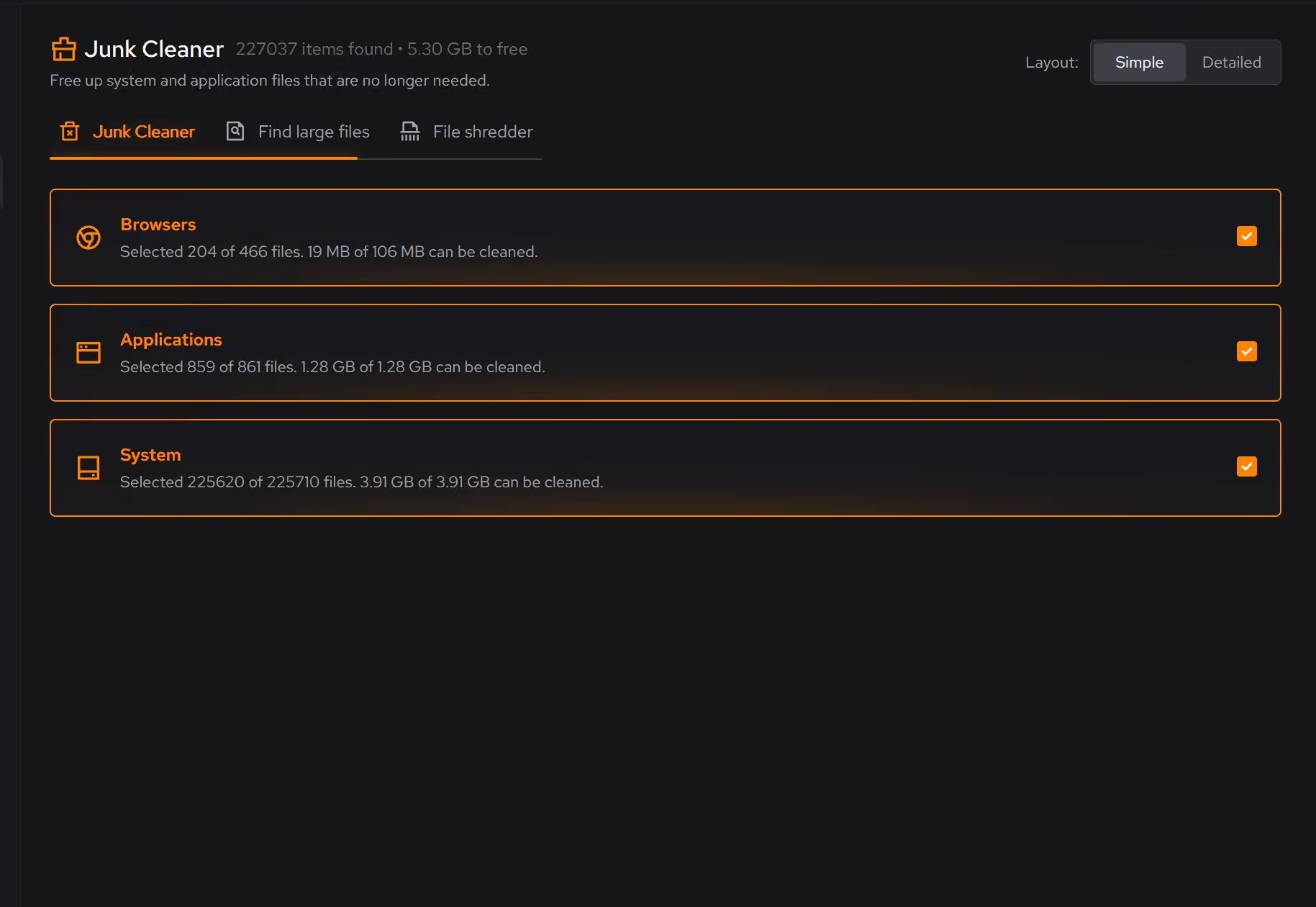
Years of software, one inventory
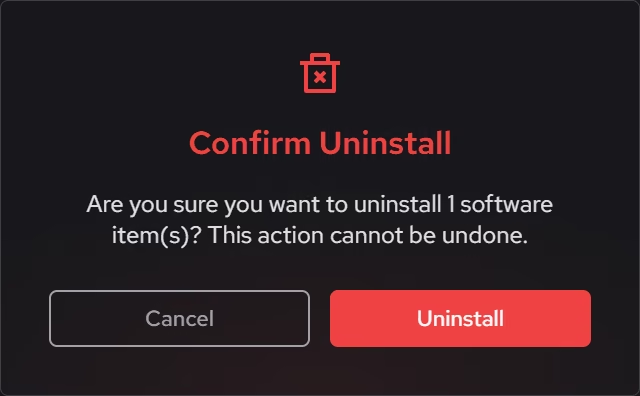
Desktop programs, packaged Windows apps, and browser extensions appear side by side with size, install date, and publisher, so the software that piled up since the PC was new is a list you can work through instead of a mystery.
In Uninstaller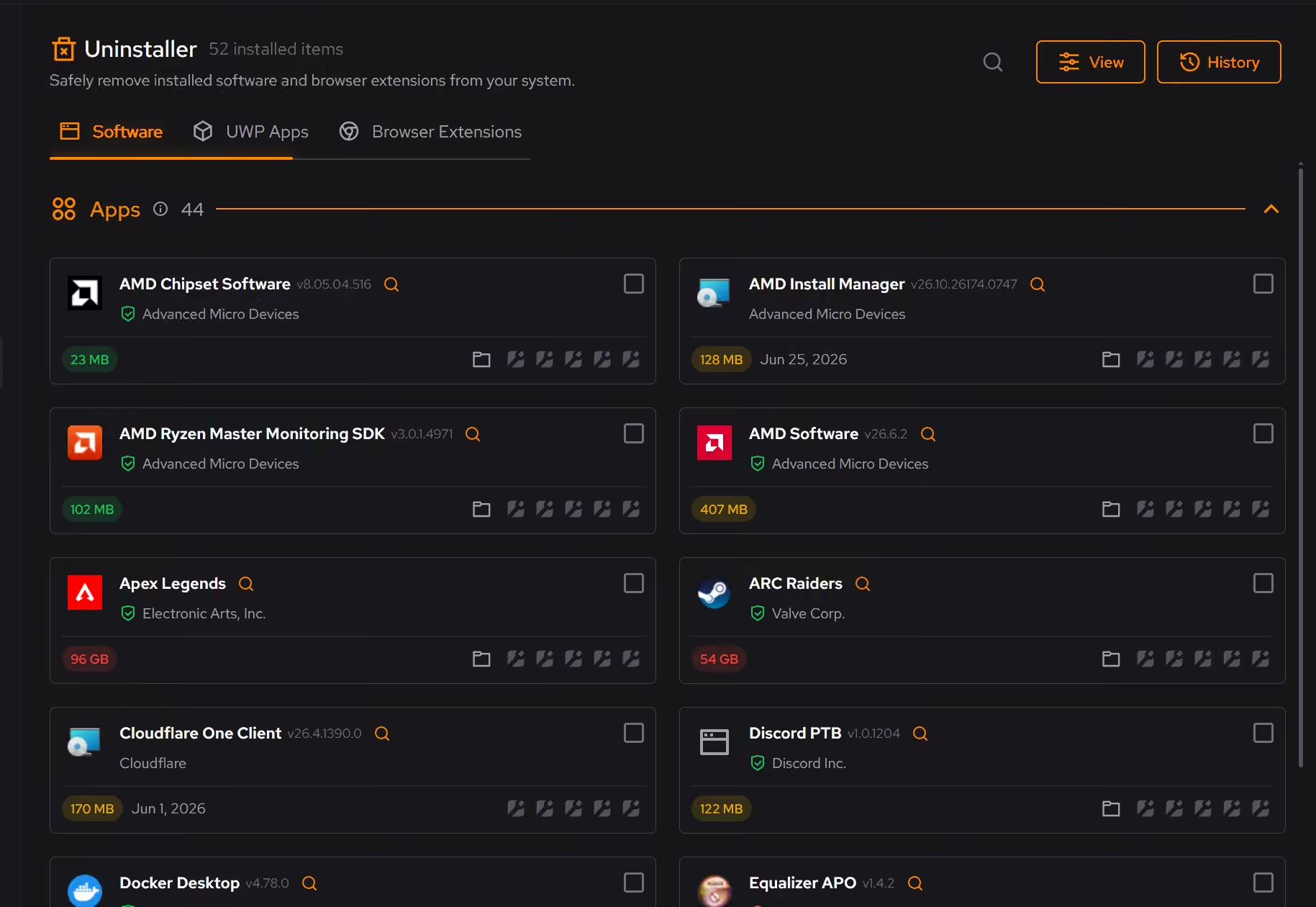
Defaults chosen on purpose
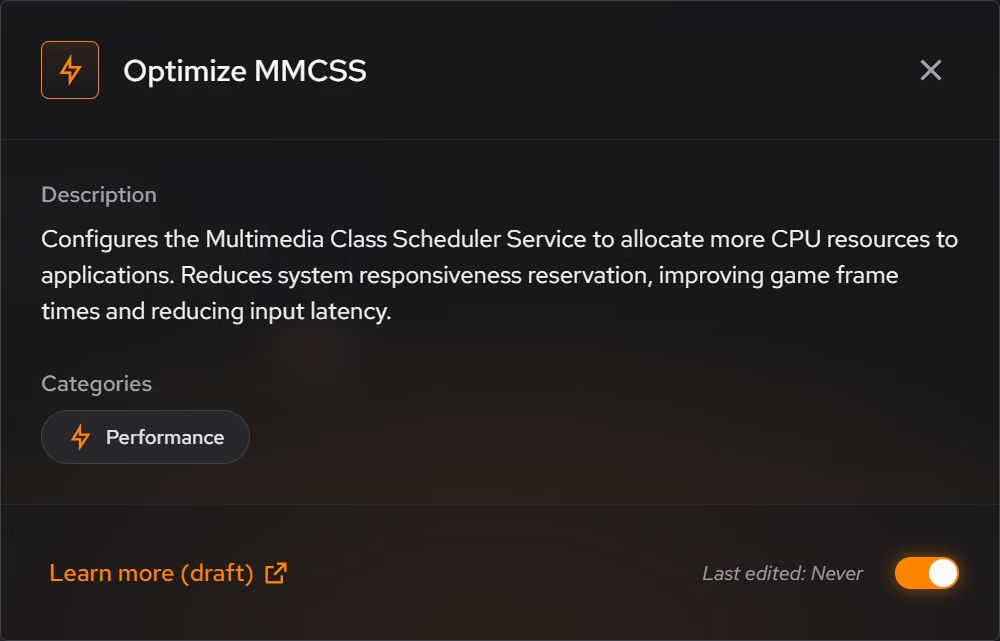
Windows ships with defaults chosen for everyone, which means no one in particular. Optimizer explains what each recommendation changes and why it can help, keeps a history, and supported changes can be reverted from the same place you enabled them.
In Optimizer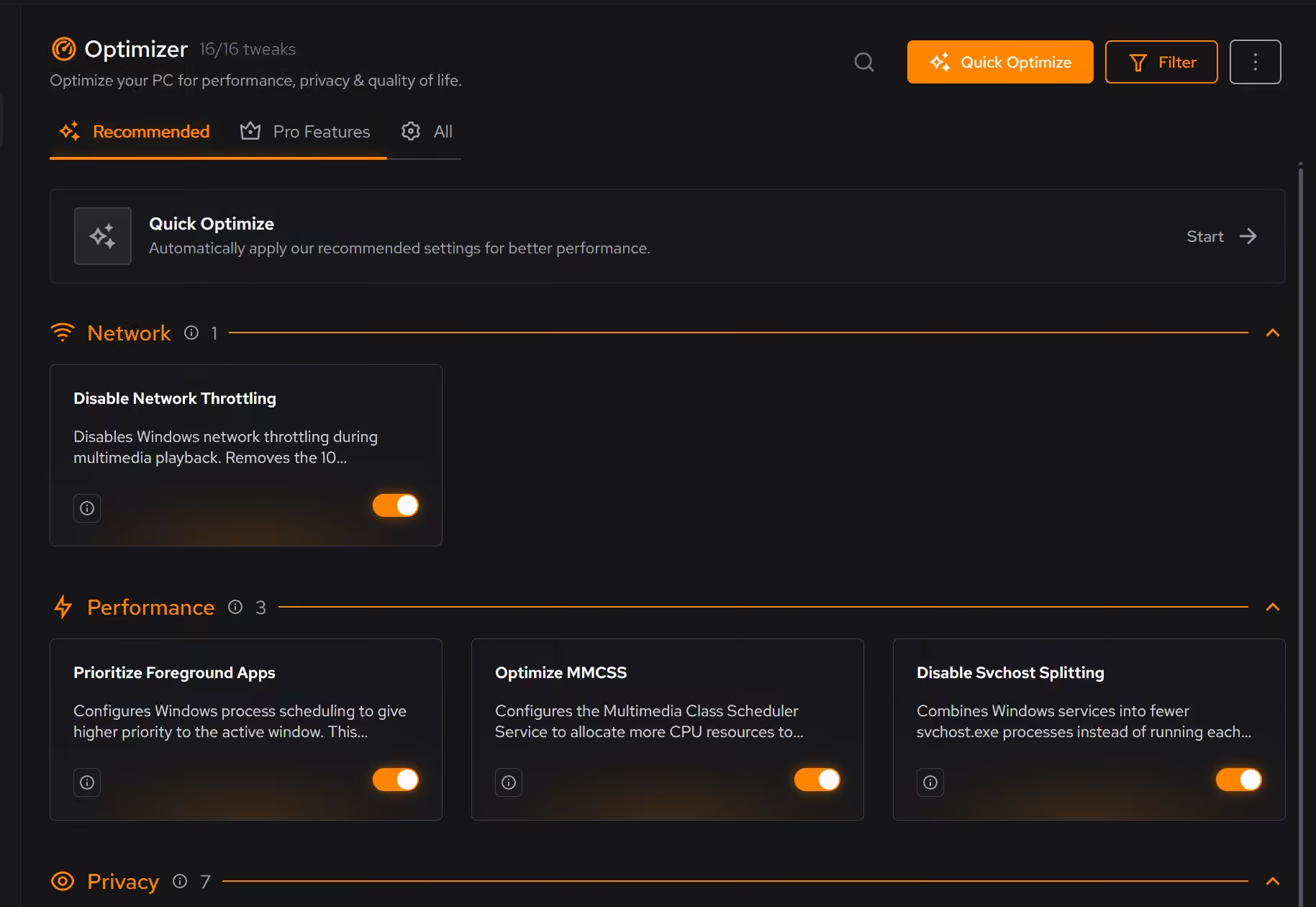
Proof, then limits.
What you can check
eclean is free on Windows 10 and 11, so a PC that never moved to Windows 11 is covered.
In BoosterBooster shows startup apps, services, and scheduled tasks together, so the whole background load is visible in one place.
In Booster
Where eclean stops
eclean removes accumulated load. It does not add cores, memory, or a faster drive.
On a mechanical hard drive, an SSD upgrade will do more than any software. Sometimes that is the honest answer.
If eclean steps over a line here, tell us and we'll fix it.