
A laptop that lasts the semester. Free, and it shows its work.
Free cleanup for a student laptop with a full drive. Preview what gets removed, find the large files, and quiet the startup, without paying for any of it.
Free · Windows 10 and 11
The problem.
The 256 GB laptop that felt roomy in September is full by midterms, Windows is warning about low disk space, and everything slows down right when the work piles up. The free cleaners you find first want payment before they clean anything, and the ones that do not are hard to trust with a drive full of coursework.
Free PC cleaners have a reputation problem. The usual pattern is a free scan that finds thousands of alarming items, then a payment screen before anything actually gets cleaned. On a student budget that pattern costs you twice, once in time and once in trust, and the laptop is still full.
eclean's free tier is the product, not the demo. Cleaning, the large file finder, and the software inventory work without a card or a countdown. Before anything is removed you see what goes and how much space comes back, so clearing a semester of clutter the night before a deadline is a decision you make with the facts in front of you.
What eclean does here.
Space back, shown before it goes
You see what will be removed and how much space it frees before anything happens, and the large file finder puts size and modified date next to every result, so a semester of forgotten downloads is easy to spot. Large file scans across all drives at once are Pro.
Pro covers 2 PCs. Family covers 5.
In Cleaner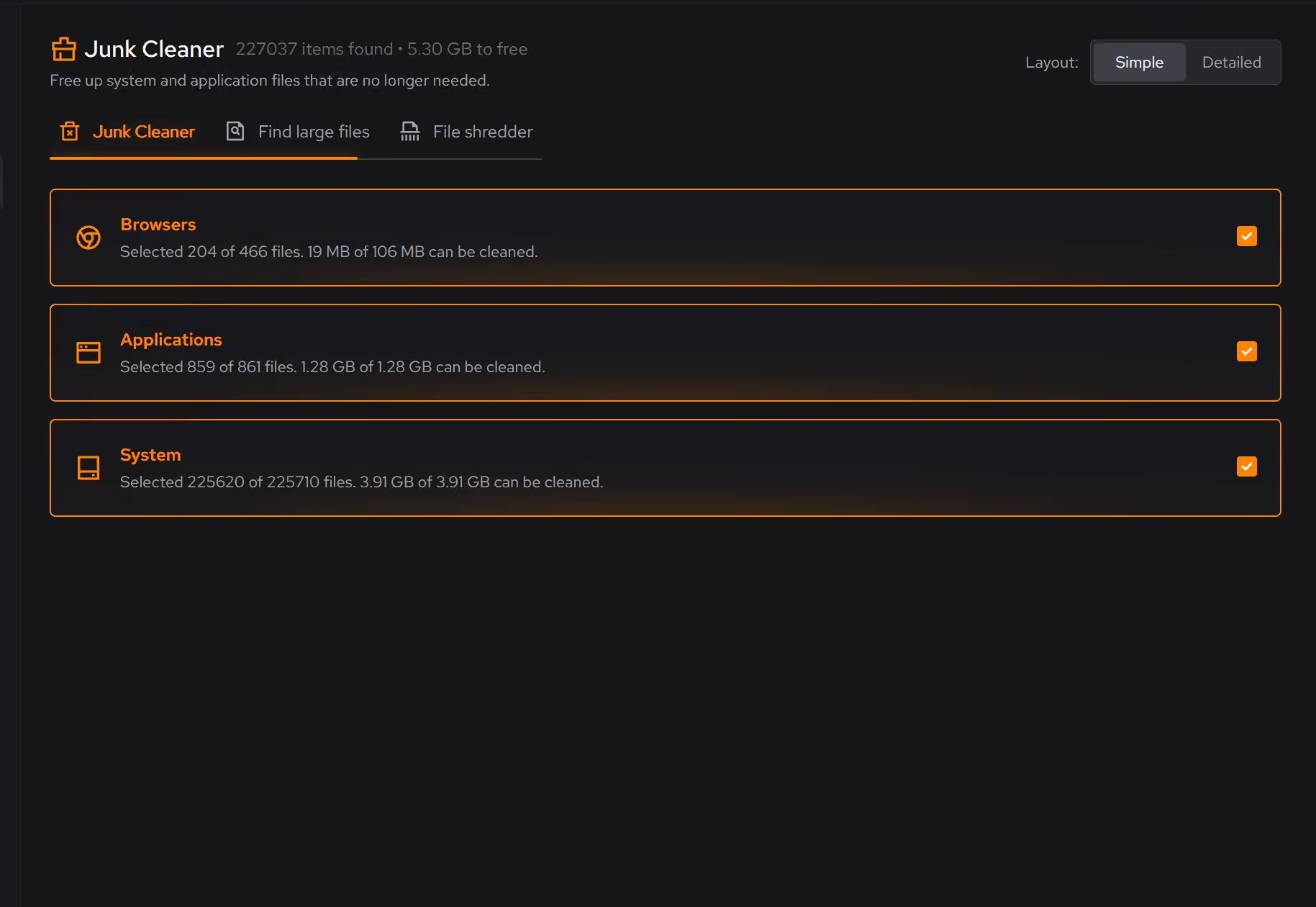
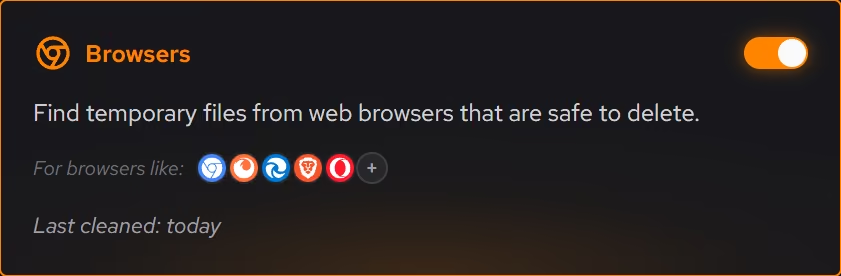
Clear out what came preloaded
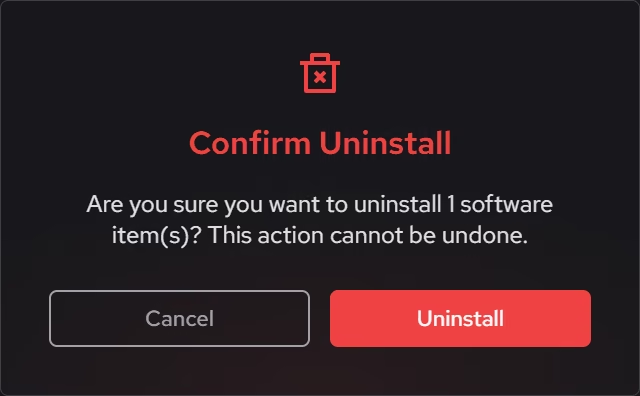
Desktop programs, packaged Windows apps, and browser extensions appear in one inventory with size, install date, and publisher, so the trial software the laptop shipped with is easy to find and remove.
In Uninstaller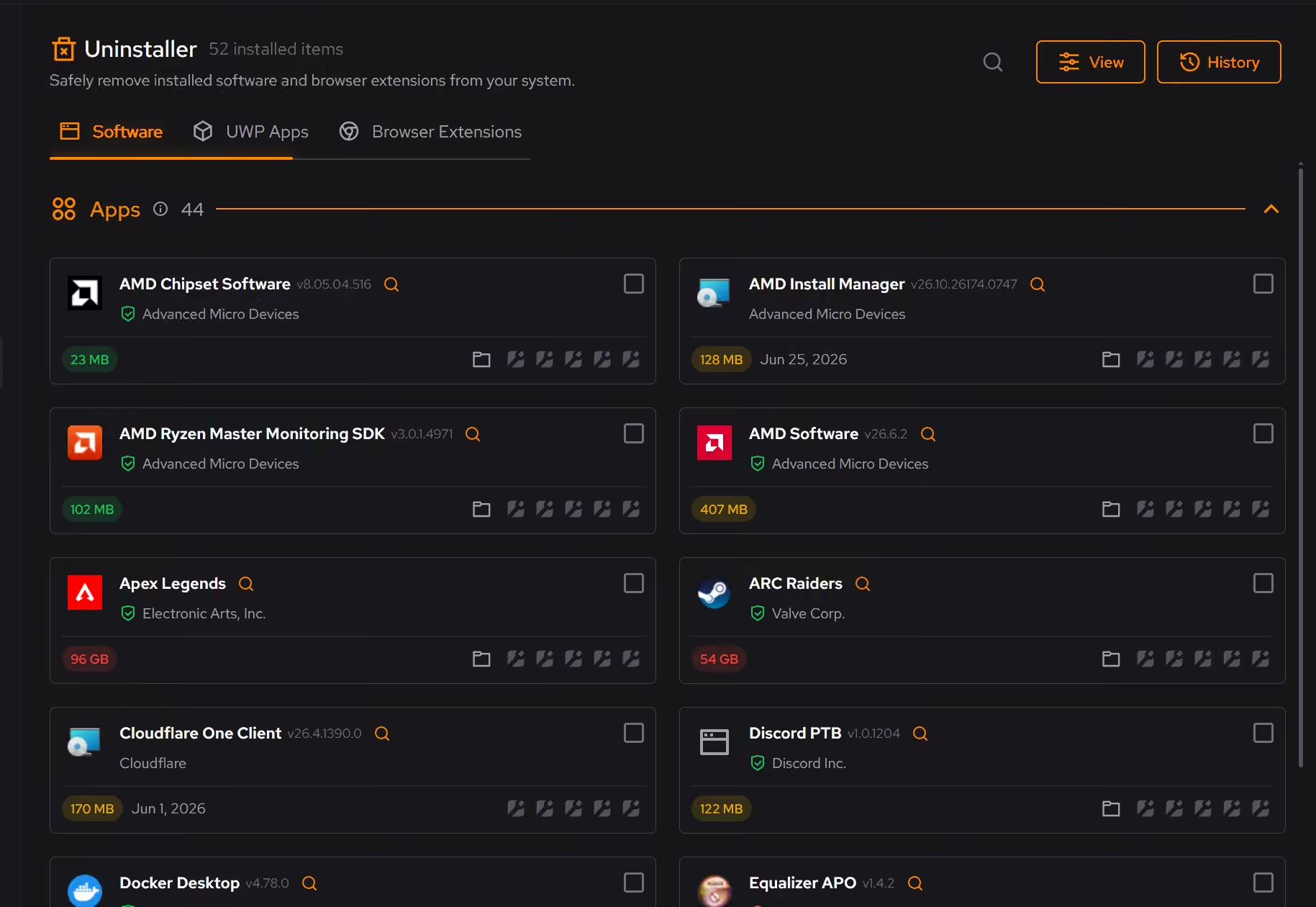
A quieter startup on modest hardware
Startup apps, services, and scheduled tasks show up in one place, so a laptop with little to spare stops spending it before you have asked for anything.
In Booster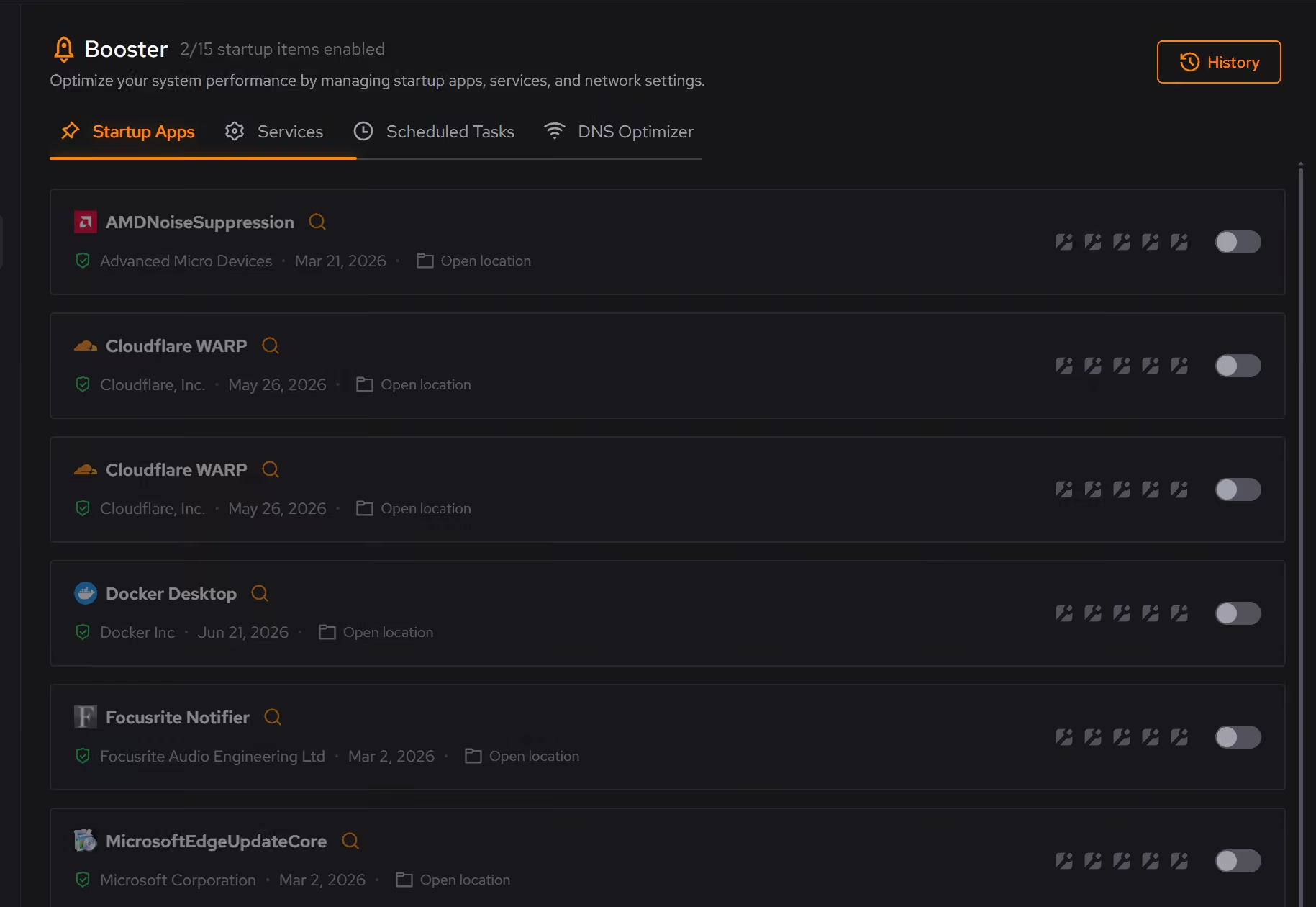
Proof, then limits.
What you can check
Clutter is grouped by category, and you see what will be removed and how much space it frees before anything happens.
In CleanerEveryday cleanup and the large file finder are free on Windows 10 and 11.
In Cleaner
Where eclean stops
eclean frees space, it does not back anything up, so save your work before cleaning.
It cannot make a small drive bigger. If the space is all coursework, you need storage, not cleanup.
If eclean steps over a line here, tell us and we'll fix it.