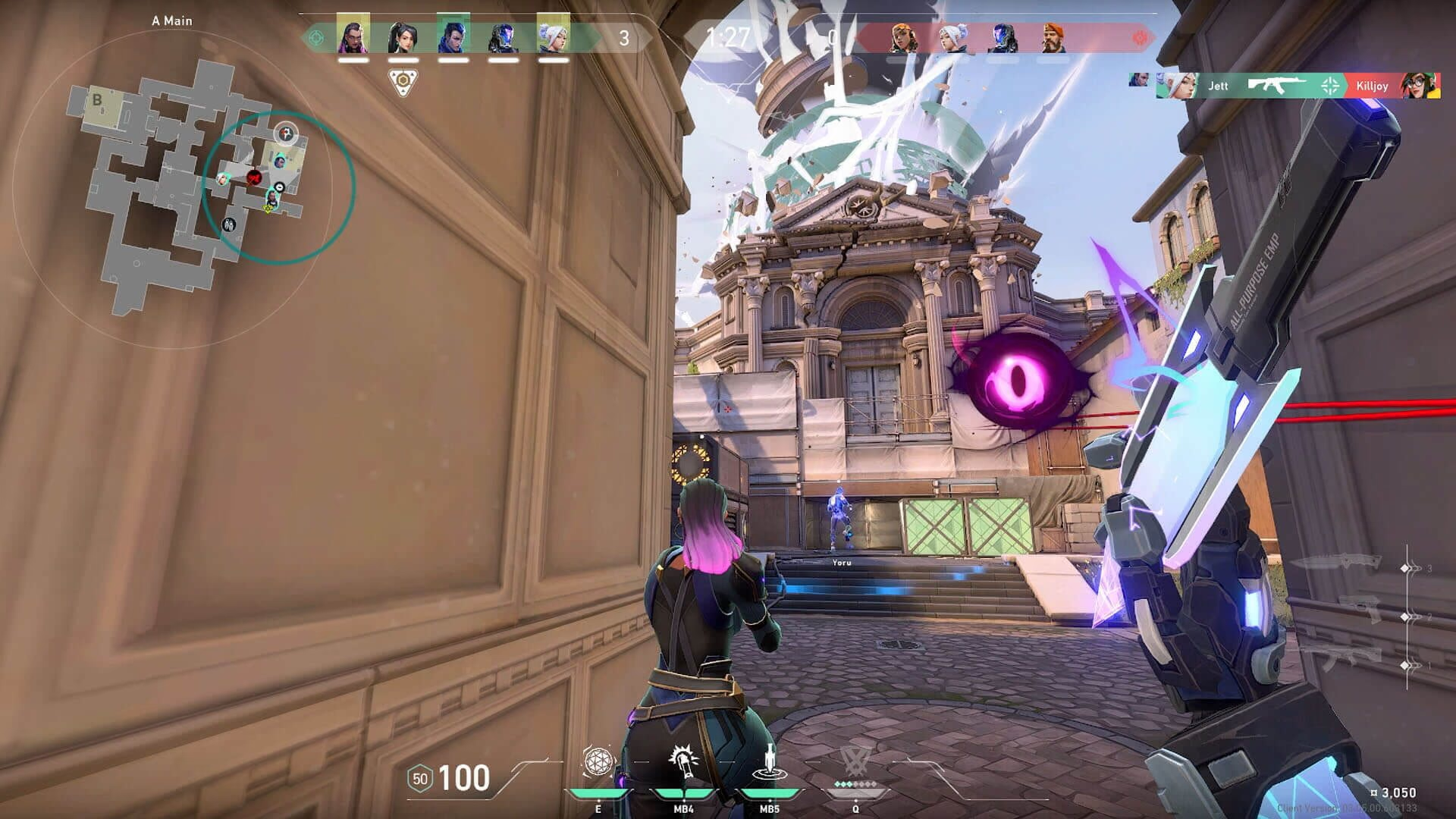
A steadier Windows under Valorant. Your game and anti-cheat stay untouched.
eclean tunes Windows around Valorant, explains each tweak down to MMCSS's effect on frame times and input latency, and never touches the game or its anti-cheat.
Free · Windows 10 and 11
The problem.
A duel comes down to one flick, the frame time spikes, and your crosshair lands late. Every fix thread ends with the same warning about what Vanguard might flag, so you are left choosing between the stutter and a tweak nobody can vouch for. The changes worth making live in Windows, not in the game.
Valorant is a bad game to experiment on. Vanguard sits deep in the system, forum threads disagree about what it tolerates, and nobody wants to write a suspension appeal over a settings tweak. So most players live with the stutter, because the fixes on offer cannot say what they touch.
eclean draws the line where the risk starts. It changes Windows, the background work and the settings that shape responsiveness and frame consistency, and it never reaches into the game, the Riot client, or the anti-cheat. Each tweak says what it changes and why it can help before you apply it, and supported changes revert from the same place you enabled them, so a tweak you regret is a tweak you undo.
What eclean does here.
Tuning that stops at the game's edge
eclean changes Windows settings and stays out of Valorant, Riot's client, and Vanguard. The MMCSS (Multimedia Class Scheduler) tweak explains its effect on frame times and input latency, and changes land in a history with a supported route back. Timer resolution and core parking tweaks are Pro.
Pro covers 2 PCs. Family covers 5.
In Optimizer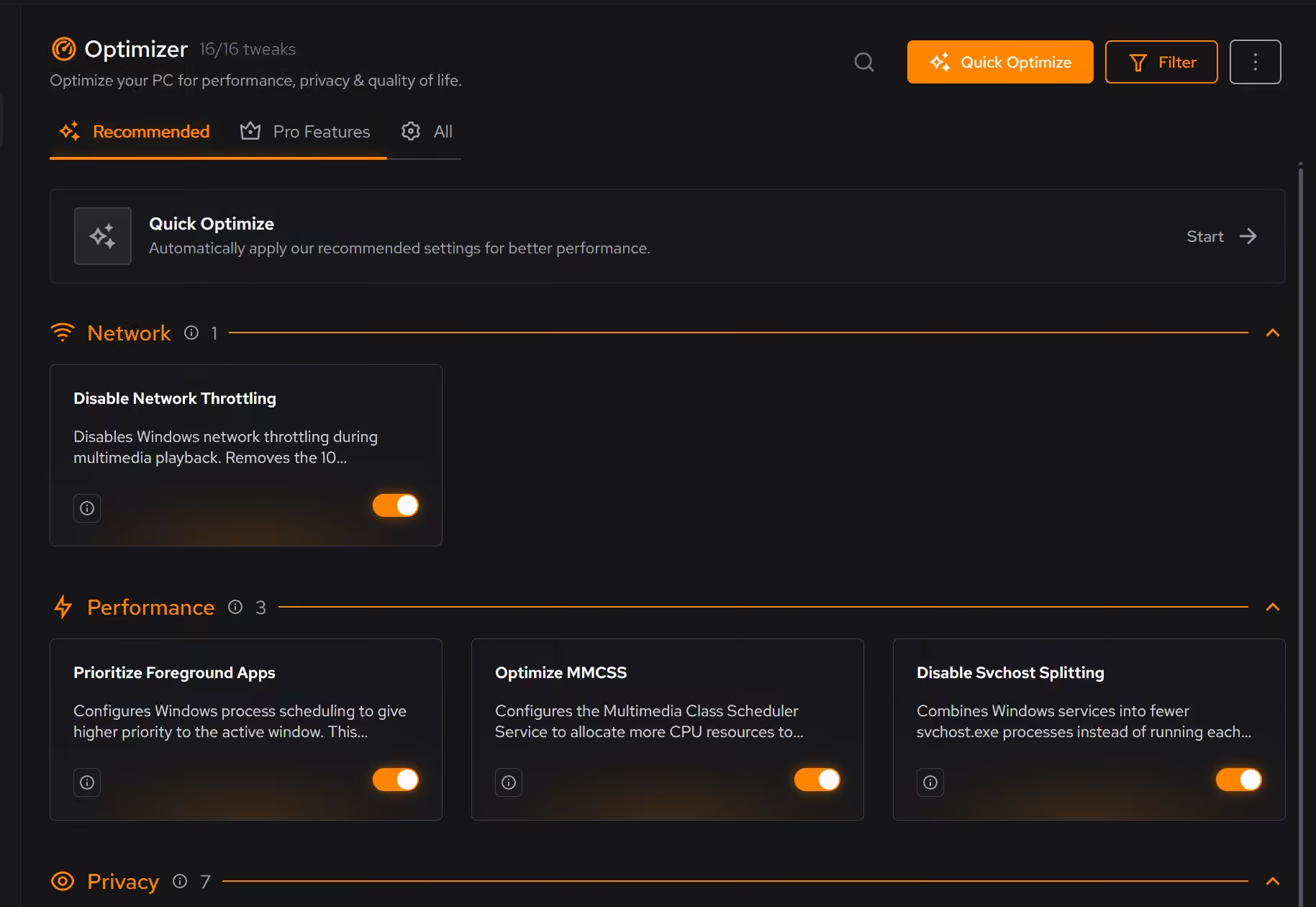
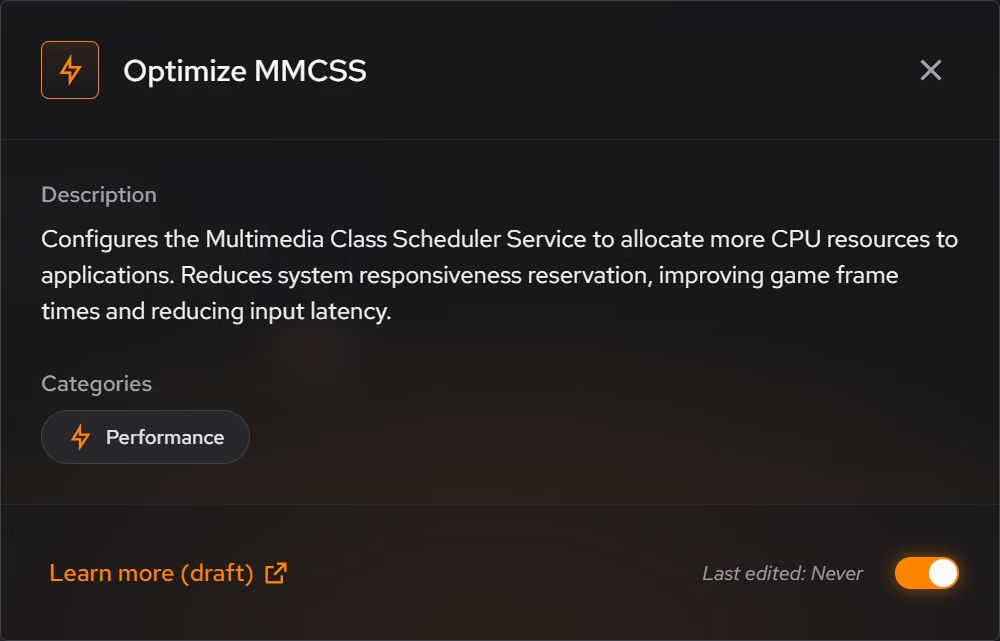
Rule out causes between matches
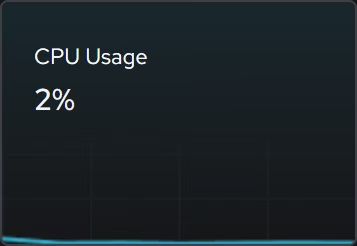
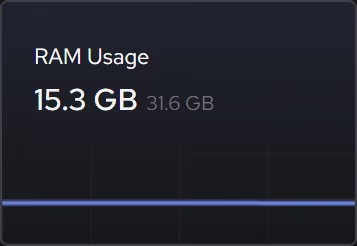
When the stutter shows up mid-match, the focused CPU, graphics, memory, and storage views show what the hardware is being asked to do right now, so you can rule causes out between games instead of guessing.
In Your PC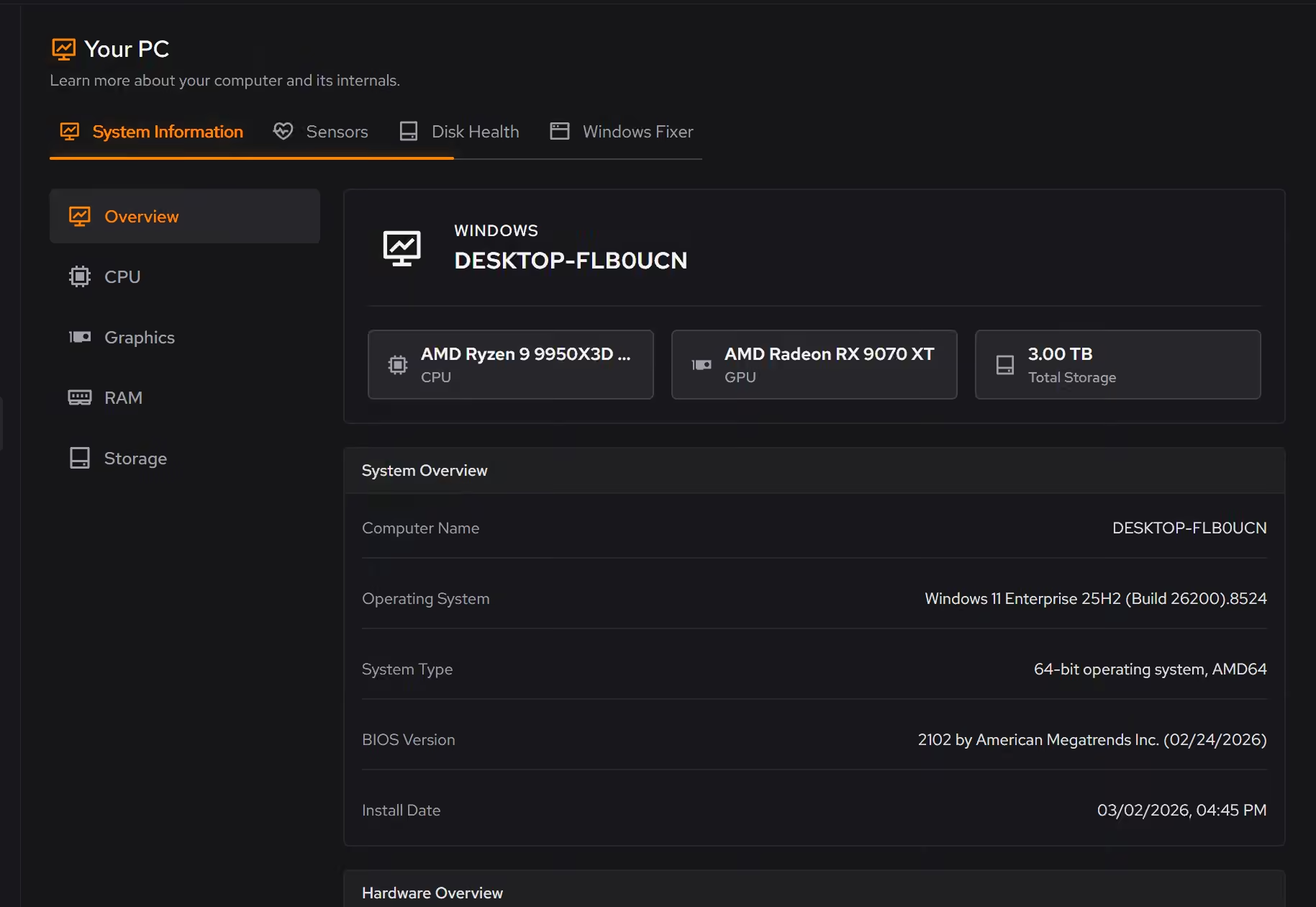
DNS by measurement, not folklore
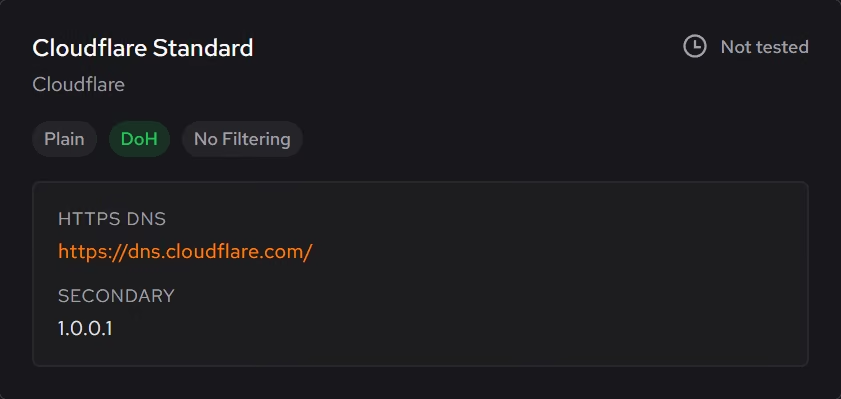
Booster measures resolver response times from your own connection and shows the results, so the choice is backed by numbers. Faster, more private lookups are the win here, not lower in-game ping, and eclean does not pretend otherwise.
In Booster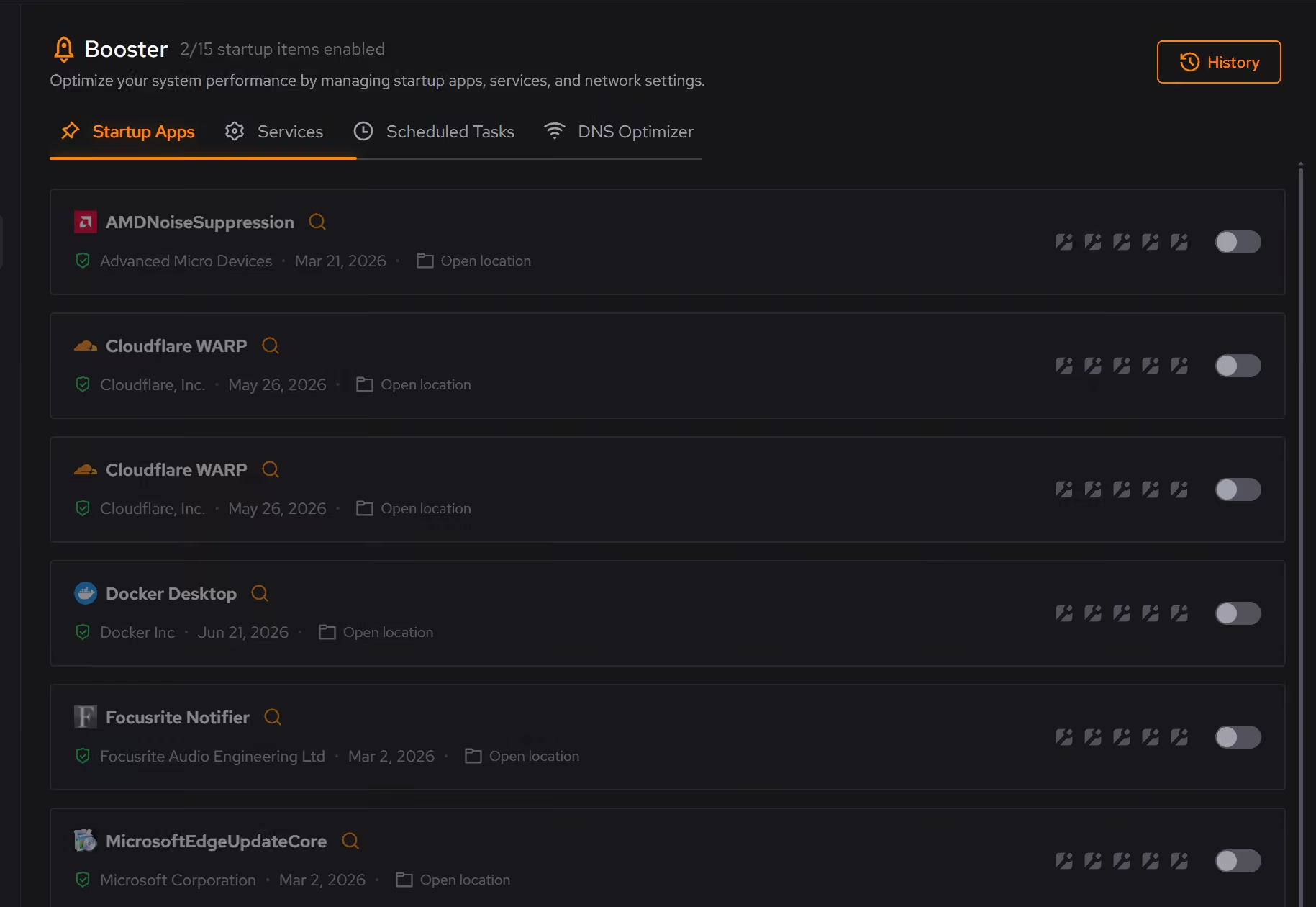
Proof, then limits.
What you can check
eclean changes Windows settings. It does not modify Valorant, Riot's client, or Vanguard.
In OptimizerApplied tweaks land in a history, and supported ones can be reverted from the same place you enabled them.
In Optimizer
Where eclean stops
eclean does not modify Valorant, Riot's client, or Vanguard.
It promises no FPS numbers. Windows tuning helps frame consistency, and your hardware decides the rest.
If eclean steps over a line here, tell us and we'll fix it.