

Optimizer · Cleaner
eclean vs Glary Utilities
Glary Utilities packs 20+ tools behind 1-Click Maintenance. Here is how eclean compares on cleaning, explained changes, and the registry question.
Last checked

ShutUp10++ is the respected free tool for Windows privacy toggles. Here is how eclean compares on privacy, and on everything around it.
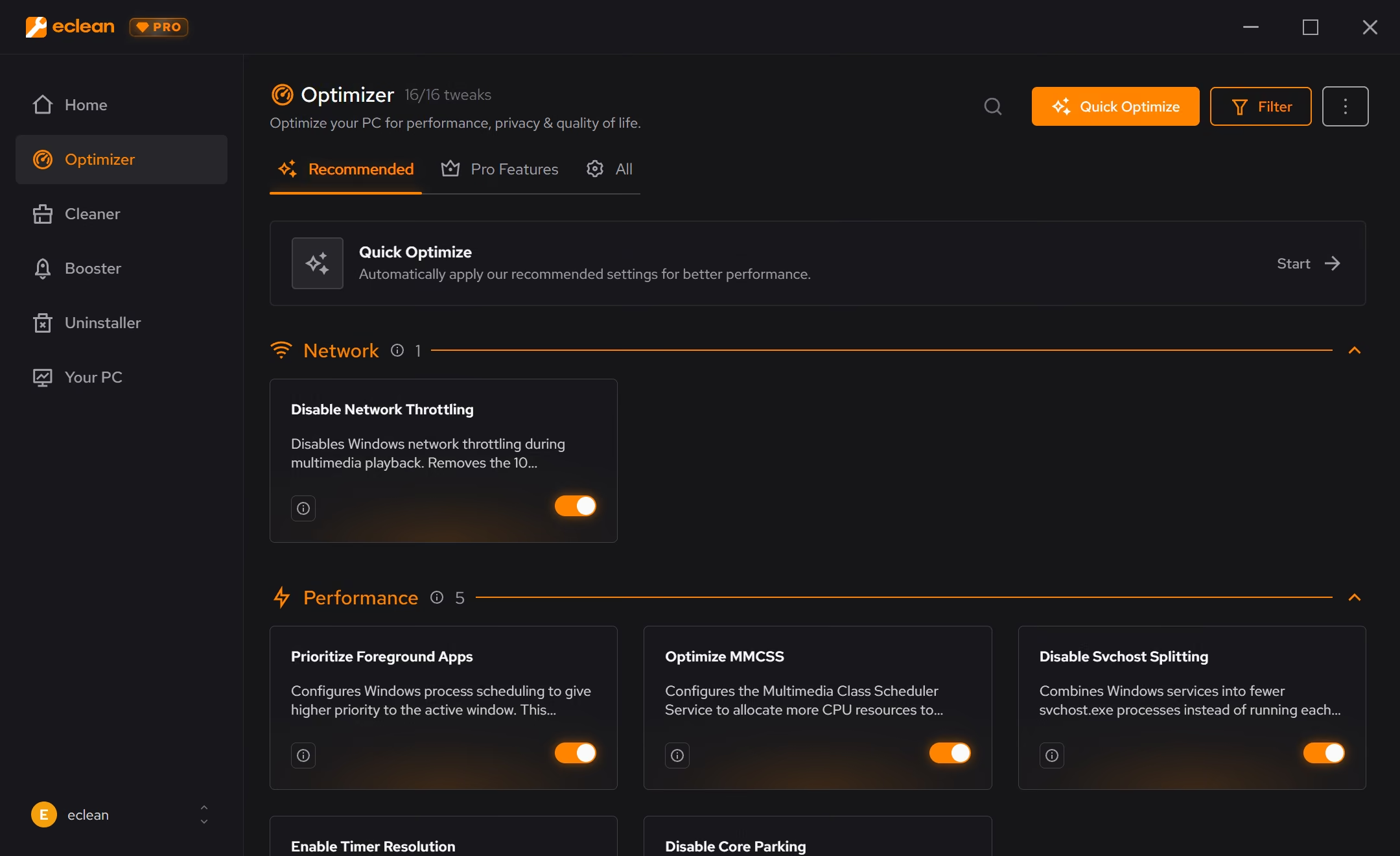
ShutUp10++ is one of the good ones, free, portable, and honest about what each switch does. eclean covers the same privacy ground inside Optimizer, then goes where a toggle panel can't (performance, networking, and quality of life), with an undo history and one place to manage it all.
Free · Windows 10 and 11
Stay with O&O ShutUp10++ if…If this list sounds like you, O&O ShutUp10++ is a fine choice.
The same jobs, done two ways.
With eclean
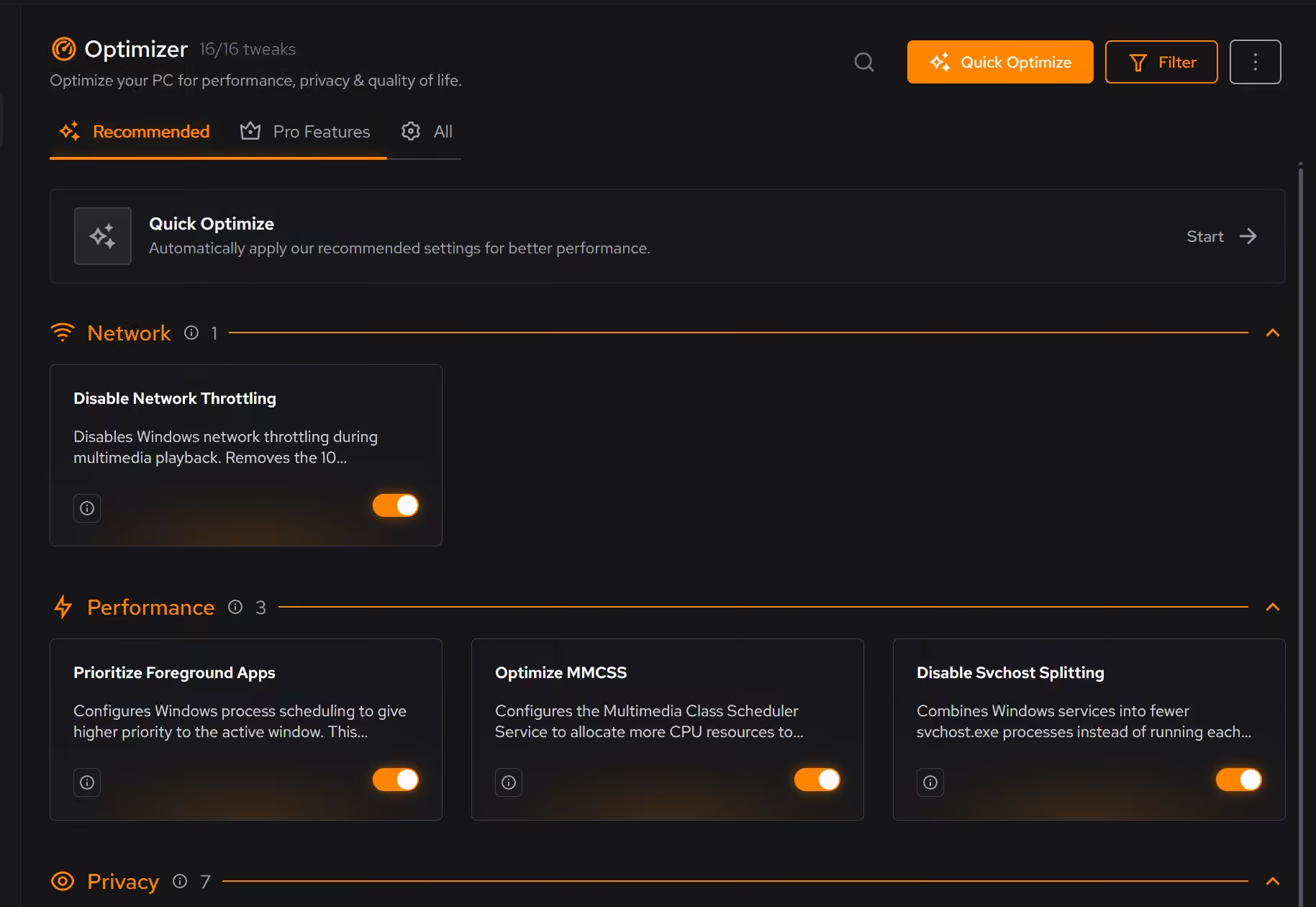
Privacy tweaks live alongside performance, network, and quality-of-life recommendations, each explained in plain language and applied, or reverted, from one history.
With O&O ShutUp10++
A long list of privacy switches with recommendation markers. Thorough for that one dimension, but nothing about performance, networking, or anything else that shapes daily use.
With eclean
Every applied tweak is recorded. Supported changes revert from the same place you enabled them, so experimenting is never a commitment.
With O&O ShutUp10++
You can re-open the app and flip switches back or restore defaults, but there is no running history of what you changed and when. You keep track yourself.
With eclean
eclean updates itself and its recommendations as Windows updates shuffle settings around, so the guidance stays current on its own.
With O&O ShutUp10++
The exe can check for a newer version, but updating and re-reviewing the list after major Windows updates stays a chore you remember to do.
O&O ShutUp10++ is a free, portable panel of Windows privacy switches, gathering telemetry, ads, and data-sharing settings in one long list. Here is how the two line up, feature by feature.
| Capability | eclean Free, or Pro at $45.99 USD/year | O&O ShutUp10++ Free |
|---|---|---|
| Privacy | ||
| Windows telemetry and data-sharing controls | ||
| Plain-language explanation for every setting | ||
| Recommended safe defaults | ||
| Undo history for applied changes | Manual | |
| Beyond privacy | ||
| Performance and gaming tweaks | ||
| Network and DNS tuning | ||
| Cleaning, uninstaller, and hardware view in the same app | ||
| How it treats you | ||
| Free | Free core, optional Pro | Entirely free |
| Portable, no-install version | ||
| Bundled offers in the installer | Never | Never |
Checked by Jack Holmes. Last checked . Spot something out of date? Tell us and we'll fix it.
Sources: O&O ShutUp10 features
Everything O&O ShutUp10++ does here lives in one module of the same free download.
Every recommendation says what it changes and why before you commit to it.
Supported changes keep an undo history, so trying something is never a commitment.
Scans and cleaning run locally. The contents of your files never leave your machine.
“yeah seems to be good so far”
R M
Let's be clear up front: O&O ShutUp10++ is not snake oil. It is free, it explains its switches, it warns you before the risky ones, and it has earned its place in a thousand setup checklists. If every utility vendor behaved like this, eclean's manifesto would be shorter.
So this comparison is not about rescuing you from a bad tool. It is about scope.
ShutUp10++ answers one question: what is Windows sharing, and how do I turn it off? eclean's Optimizer asks that question too (telemetry, advertising ID, data-sharing defaults, each explained before it changes) and then keeps going: background performance, network behavior, and the quality-of-life settings that shape how Windows feels day to day.
The difference shows up over time. Tweaks applied through eclean land in a history you can review and revert. And because eclean updates itself, its recommendations keep up as Windows moves; a portable exe you ran last spring is still describing last spring's Windows.
If you want a portable privacy panel for occasional use, or you administer machines by the dozen, keep ShutUp10++ in the kit. It is good at what it does.
If what you actually want is one place where privacy, performance, cleaning, and the rest of PC upkeep live together, explained and reversible, that is the job eclean was built for, and the privacy part is free.
Optimizer · Cleaner
Glary Utilities packs 20+ tools behind 1-Click Maintenance. Here is how eclean compares on cleaning, explained changes, and the registry question.

Cleaner · Booster
Advanced SystemCare grades your PC and fixes everything in one click. Here is how eclean compares on cleaning, speed-up claims, and upsell pressure.

Cleaner · Booster · Uninstaller
AVG TuneUp automates PC maintenance behind a subscription. Here is how eclean compares on background apps, cost over time, and vendor track record.