
A dev machine you can reason about. Every change explains itself.
Startup, services, and scheduled tasks in one view, DNS chosen by measurement, and removals that clean up after themselves. No unexplained registry surgery.
Free · Windows 10 and 11
The problem.
You run the same build twice and get two different numbers, and the difference is whatever Windows decided to do in the background between runs. The usual fix is a debloat script that disables dozens of services without saying why, which swaps a noisy machine for an unexplained one.
Dev machines collect entropy. An agent from every tool you ever evaluated, services left behind by SDKs you removed a year ago, and whatever the last debloat script did that nobody wrote down. The instinct to strip that back is right. The scripts are the problem, because a change you cannot explain is a change you cannot trust when something breaks three weeks later.
eclean treats every change like something you should be able to defend in review. Recommendations describe what they change and why before you apply them, and Optimizer keeps a history so supported changes can be reverted from the same place you enabled them. Removals look for the files and registry entries left behind, so uninstalled means uninstalled. Nothing happens to the machine that was not explained first.
What eclean does here.
Background work, enumerated
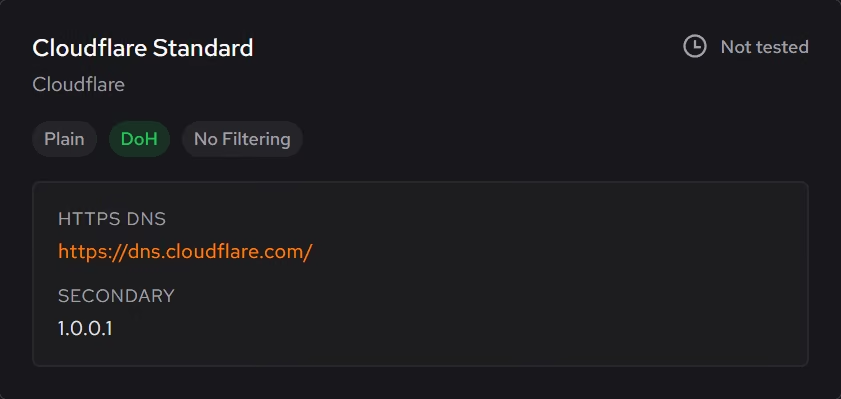
Booster puts startup apps, services, and scheduled tasks in one list, so the load behind a build or a benchmark is something you decided on. DNS is chosen from response times measured on your own connection, and encrypted DNS benchmarking is Pro.
Pro covers 2 PCs. Family covers 5.
In Booster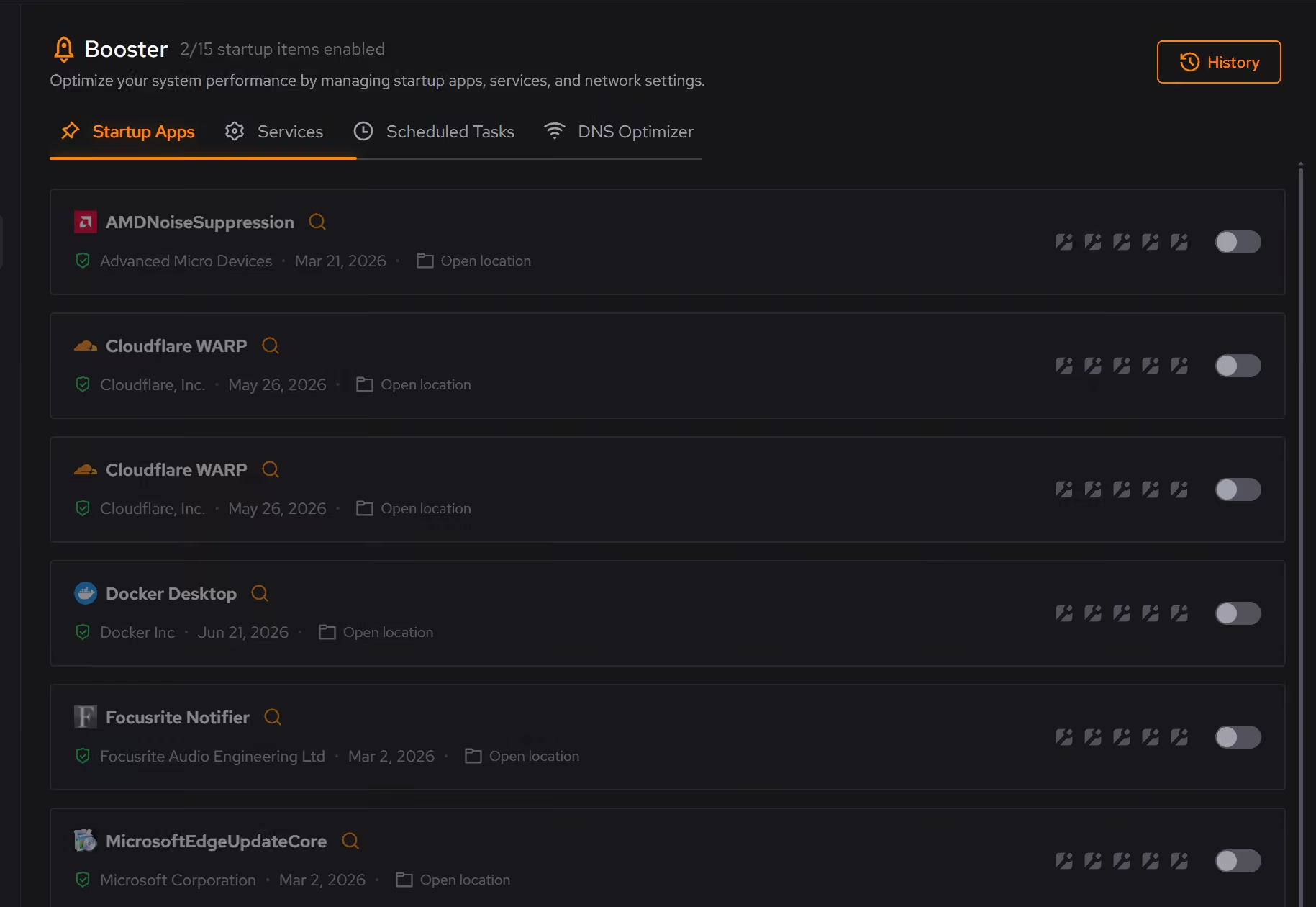
Removals that clean up after themselves
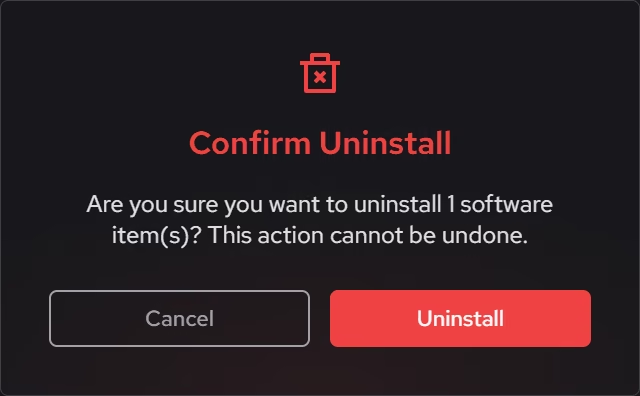
Standard uninstalls often leave files and registry entries behind. Uninstaller looks for what remains after removal, so retired SDKs and tools you evaluated once are actually gone. Batch removal without limits is Pro.
Pro covers 2 PCs. Family covers 5.
In Uninstaller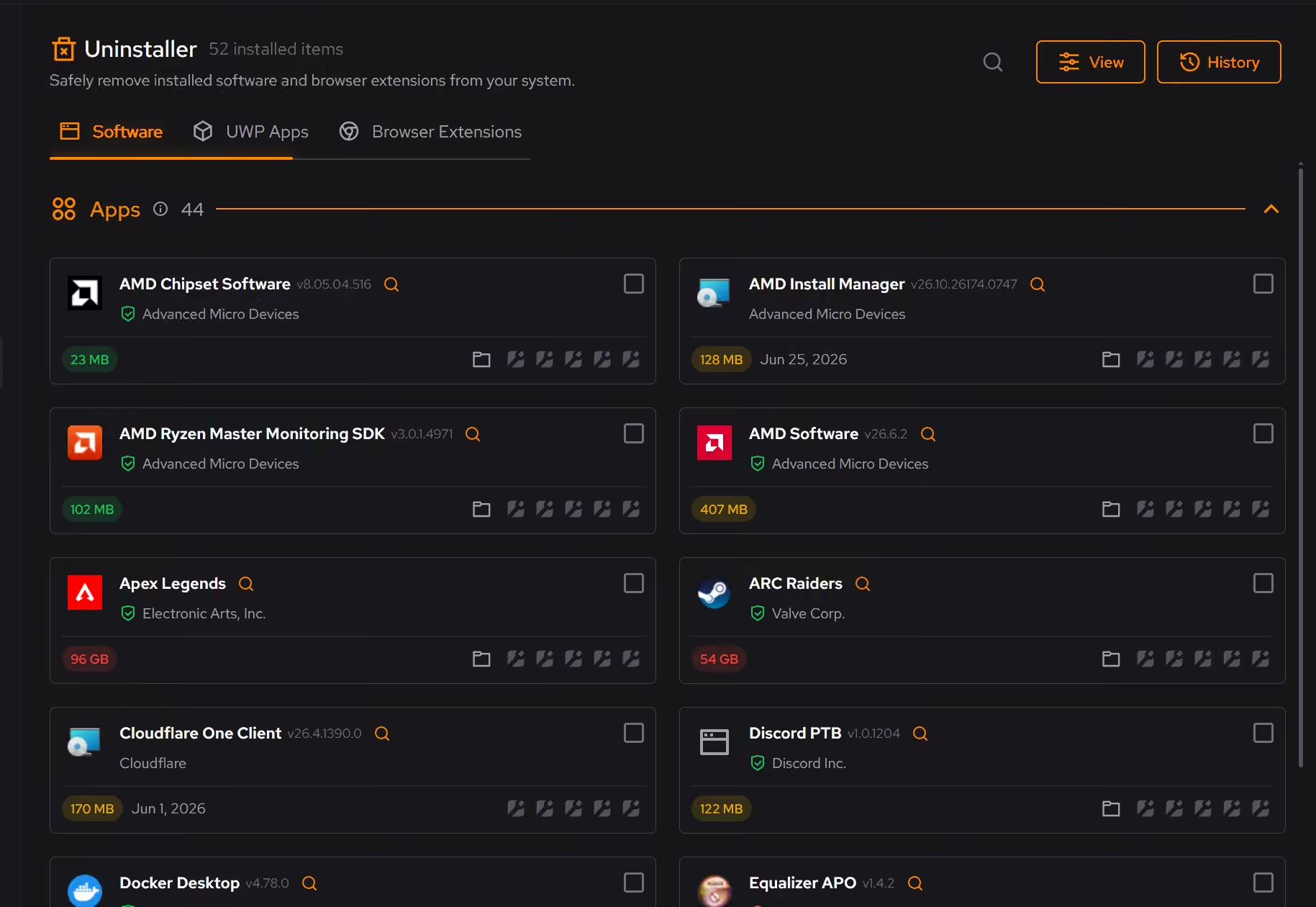
The full inventory in plain terms
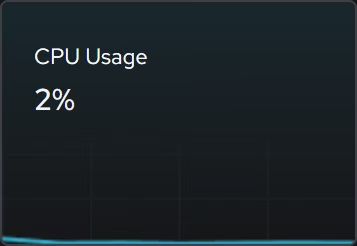
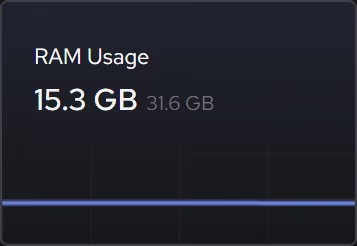
Windows version and build, firmware, processor, graphics, memory, storage, and network details in one place, with focused live views for the moments a machine behaves in a way its specs do not explain.
In Your PC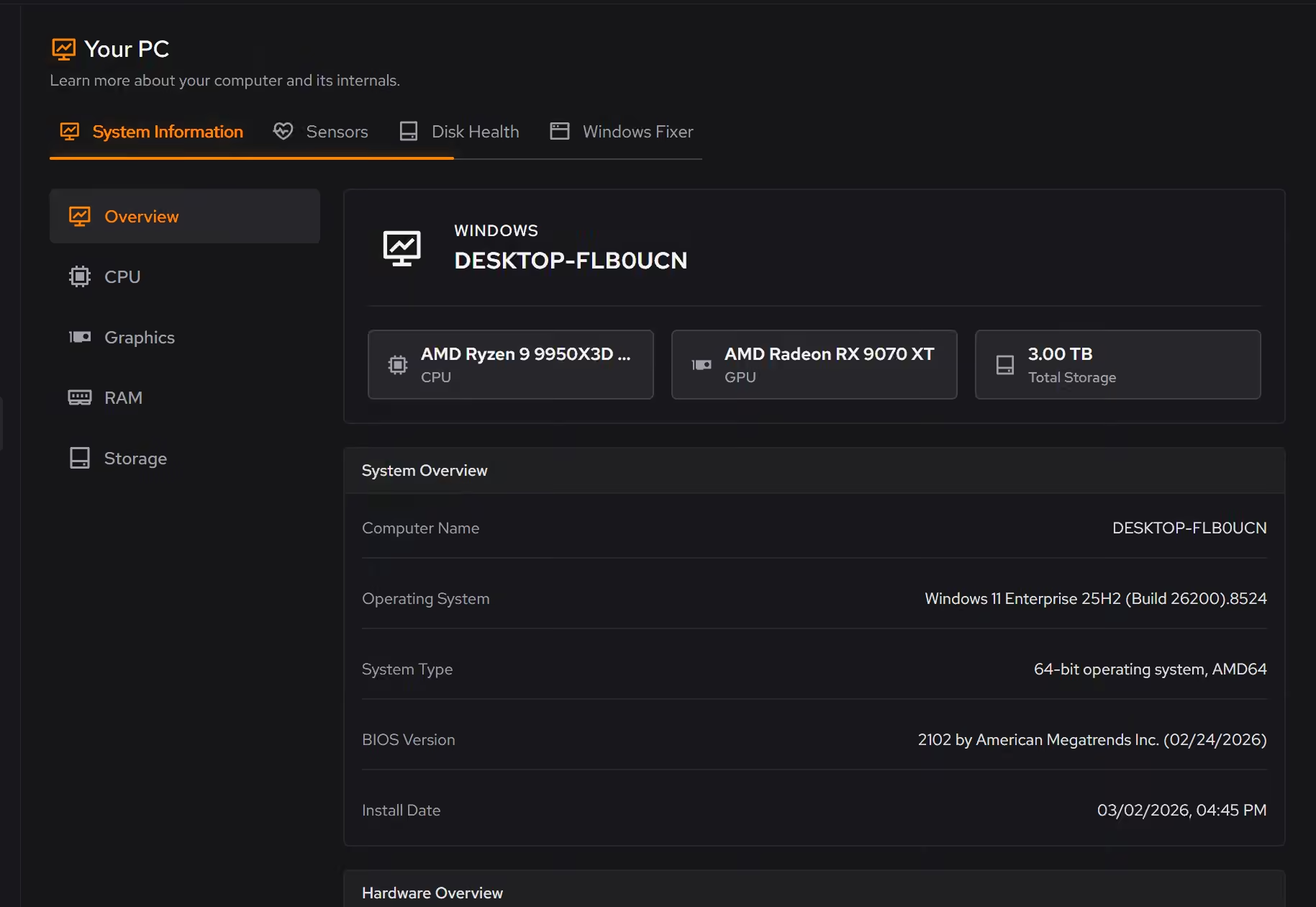
Proof, then limits.
What you can check
Booster measures DNS resolver response times from your own connection and shows the results.
In BoosterUninstaller looks for the files and registry entries that remain after a standard removal.
In Uninstaller
Where eclean stops
eclean manages Windows. It does not touch your toolchain, your containers, or WSL.
It promises no benchmark numbers. A quieter, better-explained background is the claim.
If eclean steps over a line here, tell us and we'll fix it.