Clean. Tune. Undo.

Make your PC feel new again

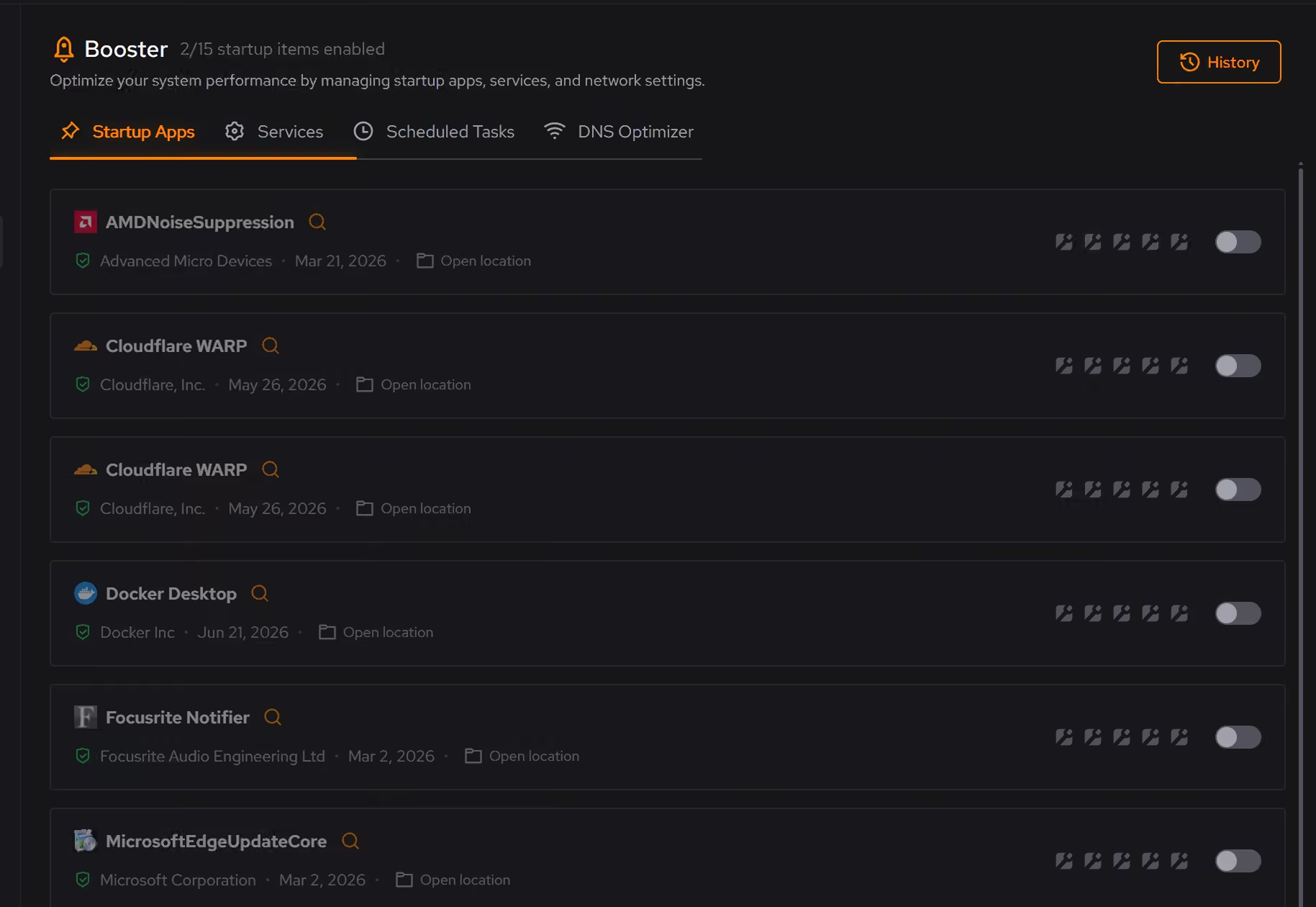
Clean up junk, quiet background processes, and speed up your PC with safe changes you can undo anytime.

eclean fits how you use your PC

Whether you game, create, work, or browse, eclean works for you.

Casual

Keep your computer running smoothly without extra effort. Simple tools for browsing, streaming, and daily tasks.

Perfect for Casual

Gamer

Get smoother gameplay with consistent frame rates and responsive input. No more stutter or lag holding you back.

Perfect for Gamer

Workstation

Keep your creative tools running fast. Whether you render, build, or create, your workstation stays responsive and reliable.

Perfect for Workstation

Power User

Customize everything your way. Full control over tweaks, with clear explanations and the ability to undo any change.

Perfect for Power User

Remember when your PC felt fast?

New computers feel amazing. But over time, things slow down. Apps take forever to open, fans spin up for no reason, and you start wondering what went wrong. eclean helps you fix that without reinstalling Windows.

My computer used to be so fast... what happened?
Finding common issues...
I swear my computer takes longer to start than my car.
Finding common issues...
Is it me, or is my internet just *awful* during games?
Finding common issues...
I click... and then I wait. Story of my life.
Finding common issues...
My RAM usage is always high, even when I'm not doing anything!
Finding common issues...
I could cook an egg on my CPU right now.
Finding common issues...
My disk drive sounds like a jet engine taking off.
Finding common issues...
I have *no* idea what half these background processes are.
Finding common issues...
My laptop is so hot, I'm afraid it'll set my desk on fire.
Finding common issues...
I've lost count of how many times my PC has crashed this week.
Finding common issues...
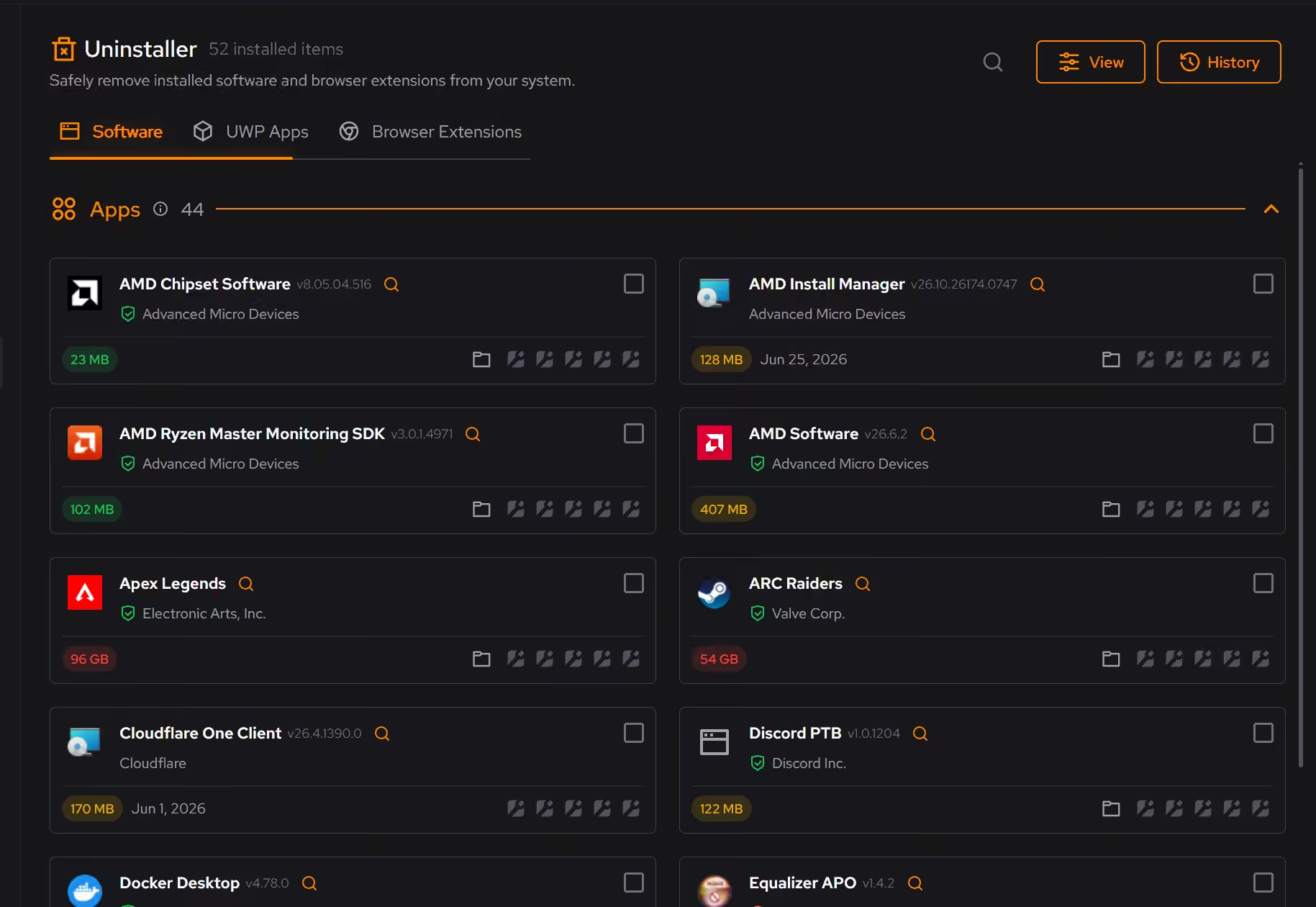
I uninstalled it, so why is it still taking up space?
Finding common issues...
My computer freezes at the *worst* possible times.
Finding common issues...

What eclean does for you

Cleaner, Optimizer, and Booster work together so your PC stays responsive without constant maintenance.

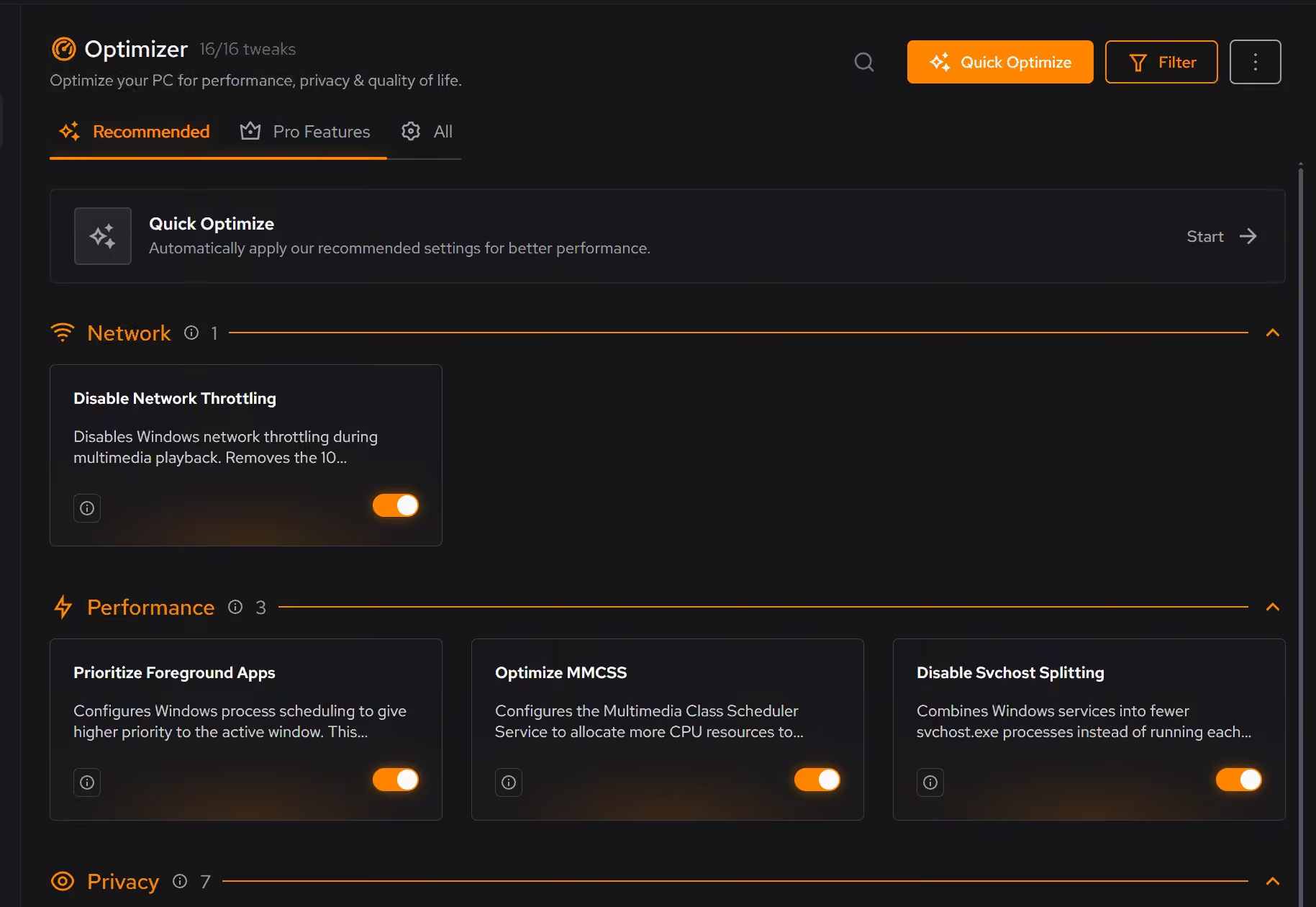
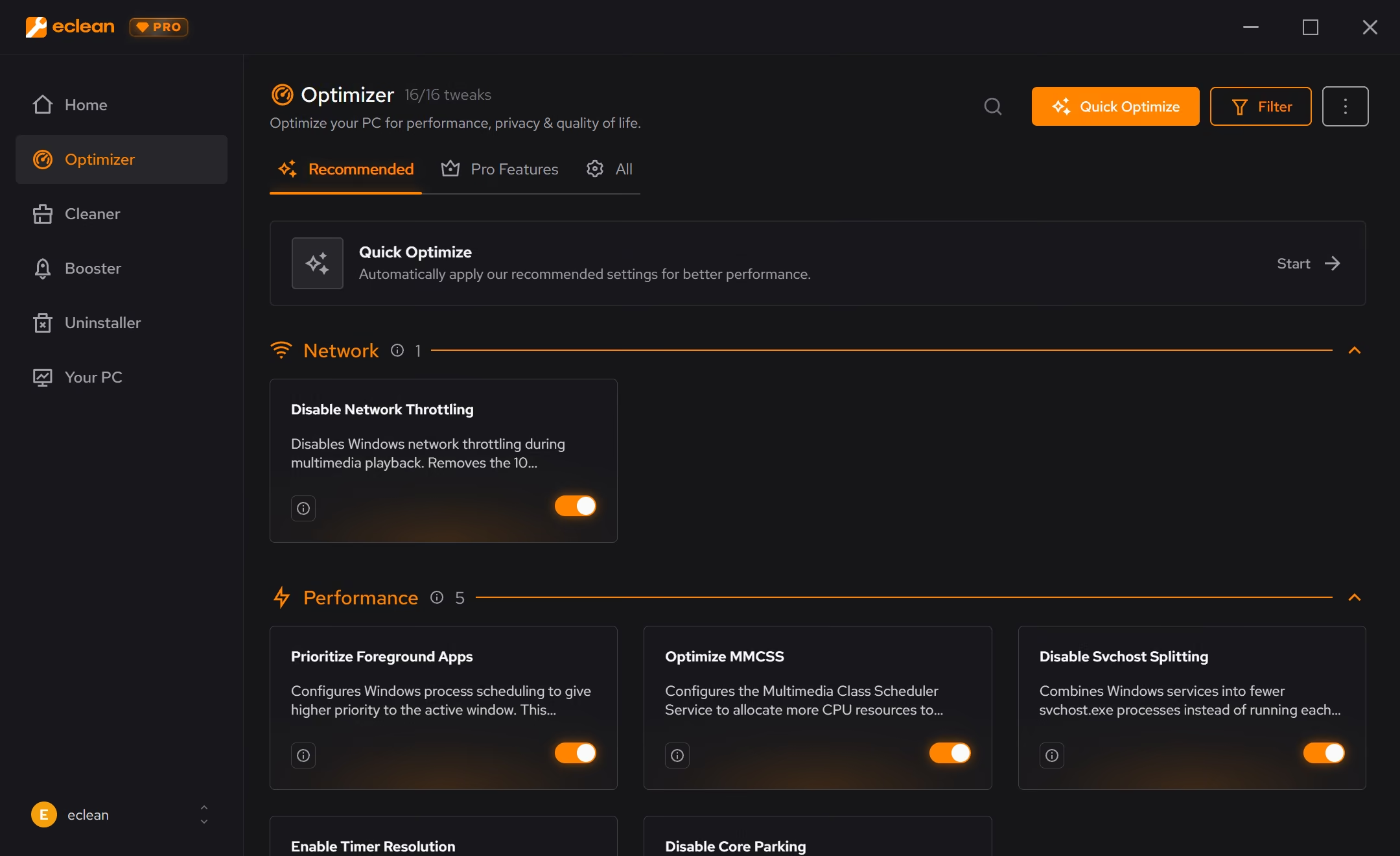
Optimizer

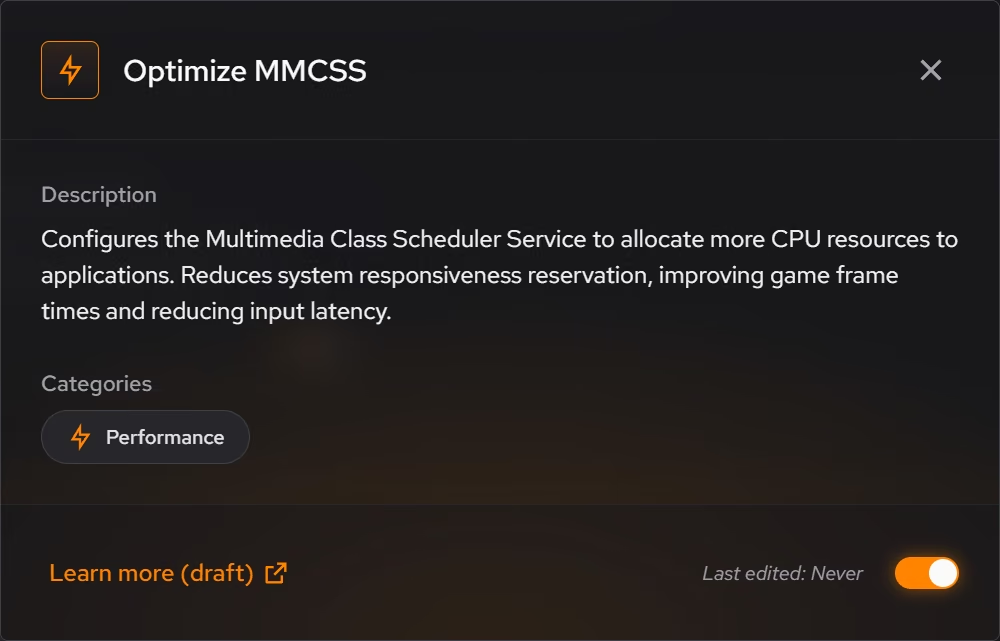
Fine-tune Windows settings across 8 categories: privacy, security, performance, and more.

  • 8 optimization categories
  • Review before applying
  • Undo optimization tweaks

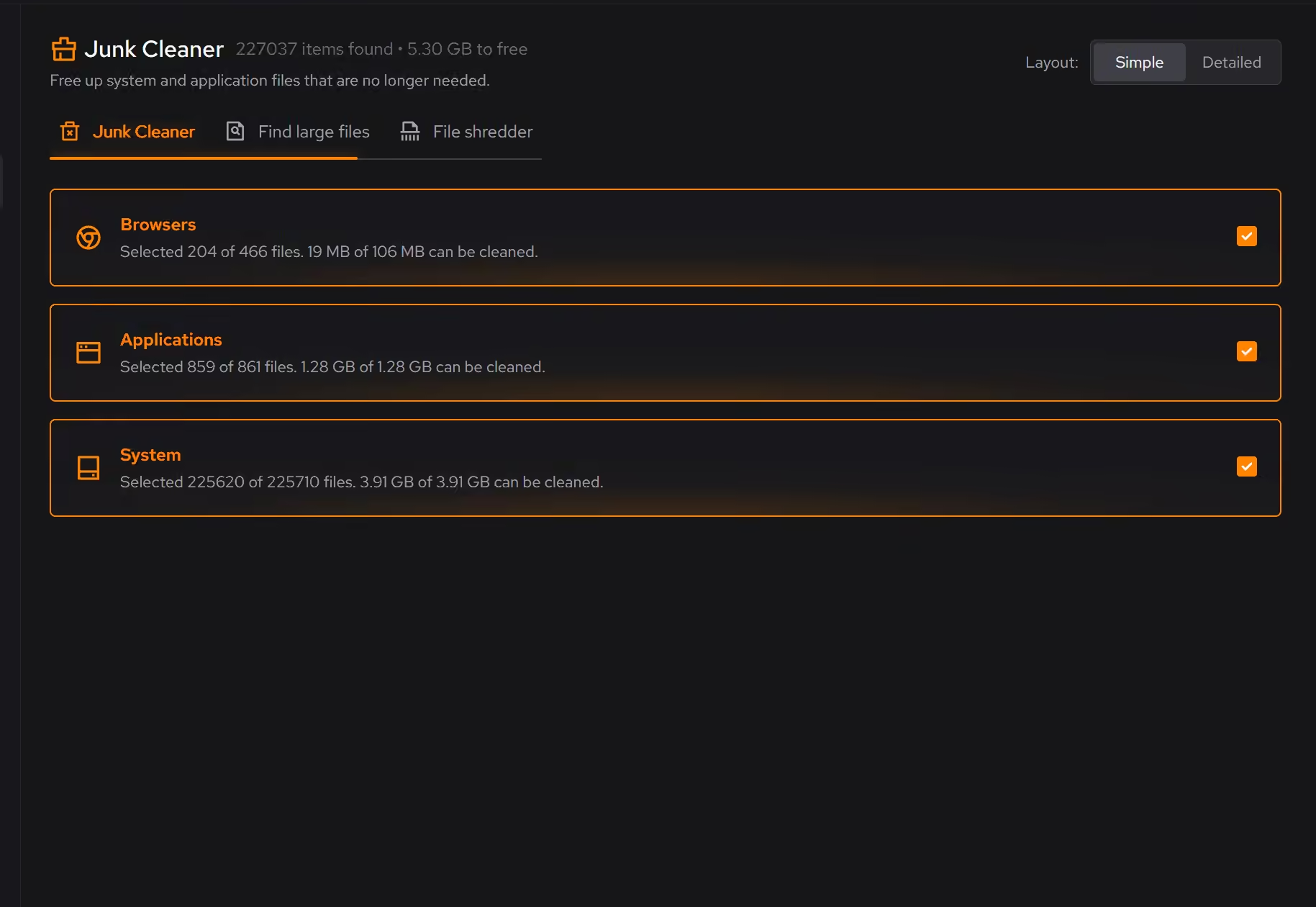
Cleaner

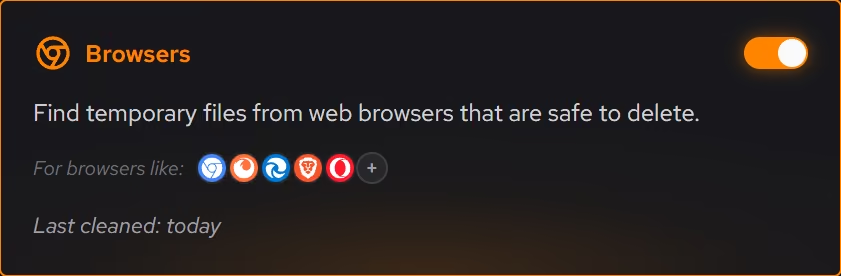
Free up disk space by removing junk files, finding large files, and securely deleting sensitive data.

  • Scan 4 categories at once
  • Find files hogging your space
  • Securely delete sensitive files

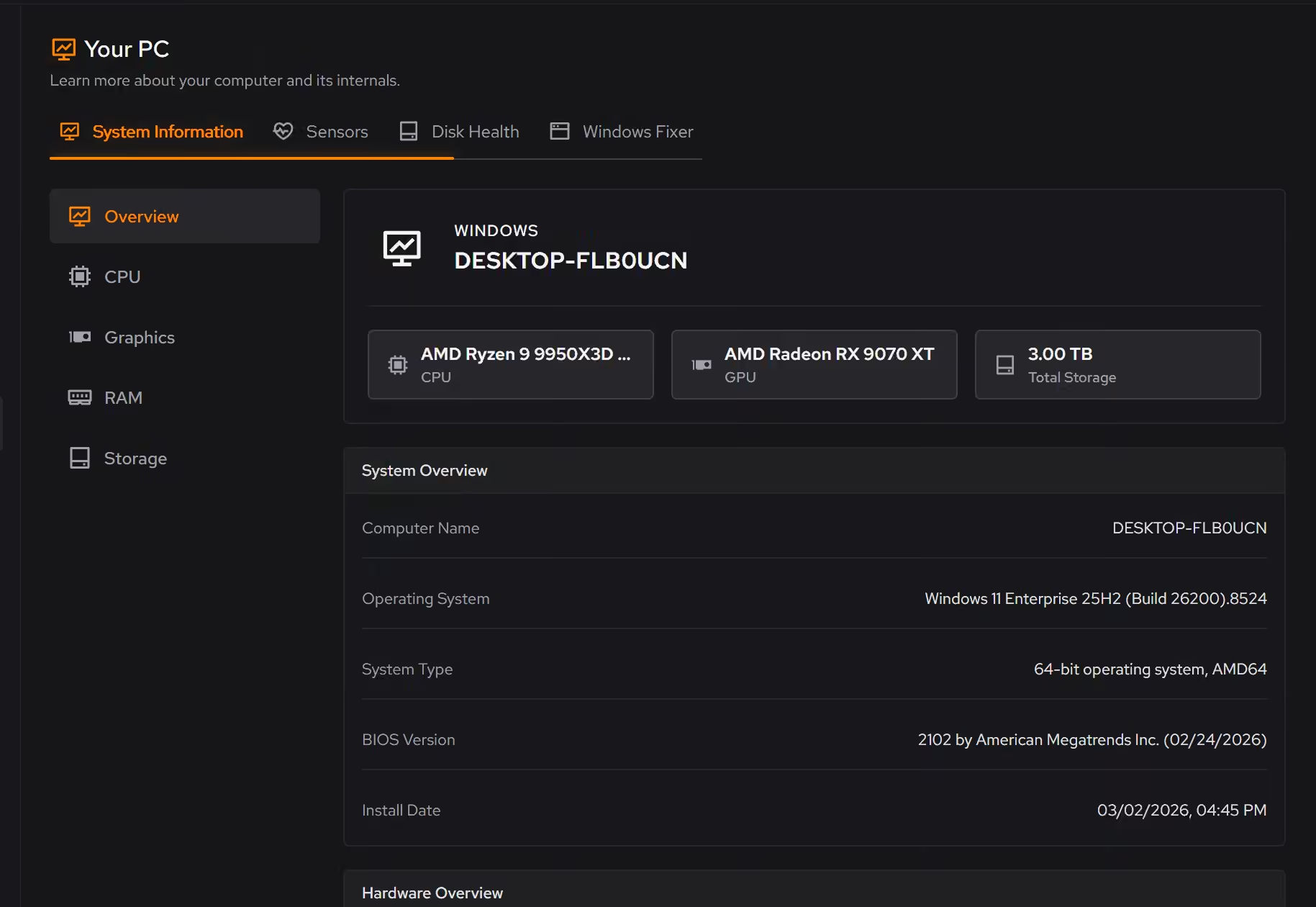
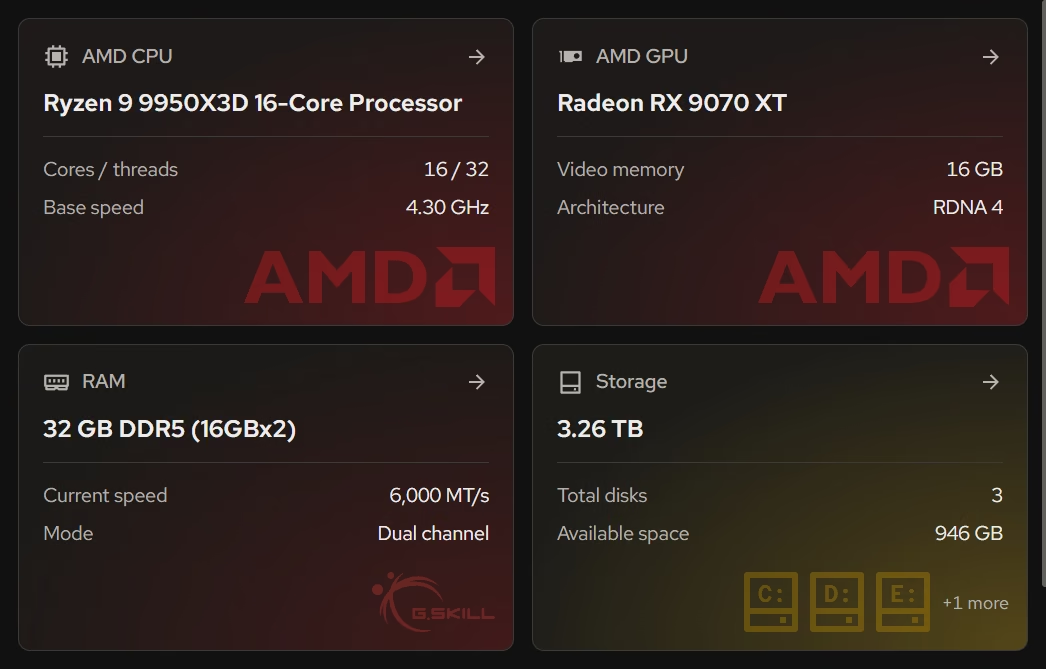
Your PC

Know your hardware with detailed specs and live sensor monitoring.

  • Detailed hardware specs
  • Real-time sensor monitoring
  • Spot issues before they slow you down

Why choose eclean?

Spend less time fixing your PC and more time using it.

Faster, smoother performance

Apps open faster, games run smoother, and your PC feels responsive again.

Extended battery life

Work longer away from the charger by reducing background activity that drains power.

Stronger privacy & security

Reduce Windows telemetry and privacy-invasive defaults while keeping your system stable.

Smart cleanup

Clear junk files and find large files in seconds to free up real space.

On-demand optimization

Tested one-click optimizations whenever you need them.

Your PC at a glance

See your hardware specs and live sensor data anytime.

Built by two people who were tired of bloated PC tools

No ads, consent-first analytics, no surprises

Optimization changes are designed to be reversible, and destructive cleanup actions include clear warnings. We keep tracking minimal, ask before optional analytics, and never sell your data.

More about us

What people are saying

Feedback from people using eclean to keep their PCs running smoothly.

I love using eclean. As someone who uses AtlasOS, it's great to have an app that maintains system performance and keeps things clean.

Anonymous

Gamer & AtlasOS user

My work laptop was sluggish and the battery drained too fast. eclean made a noticeable difference: snappier performance and more time unplugged.

Anonymous

Laptop user

Get product updates

We'll send occasional product updates, release notes, and tips for getting the most out of eclean.

No spam, ever. Unsubscribe anytime.

Got questions? We can help

Quick answers about features, pricing, and how eclean helps your PC run better.

01

What is eclean?

eclean is a Windows app that helps speed up your PC, free up disk space, and reduce background activity. It includes clear, reversible optimization tools designed to keep your computer running smoothly.

02

Can eclean break anything on my PC?

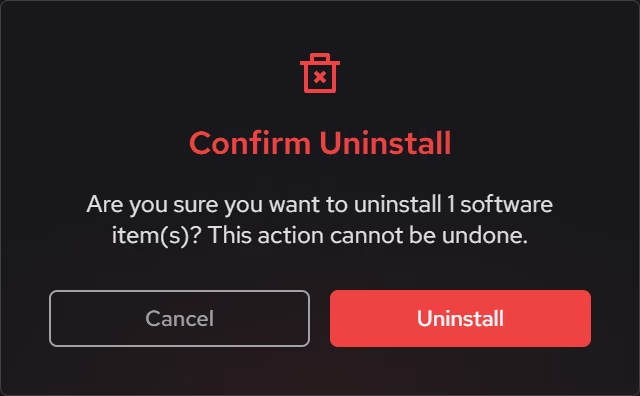
Optimization changes are logged and designed to be reversible. If a tweak causes an issue, you can undo it from the app's history. Destructive cleanup actions include previews or warnings before you apply them.

03

Is eclean safe to use?

Yes. eclean focuses on safe, reversible optimizations and avoids critical system files. When an action can delete data, we'll show clear warnings before you apply it.

04

Will the free version have ads?

No. eclean is ad-free on every plan, including Free. We make money from Pro subscriptions, not ads.

05

Can I get a refund if I upgrade?

Yes. Paid plans include a 14-day refund window, and first-time subscribers get a 30-day money-back guarantee. If eclean isn't right for you, email us and we'll help.

06

Do paid plans include instant Pro access?

Yes. Successful payment activates Pro on your account so you can use the full feature set right away.

07

How do I get support?

You can reach us by email or chat right now. We typically respond within 2-4 hours during business days.