Spend less time waiting on background work.
A slow PC is usually a busy PC. Booster shows what starts with Windows, what keeps running in the background, and how your connection resolves the internet, then lets you decide what actually deserves the time.
Replaces


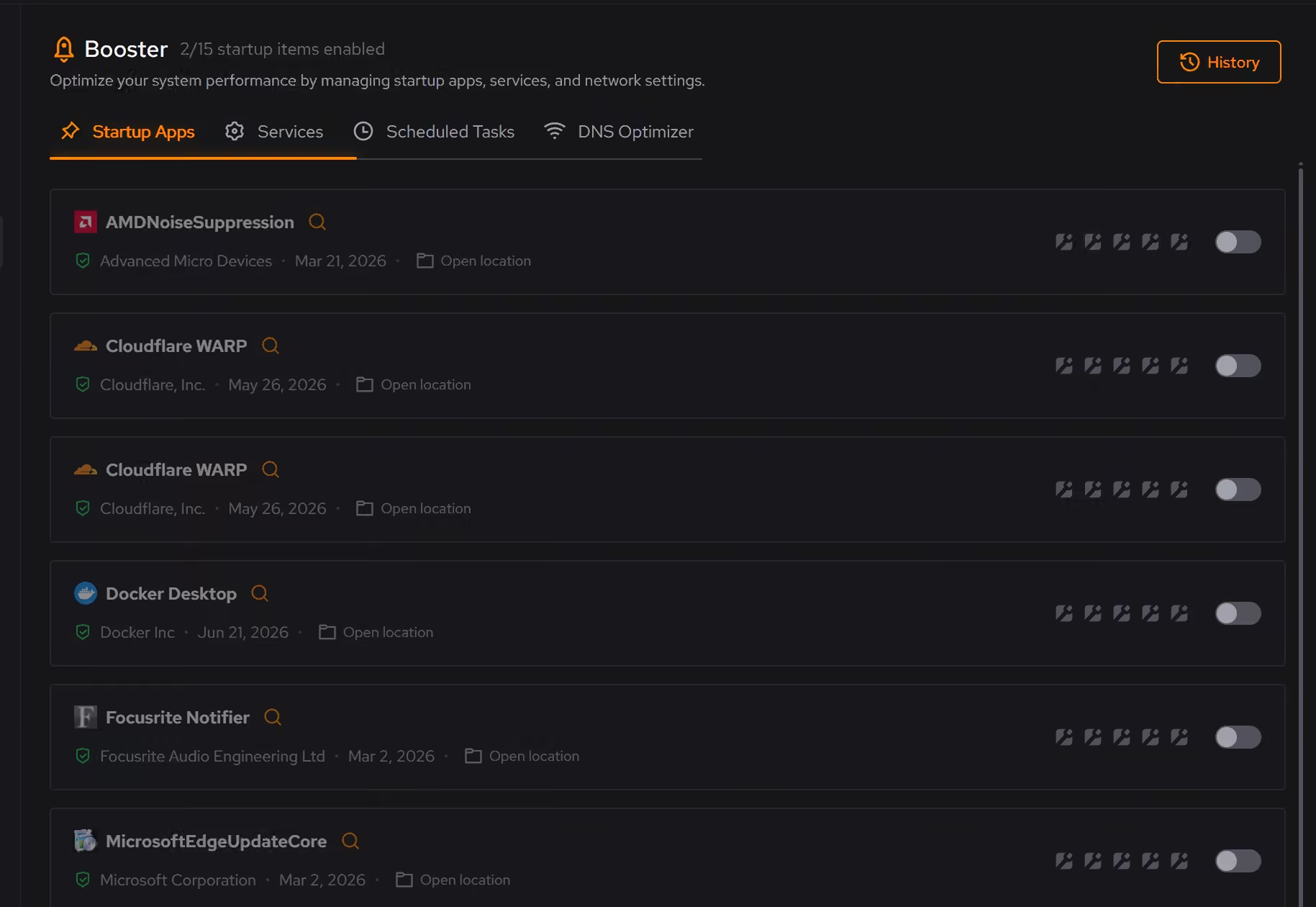
A quieter startup
Find startup apps that can wait, so less competes as Windows loads.
Less background activity
Review services and scheduled tasks before unseen work accumulates.
DNS chosen by measurement
Measure DNS providers on your own connection and see whether switching is worth it.
More private lookups
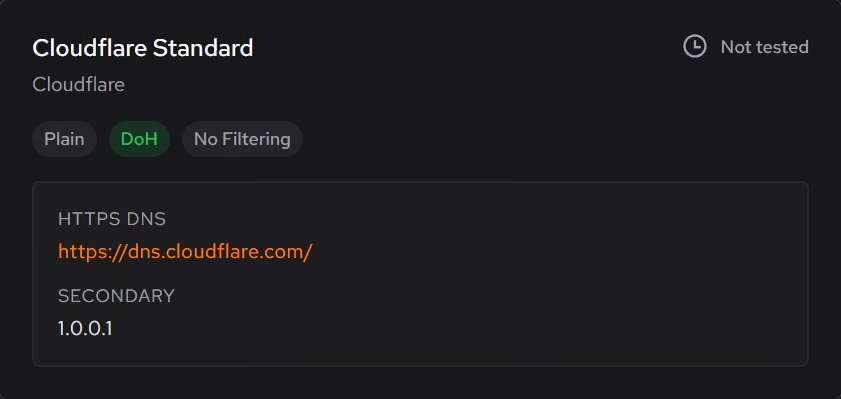
Encrypt your lookups, and block malware, phishing, or adult sites if you want to.
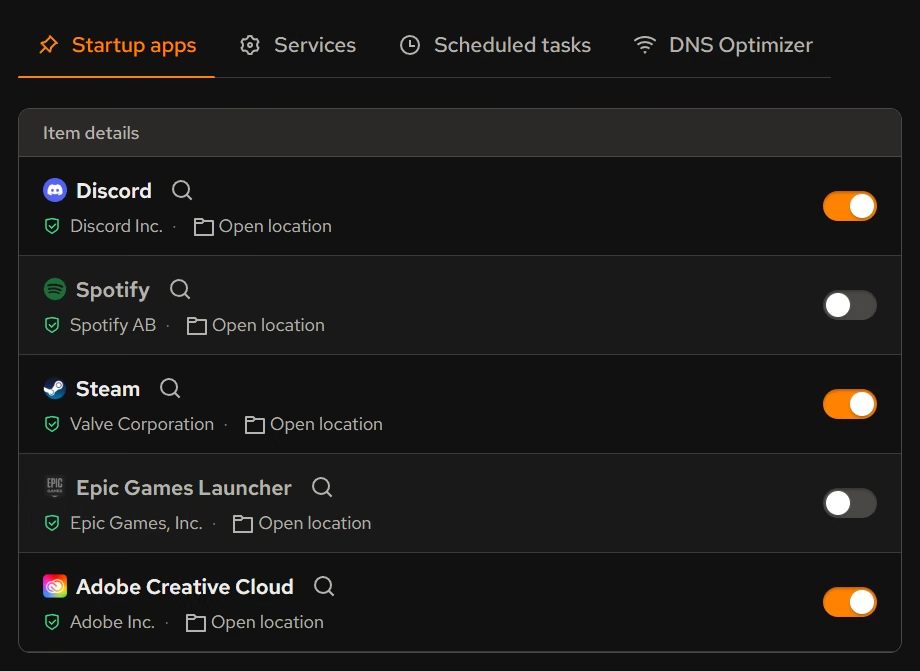
Startup, services, and scheduled tasks in one place.
The work your PC does before you ask it to do anything lives in three different corners of Windows. Booster brings them together so you can see the whole background load and trim it deliberately.
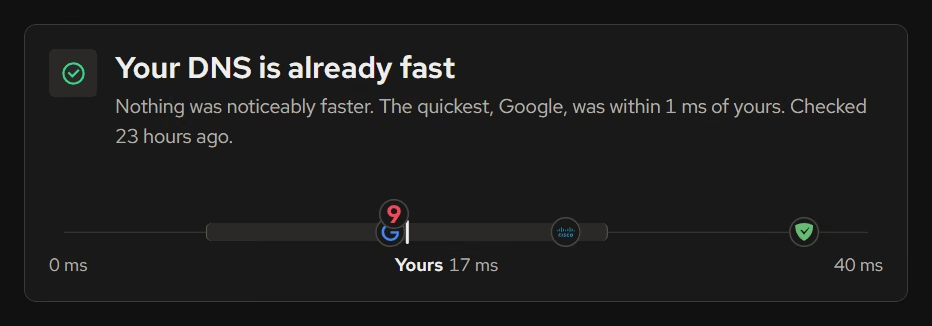
DNS decisions backed by numbers.
Instead of copying a resolver address from a forum post, DNS Optimizer measures providers from your own connection and tells you whether switching is worth it. If you switch, one click undoes it.
What Pro adds to Booster.
- Automatic DNS re-checks every week and when you change networks, and switches you when a provider is clearly faster
Everything else on this page is free.
Put it to work on your PC.
Free on Windows 10 and 11, with every change explained before it happens.
Download eclean