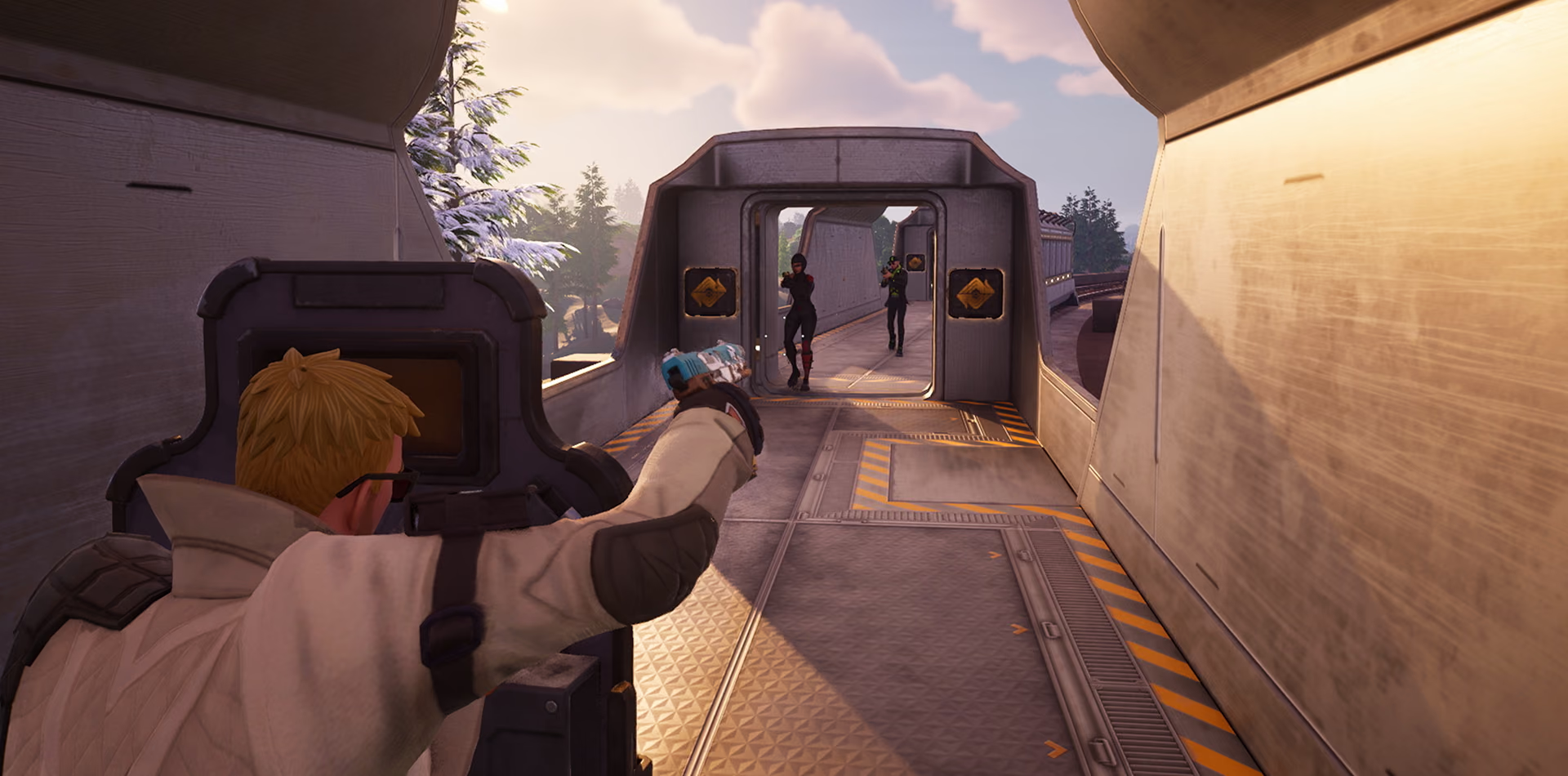
Space and headroom for Fortnite. Keep up with the updates.
Fortnite's updates fill drives fast. Find the clutter and the large files taking the space, quiet the startup, and watch storage live when it stutters.
Free · Windows 10 and 11
The problem.
A new season lands, the update wants more space than the drive has left, and the download sits parked until something else goes. On a shared PC with a small SSD that hunt repeats every few weeks, and it usually ends with deleting things at random just to get into a match.
Fortnite's problem is rarely the game running badly. It is the game fitting at all. Updates arrive big and often, the PC is usually shared, and the drive that seemed huge at Christmas is full by the second season. The usual response is deleting at random, which frees the wrong things and sometimes things someone still needed.
eclean turns that panic into a short, boring decision. The clutter scan shows what will be removed and how much space it frees before anything happens, and the large file finder shows what is actually taking the space, with size and modified date next to every result, so forgotten downloads and old recordings stop hiding. The game itself stays exactly as Epic installed it. eclean clears the Windows around Fortnite, so the next update has room before the season starts.
What eclean does here.
See what the space actually went to
Clutter is grouped by where it comes from, browsers, apps, Windows itself, and games, and you see what will be removed and how much space it frees before anything happens. The large file finder puts size and modified date next to every result. Large file scans across all drives at once are Pro.
Pro covers 2 PCs. Family covers 5.
In Cleaner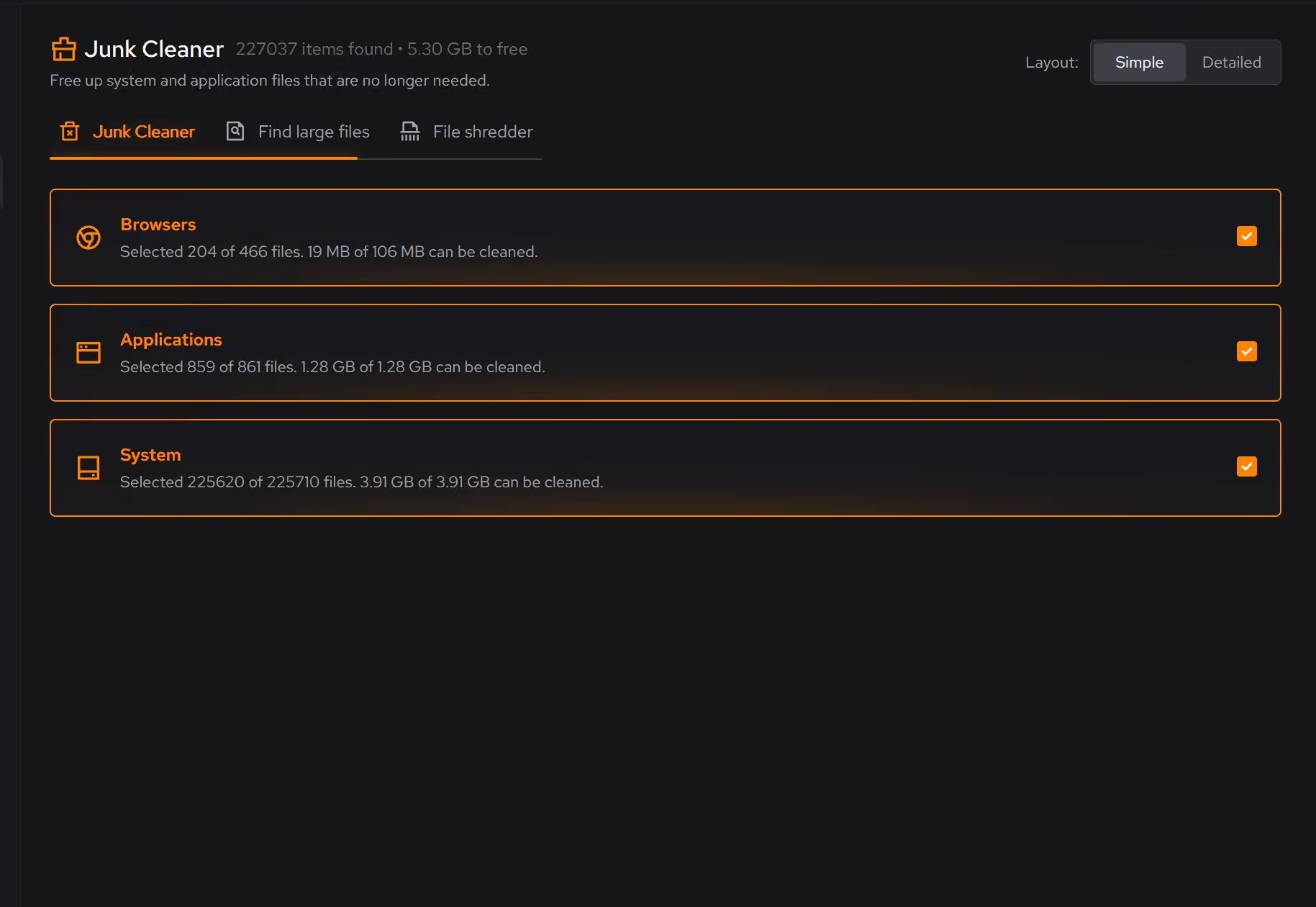
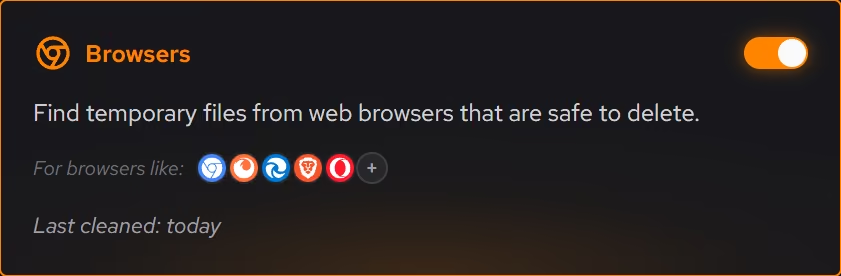
A startup you chose on purpose
On a PC the whole household installs things on, startup apps pile up fast. Booster puts startup apps, services, and scheduled tasks in one view, so you can trim what added itself over the months before it competes with a match.
In Booster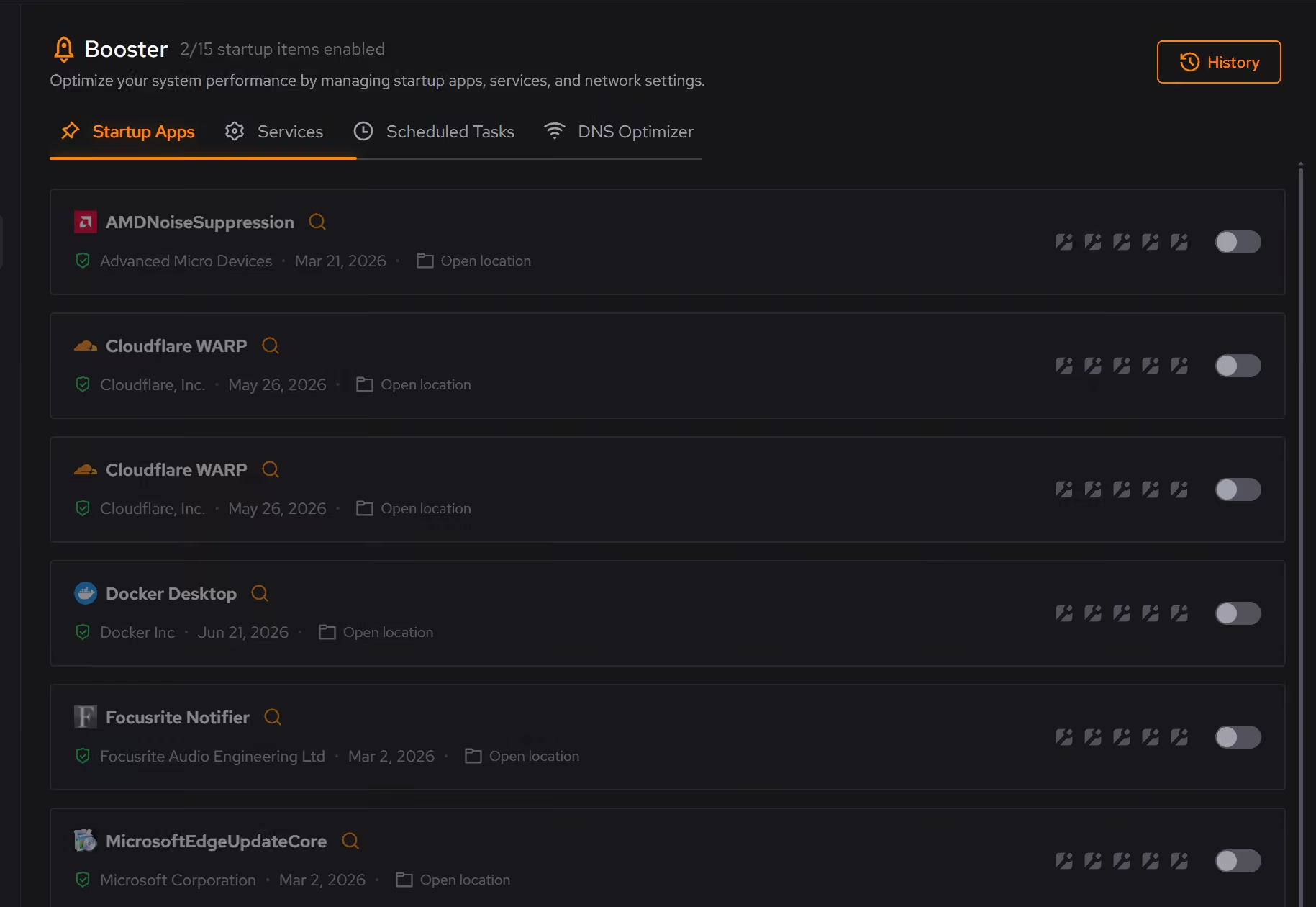
Storage and memory, watched live
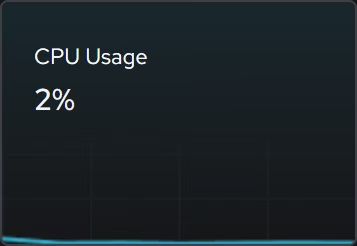
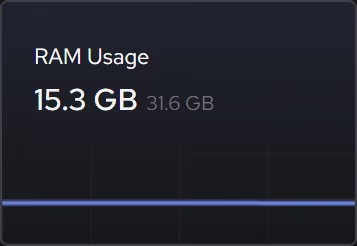
When Fortnite stutters, the focused storage and memory views show what is being asked of the hardware right now, so a nearly full drive or maxed out memory turns up as a fact instead of a guess.
In Your PC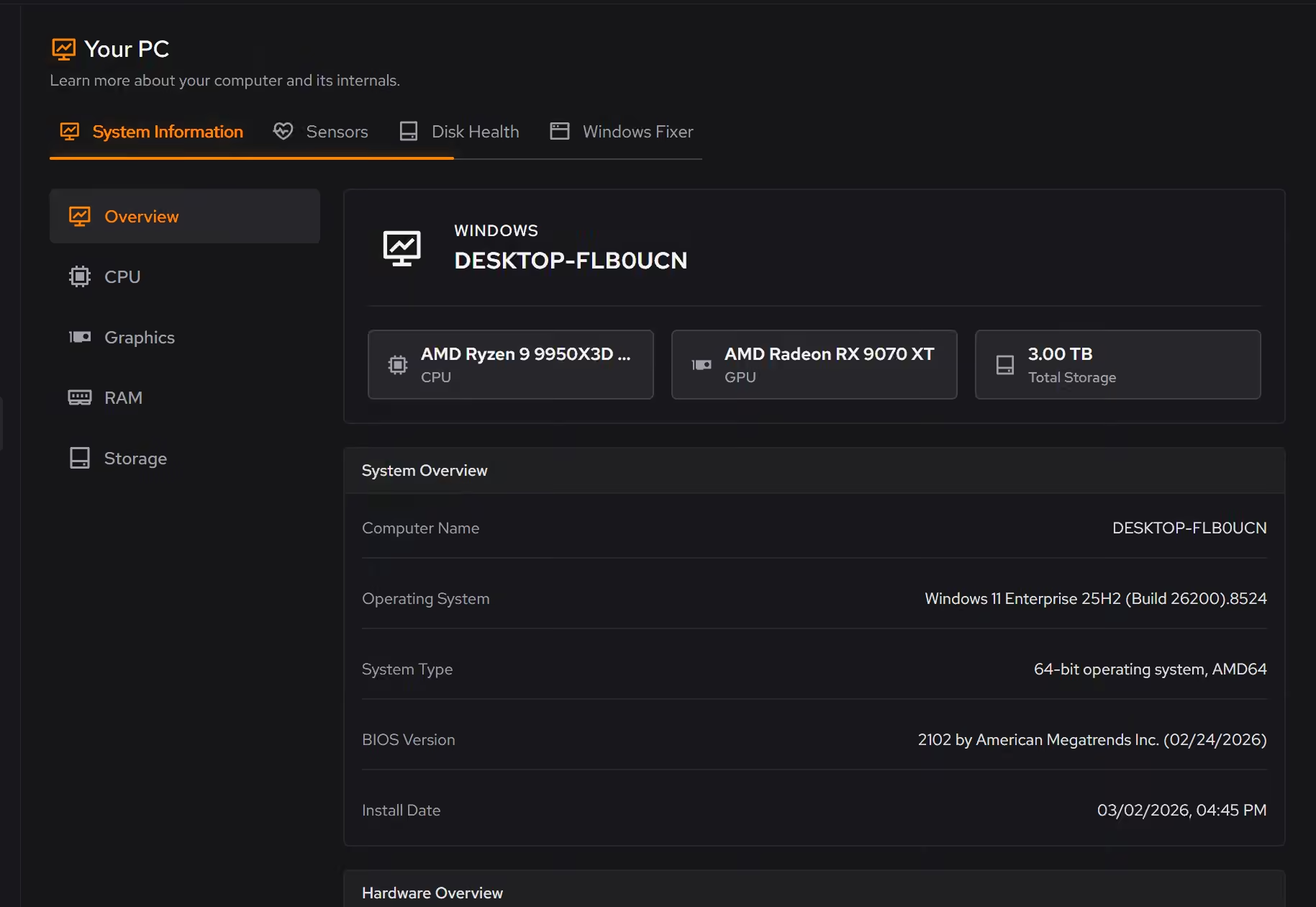
Proof, then limits.
What you can check
Cleaner reviews browser, app, Windows, and game clutter by category before cleaning.
In Cleaner
Where eclean stops
eclean does not modify Fortnite's files, settings, or installs.
It cannot make the game or its updates smaller. It clears the space around them.
If eclean steps over a line here, tell us and we'll fix it.