A lighter Windows under Chrome. The browser stays yours, tabs and all.
When the whole PC lives in Chrome, the machine around it decides how it feels. Review extensions, quiet the startup, and clear browser clutter with a preview.
Free · Windows 10 and 11
Every change explained, with a route back.
The problem.
On most PCs, Chrome is not a program, it is the whole computer. Everything happens in tabs, every free tool arrives as an extension, and when the machine slows down the browser takes the blame. Some of that blame is earned, and some belongs to a Windows that has been carrying uninvited weight for years. Telling the two apart is the useful part.
The modern PC complaint is really a Chrome complaint wearing a trench coat. The machine is slow means the browser is slow, because the browser is where the machine happens now. And the standard advice, close some tabs, is the one thing nobody intends to do, because the tabs are the work.
eclean approaches it from the other side. Chrome's memory appetite is Chrome's business, and eclean does not manage the browser, its settings, or its sync. What it manages is everything competing with the browser for the same machine, and on a PC that has run for a few years, that competition is bigger than most people think.
Extensions are the exception, because they are software you installed, and software is eclean's territory. The inventory lists extensions across supported browsers right beside desktop programs and Windows apps, each reviewable and removable. Extensions accumulate quietly, carry real permissions, and outlive the errand that justified them, so putting them on the same monthly list as everything else is half the hygiene this page has to offer.
The other half is the machine itself. The startup queue decides how much of the PC is already spent before Chrome opens, and Booster's single list is where that spending becomes deliberate. The cleanup pass clears what browsing leaves behind, previewed per browser so nothing you rely on disappears in the name of tidiness. The tweaks named further down keep Windows from spending memory on background apps, web results in local search, and suggested installs nobody wanted.
The limits carry the honest ending. If forty tabs need more memory than the machine has, no cleaner invents it, and eclean will not pretend otherwise. What it does is return the memory Windows was wasting, show you live where the rest goes, and leave the browser exactly as you had it. Usually that is the difference between a PC that feels done and one that feels like itself again.
What eclean does here.
Extensions, finally on a list
Extensions accumulate the way toolbars used to, one helpful install at a time. The inventory shows them across supported browsers next to the desktop programs, so the coupon finder from 2024 gets reviewed like any other software and removed when trust runs out.
In Uninstaller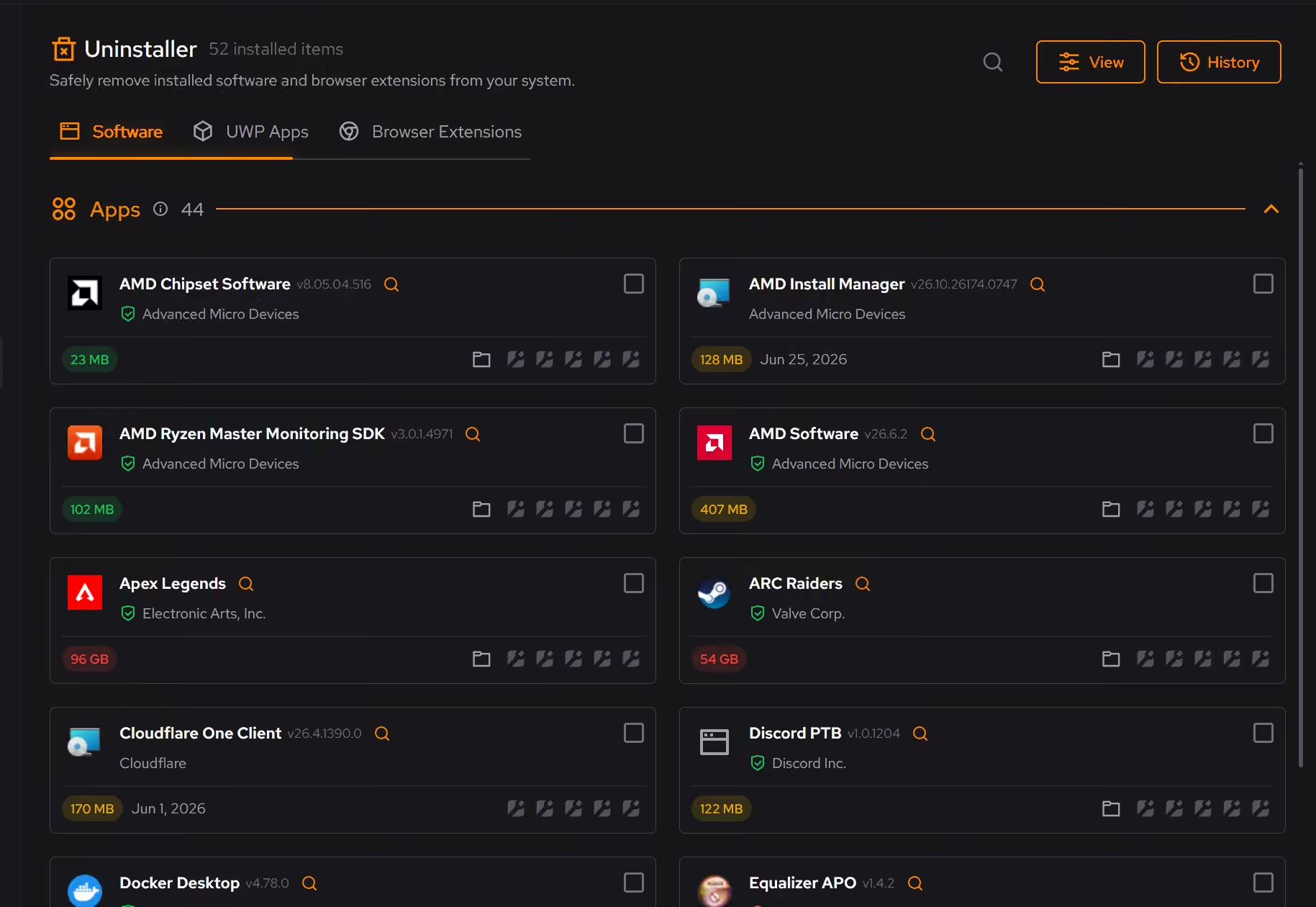
A startup Chrome does not have to share
A browser with thirty tabs deserves a machine that is not busy with leftovers. Booster lists startup apps, services, and scheduled tasks in one place, so the background makes room before the first tab opens.
In Booster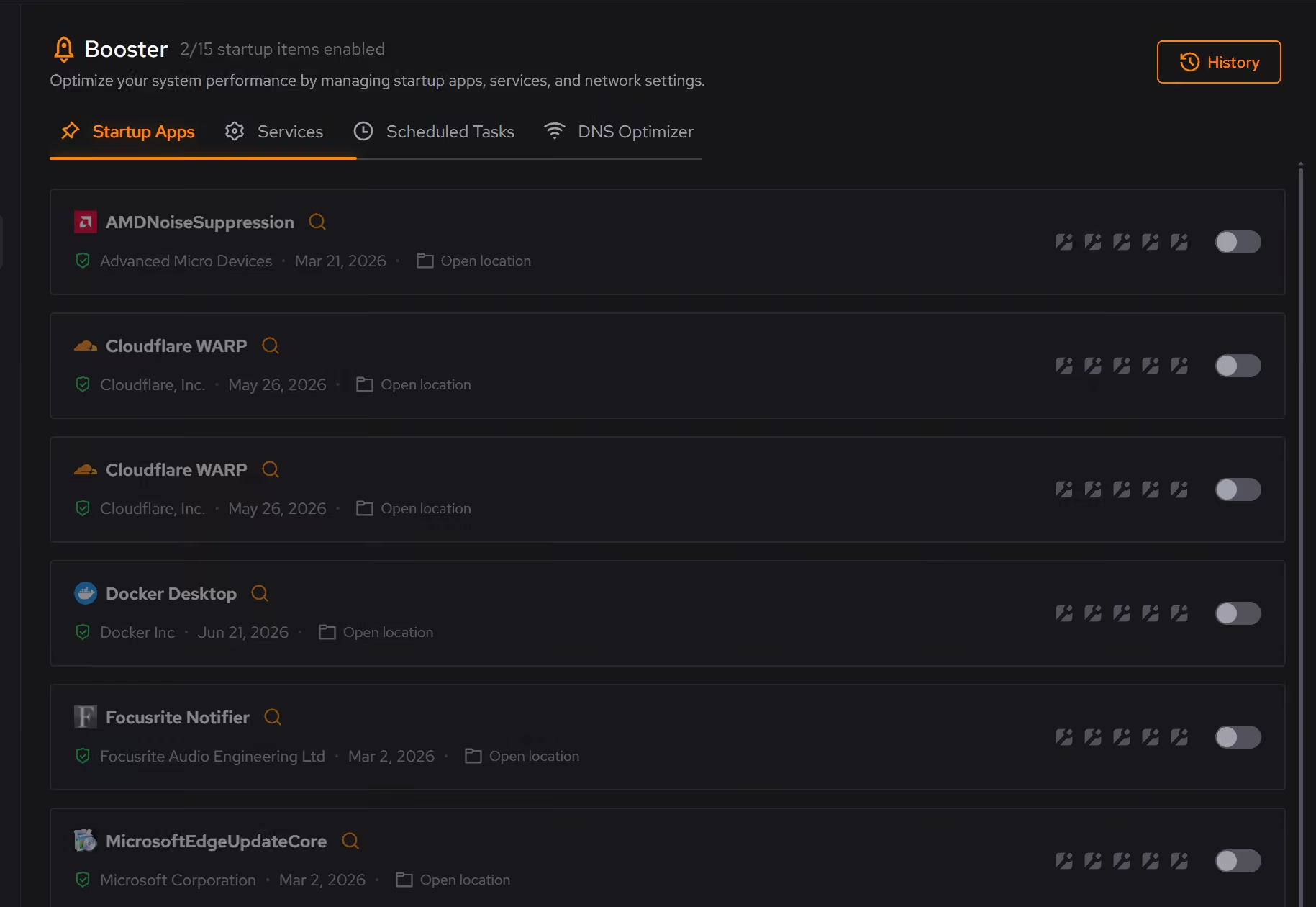
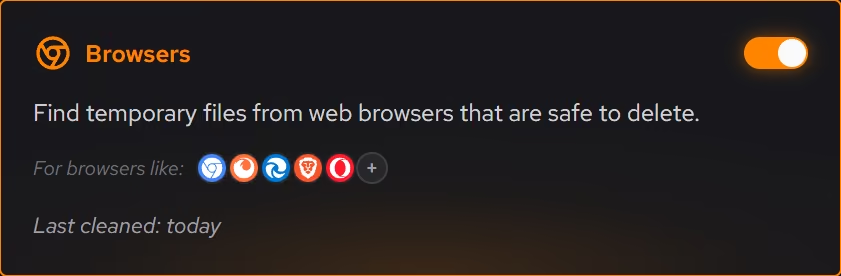
Browser clutter, previewed by browser
Cleaner groups browser leftovers by where they came from and shows what will be removed and how much space returns before anything happens, which beats nuking settings you rely on just to feel tidy.
In Cleaner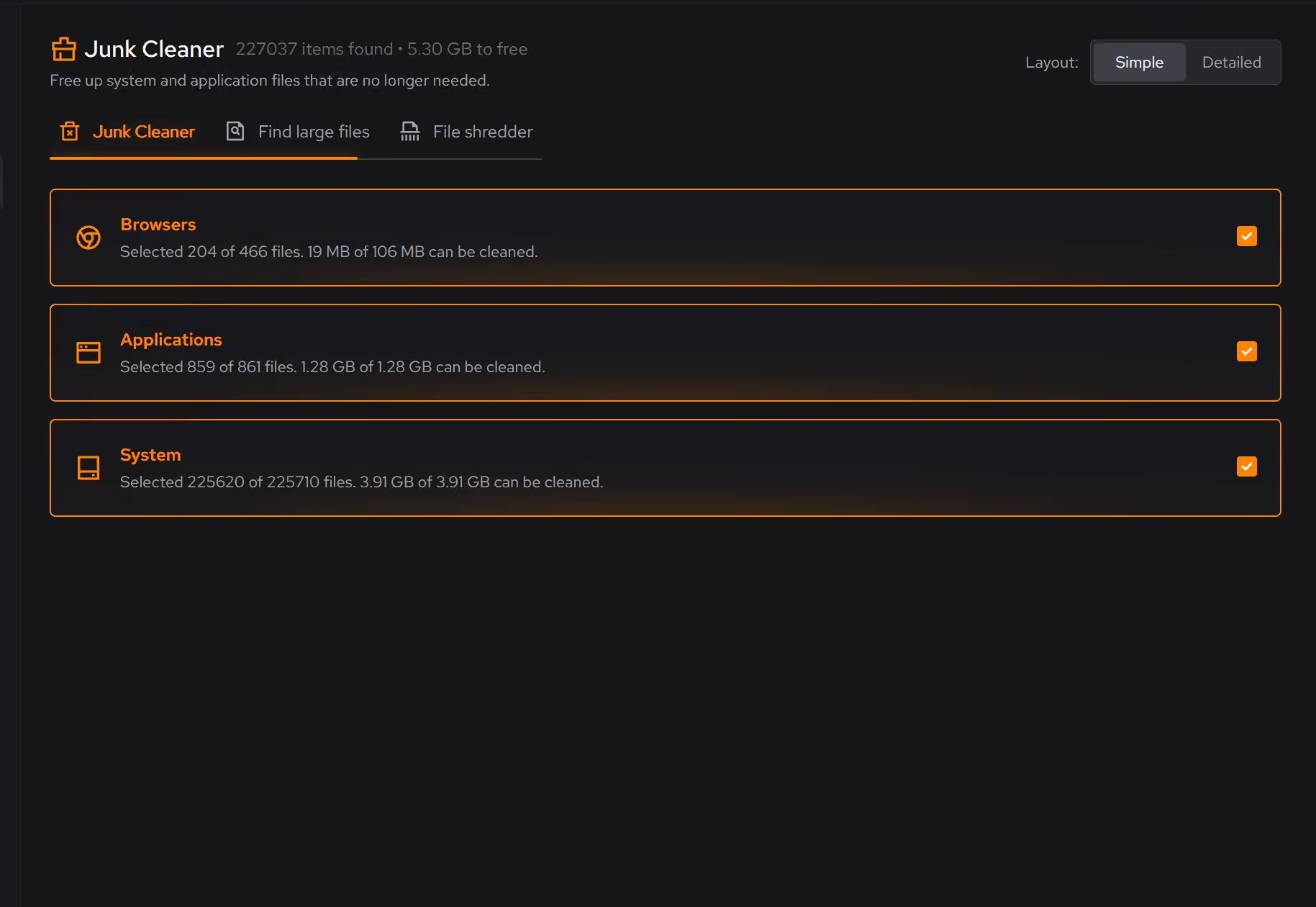
Free on Windows 10 and 11, no trial timer.
Download freeThe tweaks, by name. Each one explains itself before it runs.
Disable Background Apps
Prevents apps from running in the background when not actively in use. This reduces CPU and memory usage, extends battery life on laptops, and improves overall system responsiveness.
Limit Windows Search to Local Results
Keeps Windows Search focused on local results by turning off Bing web search, cloud results, and search suggestions. Local file search still works as normal.
Disable Content Delivery
Stops Windows from automatically installing suggested apps, showing app recommendations in the Start menu, and displaying tips and advertisements throughout the system.
Every tweak above changes Windows settings, and applied changes land in a history. See how Optimizer works
Proof, then limits.
What you can check
Browser extensions can be reviewed across supported browsers and removed when they are no longer used or trusted.
In UninstallerBrowser clutter is reviewed by category before cleaning, and the preview states what will be removed.
In Cleaner
Where eclean stops
eclean does not change Chrome's settings, profiles, or sync, and it does not close or manage your tabs.
A browser holding forty tabs needs memory no cleaner can invent. eclean frees what Windows was wasting and shows you the rest honestly.
If eclean steps over a line here, tell us and we'll fix it.
Still deciding? Fair questions, answered.
Does it replace tools like CCleaner?
For the everyday maintenance those utilities are known for, yes. eclean covers cleaning, startup, and app management in one place, and the comparison pages walk through the differences feature by feature.
Is the free version actually useful?
Yes. The core of eclean, understanding your PC and keeping it tidy, is free without time limits or nagging. Pro adds depth for people who want more control, not the basics held hostage.
Is eclean safe to download?
Yes. The installer is a single signed file from our own release server, with no bundled extras. While our signing certificate is new, Windows SmartScreen may ask you to confirm the publisher, which reads ECLEAN LIMITED, the company that signs our Windows installer. What the app collects, and what it never touches, is documented in the trust center.