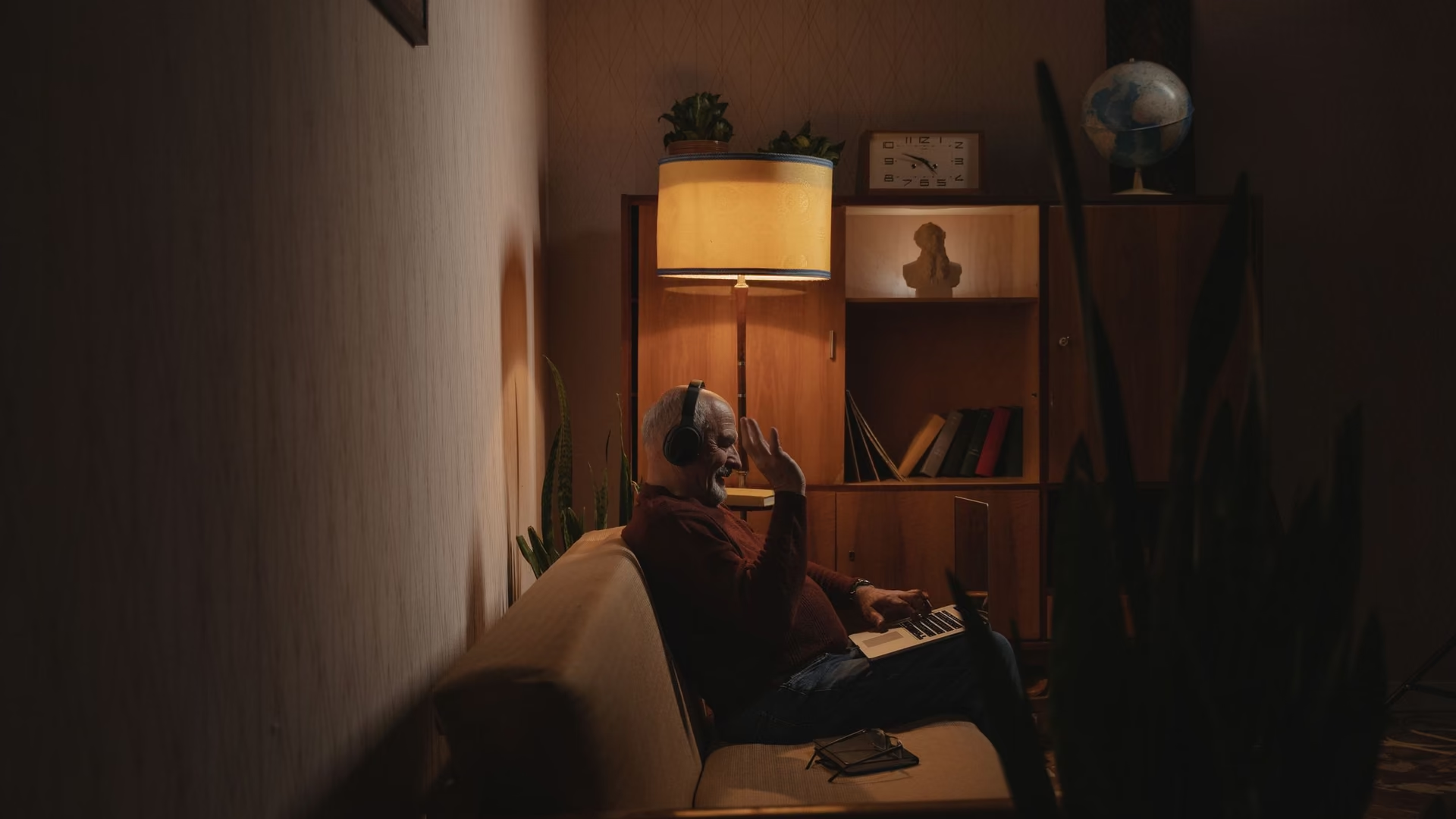
A home PC that stays out of the way. No jargon, nothing unexplained.
For the PC that handles browsing, bills, and photos. Cleanup you can preview, a quieter startup, and plain-language tweaks, free on Windows 10 and 11.
Free · Windows 10 and 11
Every change explained, with a route back.
The problem.
The PC is for email, banking, photos, and the occasional form, and somehow it still gets slower every year. The utilities that promise to fix it shout about hundreds of errors and want a card number, and the advice from the family tech person starts with words you have never heard. You do not want to become a computer person. You want the computer to behave.
Most PC maintenance software is written for people who enjoy PC maintenance. Everyone else gets the scary version, a free scan that finds six hundred alarming problems, a red button, and a payment screen. The result is predictable. Normal people stop trusting the whole category and live with a slower machine, because the cure looks worse than the disease.
eclean was built to be the version you do not have to be suspicious of. Nothing is removed without a preview that says what goes and how much space comes back. Nothing changes without an explanation written in sentences rather than settings names. And nothing is locked behind a countdown, because the free tier is the product, not the bait.
The routine that keeps a home PC pleasant is genuinely short. The cleanup pass clears what browsers and apps leave behind, previewed first so a folder of family photos is never at risk from a checkbox. The startup list shows what launches itself at login, which is where most of the year-over-year slowdown actually lives, and turning off a printer utility from 2022 is one switch with a plain description beside it.
The tweaks named further down suit a machine whose owner never chose its defaults. They stop Windows from installing suggested apps, showing ads through the advertising identifier, fetching Widgets content in the background, and sending your searches to the web when you wanted a file on your own PC. Each one explains itself before it runs, and each can be reverted afterward, which means trying one is never a leap.
Where eclean stops matters as much here as anywhere. It is not an antivirus, it has no opinion about your files, and it will not promise the machine becomes new. It removes what accumulated, shows you everything it did, and keeps the receipts. For the PC that just needs to handle Tuesday, that is usually the whole job.
What eclean does here.
Cleanup that shows its work first
Clutter appears by where it came from, browsers, apps, Windows itself, with the space it frees stated before anything is removed. No alarming error counts, no countdown, and nothing goes without you seeing it listed.
In Cleaner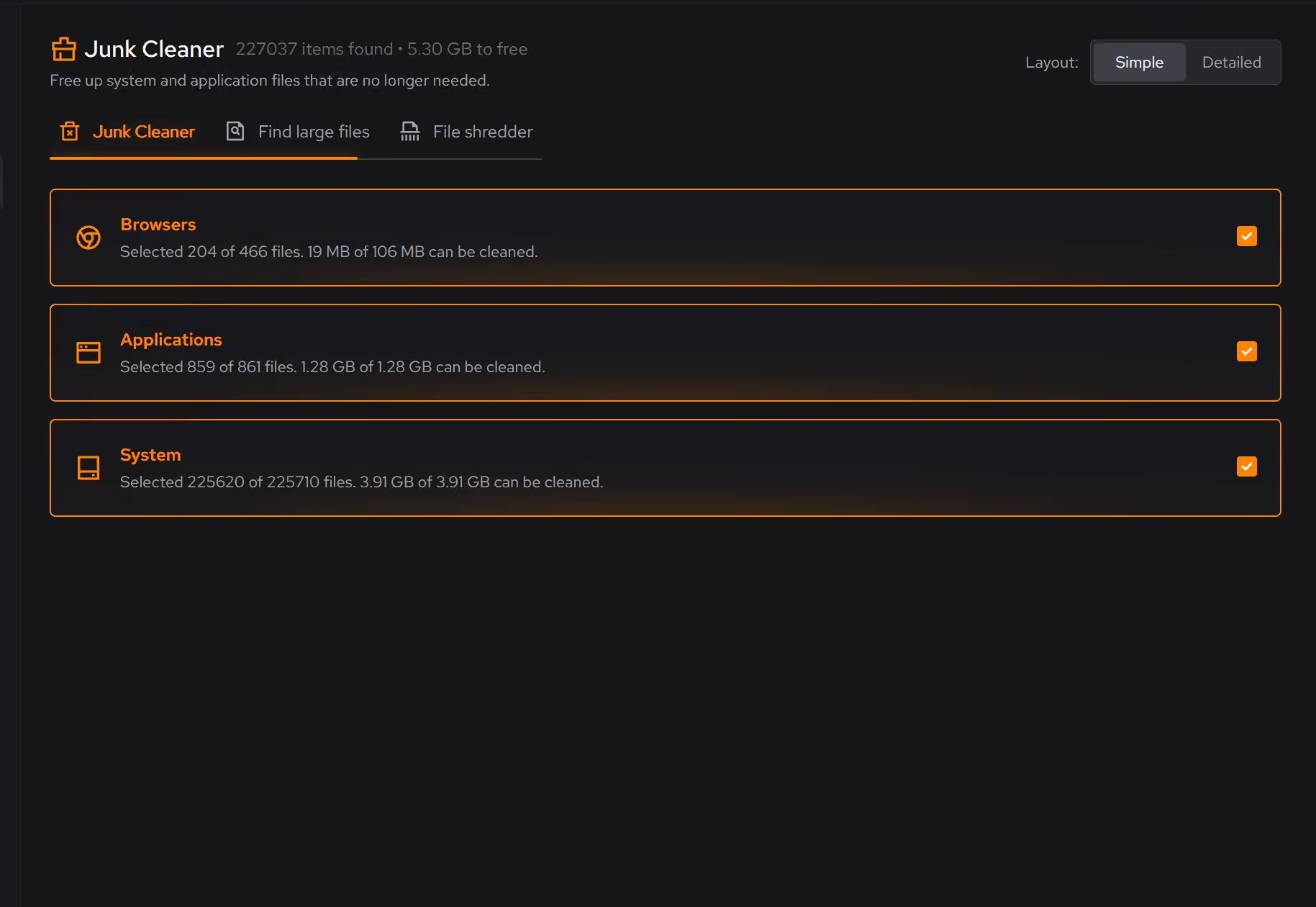
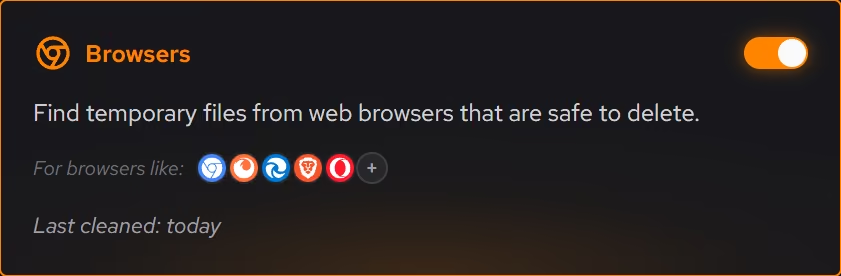
A startup you did not have to study
Programs quietly add themselves to your login over the years. Booster shows everything that starts with Windows in one plain list, so turning off what you never asked for takes minutes, not a course.
In Booster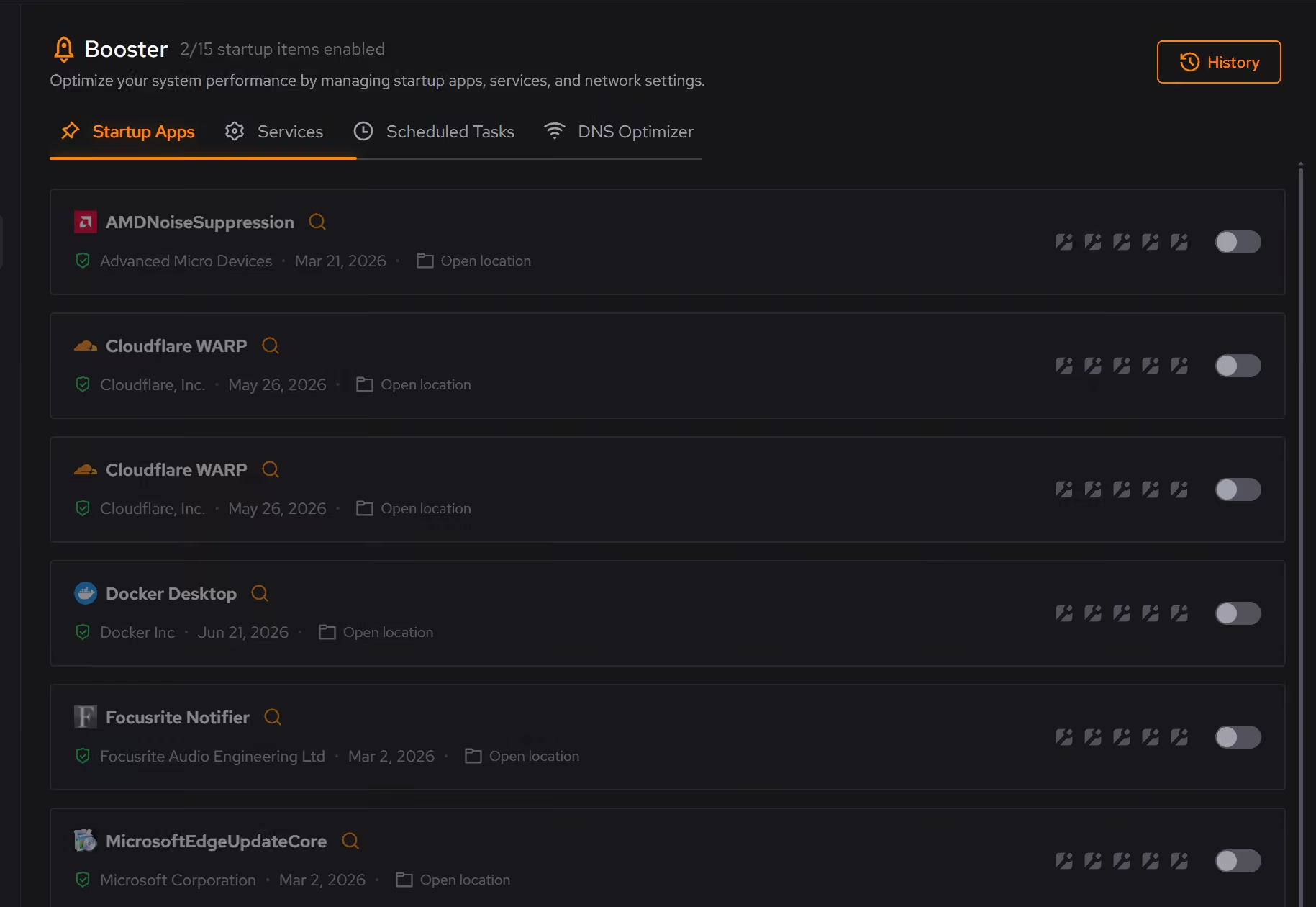
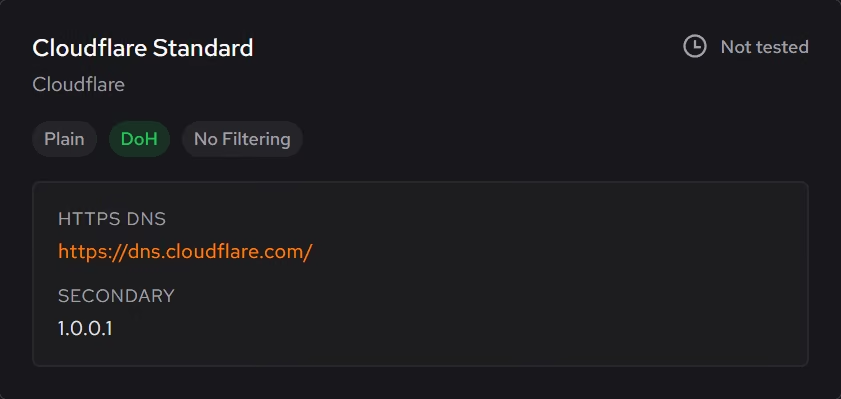
Settings explained like a person would
Every recommendation says what it changes and why it can help, in plain language rather than registry paths. Apply what makes sense to you, skip the rest, and supported changes can be undone from the same place.
In Optimizer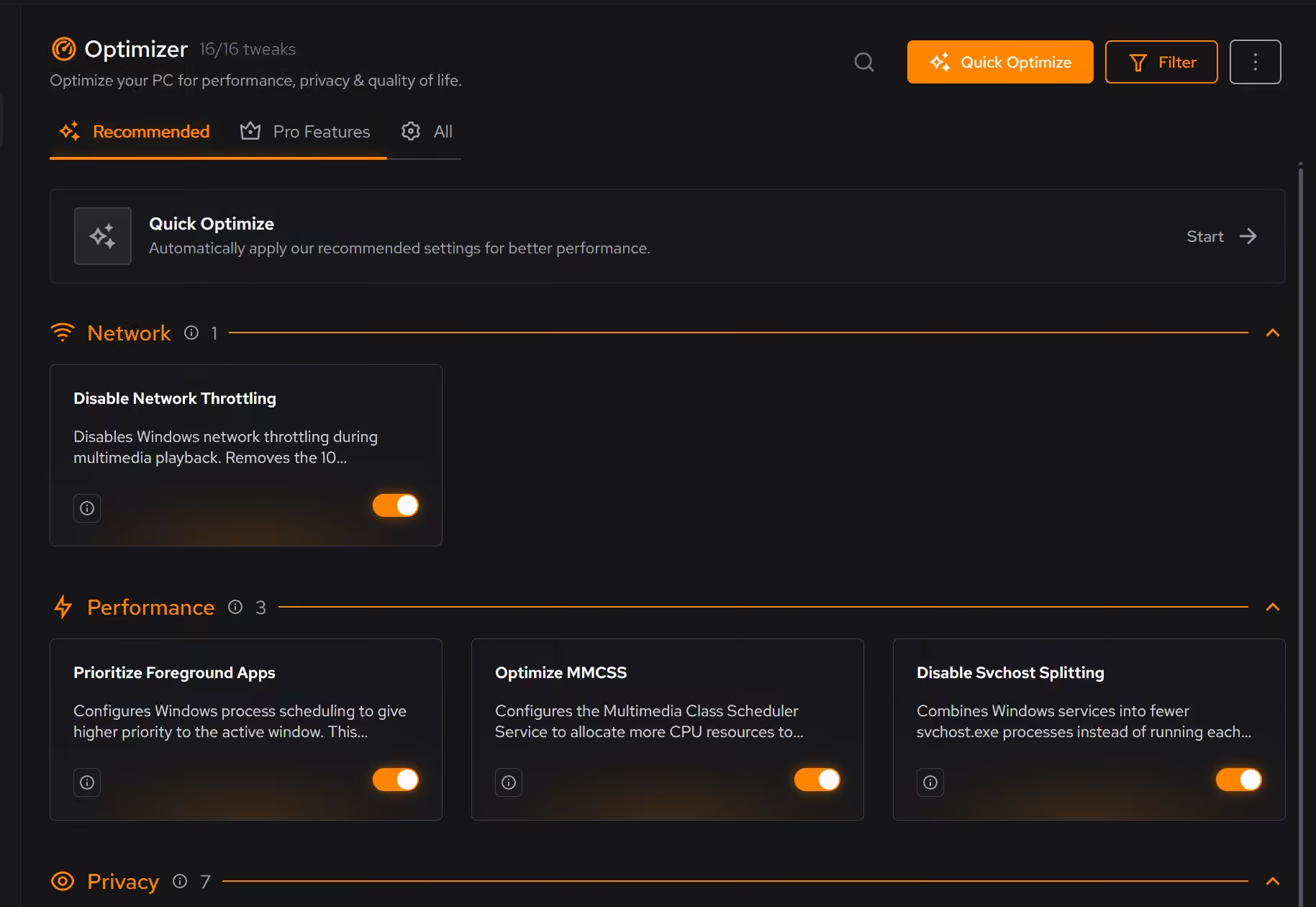
Free on Windows 10 and 11, no trial timer.
Download freeThe tweaks, by name. Each one explains itself before it runs.
Disable Content Delivery
Stops Windows from automatically installing suggested apps, showing app recommendations in the Start menu, and displaying tips and advertisements throughout the system.
Disable Advertising ID
Prevents Windows from assigning you a unique advertising identifier used by apps and advertisers to track your activity and serve personalized ads across applications.
Limit Windows Search to Local Results
Keeps Windows Search focused on local results by turning off Bing web search, cloud results, and search suggestions. Local file search still works as normal.
Disable Widgets
Turns off the Windows Widgets panel and, when possible, removes related components. This reduces background content fetching, memory usage, and taskbar clutter.
Disable Background Apps
Prevents apps from running in the background when not actively in use. This reduces CPU and memory usage, extends battery life on laptops, and improves overall system responsiveness.
Every tweak above changes Windows settings, and applied changes land in a history. See how Optimizer works
Proof, then limits.
What you can check
You see what will be removed and how much space it frees before anything happens.
In CleanerEveryday cleanup, the startup list, and the hardware overview are free on Windows 10 and 11.
In Cleaner
Where eclean stops
eclean is maintenance, not protection. It is not an antivirus and does not replace one.
It will not make promises about speed. It removes accumulated load, shows its work, and the machine decides the rest.
If eclean steps over a line here, tell us and we'll fix it.
Still deciding? Fair questions, answered.
What is eclean?
One app for the everyday work of looking after Windows. It cleans junk, trims startup, and manages the apps you install, and every change is explained before it happens. The core is free on Windows 10 and 11.
Is eclean safe to download?
Yes. The installer is a single signed file from our own release server, with no bundled extras. While our signing certificate is new, Windows SmartScreen may ask you to confirm the publisher, which reads ECLEAN LIMITED, the company that signs our Windows installer. What the app collects, and what it never touches, is documented in the trust center.
Is the free version actually useful?
Yes. The core of eclean, understanding your PC and keeping it tidy, is free without time limits or nagging. Pro adds depth for people who want more control, not the basics held hostage.