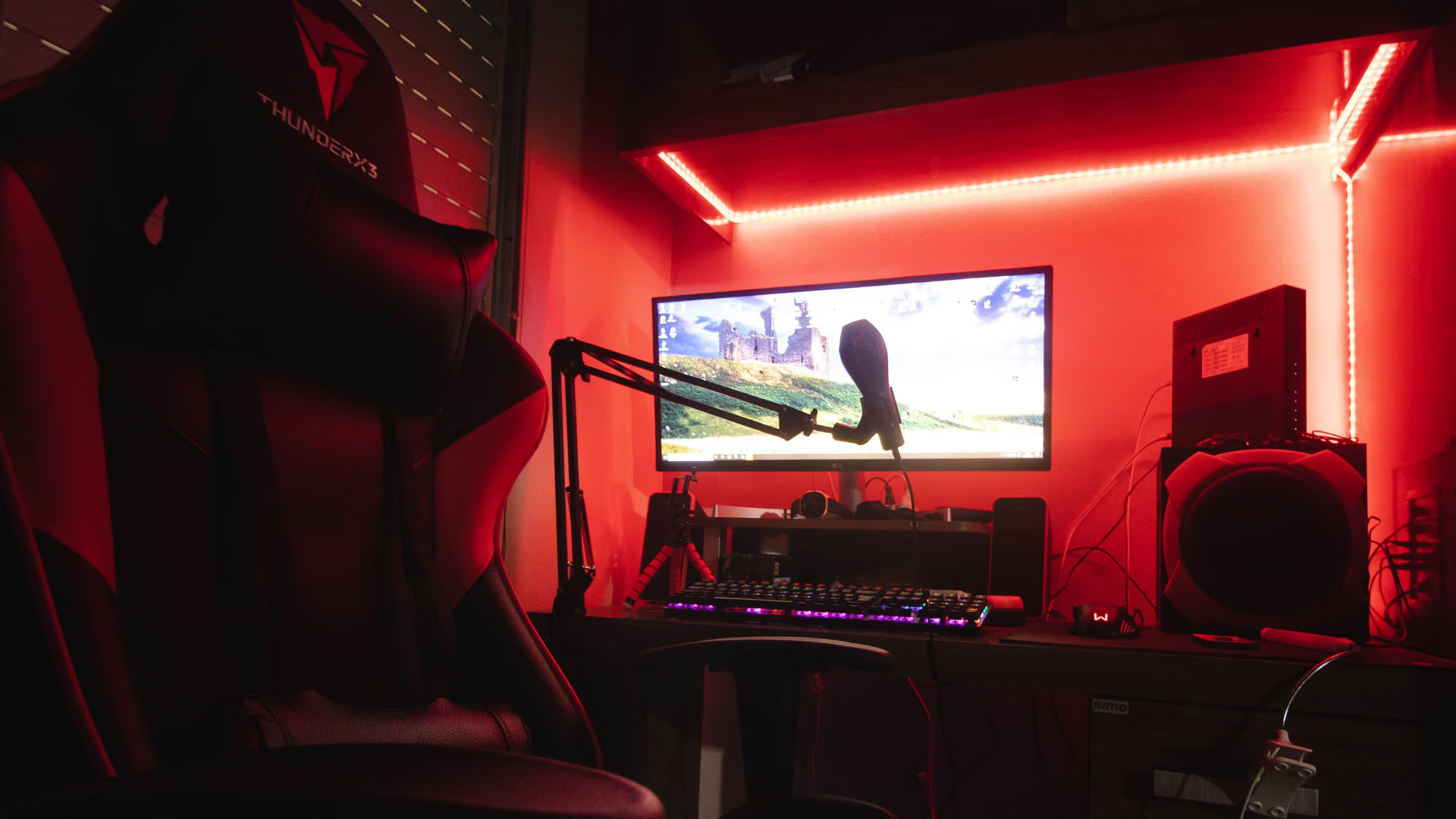
Streaming and playing on one PC. Make the background earn its keep.
When one PC runs the game, the encoder, and the chat, background work costs frames. How eclean trims the load and shows you the bottleneck while you are live.
Free · Windows 10 and 11
The problem.
The preview looked fine, then the match started and the dropped-frames counter began to climb. One PC is running the game, the encoder, the capture, and the chat, and every background task Windows wakes up in the middle of that competes with all of them at once. Your viewers notice before you do.
A single-PC stream has no slack. The game wants the CPU and the GPU, the encoder wants whatever is left, and capture, alerts, and chat take their cut on top. When an updater or a scheduled task wakes up in the middle of that, something has to give, and it is usually frames. On a machine this loaded, background work is not a rounding error. It is the margin.
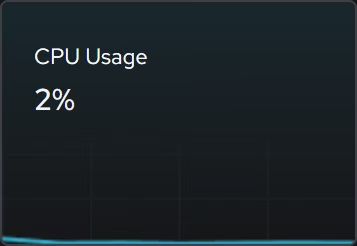
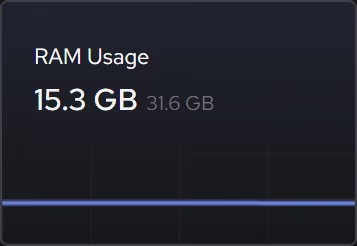
eclean's job here is to make that margin something you chose. Booster puts startup apps, services, and scheduled tasks in one view, so the work running behind your stream is deliberate rather than accumulated. The live hardware views then show processor, graphics, memory, and network demand as it changes, which means the next time frames drop mid-match you can watch which resource is pinned instead of blindly lowering the bitrate.
What eclean does here.
The whole background load in one place
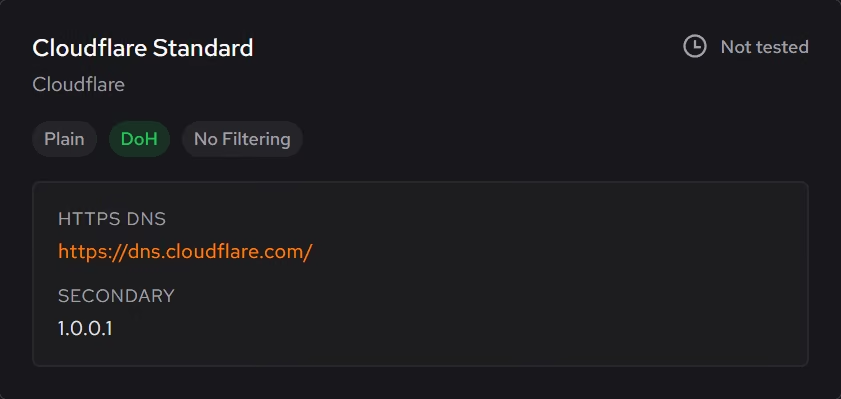
Startup apps, services, and scheduled tasks live in three corners of Windows. Booster brings them together so you can see everything running behind the stream and trim it deliberately. Encrypted DNS benchmarking is Pro.
Pro covers 2 PCs. Family covers 5.
In Booster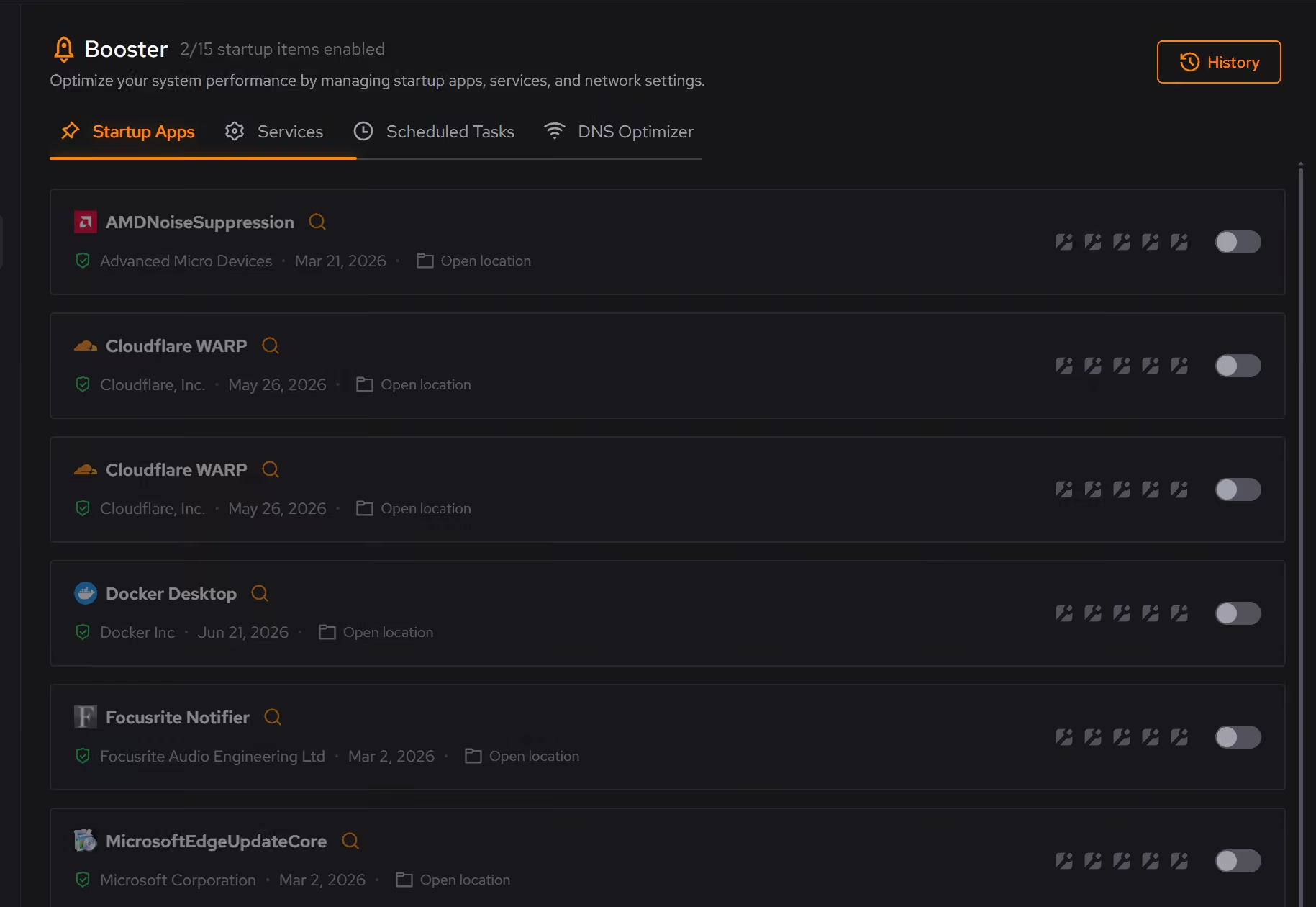
See the bottleneck while you are live
Live processor, graphics, memory, and network views show what the game and the encoder are asking of the hardware right now, so a dropped-frames warning points at a resource instead of a guess.
In Your PC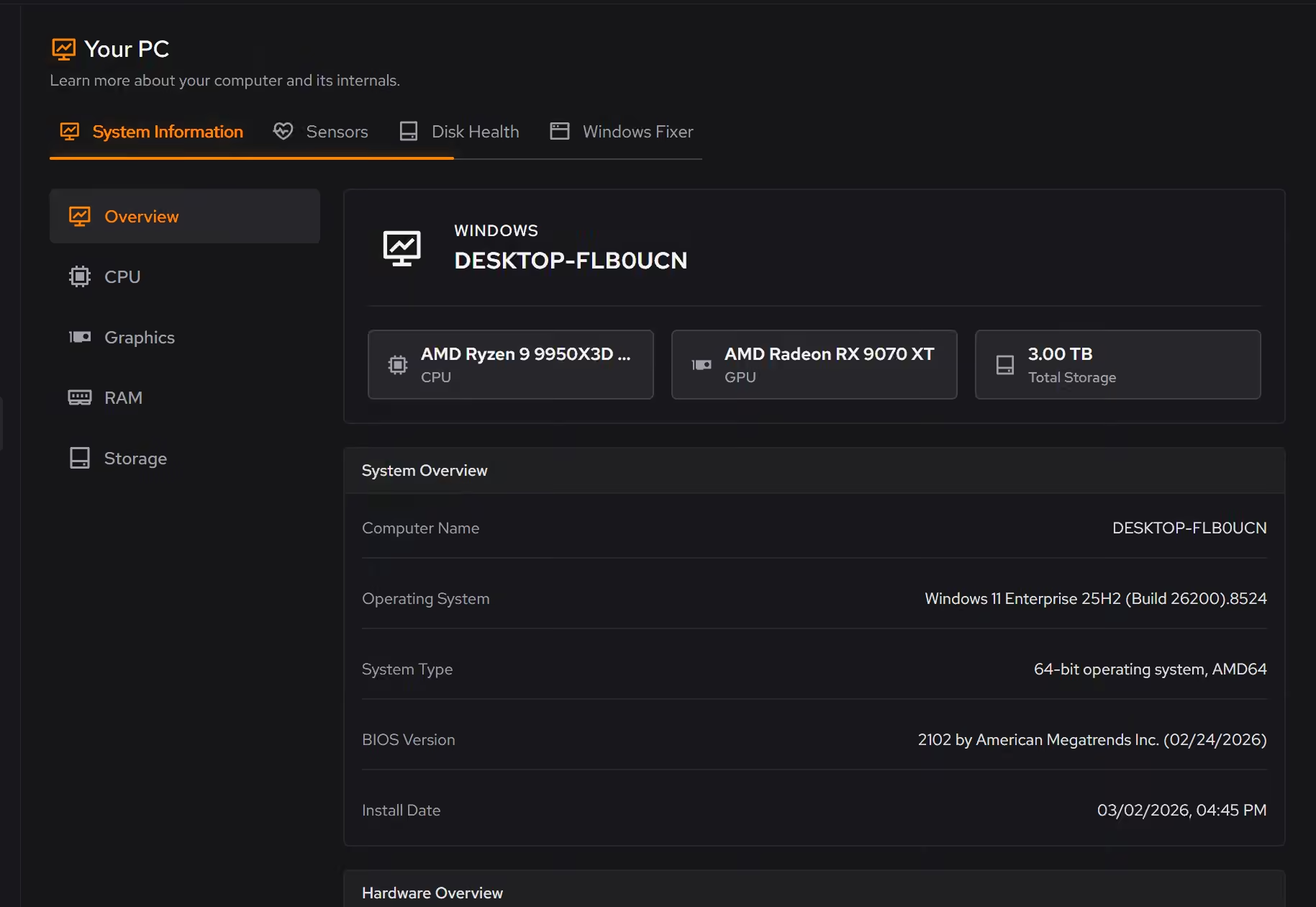
Less competing with the encode
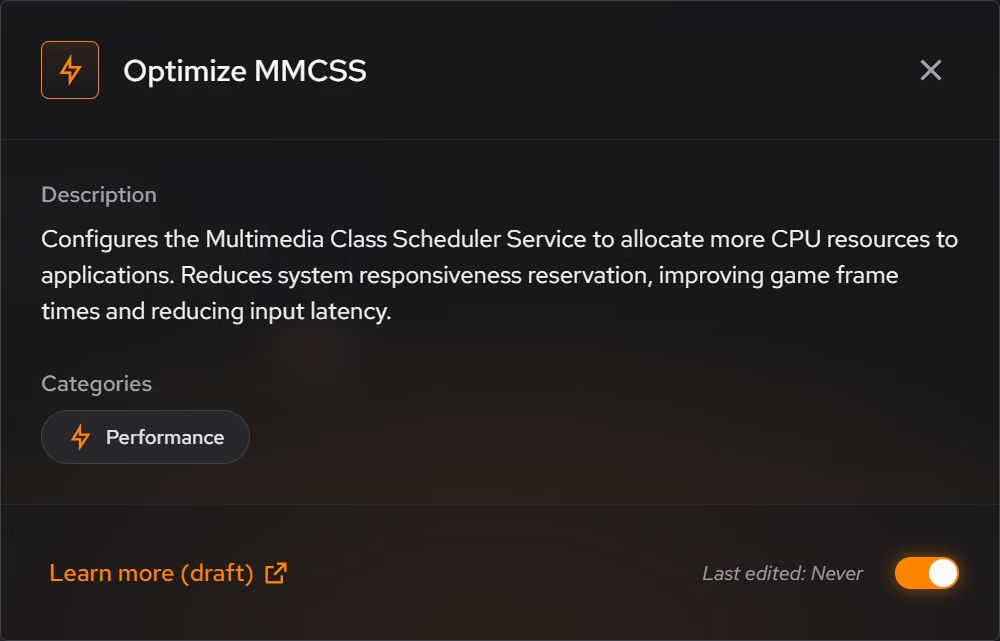
Optimizer's performance tweaks reduce background work that competes with responsiveness and frame consistency. Each one describes what it changes before you apply it, and supported changes can be reverted from the history.
In Optimizer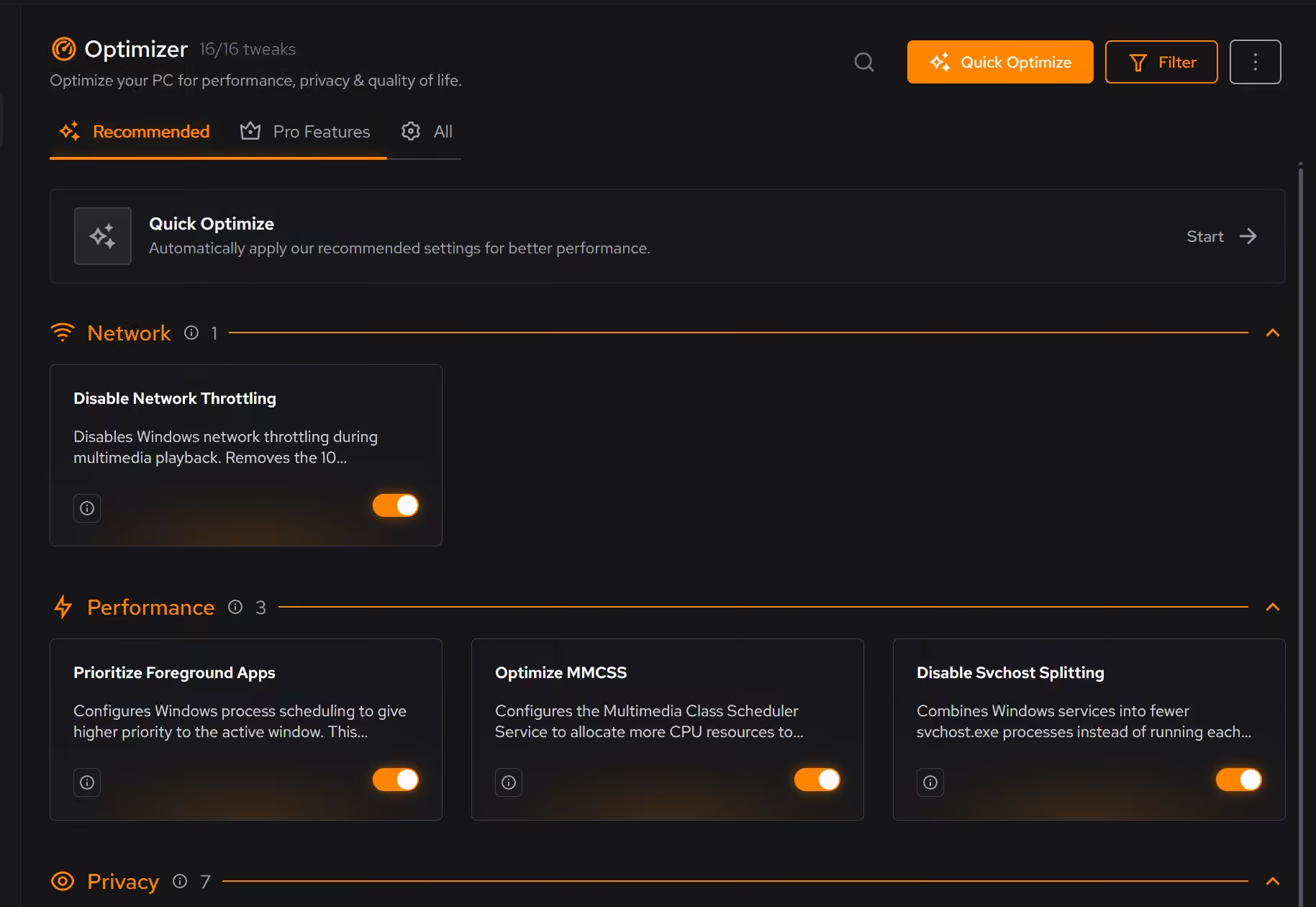
Proof, then limits.
What you can check
Startup apps, services, and scheduled tasks appear in one place, so the whole background load is visible before you trim it.
In BoosterLive processor, graphics, memory, storage, and network activity can be followed as it changes.
In Your PC
Where eclean stops
eclean does not configure OBS, encoders, or capture software, and it promises no bitrate or dropped-frame numbers.
It cannot create headroom your hardware does not have. If the CPU is pinned with nothing left to trim, the honest answer is encoder settings or a second PC.
If eclean steps over a line here, tell us and we'll fix it.