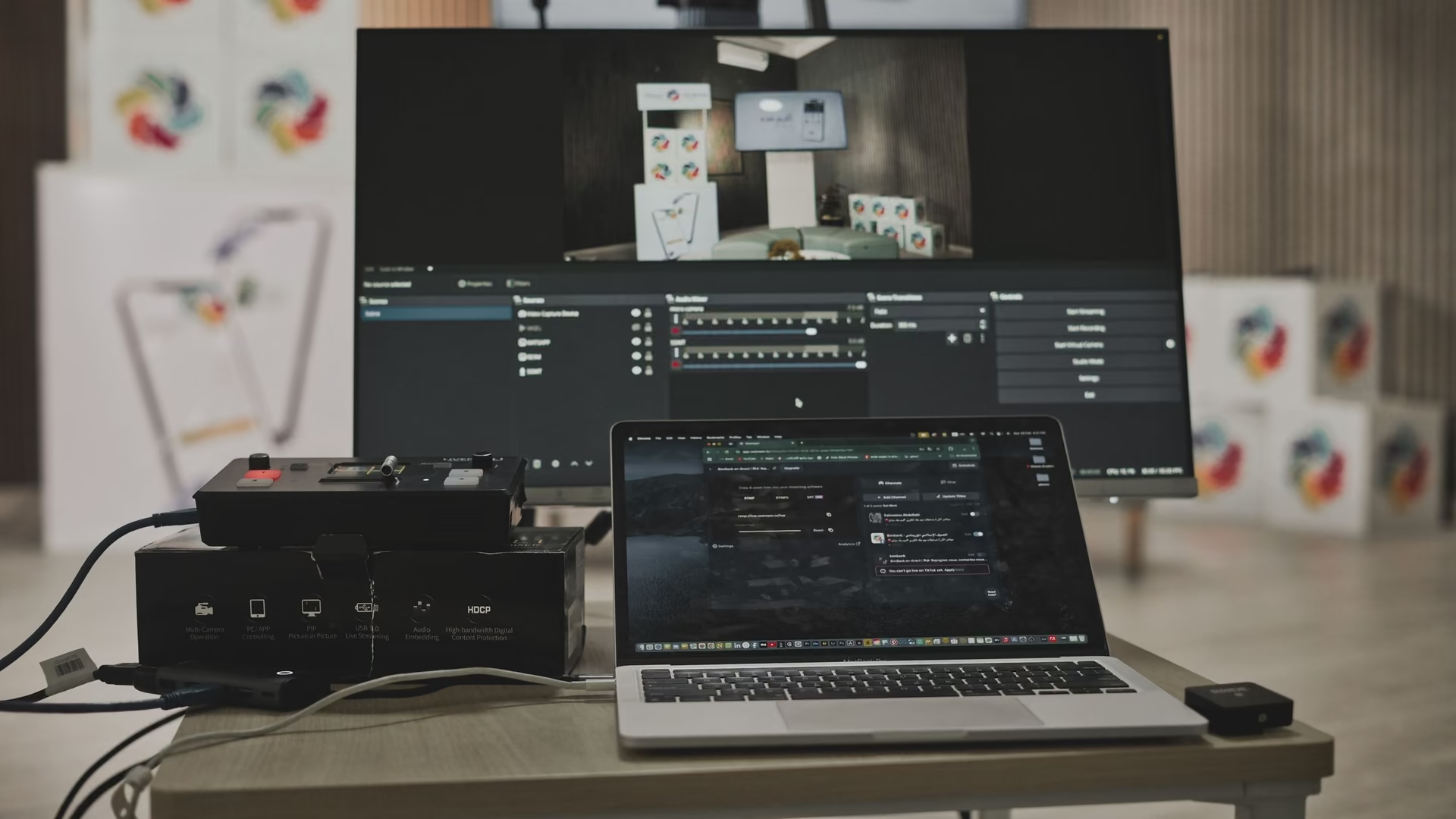
Headroom for OBS to encode. Your scenes and settings stay yours.
OBS drops frames when Windows competes for the encoder's headroom. eclean shows the background load, trims it, and watches demand live. OBS stays untouched.
Free · Windows 10 and 11 · OBS stays untouched
Every change explained, with a route back.
The problem.
OBS tells you frames are dropping and never tells you why. The encoder wants a steady slice of the CPU, the capture wants the GPU's attention, and every background task Windows wakes mid-session takes its cut from both. The advice online starts with lowering your bitrate, which treats the symptom and gives away quality the machine did not need to lose.
OBS is honest software on a dishonest playing field. It reports every dropped frame, but it cannot control the Windows underneath it, and that is where most of the trouble starts. An updater waking mid-stream, a sync client deciding this is the moment, or Game Bar quietly capturing in parallel all take resources the encoder had budgeted, and the stream pays in stutter that OBS gets blamed for.
eclean works on that layer and only that layer. It never opens OBS, never touches scenes, profiles, or encoder settings, and never injects into a capture. What it does is make the Windows side legible. Booster's single list shows everything that starts with the machine and everything scheduled to wake later, which turns "something interfered with the encode" from a mystery into a checklist.
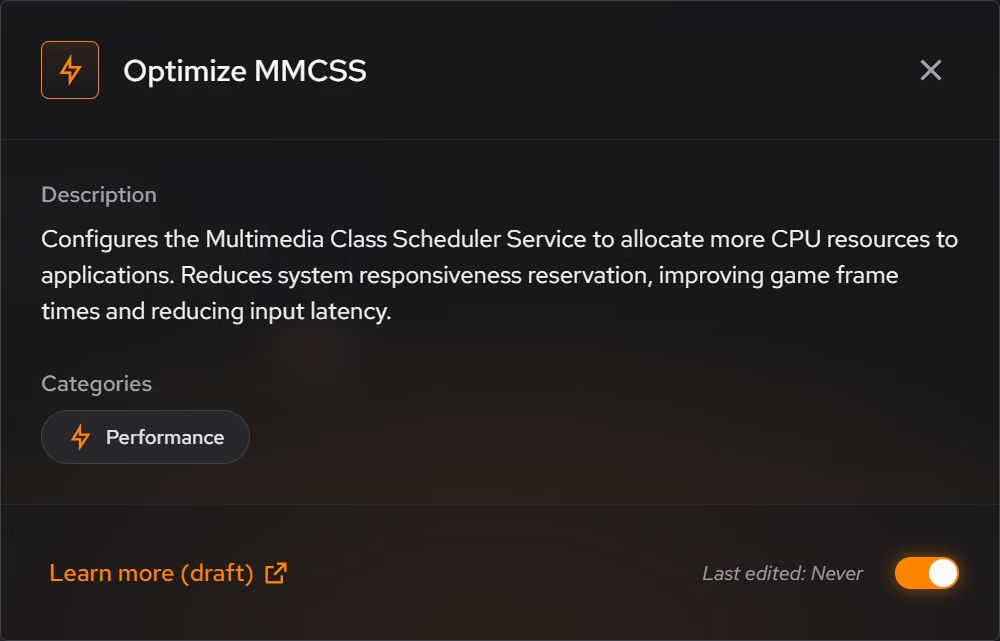
The tweaks named further down are picked for capture workloads. Disabling Game Bar removes Windows' own recording services, which duplicate OBS's job and hold resources for it. The MMCSS and foreground priority tweaks shape how the scheduler splits CPU between a game and an encoder that both want it now. The network throttling tweak lifts a packet limit Windows applies during multimedia playback, which matters when the same machine is pushing a stream out. Every one of them describes what it changes before it runs and reverts from the history afterward.
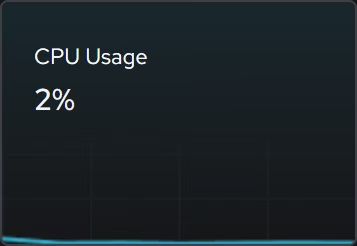
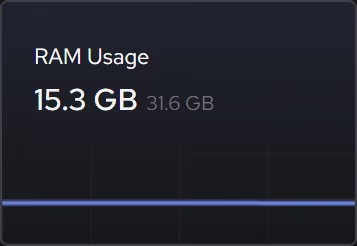
The live views close the loop during the session itself. Processor, graphics, memory, and network demand update as the capture runs, so when OBS's indicator turns red you can see which resource actually ran out. That distinction decides everything. A background task you can trim is a five minute fix. A CPU that is simply full is an encoder preset conversation, and eclean's limits say so plainly instead of promising headroom the hardware does not have.
A recording setup you understand is also one you can trust next week. Changes land in a history, supported ones revert from the same place, and the machine's whole configuration story stays readable. The free tier carries all of it, which means the PC under your stream can be maintained with the same care you put into the scenes on top of it.
What eclean does here.
See what the encoder competes with
Startup apps, services, and scheduled tasks live in three corners of Windows. Booster puts them in one list, so everything running behind a recording or a stream is something you decided on rather than accumulated.
In Booster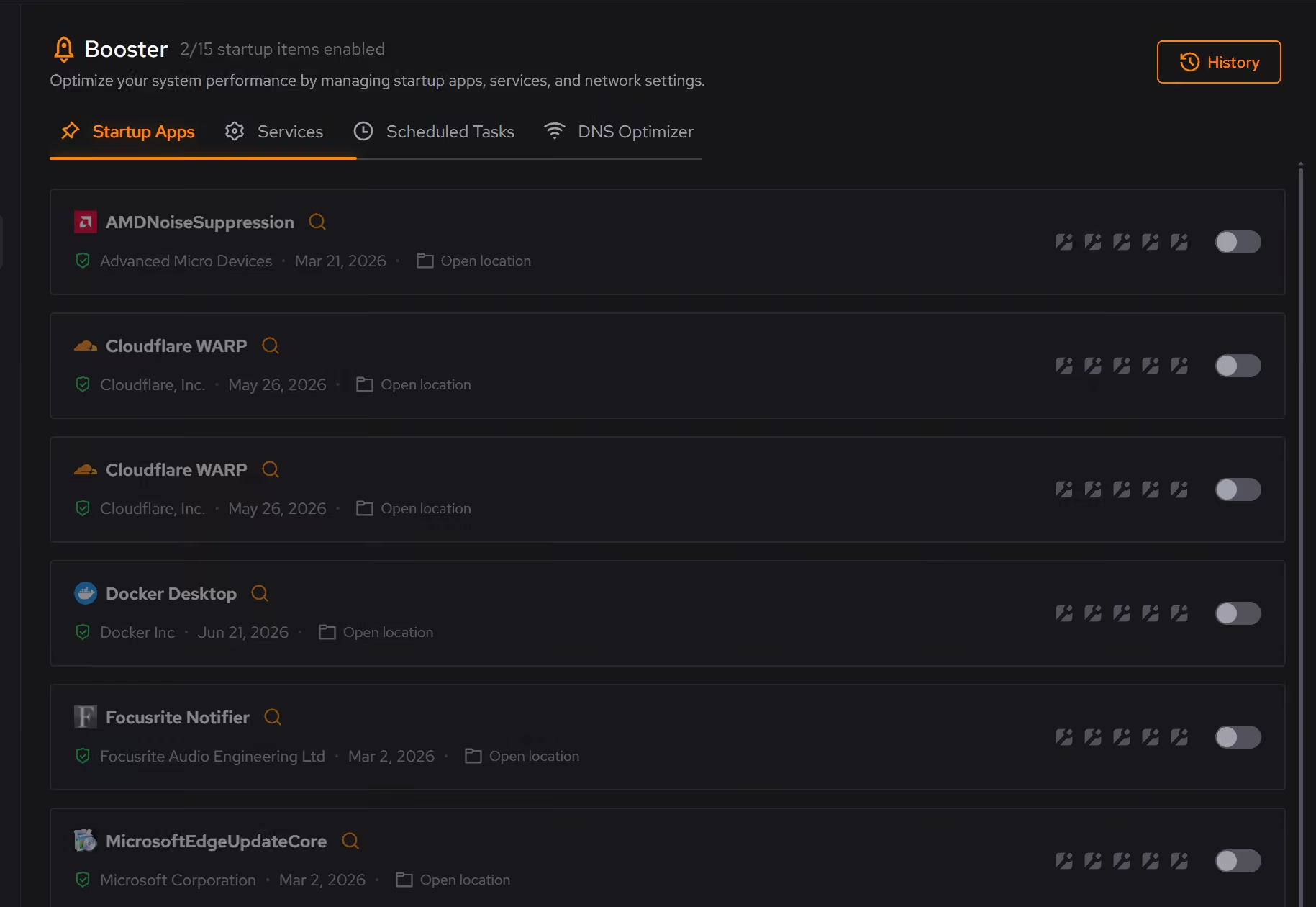
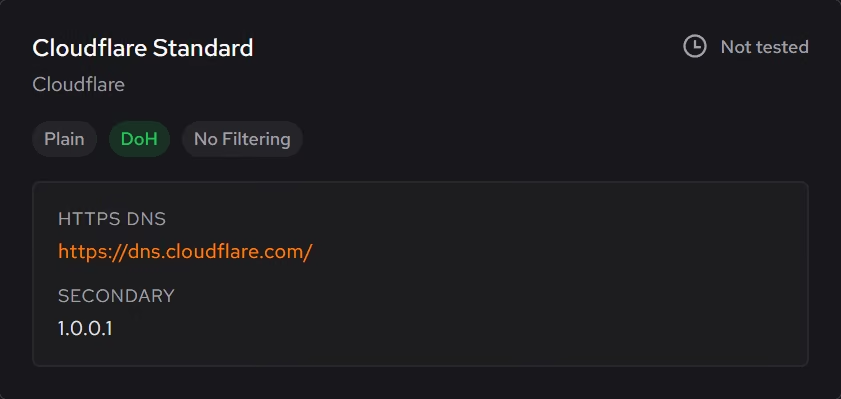
Windows tuned around the encode
Game Bar's own capture services duplicate the work OBS already does, and the scheduler tweaks shape how CPU time is shared when the game and the encoder both want it. Each tweak explains itself first, and supported changes revert from the history.
In Optimizer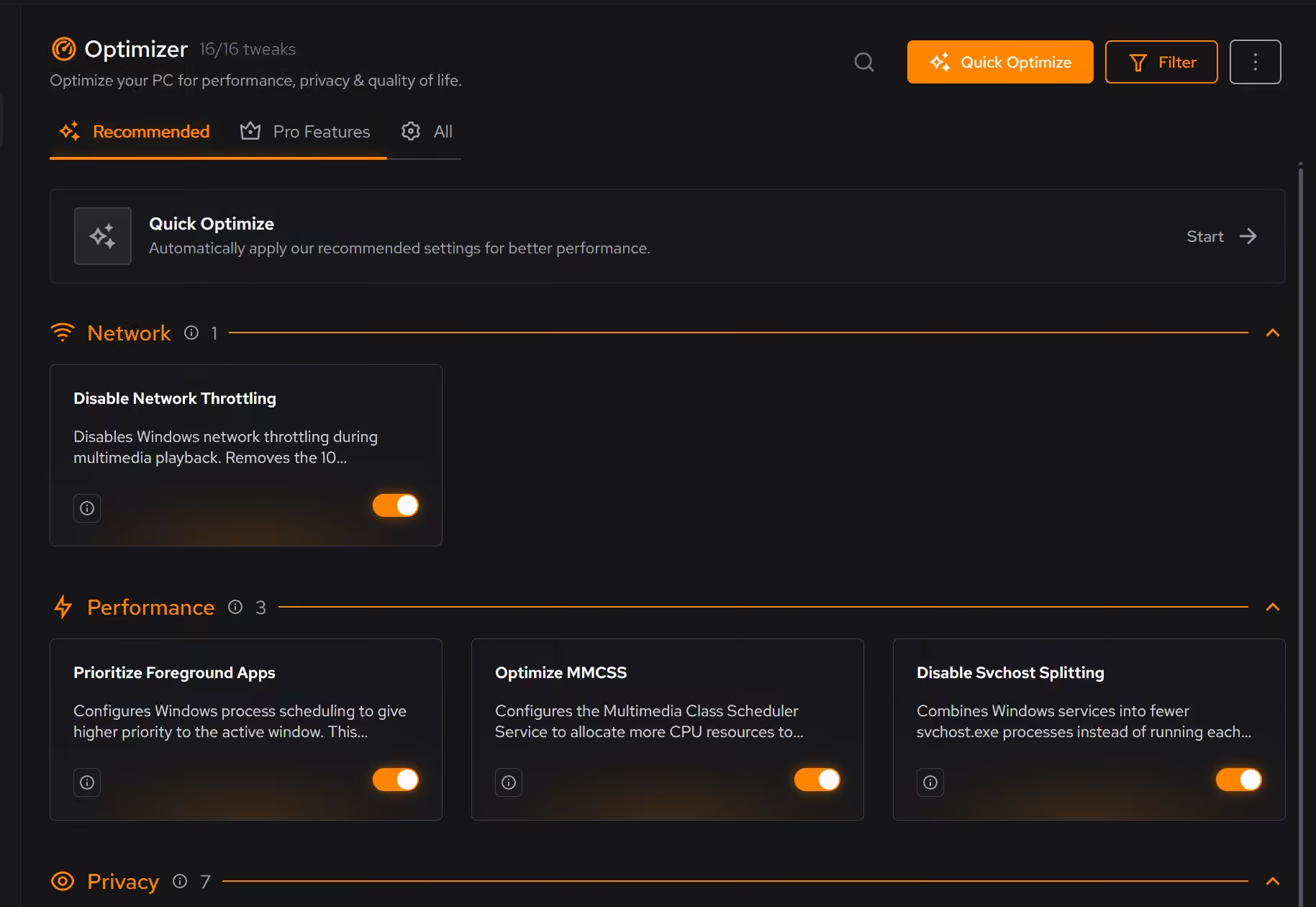
Watch demand while you record
Live processor, graphics, memory, and network views show what the capture is asking of the hardware right now, so a dropped-frames warning points at a resource instead of a guess.
In Your PC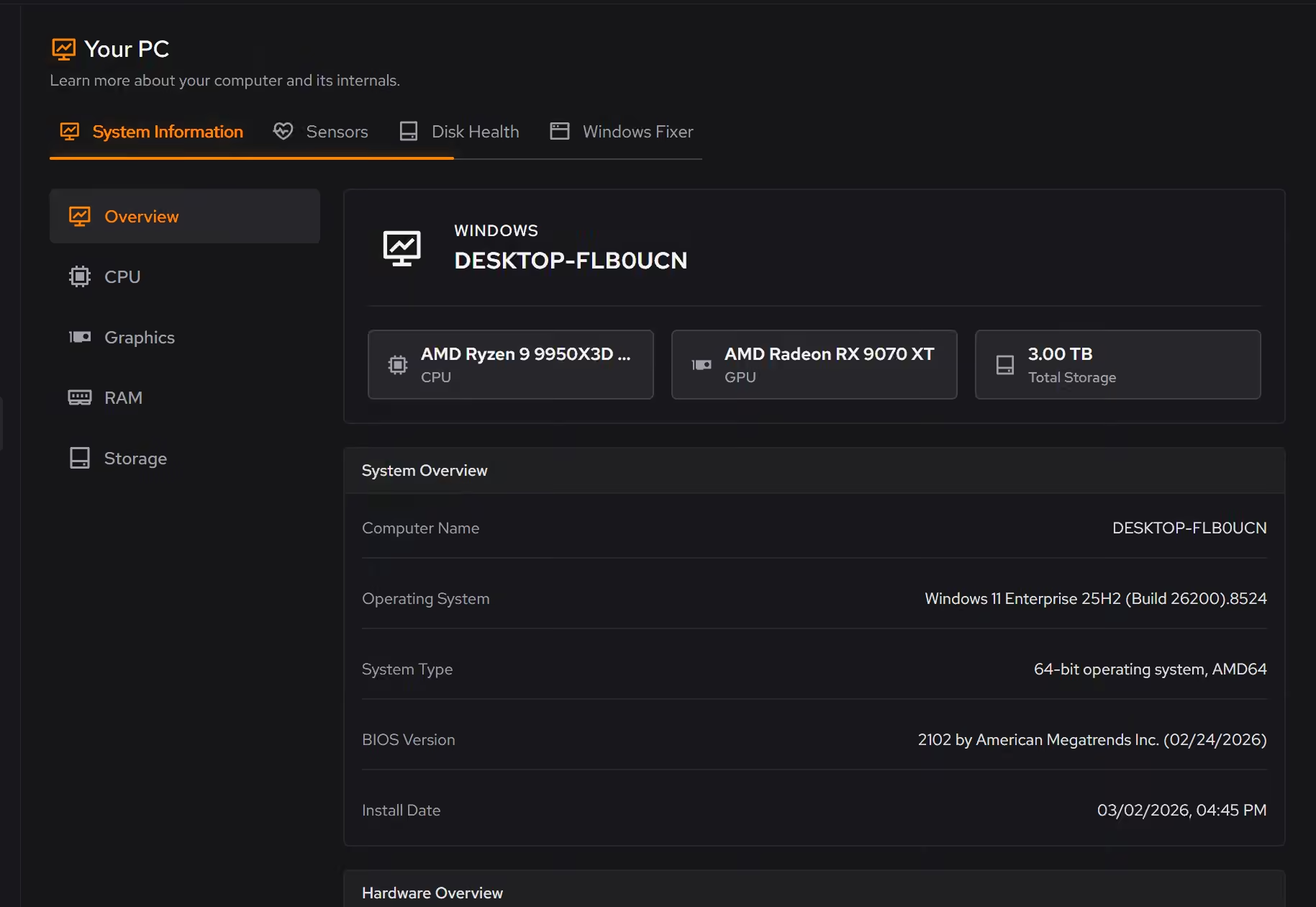
Free on Windows 10 and 11, no trial timer.
Download freeThe tweaks, by name. Each one explains itself before it runs.
Disable Game Bar
Disables Xbox Game Bar, Game DVR, and background game recording features. This reduces CPU and memory overhead during gaming sessions and eliminates overlay-related performance impacts.
Optimize MMCSS
Configures the Multimedia Class Scheduler Service to allocate more CPU resources to applications. Reduces system responsiveness reservation, improving game frame times and reducing input latency.
Prioritize Foreground Apps
Configures Windows process scheduling to give higher priority to the active window. This improves UI responsiveness, reduces input lag in games, and provides a smoother multitasking experience.
Disable Network Throttling
Disables Windows network throttling during multimedia playback. Removes the 10 packets/ms limit to improve network performance for gaming, streaming, and VoIP applications.
Disable Background Apps
Prevents apps from running in the background when not actively in use. This reduces CPU and memory usage, extends battery life on laptops, and improves overall system responsiveness.
Every tweak above changes Windows settings, and applied changes land in a history. See how Optimizer works
Proof, then limits.
What you can check
eclean changes Windows. It does not open, configure, or modify OBS, its scenes, or its encoder settings.
In OptimizerStartup apps, services, and scheduled tasks appear in one place, so the whole background load is visible before you trim it.
In Booster
Where eclean stops
eclean does not configure OBS, encoders, or capture devices, and it promises no bitrate or dropped-frame numbers.
If the CPU is pinned with nothing left to trim, the honest fix is encoder settings or hardware, and eclean will say so.
If eclean steps over a line here, tell us and we'll fix it.
Still deciding? Fair questions, answered.
Is eclean safe to download?
Yes. The installer is a single signed file from our own release server, with no bundled extras. While our signing certificate is new, Windows SmartScreen may ask you to confirm the publisher, which reads ECLEAN LIMITED, the company that signs our Windows installer. What the app collects, and what it never touches, is documented in the trust center.
Is the free version actually useful?
Yes. The core of eclean, understanding your PC and keeping it tidy, is free without time limits or nagging. Pro adds depth for people who want more control, not the basics held hostage.
Can it run maintenance on a schedule?
Yes, with Pro. Scheduled maintenance runs your routine automatically, alongside the deeper optimization and secure deletion Pro adds. The free tier runs whenever you open the app.