
The PCs the whole house shares. Cared for without breaking them.
For the household tech person. Revertible changes, one inventory of what everyone installed, and a browser extension check. Family covers 5 PCs.
Free · Windows 10 and 11
The problem.
You are the one the household calls when a PC acts up, and half the time you are fixing a machine you do not use yourself. Something got installed, nobody remembers installing it, and the safe-looking fix you try today is the thing you get blamed for next week. Keeping several PCs healthy should not depend on remembering what you changed on each one.
Fixing the family PCs is a job you never applied for, and the tools do not make it easier. Windows scatters installed software across three different surfaces, cleanup utilities assume the person running them made the mess, and one wrong removal on your mother's laptop buys you a month of phone calls.
eclean is built so caring for a PC does not mean gambling with it. The inventory shows what everyone installed, previews show what cleanup will remove before it runs, and applied tweaks keep a route back. The free tier covers all of that on Windows 10 and 11, and when you want one license across the household, Family covers 5 PCs.
What eclean does here.
One inventory of what everyone installed
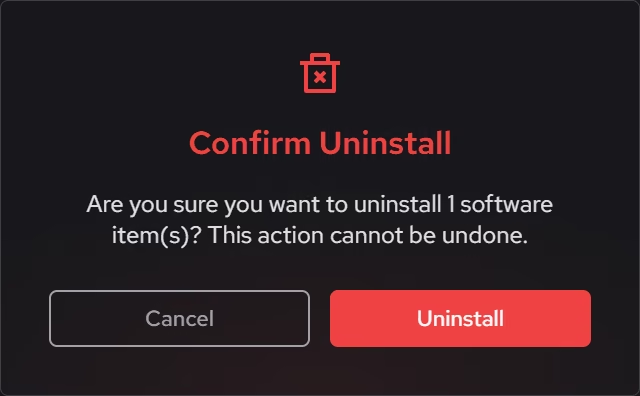
When nobody remembers installing something, the install date and publisher usually tell the story. Desktop programs, packaged Windows apps, and browser extensions share one inventory, so the mystery install and the extension nobody trusts leave the same way. Batch removal without limits is Pro.
Pro covers 2 PCs. Family covers 5.
In Uninstaller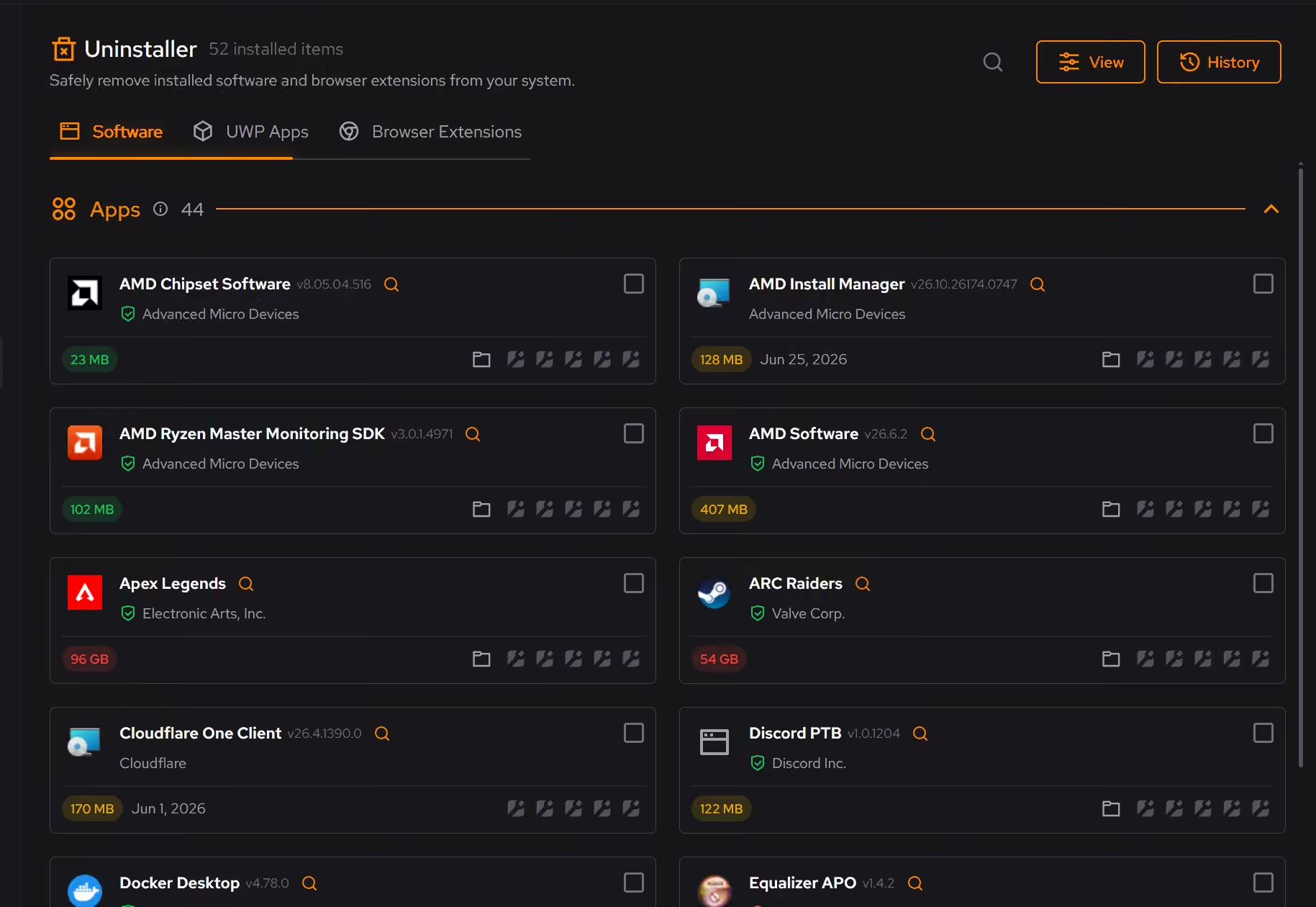
Cleanup you can show before it runs
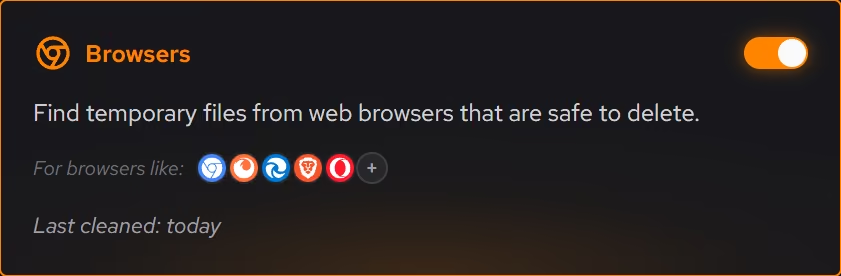
Nothing is removed from someone else's PC without a preview. Clutter appears by category with the space it frees, so you can walk a parent through exactly what is about to happen, or check it yourself before pressing the button.
In Cleaner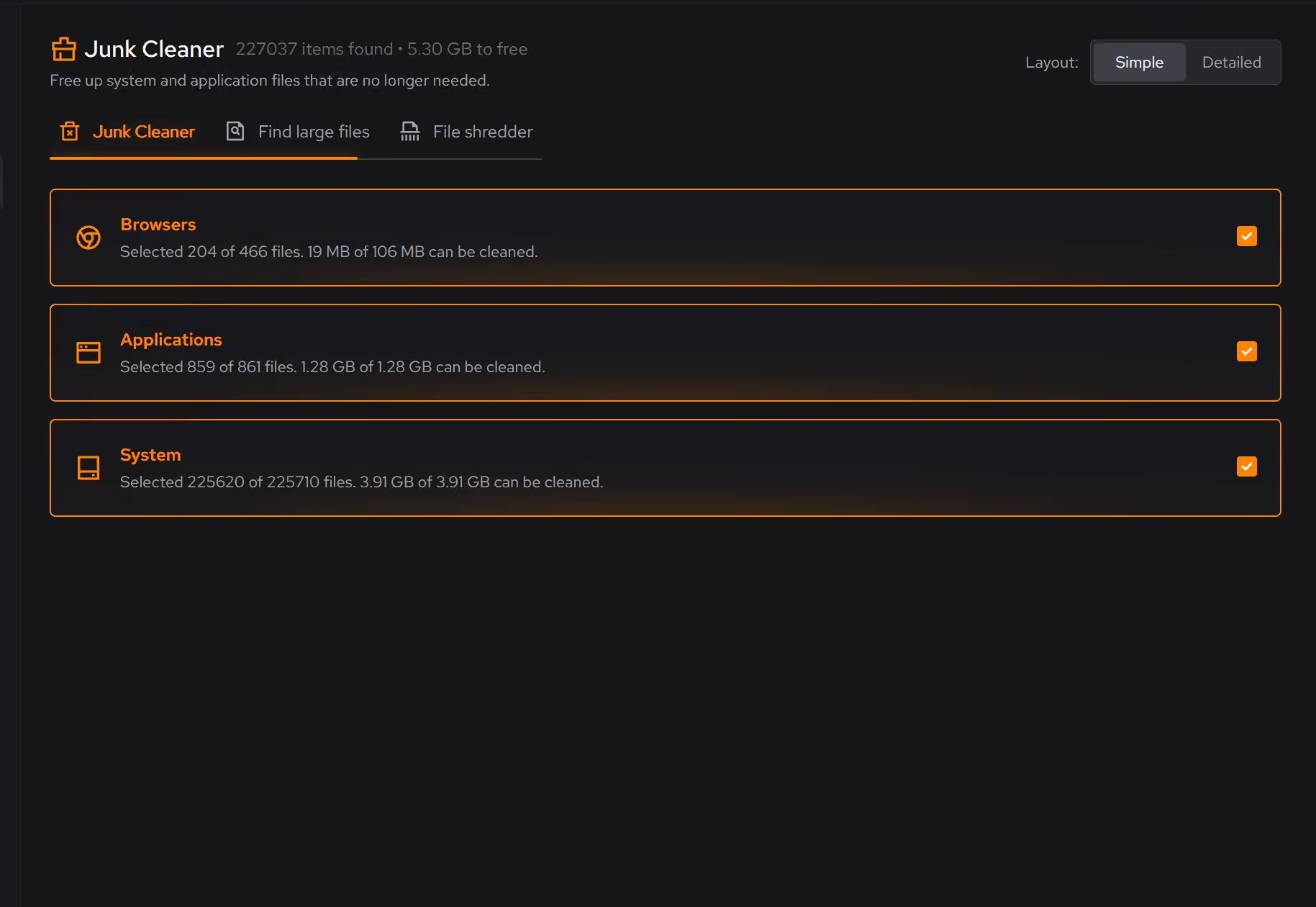
Changes that leave a trail
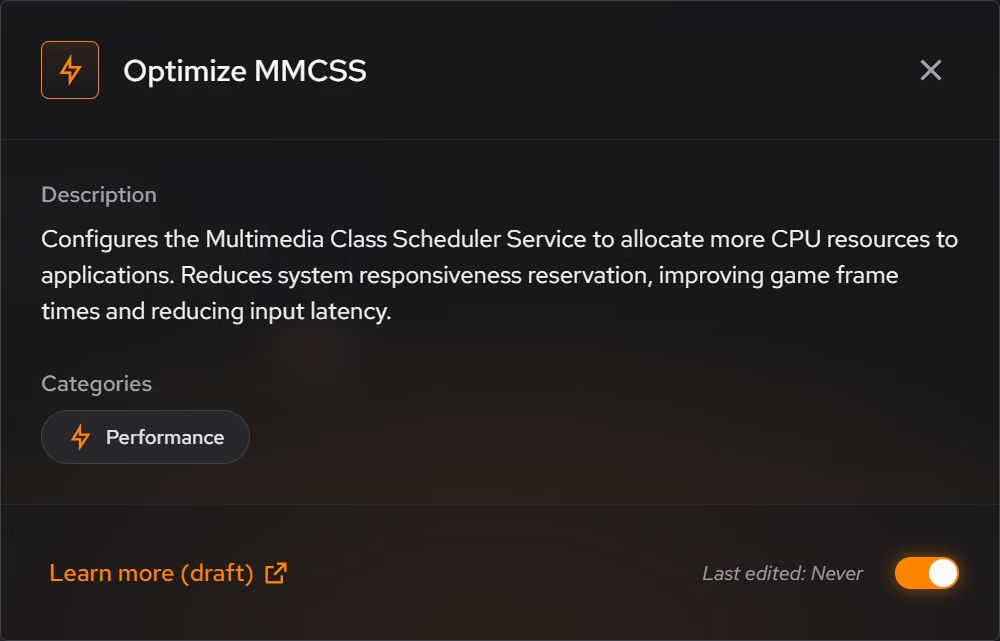
Every tweak describes what it changes in plain language, and Optimizer keeps a history so supported changes can be reverted from the same place they were applied. On a PC you visit once a month, that trail is the difference between a fix and a mystery.
In Optimizer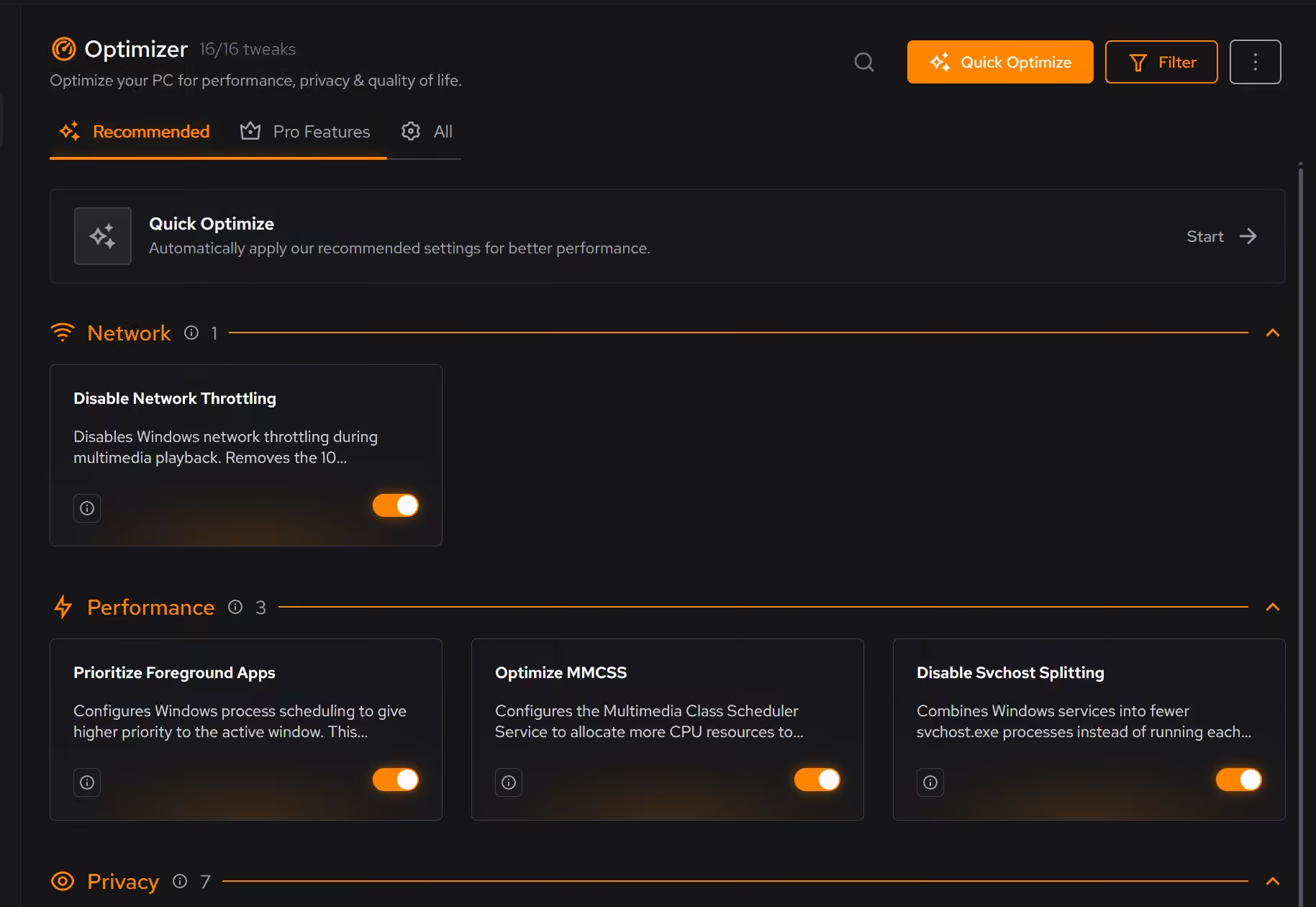
Proof, then limits.
What you can check
Browser extensions can be reviewed across supported browsers and removed when they are no longer used or trusted.
In UninstallerOptimizer keeps a history of what was applied, and supported changes can be reverted from the same place.
In Optimizer
Where eclean stops
eclean is maintenance, not protection. It is not an antivirus and it has no parental controls.
It cannot stop anyone from installing the next thing. The inventory helps you find it afterward.
If eclean steps over a line here, tell us and we'll fix it.