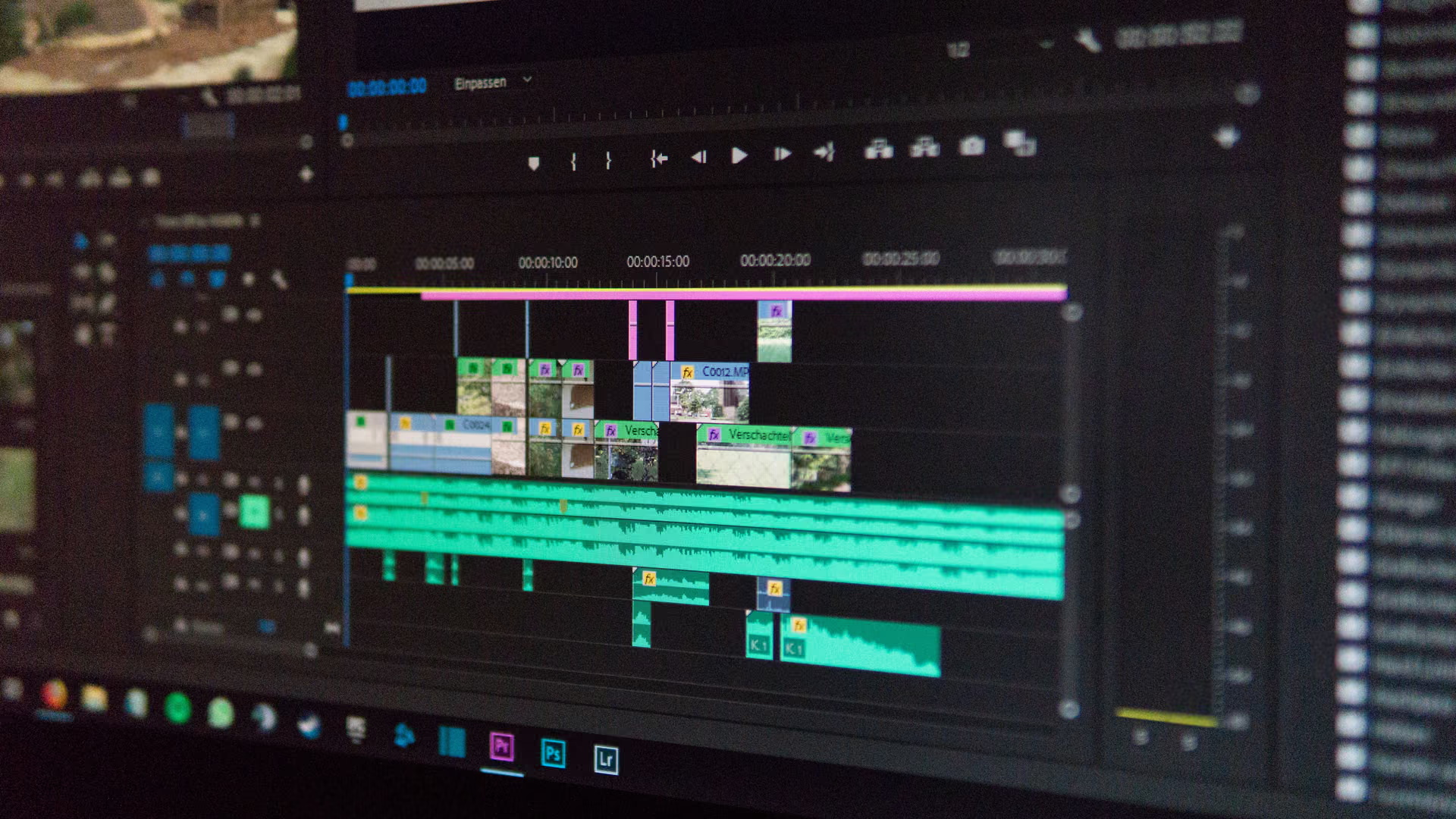
A cleaner Windows for Adobe work. Room to finish the project.
Premiere and Photoshop fill drives mid-project. eclean previews the clutter, finds forgotten renders by size and date, and watches memory during exports.
Free · Windows 10 and 11
The problem.
The export is due and the C drive is nearly full. Preview files, old renders, and months of temp data have quietly eaten the space, and Windows will not tell you which of it matters.
Halfway through an edit, the drive fills. Premiere's preview files, old exports, a render folder from a project that shipped months ago. Deleting blind is how a deadline gets worse, so most people clear a little, hope it is enough, and carry the problem into the next project.
eclean removes the guessing. Cleanup is previewed by category, so you see what will be removed and how much space it frees before anything happens. The large file finder puts size and modified date next to every result, which makes a forgotten export easy to spot and easy to judge. Your media cache and scratch disk settings stay where Adobe put them, because eclean manages the Windows around your creative apps, not the apps themselves.
What eclean does here.
Cleanup you can preview before it runs
Clutter is grouped by where it comes from, and you see what will be removed and how much space it frees before anything happens. The large file finder surfaces forgotten renders with size and modified date next to every result. Large file scans across all drives at once are Pro.
Pro covers 2 PCs. Family covers 5.
In Cleaner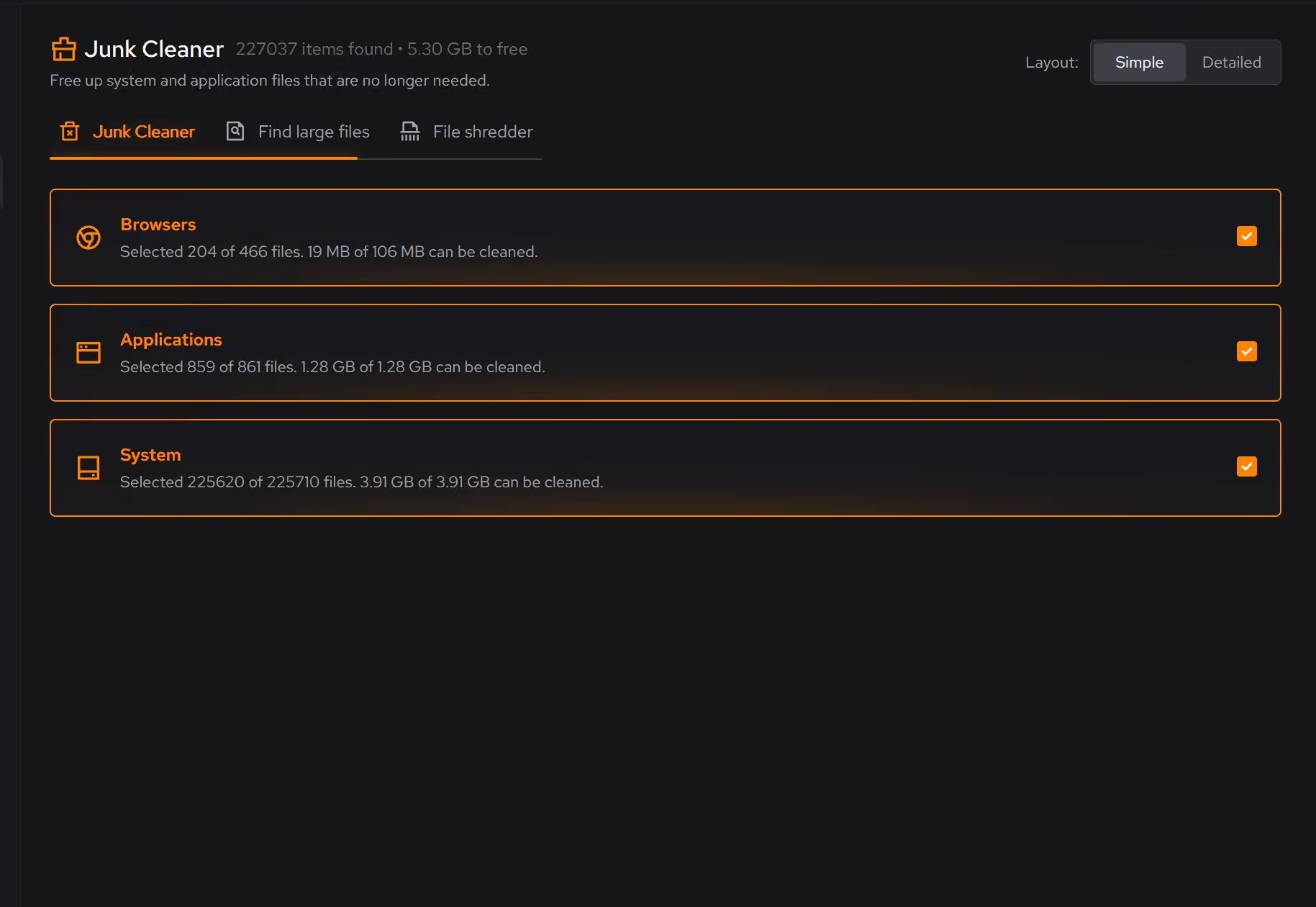
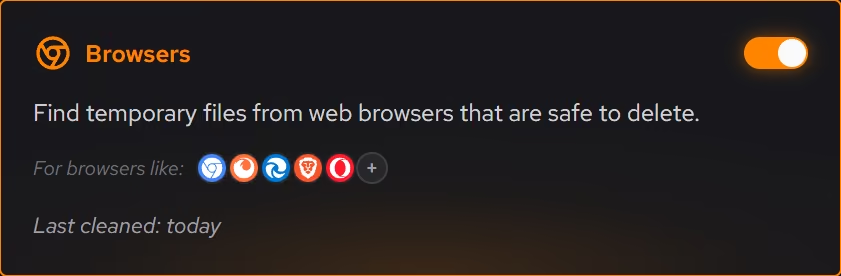
Live views while the export runs
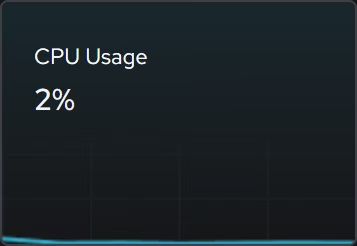
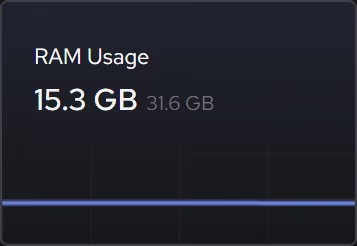
When an export crawls, live memory and storage views show what is being asked of the hardware right now, so you can tell whether the project is heavy or the PC is busy with something else.
In Your PC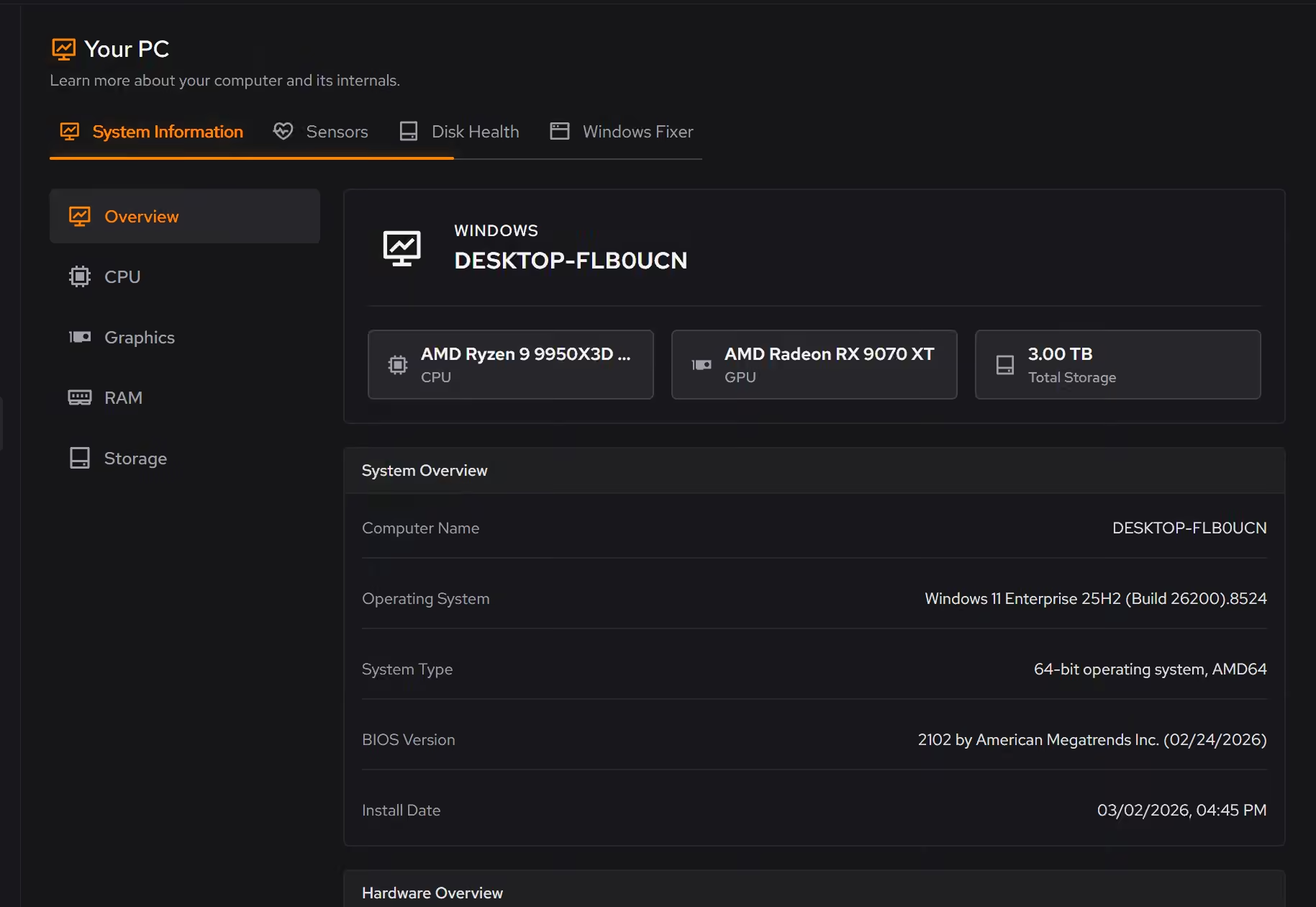
Retired apps, actually gone
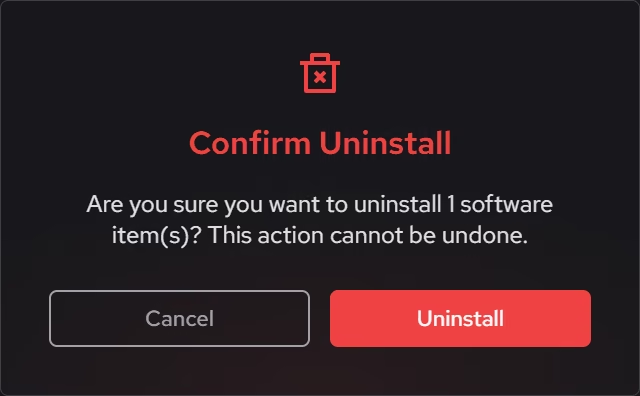
Removing software through the standard route often leaves files and registry entries behind. Uninstaller looks for what remains after removal, so a Creative Cloud app you no longer use is actually gone.
In Uninstaller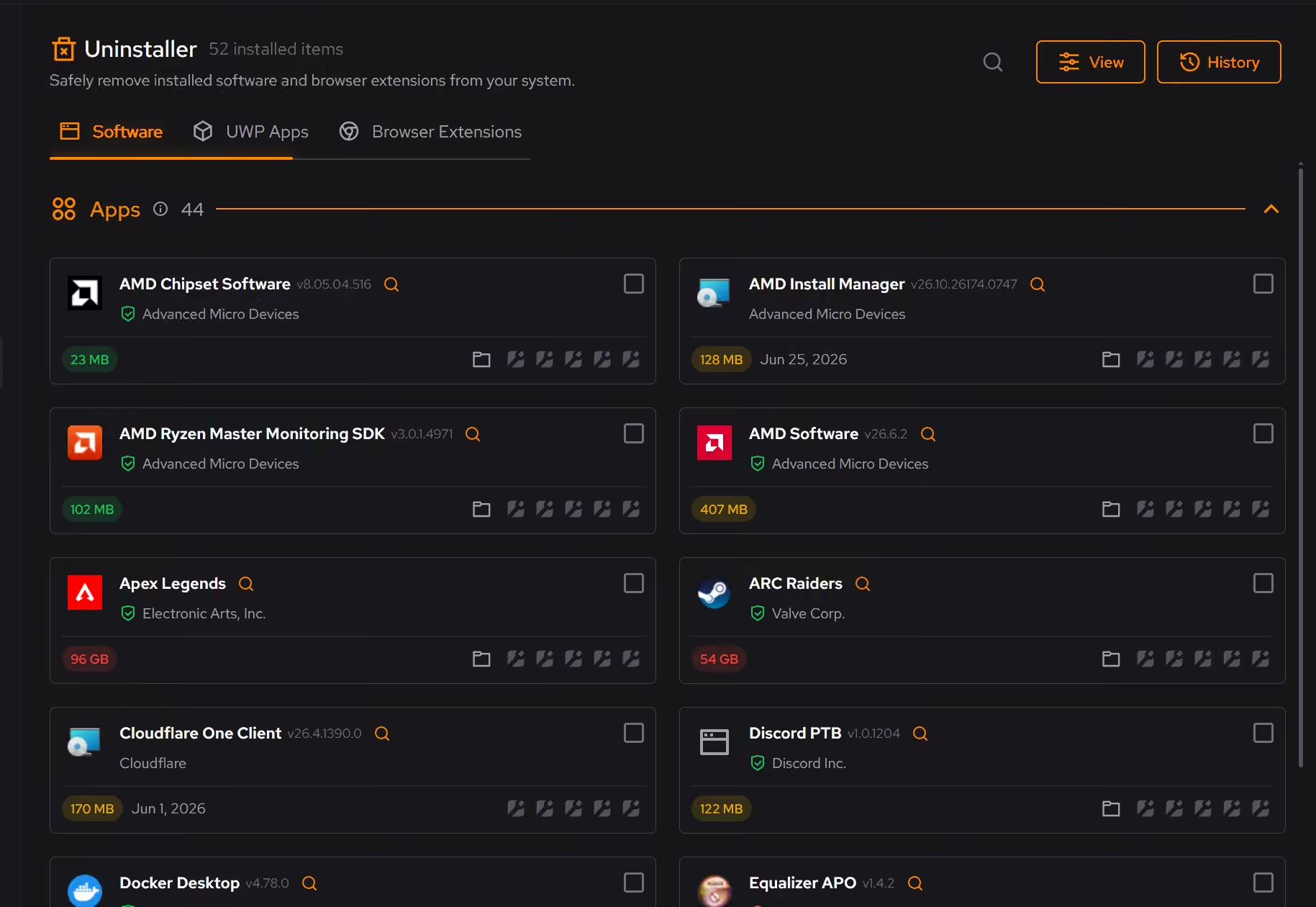
Proof, then limits.
What you can check
You see what cleaning will remove and how much space it frees before anything happens.
In CleanerThe large file finder shows size and modified date next to every result.
In Cleaner
Where eclean stops
eclean does not manage Adobe's media cache or scratch disk settings. Those belong in your Adobe apps.
It does not update or manage GPU drivers. It manages the Windows around your creative apps.
If eclean steps over a line here, tell us and we'll fix it.