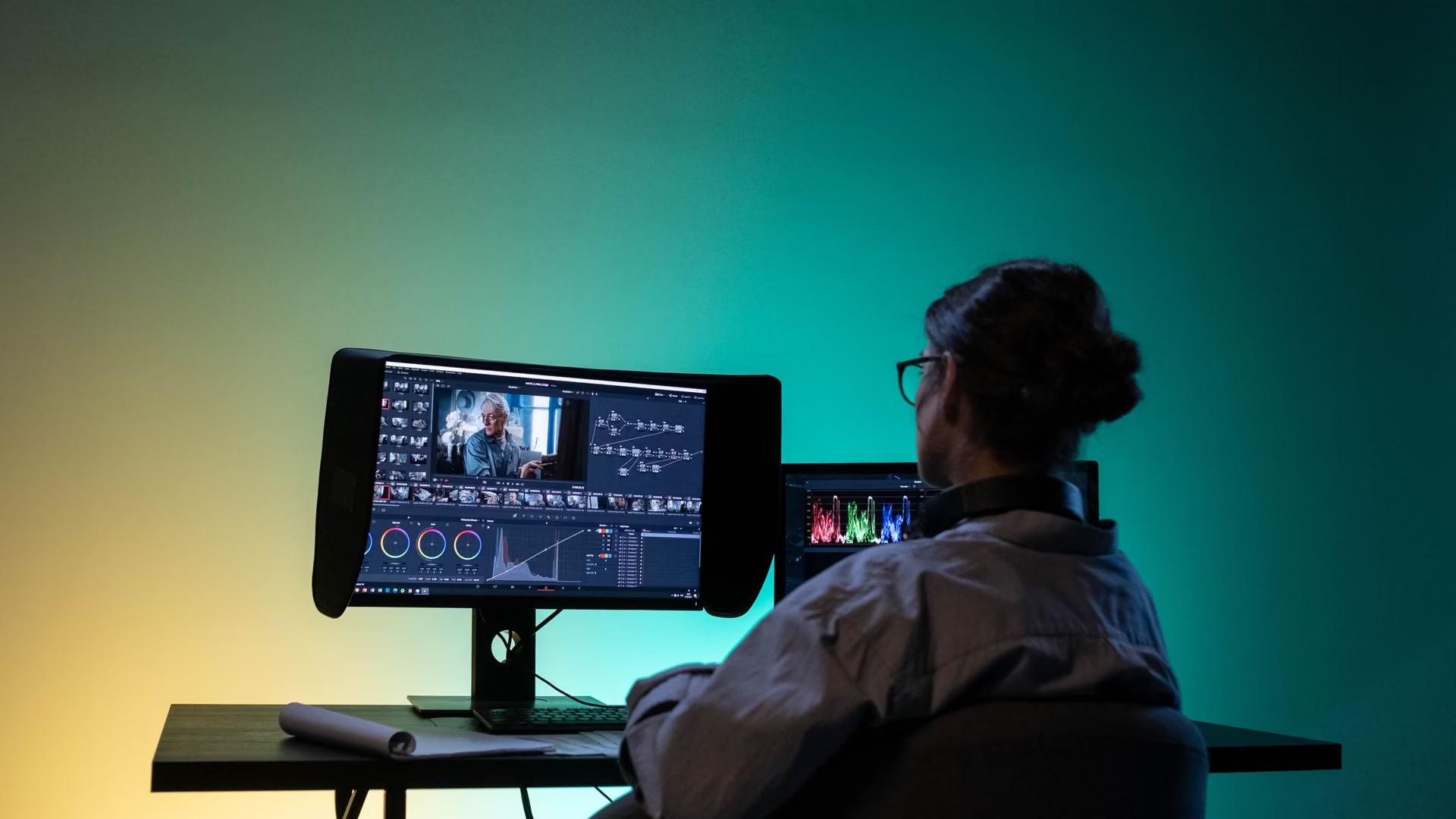
Creators
For editors, designers, and photographers. Watch memory during renders, clear project leftovers with a preview, and quiet the background while you work.
Pick the page that sounds like you. Each one says what helps and where eclean stops.
Who eclean is built for, and where it helps.
For editors, designers, and photographers. Watch memory during renders, clear project leftovers with a preview, and quiet the background while you work.
Startup, services, and scheduled tasks in one view, DNS chosen by measurement, and removals that clean up after themselves. No unexplained registry surgery.

For the PC that handles browsing, bills, and photos. Cleanup you can preview, a quieter startup, and plain-language tweaks, free on Windows 10 and 11.

For the household tech person. Revertible changes, one inventory of what everyone installed, and a browser extension check. Family covers 5 PCs.
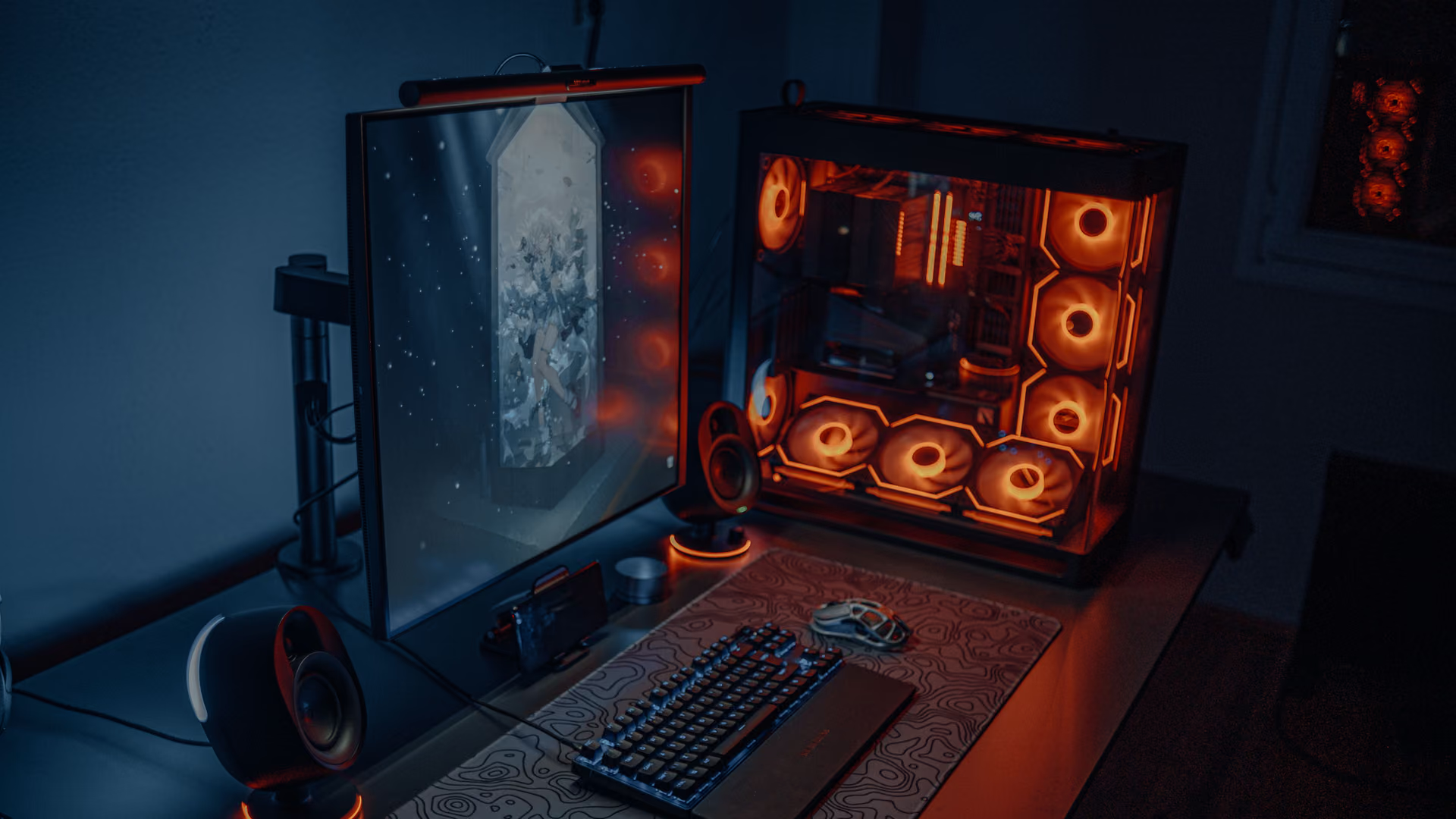
How eclean tunes Windows for gaming with explained tweaks, a route back, a quieter startup, and live views for when a game stutters. Free on Windows 10 and 11.
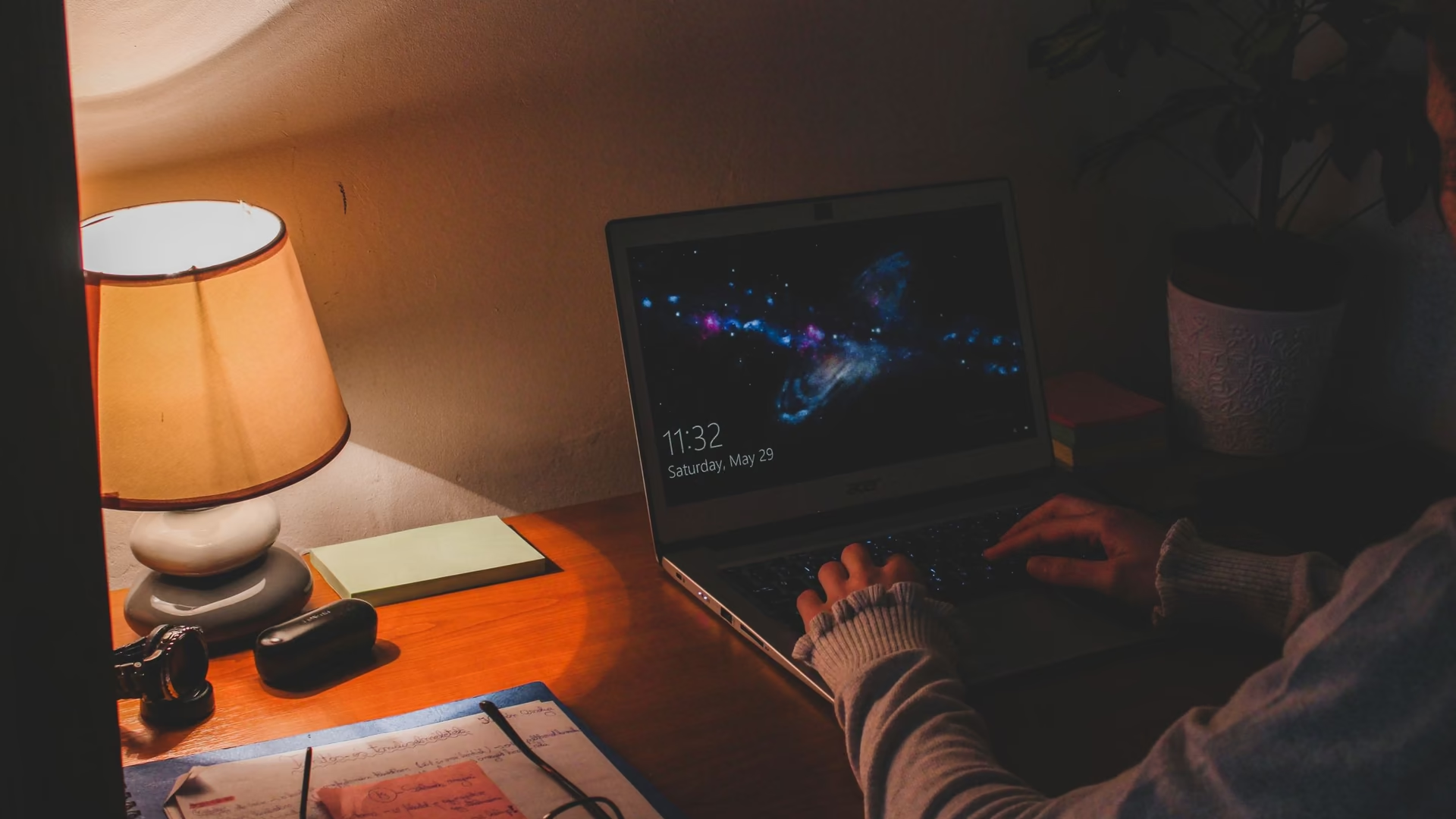
For the home office PC. Keep calls smooth by trimming the background, see what a laggy meeting is hitting, and clear the drive that fills with work.
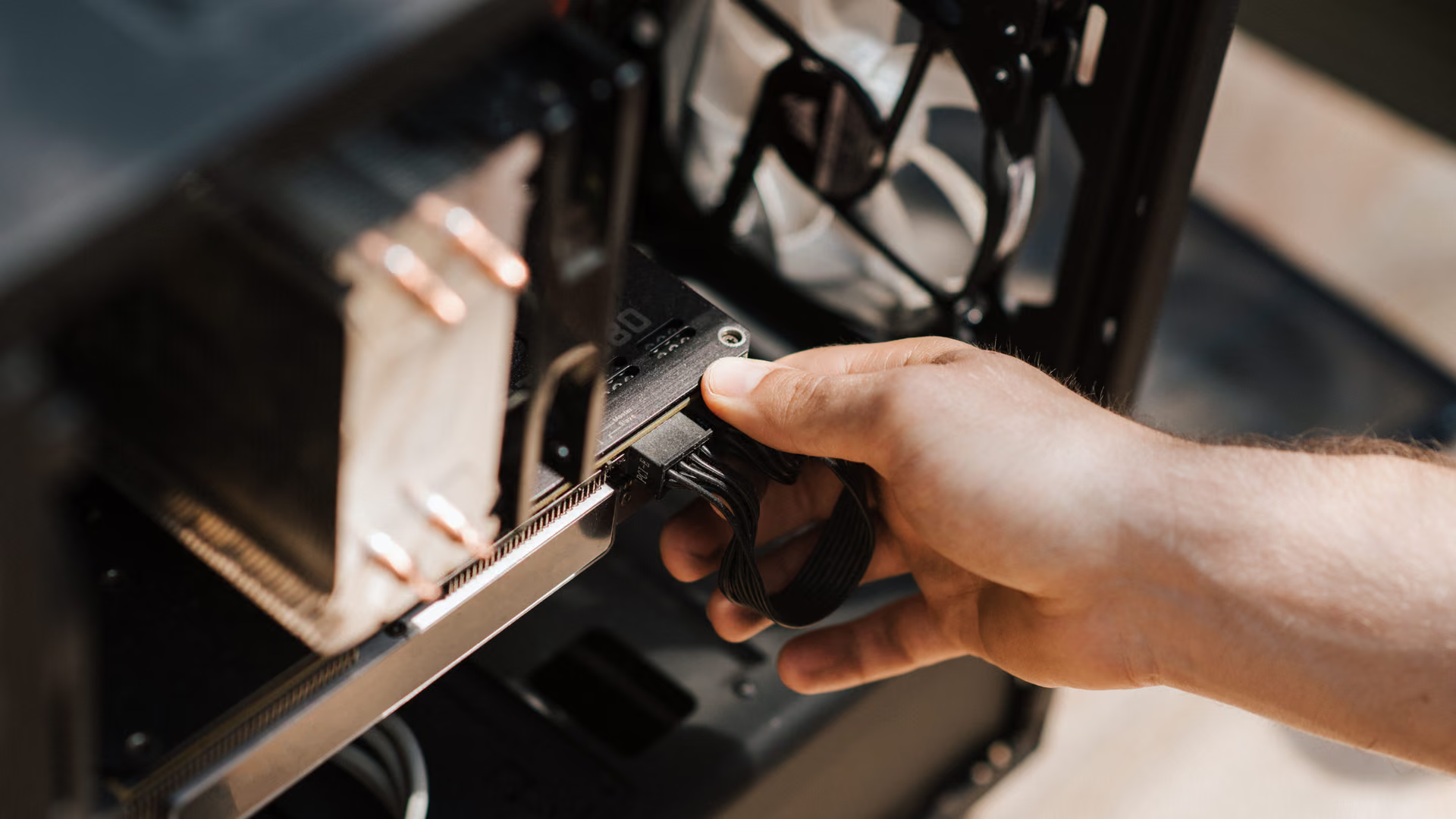
A slow PC is usually a busy PC. How eclean trims startup, services, and clutter on aging hardware, and is honest about what software cannot fix.
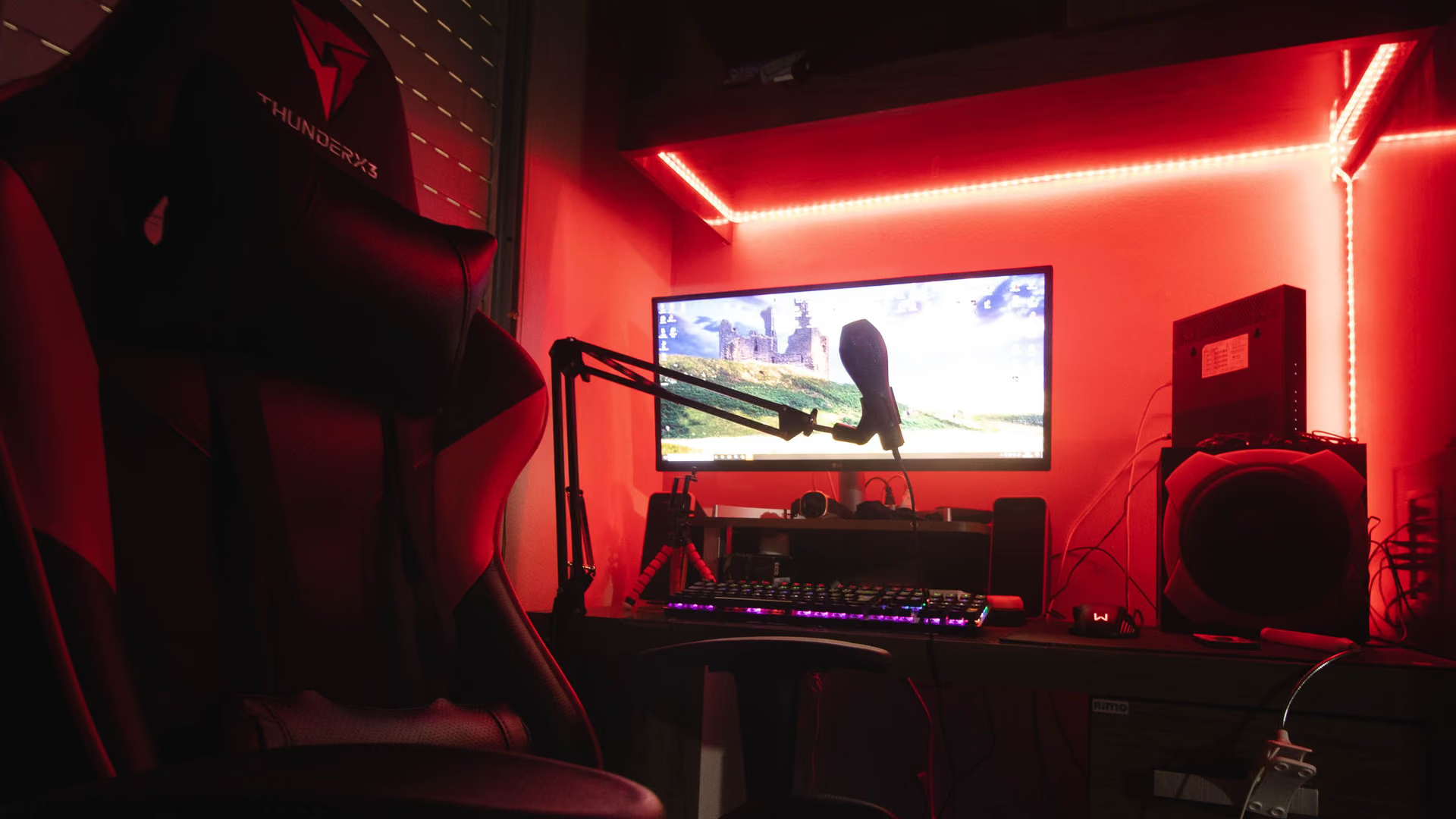
When one PC runs the game, the encoder, and the chat, background work costs frames. How eclean trims the load and shows you the bottleneck while you are live.

Free cleanup for a student laptop with a full drive. Preview what gets removed, find the large files, and quiet the startup, without paying for any of it.
Where eclean fits around the software you already run.
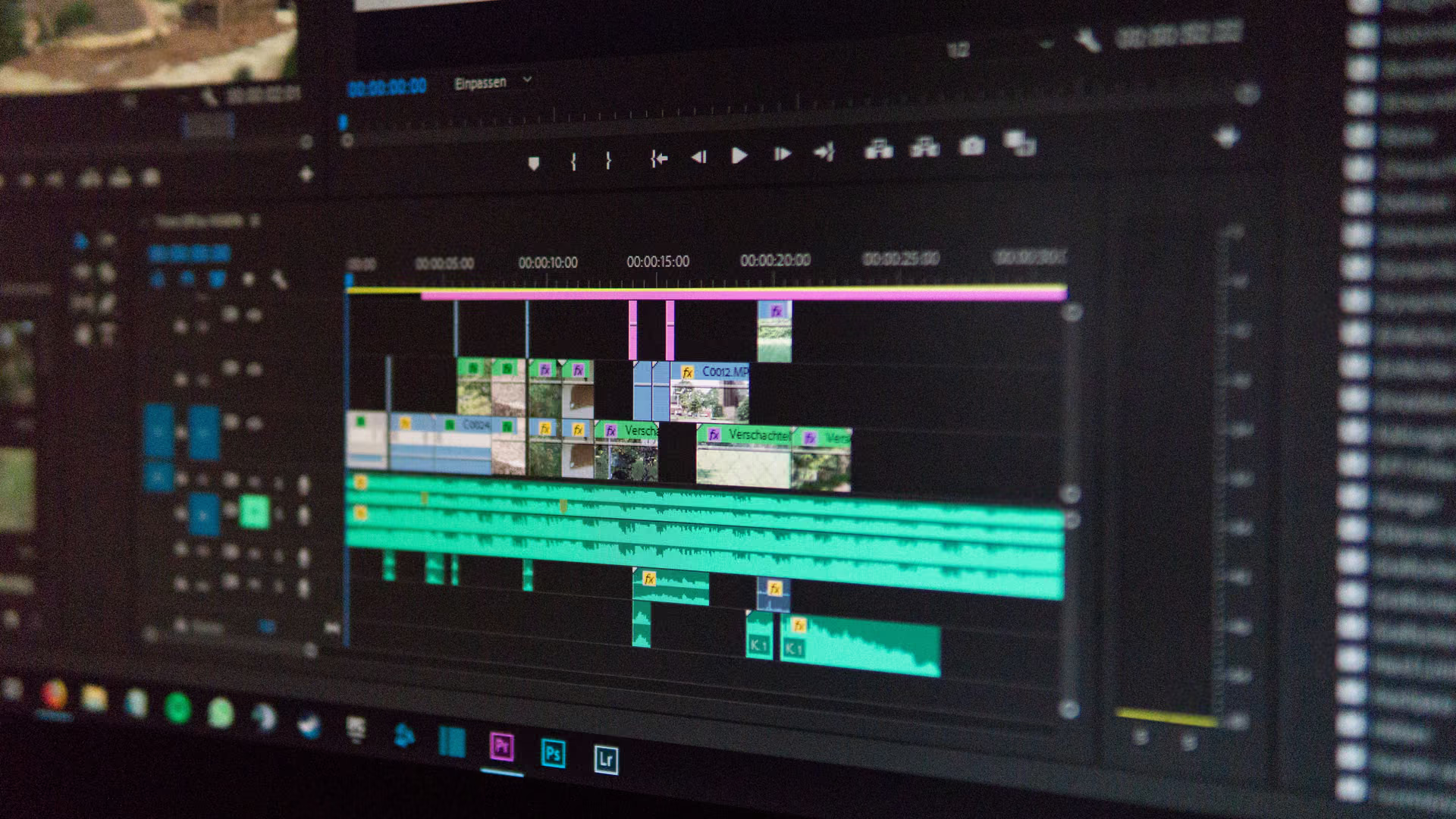
Premiere and Photoshop fill drives mid-project. eclean previews the clutter, finds forgotten renders by size and date, and watches memory during exports.

When the whole PC lives in Chrome, the machine around it decides how it feels. Review extensions, quiet the startup, and clear browser clutter with a preview.
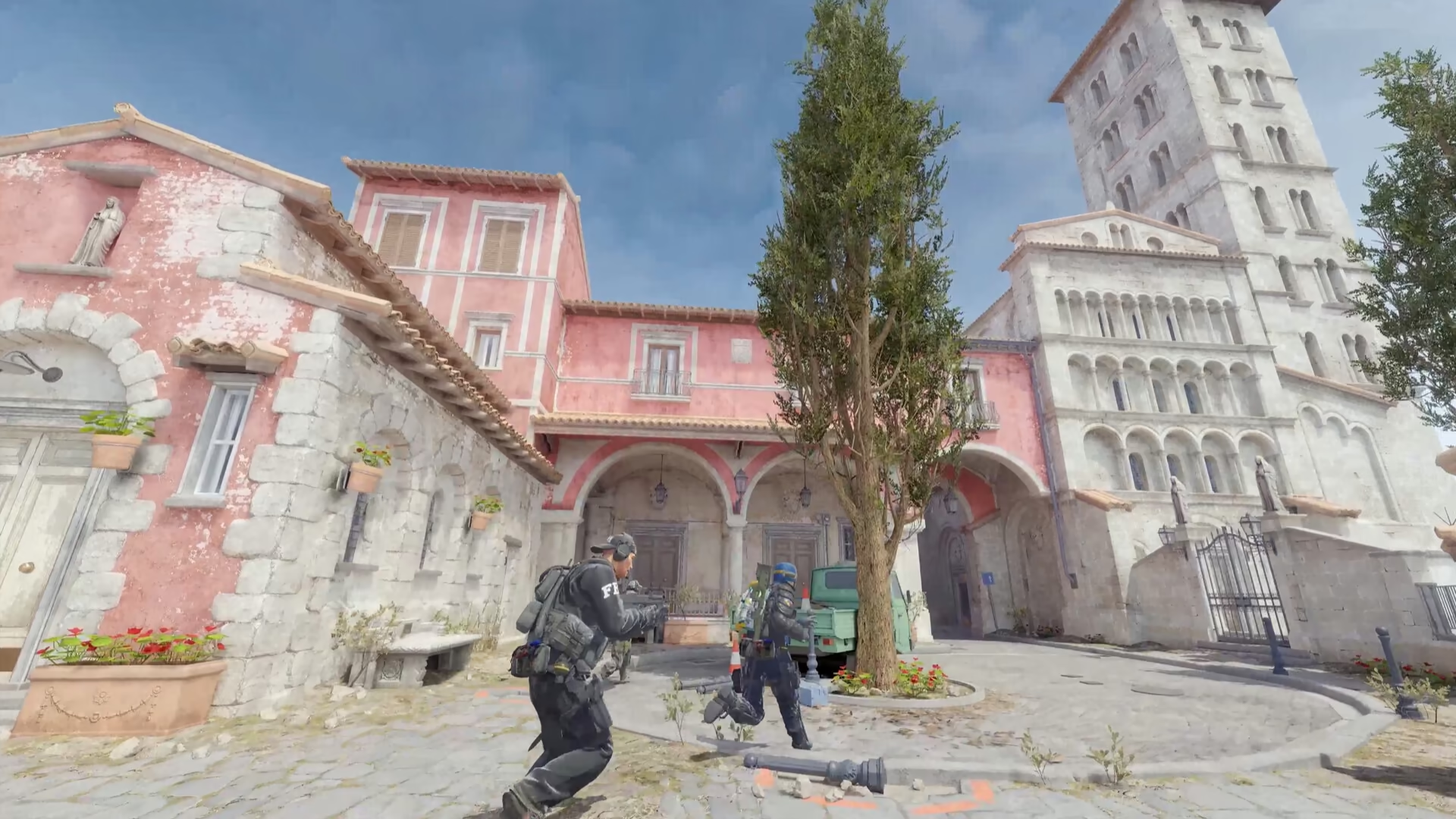
eclean tunes the Windows under CS2 with explained scheduler and background tweaks, shows the hardware live between matches, and never touches the game or VAC.
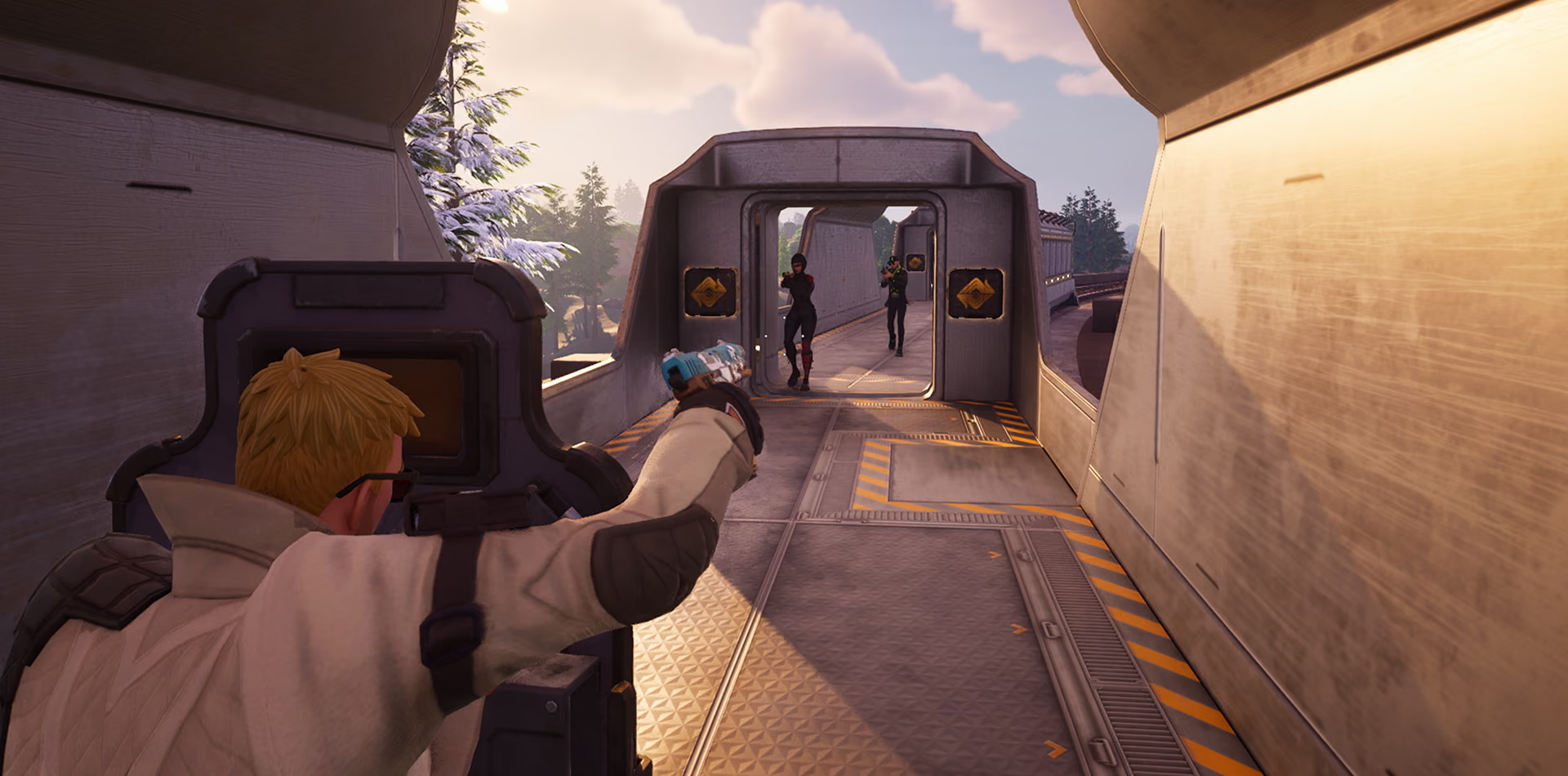
A free Fortnite cleaner for Windows. Clear the clutter blocking a season update, find the large files, trim startup, and watch storage live.

GTA V wants a big drive and a quiet Windows. eclean clears space around the install, trims the background, and shows the hardware live when the city stutters.
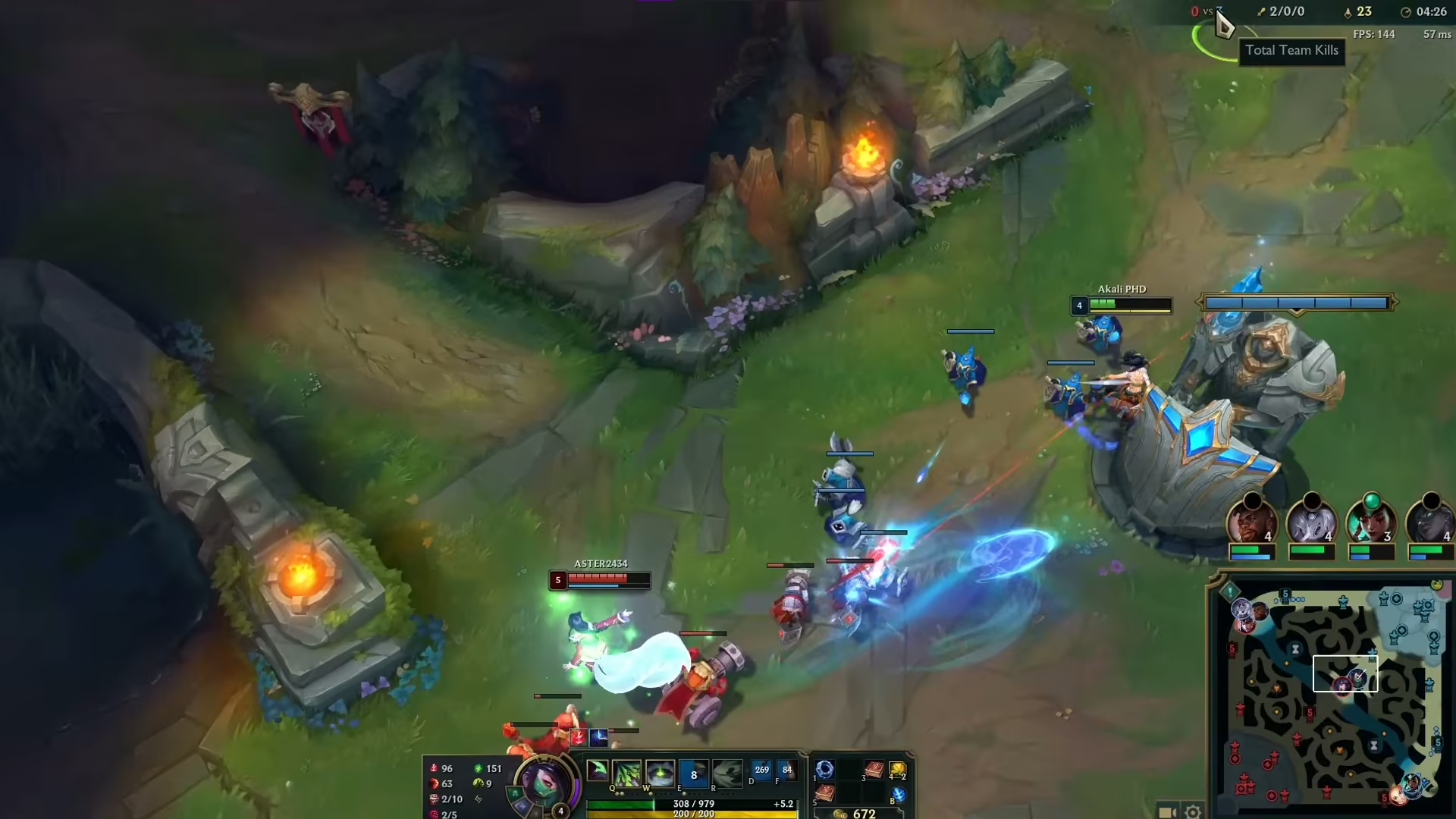
eclean tunes the Windows under League of Legends with explained scheduler tweaks and a quieter startup, and never touches the game, its client, or Vanguard.
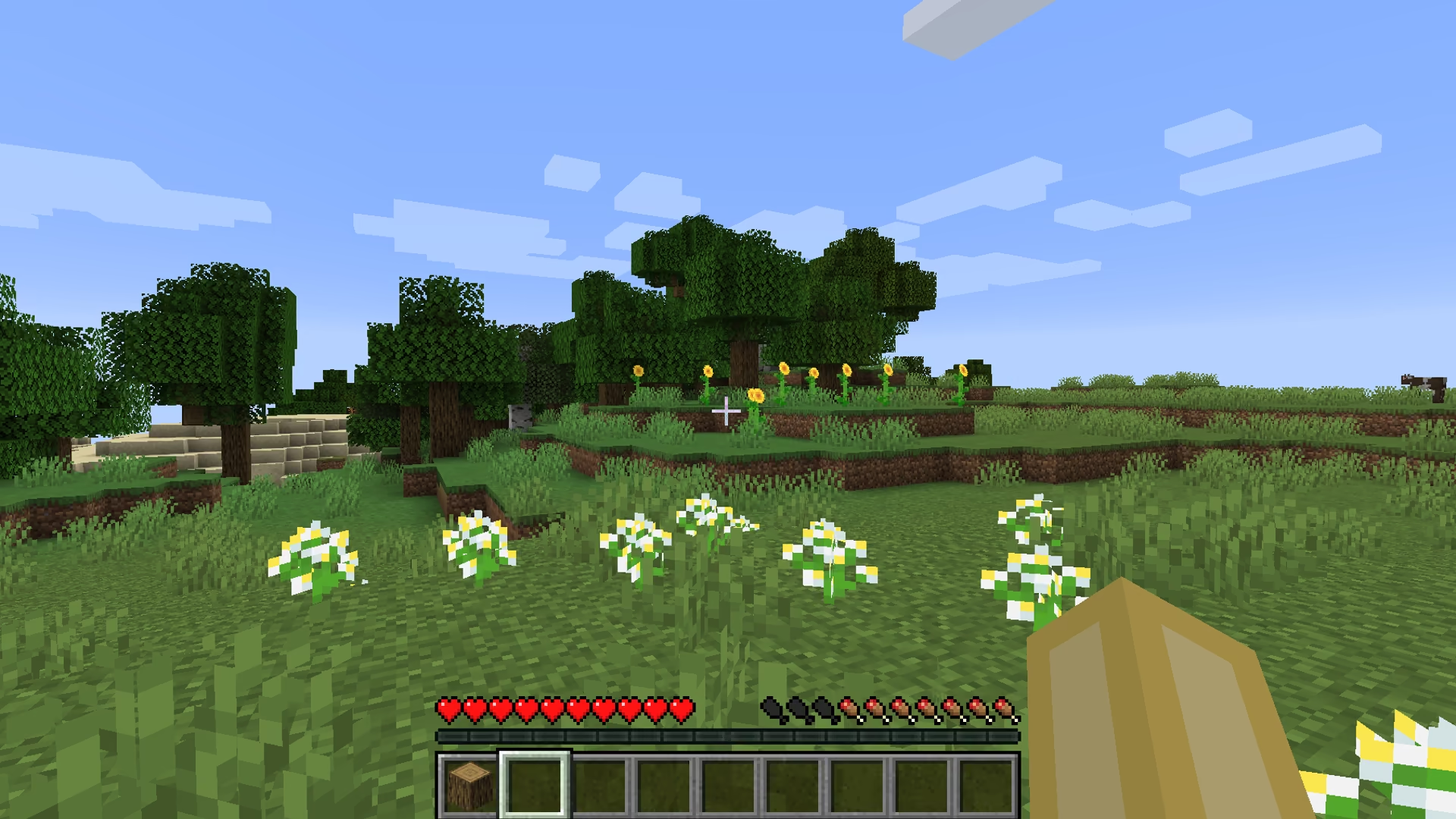
Minecraft lag often starts outside the game. eclean shows memory live, quiets the background, and clears drive space without touching your worlds or mods.
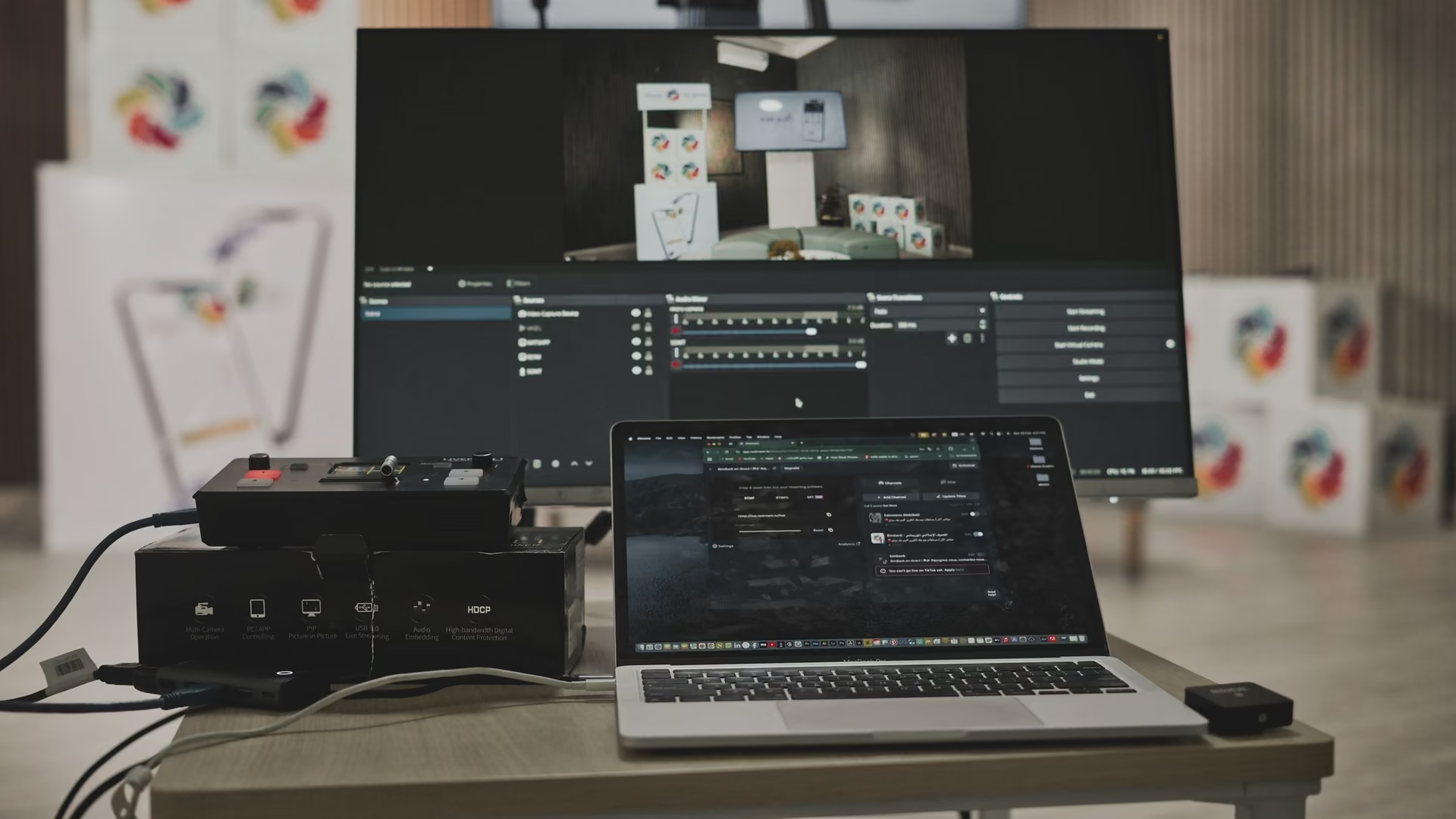
OBS drops frames when Windows competes for the encoder's headroom. eclean shows the background load, trims it, and watches demand live. OBS stays untouched.

Roblox PCs collect installs, extensions, and clutter fast. eclean inventories what arrived, previews cleanup, and quiets startup without touching Roblox.

A Steam library quietly owns the drive it lives on. See what the games and their leftovers cost, clear the clutter around them, and quiet the launcher startup.
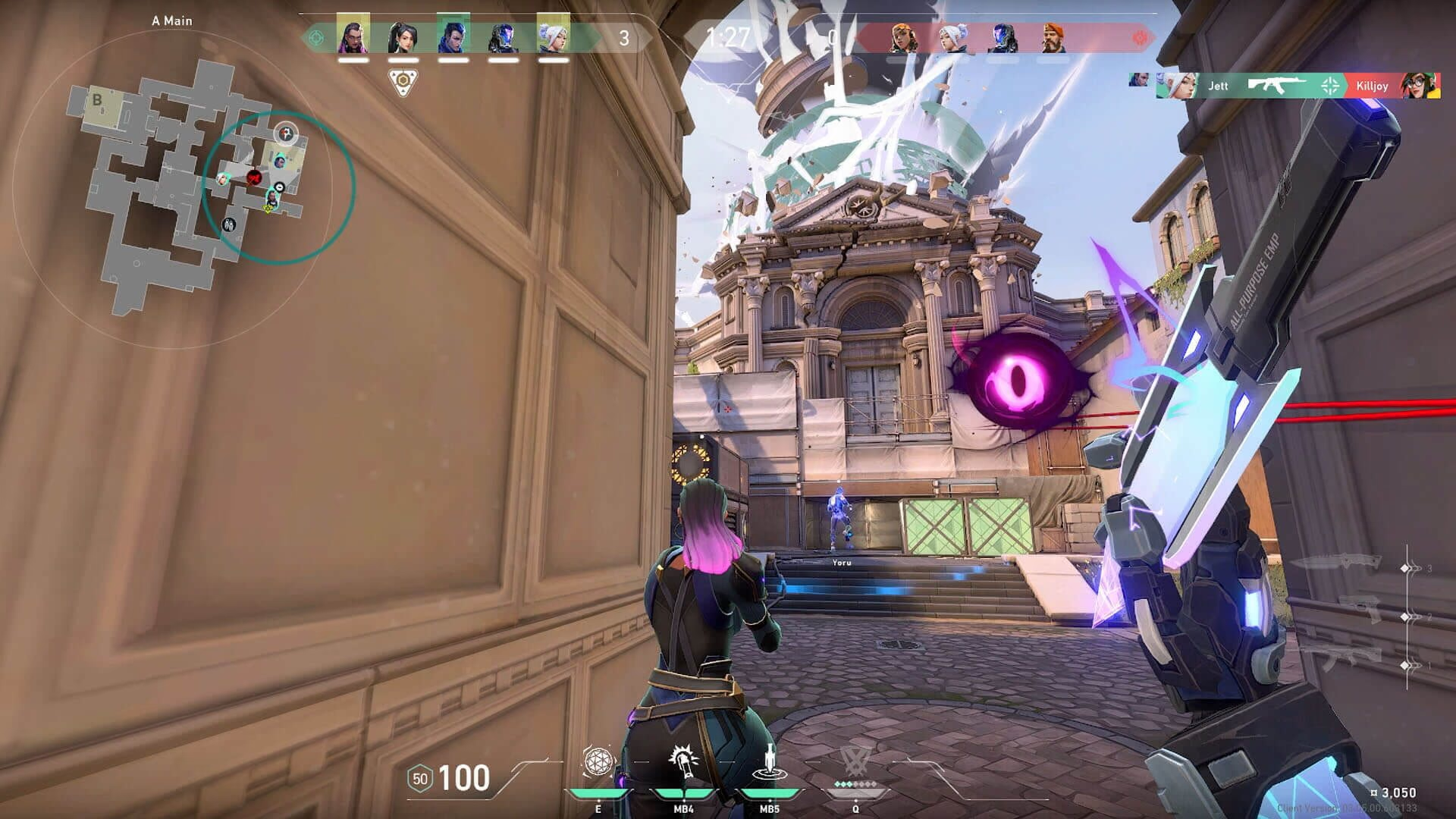
eclean tunes Windows around Valorant, explains each change down to the Windows setting behind it, and never touches the game or its anti-cheat.
Moments when a PC needs attention, and where to start.
A PC that slowed after a Windows update is usually busy, not broken. See the new background load, re-check your tweaks, and reclaim the drive, explained first.

A fresh Windows install is the easiest PC you will ever maintain. Set the defaults deliberately, clear what the image shipped, and guard the empty startup.
When Windows warns about low disk space, guessing costs files. Preview the clutter, sort what remains by size and date, and decide on the drive's facts.
The first hour with a new gaming PC decides how it ages. What to check, remove, and tune with eclean before the preloads and startup apps settle in.
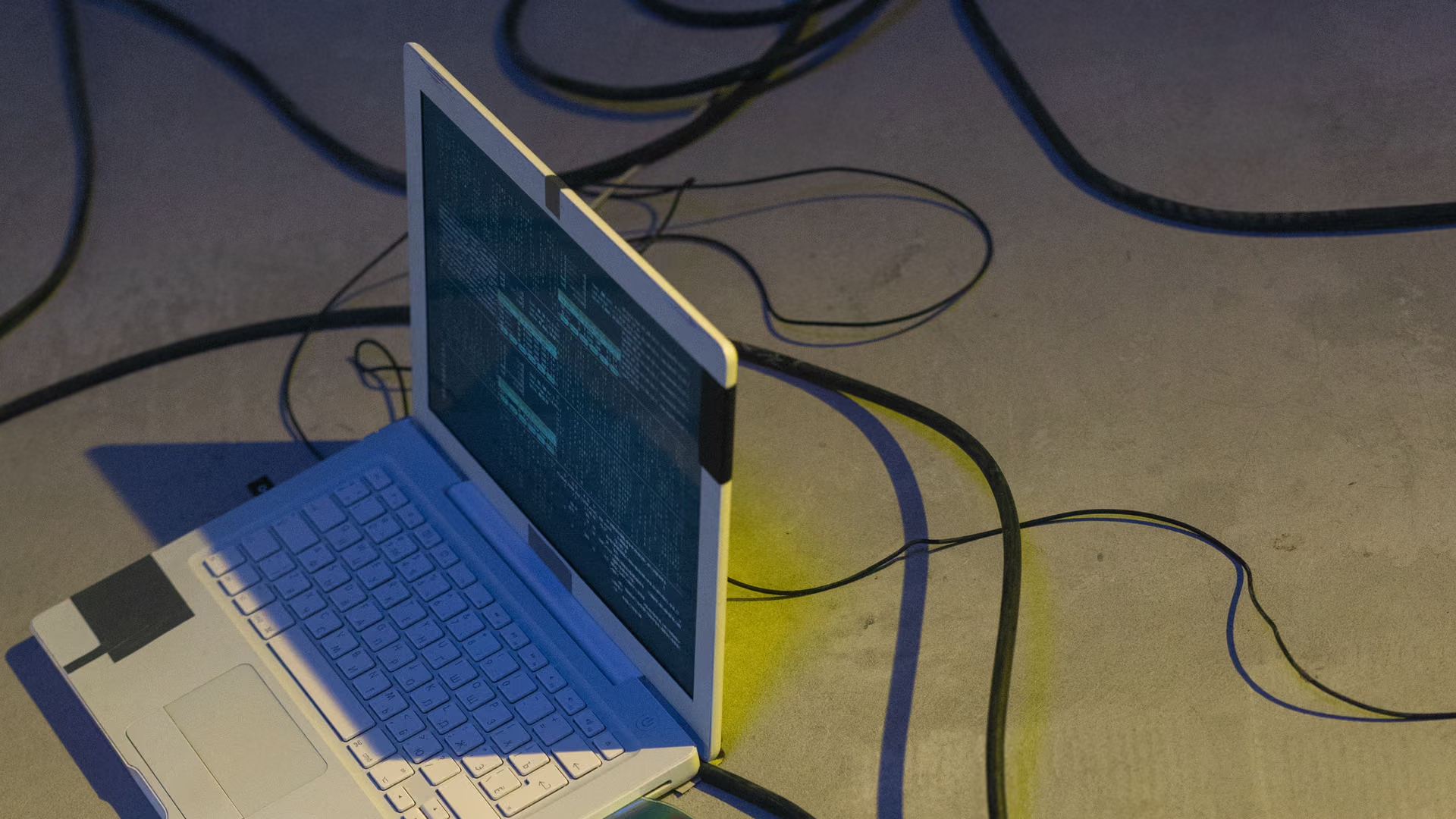
Is the laptop worth saving? Measure what is in it, reclaim the disk, cut the background load, then decide, with honest limits on what software can fix.

The laptop heading back to school after a summer of games and downloads. Clear the clutter with a preview, quiet the startup, and review what got installed.

Before a PC changes hands, know what is on it. Inventory your software, shred what is sensitive, and document the hardware honestly for the listing.
Every page above is the same free app on Windows 10 and 11.
Download free