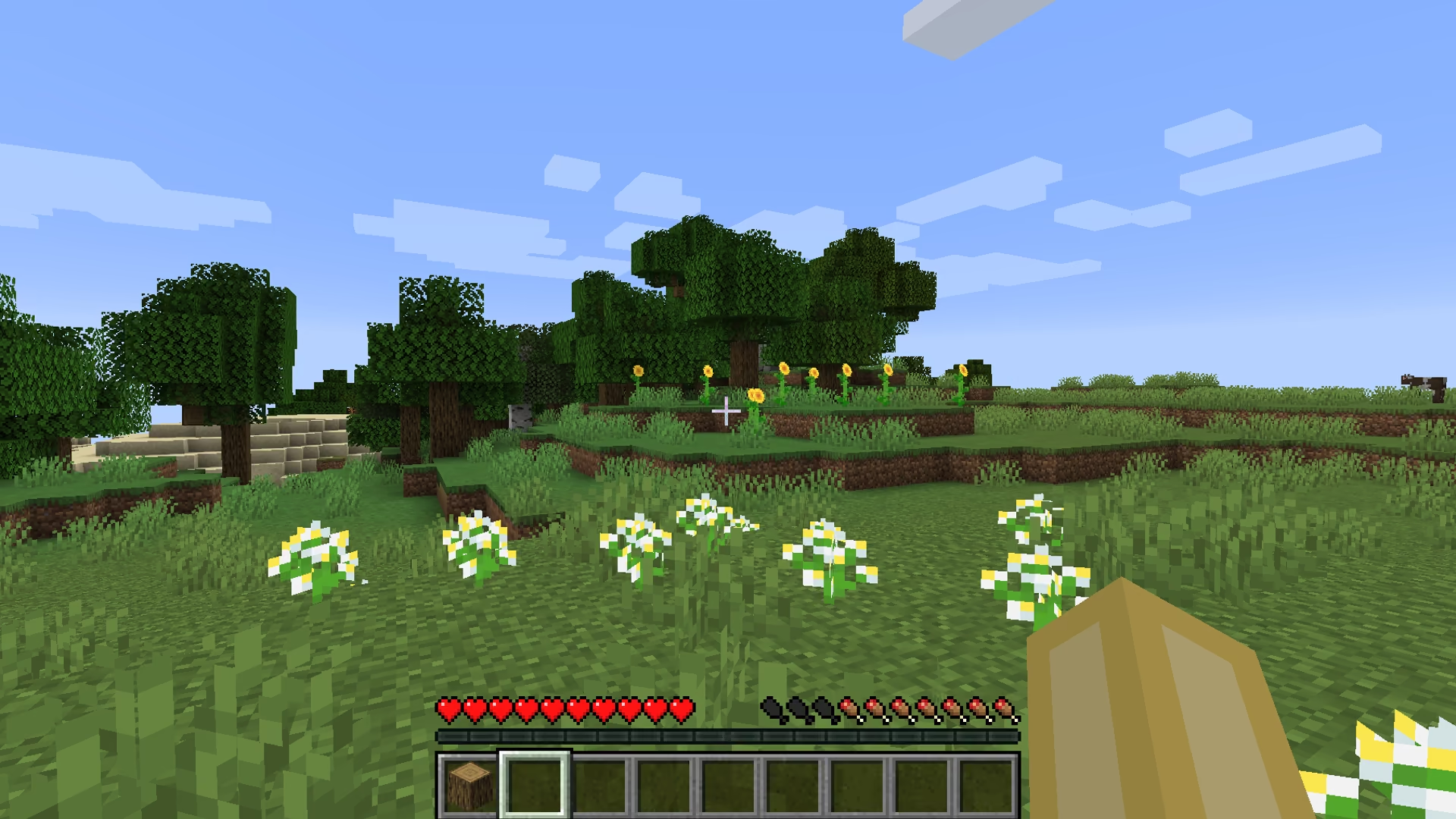
Room for Minecraft to build. The PC's problems, solved outside the game.
Minecraft lag often starts outside the game. eclean shows memory live, quiets the background, and clears drive space without touching your worlds or mods.
Free · Windows 10 and 11
Every change explained, with a route back.
The problem.
Minecraft runs on almost anything, which is exactly why it ends up on the PCs with the least to spare. On a hand-me-down laptop or the family desktop, the game shares its memory with years of startup apps and a nearly full drive, and the lag that follows gets blamed on the game instead of the machine around it.
Minecraft's reputation for running anywhere hides a quieter truth. The machines it runs on are usually the busiest ones in the house, full of startup apps nobody chose, browser tabs nobody closed, and a drive that has been almost full since last year. The game gets the blame for lag that mostly belongs to the Windows around it.
That distinction is checkable, and checking it is where eclean starts. The live views show memory, processor, and storage demand while a world is loaded, so you can watch what the PC actually gives the game. A machine that shows memory pinned before Minecraft even launches has a background problem, not a Minecraft problem, and that is fixable without touching the game at all.
The background fix is the familiar eclean loop. Booster lists everything that starts with Windows in one place, and on the kind of PC Minecraft lives on, that list has usually grown for years without anyone reading it. The tweaks named further down this page shed more of the ambient load, stopping apps from running in the background, turning off Widgets' content fetching, and regrouping Windows services into fewer processes to lower resident memory. Every one of them describes what it changes before it runs and reverts from the history afterward.
Storage is the other half, because worlds, modpacks, and screenshots accumulate in the same years as everything else. Cleaner previews the routine clutter by category with the space it frees, and the large file finder sorts the big items by size and modified date, which surfaces the forgotten video captures and old installers a shared PC collects. Your worlds and mods are not eclean's to manage, and it does not touch them. It clears the drive around them so updates and new modpacks have somewhere to land.
What this page will not promise is a frame rate. Minecraft's performance settings, its mods, and its Java options belong to the game and its community tools, and eclean stays out of all of them. The claim here is narrower and easier to keep. A quieter, emptier, better-understood Windows gives the game more of the machine, and every change made on the way is explained, logged, and reversible.
What eclean does here.
See what the game is really getting
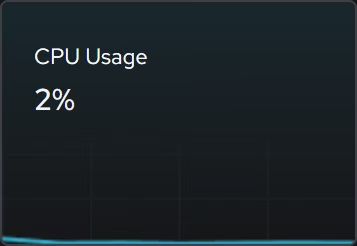
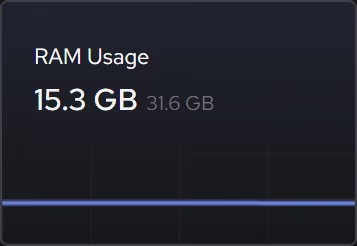
Live memory, CPU, and storage views show what the hardware is doing while a world is loaded, so you can tell whether Minecraft is starved for memory or the PC is spending it somewhere else entirely.
In Your PC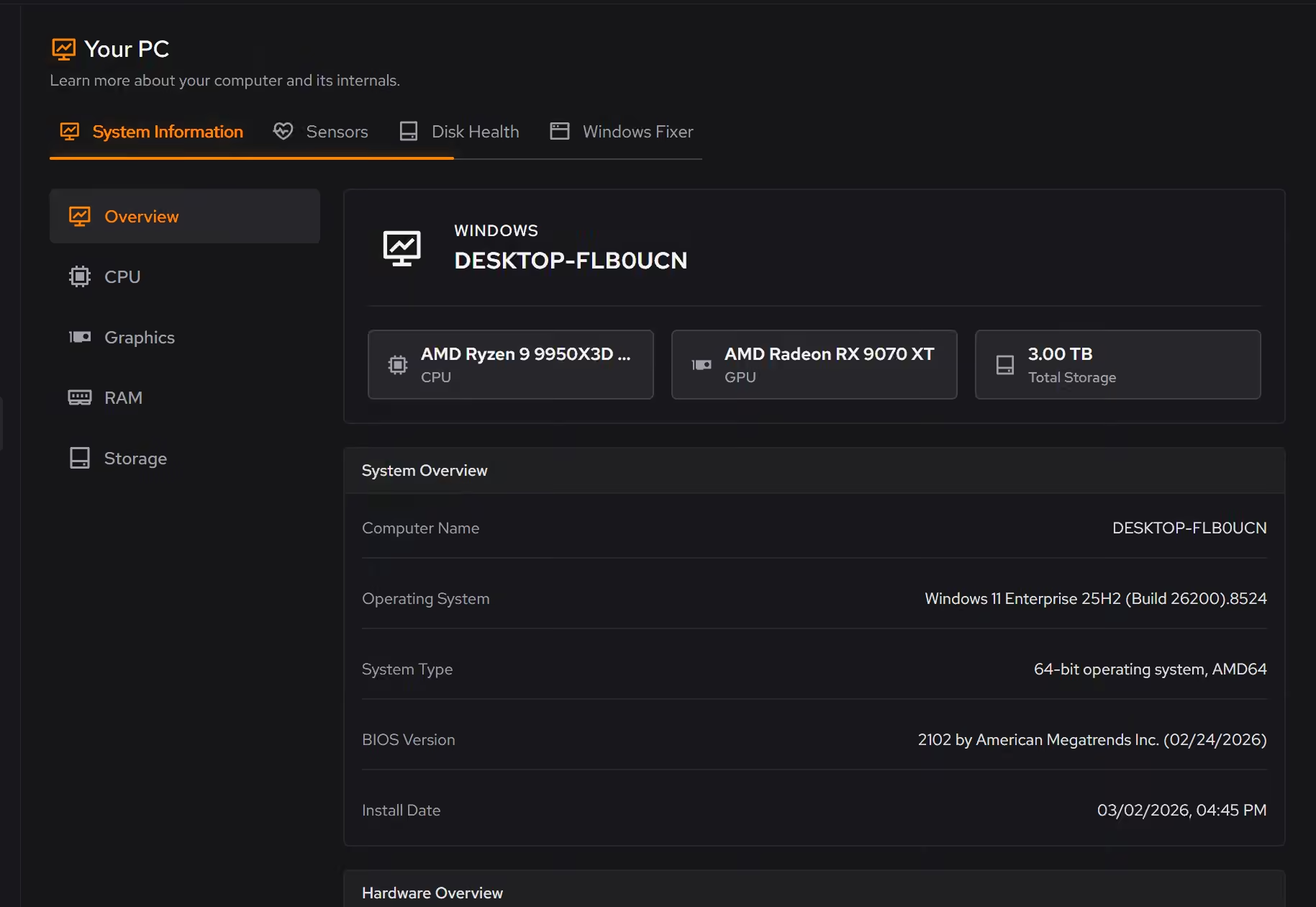
Quiet the machine underneath
On modest hardware, the apps that start with Windows are Minecraft's real competition. Booster puts startup apps, services, and scheduled tasks in one list, so the background load is something you decided on rather than inherited.
In Booster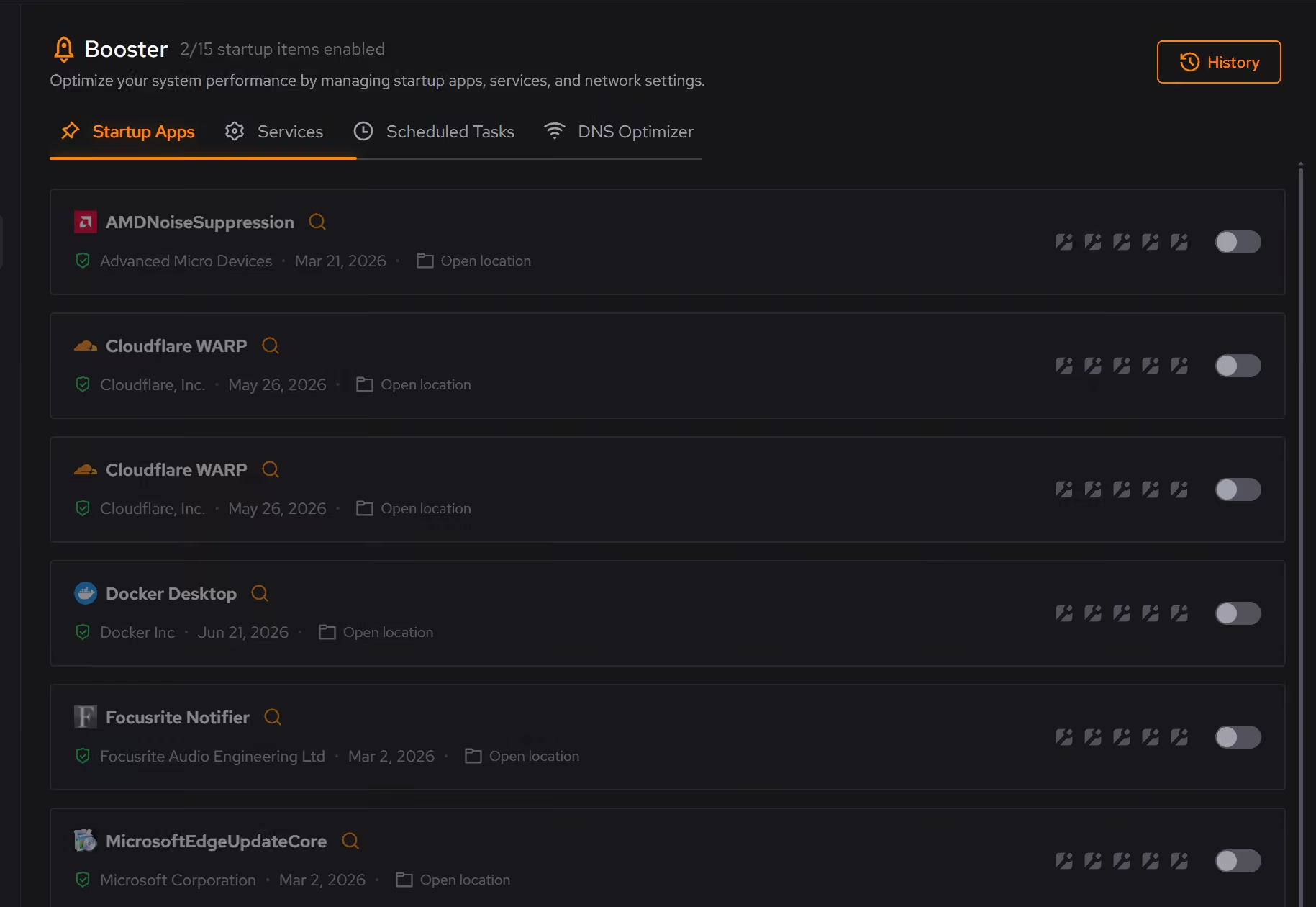
Space for worlds, mods, and updates
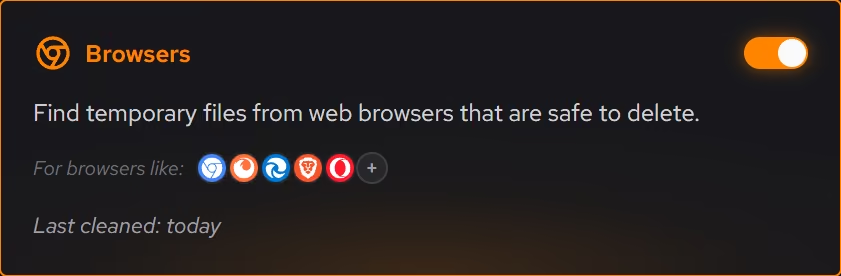
Worlds, screenshots, and modpacks share the drive with everything else on the PC. Cleaner previews clutter by category with the space it frees, and the large file finder sorts what remains by size and modified date. Large file scans across all drives at once are Pro.
Pro covers 2 PCs. Family covers 5.
In Cleaner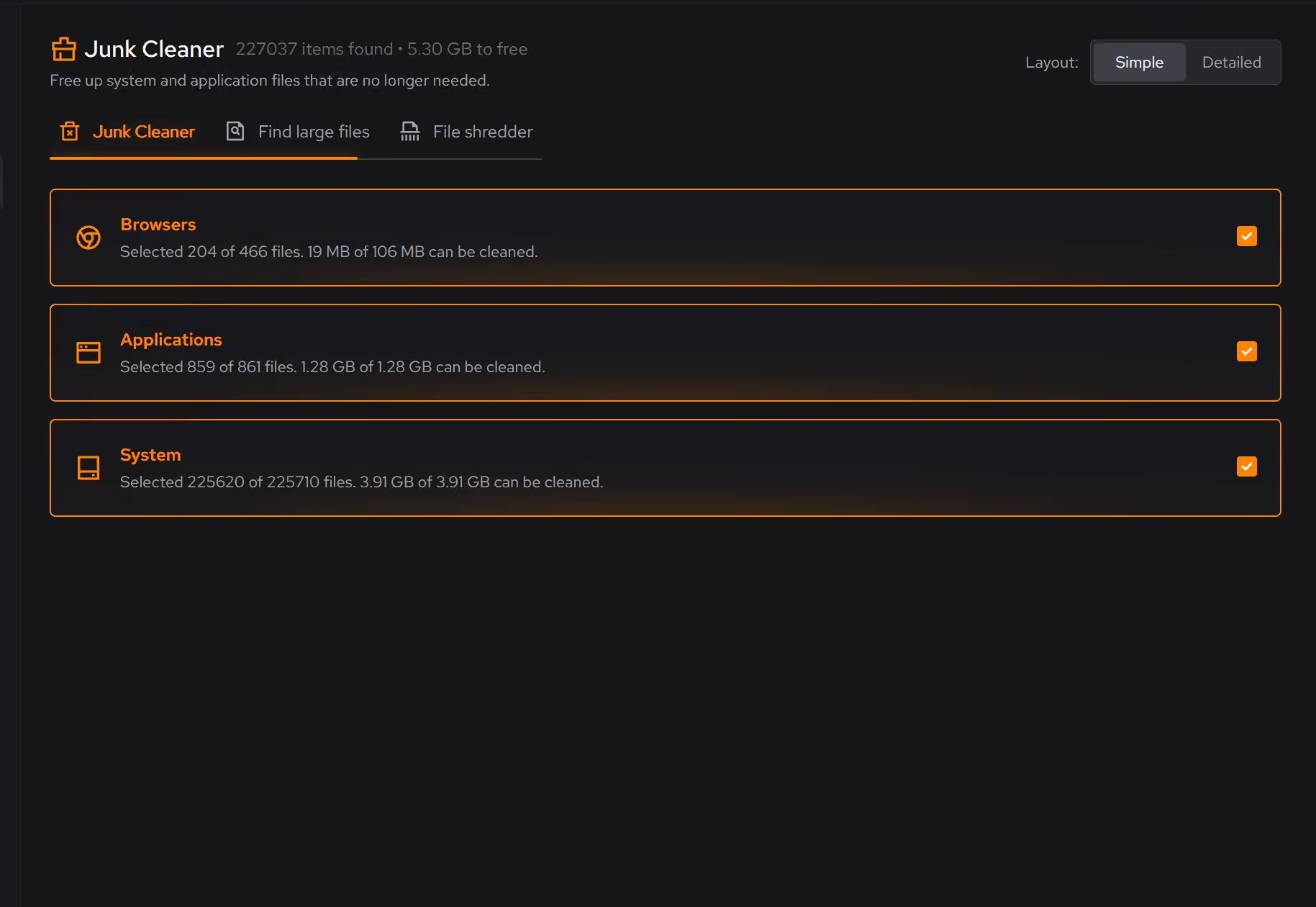
Free on Windows 10 and 11, no trial timer.
Download freeThe tweaks, by name. Each one explains itself before it runs.
Disable Background Apps
Prevents apps from running in the background when not actively in use. This reduces CPU and memory usage, extends battery life on laptops, and improves overall system responsiveness.
Disable Widgets
Turns off the Windows Widgets panel and, when possible, removes related components. This reduces background content fetching, memory usage, and taskbar clutter.
Disable Content Delivery
Stops Windows from automatically installing suggested apps, showing app recommendations in the Start menu, and displaying tips and advertisements throughout the system.
Disable Svchost Splitting
Combines Windows services into fewer svchost.exe processes instead of running each separately. This can significantly reduce RAM usage, though it slightly decreases service isolation.
Every tweak above changes Windows settings, and applied changes land in a history. See how Optimizer works
Proof, then limits.
What you can check
eclean changes Windows. It does not modify Minecraft, its worlds, or installed mods.
In OptimizerLive processor, graphics, memory, storage, and network activity can be followed as it changes, free for everyone.
In Your PC
Where eclean stops
eclean does not touch Minecraft's files, worlds, mods, or Java settings.
It cannot make low-end hardware faster than it is. It clears the load and shows you honestly what remains.
If eclean steps over a line here, tell us and we'll fix it.
What Pro adds here.
These are the additions the modules on this page gate. Pro covers up to 2 PCs, and Family covers up to 5.
Cleaning that runs on a schedule for the categories you choose
In Cleaner
Large file scans across all drives at once
In Cleaner
Secure overwrite mode in the file shredder
In Cleaner
Still deciding? Fair questions, answered.
Is the free version actually useful?
Yes. The core of eclean, understanding your PC and keeping it tidy, is free without time limits or nagging. Pro adds depth for people who want more control, not the basics held hostage.
What does my PC need to run it?
Very little. If your PC runs Windows 10 or 11 (64-bit), it runs eclean. The full spec sheet is one page long.
Will it break my PC?
It is designed not to. Every change is explained before it is applied, you decide what runs, and supported changes keep a route back inside the app, so nothing you try has to be permanent.