Everything inside eclean.
Five modules that cover the everyday work of looking after Windows. Each one explains its changes and keeps a route back.
- Optimizer
Tune Windows around the way you use it.
Windows ships with defaults chosen for everyone, which means they are chosen for no one in particular. Optimizer reviews the settings that shape performance, privacy, and networking, explains what each one does, and lets you decide what belongs on your PC.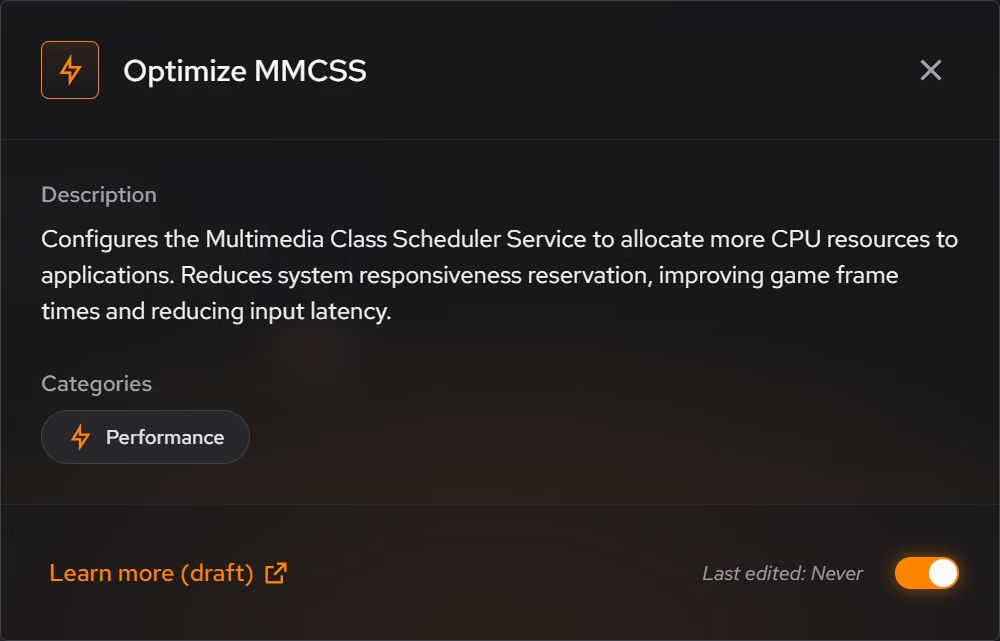
- Cleaner
Recover space with a clearer view of what goes.
Disk space disappears in three different ways. Everyday clutter builds up quietly, large files sit forgotten, and sensitive files deserve more than the Recycle Bin. Cleaner treats each one differently, because they are different problems.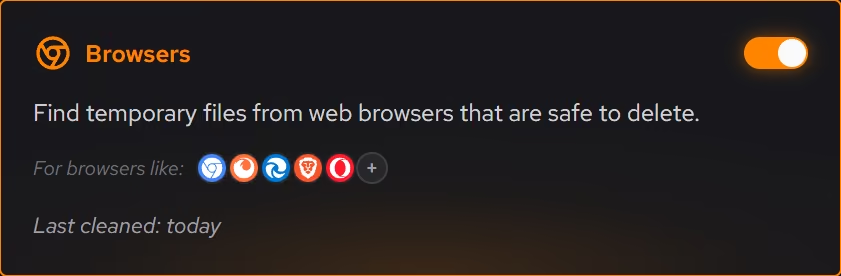
- Booster
Spend less time waiting on background work.
A slow PC is usually a busy PC. Booster shows what starts with Windows, what keeps running in the background, and how your connection resolves the internet, then lets you decide what actually deserves the time.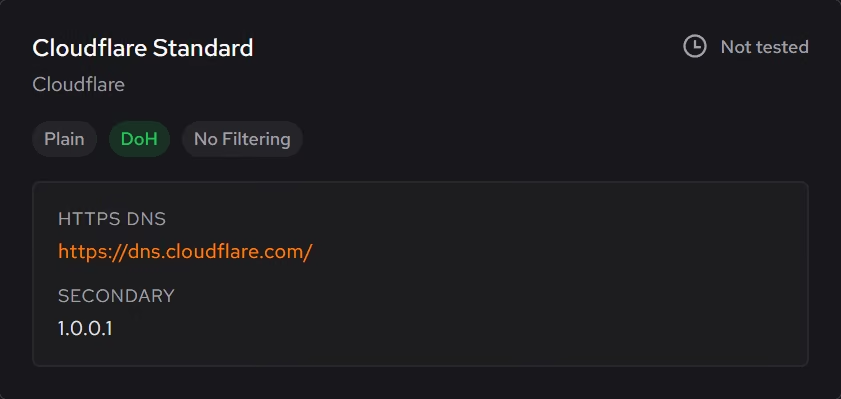
- Uninstaller
See the software footprint around your PC.
Software accumulates in more places than the programs list, in packaged Windows apps, browser extensions, and the leftovers of things you removed years ago. Uninstaller puts the whole footprint in one inventory and helps you decide what stays.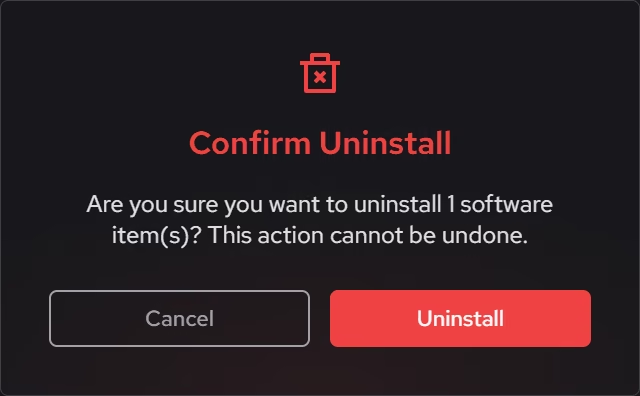
- Your PC
Understand the hardware behind the experience.
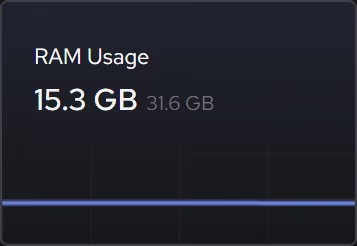
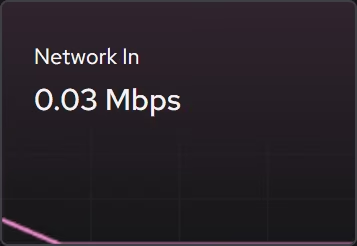
Knowing your own PC should not require five different utilities. Your PC gathers the hardware inventory, live sensors, and focused monitoring views into one place, free for everyone.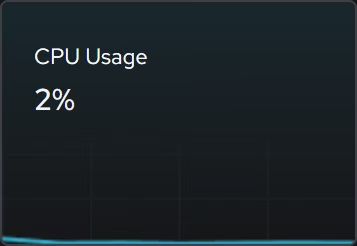
Try all five on your own PC.
Free on Windows 10 and 11. The app explains itself as it goes.
Download eclean