See the software footprint around your PC.
Software accumulates in more places than the programs list, in packaged Windows apps, browser extensions, and the leftovers of things you removed years ago. Uninstaller puts the whole footprint in one inventory and helps you decide what stays.
Replaces


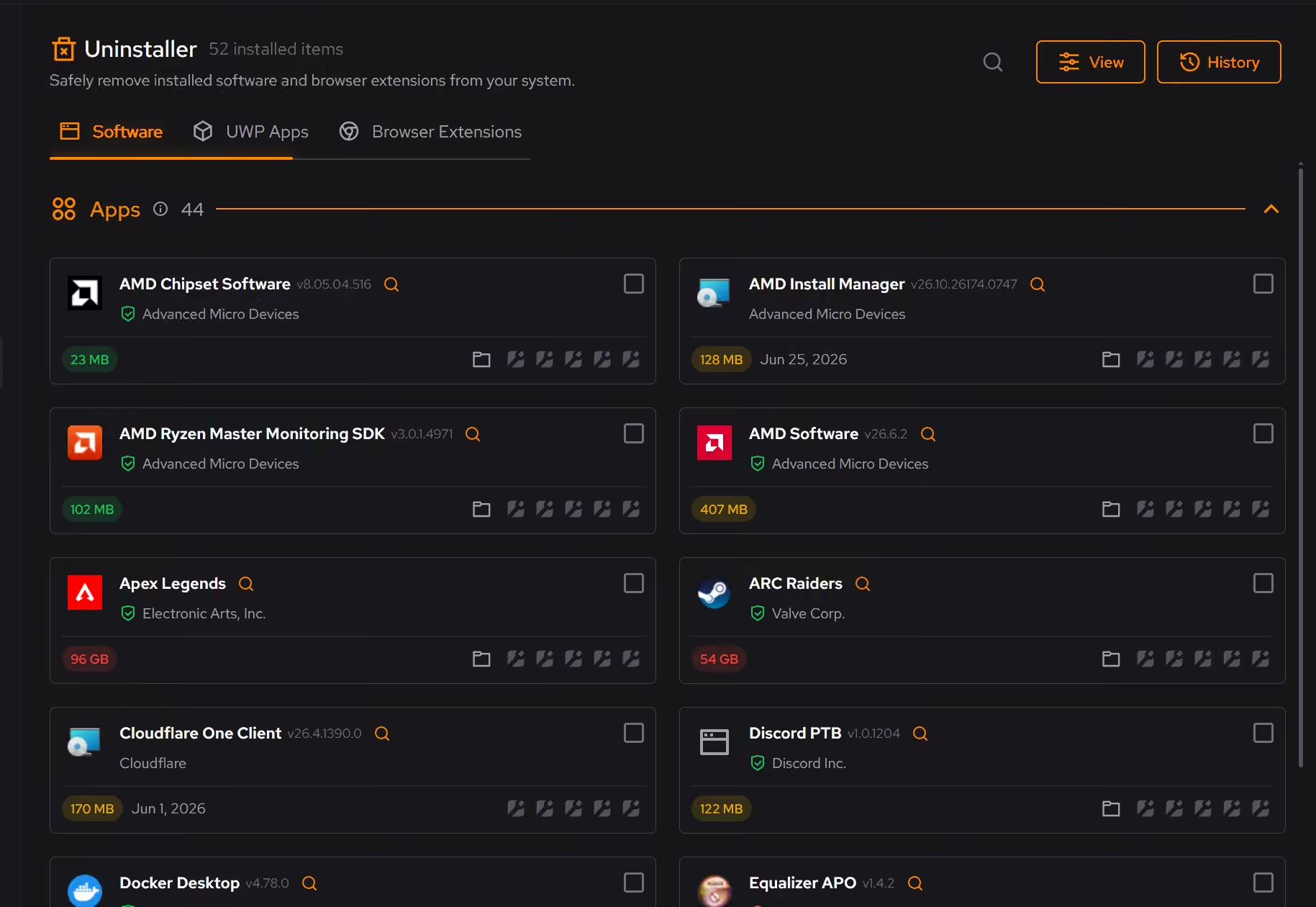
Remove forgotten software
Sort installed desktop programs with the details needed to decide what stays.
Tidy Windows apps
Find packaged apps that are easy to miss in Windows’ usual software list.
Check browser extensions
Review extensions across supported browsers and remove what you no longer use or trust.
One inventory for everything installed.
Desktop programs, packaged Windows apps, and browser extensions appear side by side, with the details that matter for deciding (size, install date, and publisher).
Leftovers included.
Uninstalling through the standard route often leaves files and registry entries behind. Uninstaller looks for what remains after removal so the software is actually gone.
What Pro adds to Uninstaller.
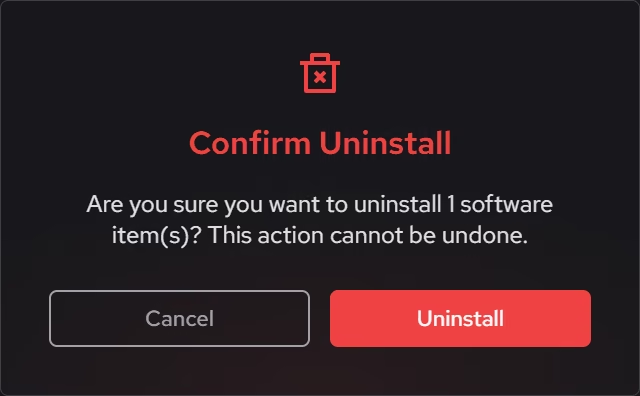
- Batch removal without limits, for clearing several programs in one pass
Everything else on this page is free.
Put it to work on your PC.
Free on Windows 10 and 11, with every change explained before it happens.
Download eclean