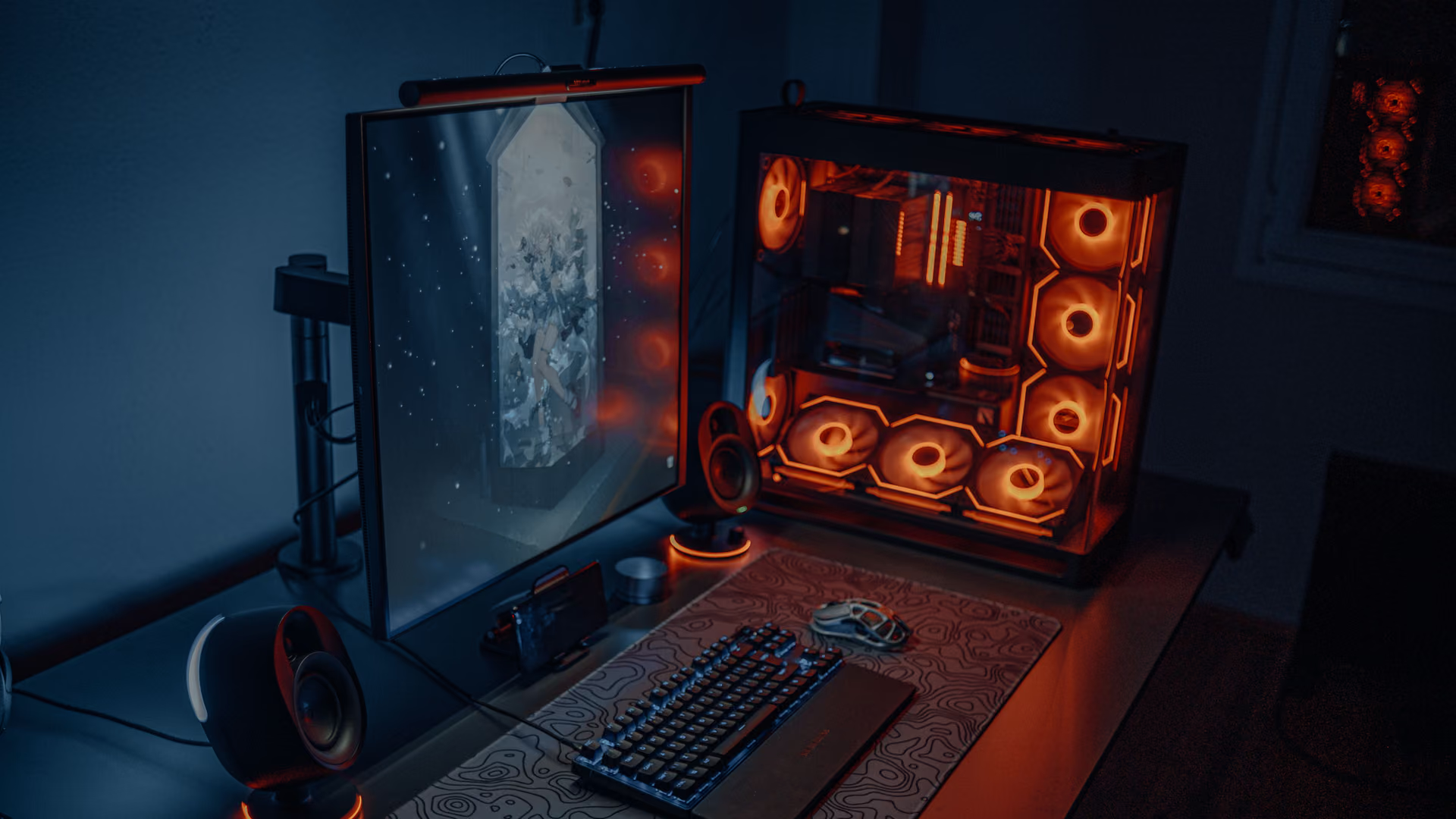
Windows, tuned for gaming. Explained first, with a route back.
How eclean tunes Windows for gaming with explained tweaks, a route back, a quieter startup, and live views for when a game stutters. Free on Windows 10 and 11.
Free · Windows 10 and 11
The problem.
You close everything, the game still stutters, and the internet's answer is a regedit file from a YouTube description. Windows keeps doing background work that competes with frame consistency, and most of the tweaks that promise to stop it never say what they change or how to undo it.
Most gaming tweak lists ask for trust. A regedit file from a video description, services disabled in bulk, a script someone on a forum swears by. Some of those changes are real, some are placebo, and a few quietly break things you will not notice until next month. Almost none of them keep a record of what they changed, so there is no way back when something goes wrong.
eclean takes the opposite approach. Each recommendation describes what it changes, why it can help, and what to expect, in plain language rather than registry paths. The MMCSS (Multimedia Class Scheduler) tweak, for example, explains its effect on frame times and input latency before you apply it. Changes land in a history, and supported ones can be reverted from the same place you enabled them, so trying something is never a commitment.
What eclean does here.
Tweaks that explain themselves first
Every gaming tweak describes what it changes and why it can help before you apply it, and Optimizer keeps a history so supported changes can be reverted from the same place you enabled them. Timer resolution, core parking, and modern standby tweaks are Pro.
Pro covers 2 PCs. Family covers 5.
In Optimizer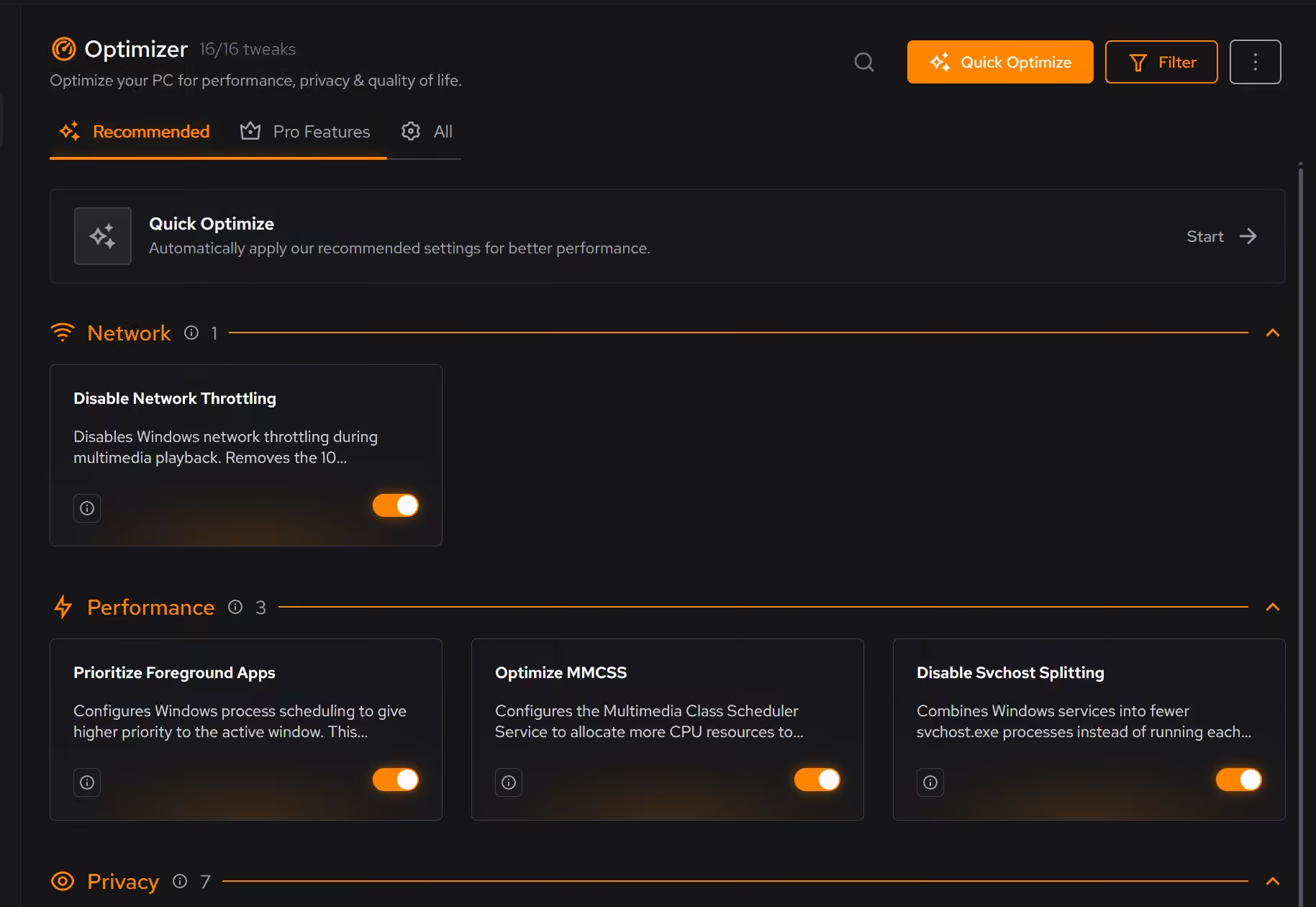
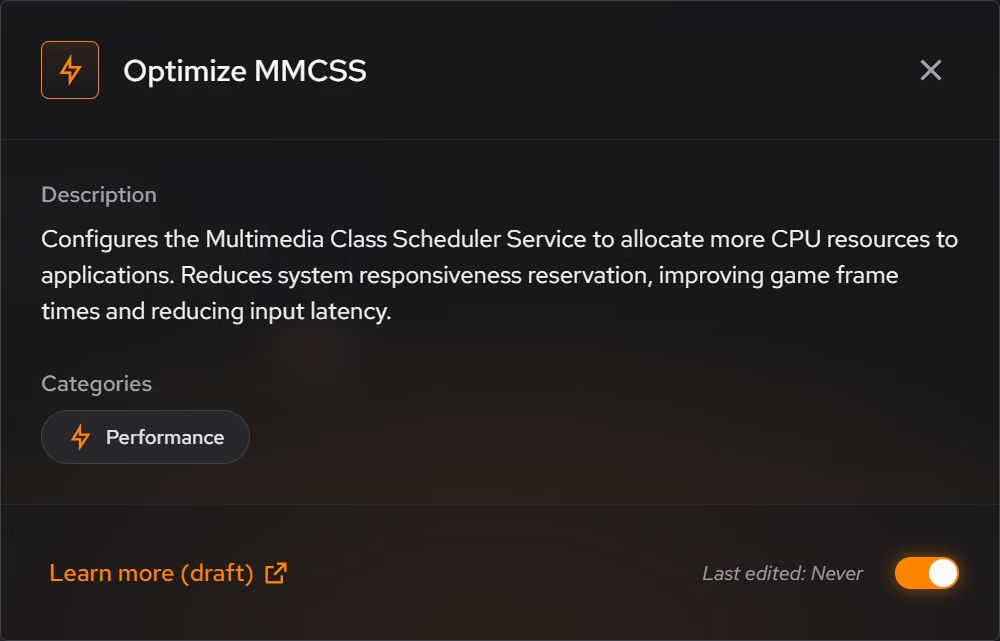
A quieter startup
Startup apps that can wait, services, and scheduled tasks live in one place, so less competes as Windows loads and the background load behind your game is something you decided on.
In Booster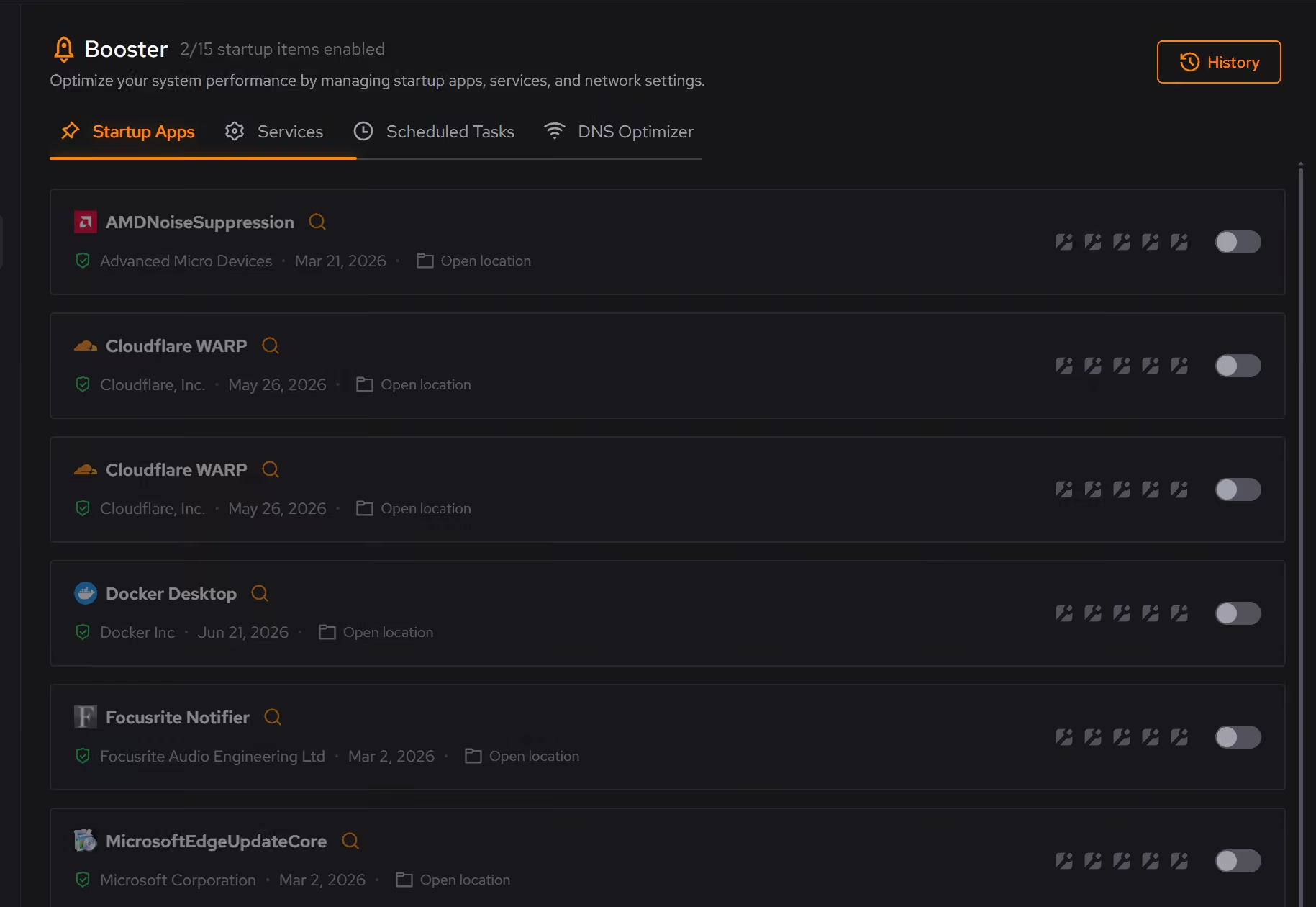
Live views for when a game stutters
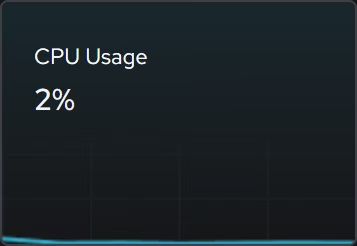
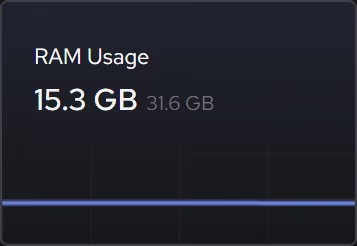
When a match stutters, focused CPU, graphics, memory, and storage views show what is being asked of the hardware right now, without piecing the story together across Windows utilities.
In Your PC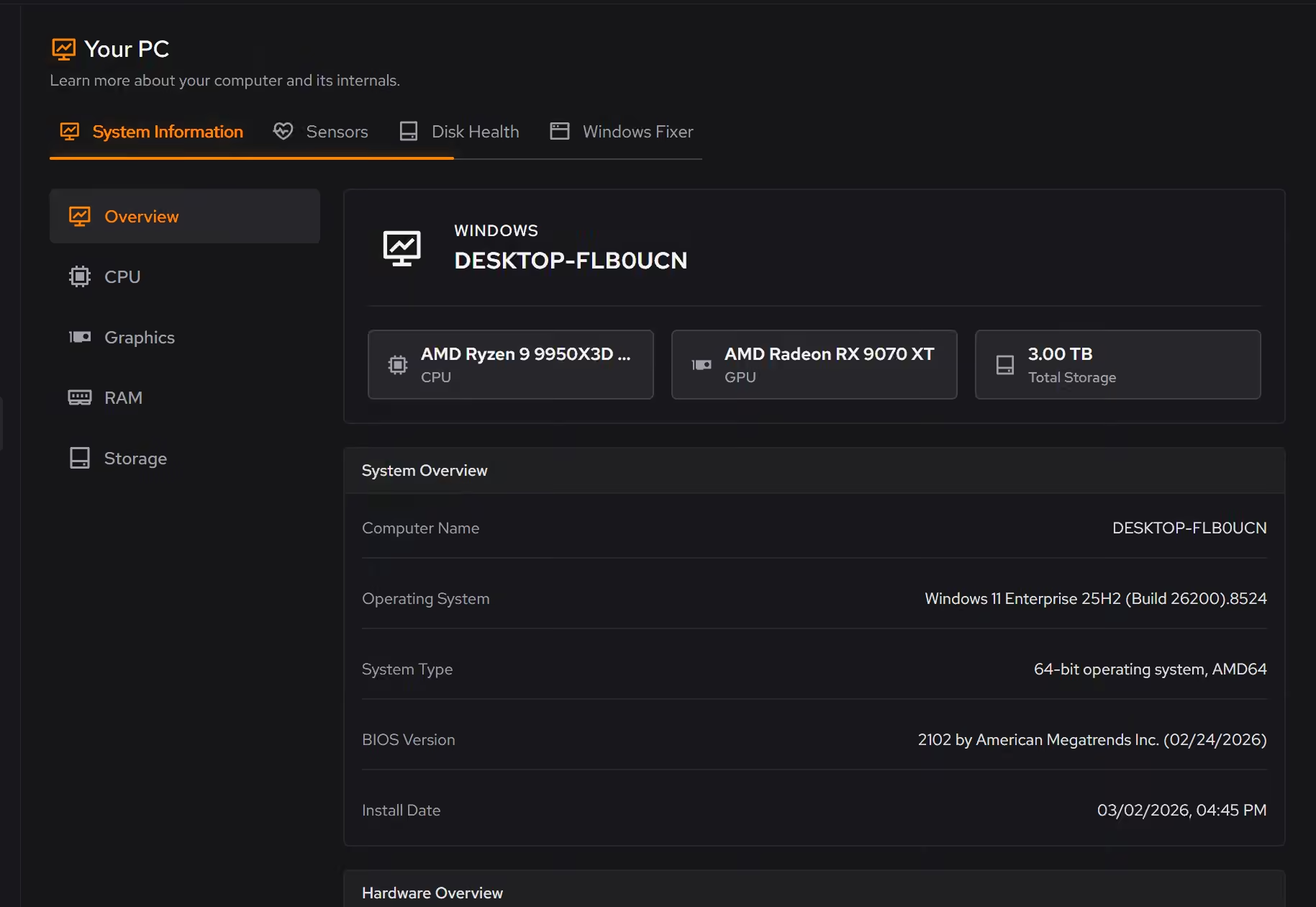
Proof, then limits.
What you can check
Optimizer keeps a history of what you applied, and supported changes can be reverted from the same place you enabled them.
In OptimizerTweaks are grouped into performance, privacy, network, and quality of life categories.
In OptimizerThe hardware inventory and live monitoring views are free for everyone.
In Your PC
Where eclean stops
eclean changes Windows, not your hardware. It promises no FPS numbers; what it helps is frame consistency, and the hardware decides the rest.
It does not touch game files, game settings, or graphics drivers.
If eclean steps over a line here, tell us and we'll fix it.