Recover space with a clearer view of what goes.
Disk space disappears in three different ways. Everyday clutter builds up quietly, large files sit forgotten, and sensitive files deserve more than the Recycle Bin. Cleaner treats each one differently, because they are different problems.
Replaces


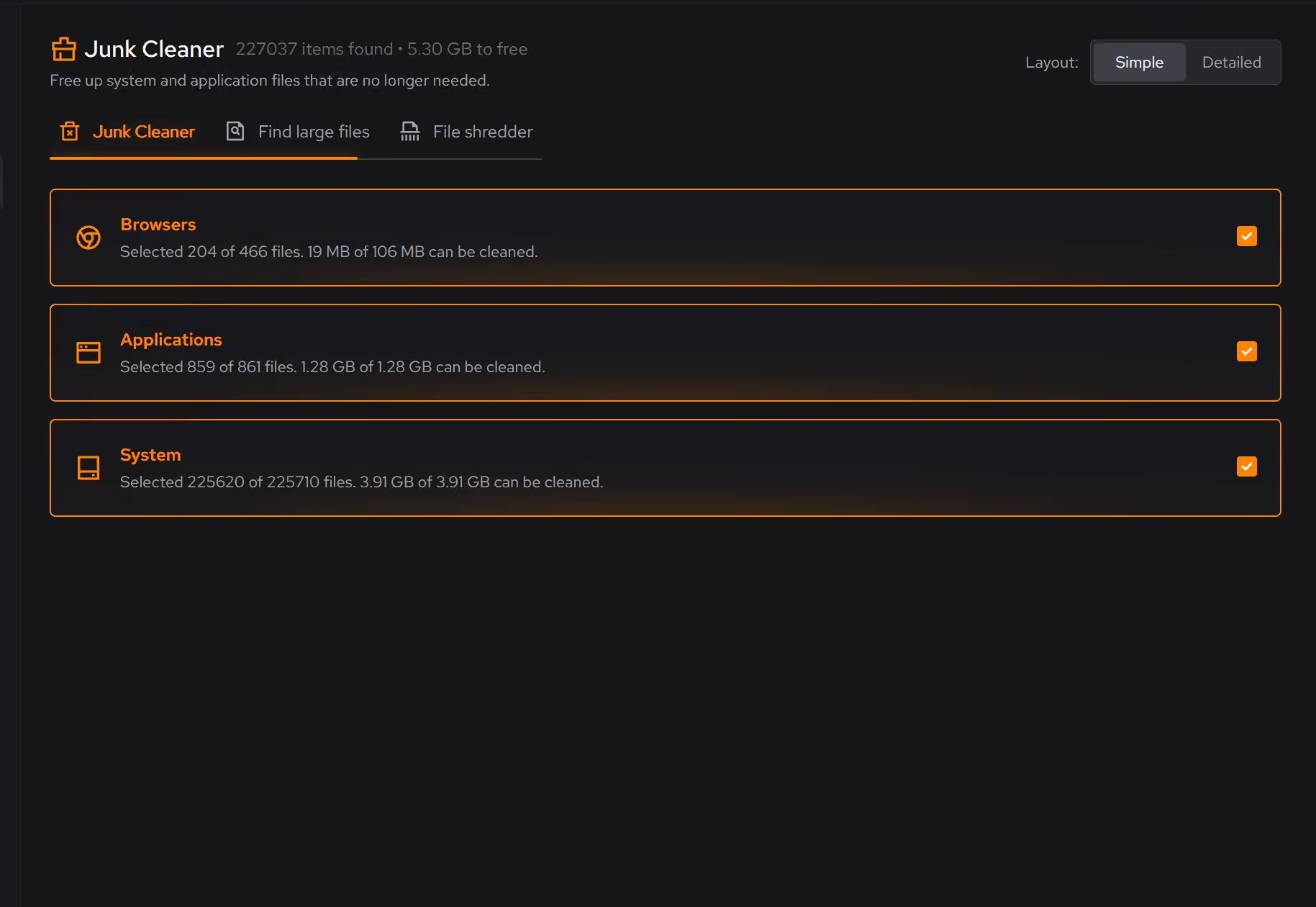
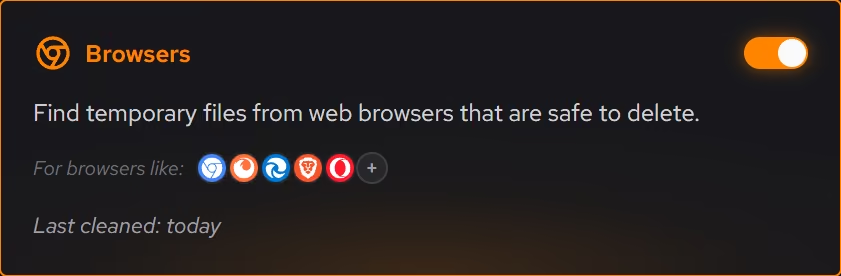
Clear everyday clutter
Review browser, app, Windows, and game clutter by category before cleaning.
Find what takes the space
Find large files with size and modified date close at hand.
Delete sensitive files securely
Make sensitive files harder to recover when the Recycle Bin is not enough.
Cleaning you can preview.
Clutter is grouped by where it comes from (browsers, apps, Windows itself, and games). You see what will be removed and how much space it frees before anything happens.
Large files, found fast.
The large file finder surfaces what is actually taking the space, with size and modified date next to every result, so deciding what goes takes seconds instead of an afternoon in Explorer.
A shredder for the files that matter.
Some files should not be recoverable after deletion. The file shredder overwrites them so that emptying the Recycle Bin is not the last line of defense.
What Pro adds to Cleaner.
- Cleaning that runs on a schedule for the categories you choose
- Large file scans across all drives at once
- Secure overwrite mode in the file shredder
Everything else on this page is free.
Put it to work on your PC.
Free on Windows 10 and 11, with every change explained before it happens.
Download eclean