

Cleaner · Booster
eclean vs Advanced SystemCare
Advanced SystemCare grades your PC and fixes everything in one click. Here is how eclean compares on cleaning, speed-up claims, and upsell pressure.
Last checked

CCleaner made PC cleaning a household habit. Here is how eclean compares on cleaning, transparency, and what each installer asks of you.
CCleaner popularized one job, clearing junk files, and still does it. eclean does that job with a fuller preview of what goes, skips the registry cleaner on purpose, and adds an uninstaller, startup manager, and hardware view in the same free download, with nothing bundled in the installer.
Free · Windows 10 and 11
Stay with CCleaner if…If this list sounds like you, CCleaner is a fine choice.
The same jobs, done two ways.
With eclean
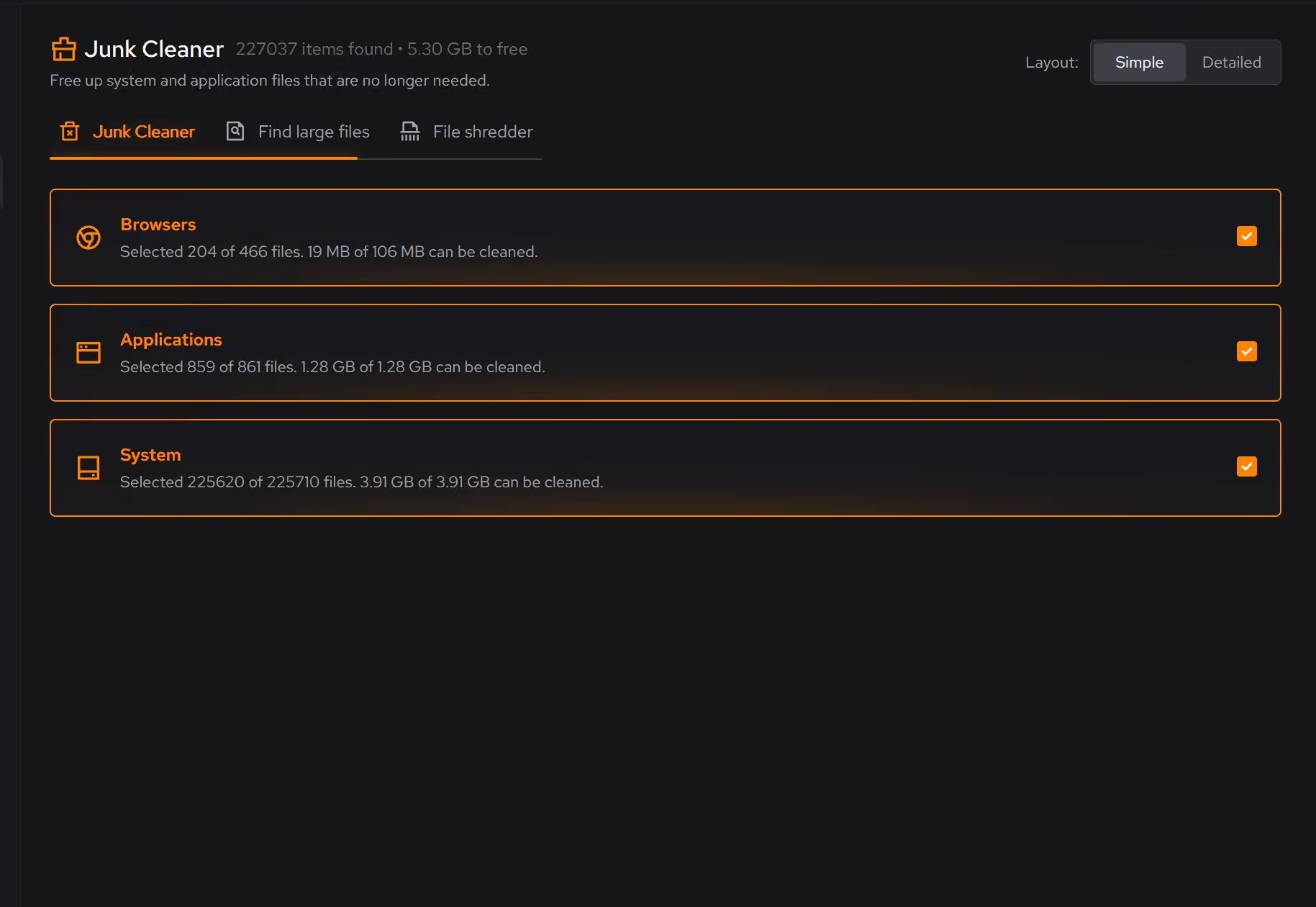
Clutter is grouped by where it comes from (browsers, apps, Windows, games). Every category shows what will be removed and how much space it frees before anything happens.
With CCleaner
Health Check and Custom Clean cover browsers and common apps well, but the default one-click flow is built to be run, not read. You mostly trust the summary number.
With eclean
eclean does not ship a registry cleaner. Cleaning registry keys does not make a modern Windows PC faster, and we would rather skip a feature than sell a placebo.
With CCleaner
A registry cleaner has been a headline CCleaner feature for years. It is the part of the routine most likely to do nothing measurable, and the first thing its own support docs tell you to back up before using.
With eclean
The installer installs eclean. There are no bundled offers, no browser toolbars, and no pre-ticked extras to catch on the way through.
With CCleaner
CCleaner's free installer has a long history of bundled offers such as Google Chrome or Avast products, opted in by default on some releases.
With eclean
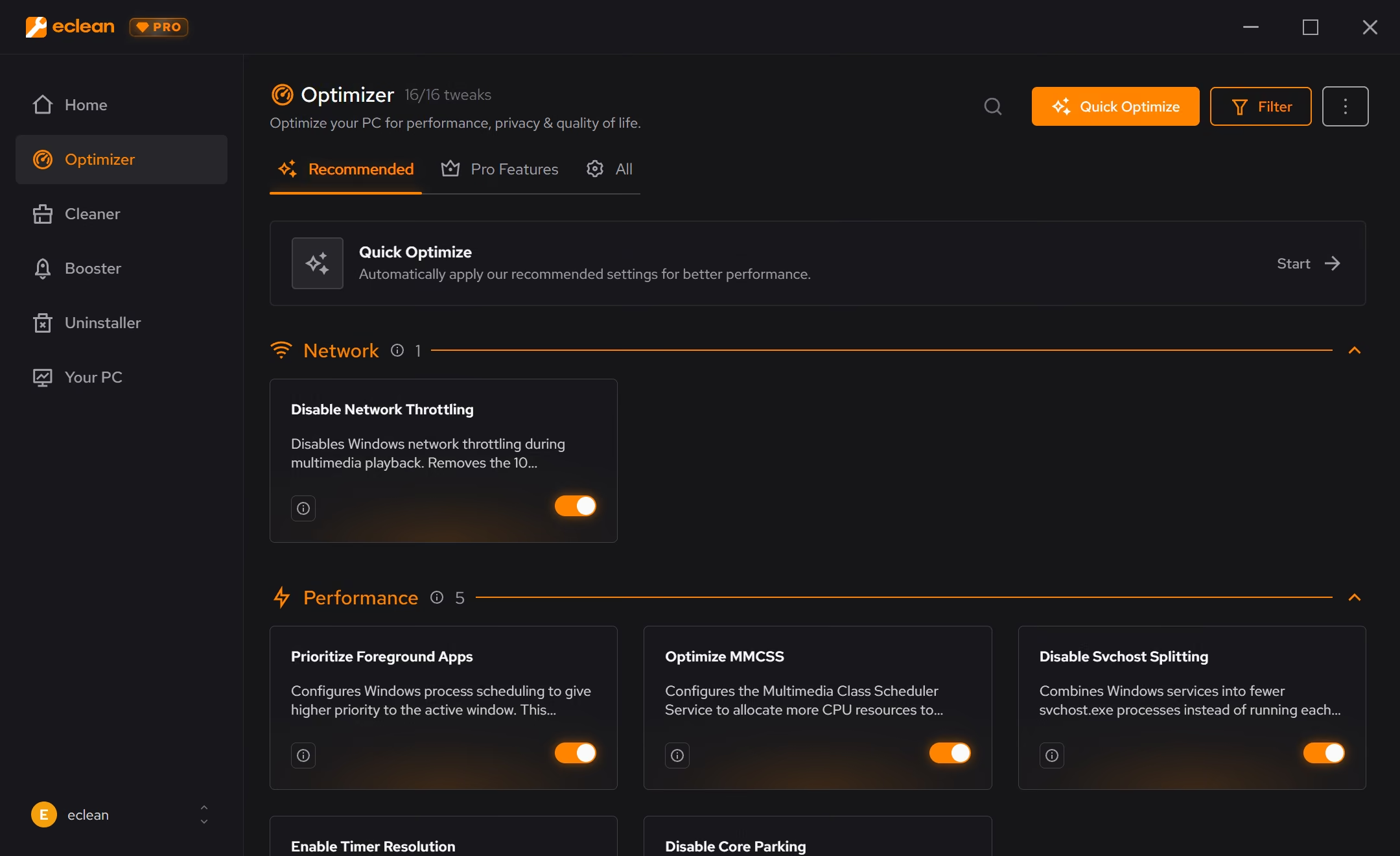
Cleaning, the uninstaller, startup and services, and the full hardware view are free without a timer. Pro adds scheduling and depth, not the basics.
With CCleaner
Free covers manual cleaning. Scheduled cleaning, automatic updates, and most of the newer performance features sit behind Professional.
CCleaner is the best-known PC cleaner on Windows, cleaning browser and app clutter with a paid Professional tier on top. Here is how the two line up, feature by feature.
| Capability | eclean Free, or Pro at $45.99 USD/year | CCleaner Free, or $44.95/year |
|---|---|---|
| Cleaning | ||
| Preview files before they are removed | ||
| Clutter grouped by browsers, apps, Windows, and games | Browsers and apps | |
| Large file finder | Separate Disk Analyzer | |
| Secure file shredder | Secure overwrite with Pro | Drive wiper only |
| Cleaning on a schedule | With Pro | With Professional |
| Beyond cleaning | ||
| Uninstaller that looks for leftovers | Basic uninstall list | |
| Startup, services, and scheduled tasks together | Startup and tasks, not services | |
| Hardware inventory and live sensors | ||
| DNS benchmarking and encrypted DNS | ||
| How it treats you | ||
| Registry cleaner | No, on purpose | |
| Bundled offers in the installer | Never | Has shipped them |
| Every change explained before it is applied | Lists files, not reasons | |
| Undo history for applied changes | Registry restore points | |
Checked by Jack Holmes. Last checked . Spot something out of date? Tell us and we'll fix it.
Sources: CCleaner plans and features
Everything CCleaner does here lives in one module of the same free download.
Every recommendation says what it changes and why before you commit to it.
Supported changes keep an undo history, so trying something is never a commitment.
Scans and cleaning run locally. The contents of your files never leave your machine.
“yeah seems to be good so far”
R M
CCleaner deserves real credit: it taught a generation of Windows users that a PC needs looking after. For clearing browser caches and app leftovers it still works, and the free version has stayed genuinely usable for that one job.
The problem is what grew around that job. The registry cleaner stayed a headline feature long after Windows outgrew it. The installer spent years shipping bundled offers. And the pitch drifted from "remove junk files" to a one-click Health Check that asks you to trust a number rather than read a list.
eclean is built on a simple rule: show the work. A clean starts with a preview grouped by where the clutter comes from (browsers, apps, Windows itself, games), with the space each category frees, before anything is removed. The large file finder and the file shredder treat "big and forgotten" and "sensitive" as the different problems they are.
Just as important is what eclean leaves out. There is no registry cleaner, because cleaning registry keys does not make a modern PC faster, and a tool that charges for placebo work loses the right to be trusted about the rest.
CCleaner answers "what else is slowing my PC down?" by selling more products. eclean answers it inside the same free download: an uninstaller that hunts for leftovers, startup and services and scheduled tasks in one view, DNS benchmarking measured on your own connection, and a full hardware view.
Pro exists, but it adds depth (scheduled cleaning, all-drive scans, secure overwrite) rather than holding the basics hostage. If you never pay, eclean still does more of this job than CCleaner Free, with fewer asterisks.
Cleaner · Booster
Advanced SystemCare grades your PC and fixes everything in one click. Here is how eclean compares on cleaning, speed-up claims, and upsell pressure.

Cleaner · Booster · Uninstaller
AVG TuneUp automates PC maintenance behind a subscription. Here is how eclean compares on background apps, cost over time, and vendor track record.

Cleaner
BleachBit is free, open source, and genuinely powerful. An honest look at where it wins and what eclean adds in explanation, coverage, and support.