

Cleaner · Booster
eclean vs Advanced SystemCare
Advanced SystemCare grades your PC and fixes everything in one click. Here is how eclean compares on cleaning, speed-up claims, and upsell pressure.
Last checked

BleachBit is free, open source, and genuinely powerful. An honest look at where it wins and what eclean adds in explanation, coverage, and support.
BleachBit is the real thing, free, open source, and more thorough in places than most paid cleaners. If you can read terse options, accept that deletion is permanent, and only need cleaning, it is hard to argue with. eclean's case is everything around that. Plain-language explanations, coverage of current apps and games maintained for you, a support team, and the startup, uninstall, and hardware views cleaning alone does not give you.
Free · Windows 10 and 11
Stay with BleachBit if…If this list sounds like you, BleachBit is a fine choice.
The same jobs, done two ways.
With eclean
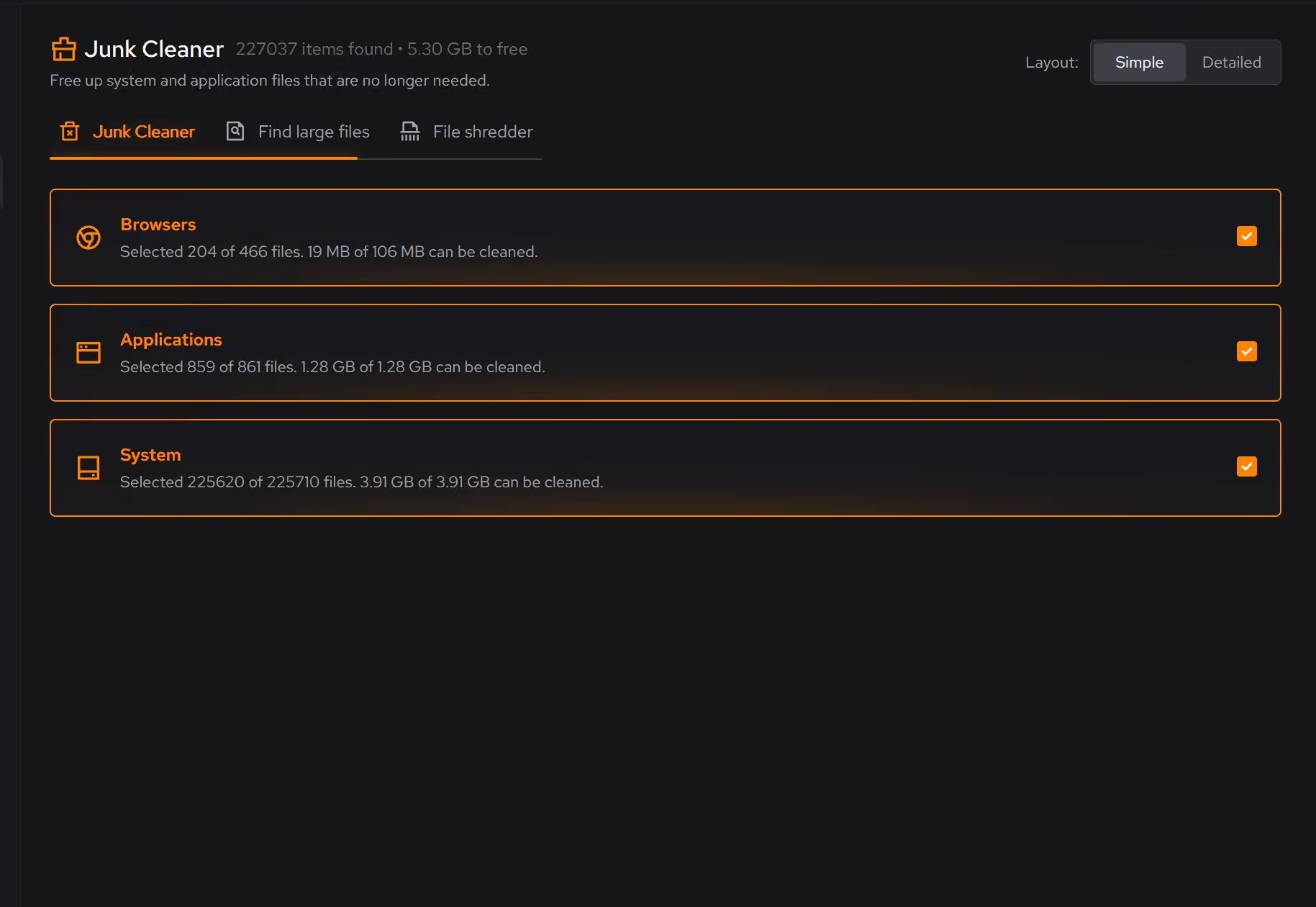
Clutter is grouped by where it comes from (browsers, apps, Windows, games) and each category explains what it removes and what you give up before anything happens.
With BleachBit
Options are listed per application with brief descriptions, and some of the powerful ones warn you they can break things. It expects you to know what "Vacuum" or "Free disk space" imply.
With eclean
Cleaning is preview-first, sensitive removal is a separate deliberate tool, and applied changes elsewhere in the app keep a history with a route back.
With BleachBit
Preview exists and works, but once you clean, it is gone. Shredding and wiping are the point. That is correct behavior for its audience and unforgiving for everyone else.
With eclean
Browser, app, and game coverage is maintained as products change, with game and launcher clutter treated as its own category.
With BleachBit
Cleaner definitions are community-maintained and strongest on open-source software. Coverage of newer Windows apps, launchers, and games moves at volunteer pace.
With eclean
A support team stands behind the app, and support response times are published on the trust pages.
With BleachBit
Support is documentation and community channels. Often enough, but nobody owes you an answer, which is the honest deal with volunteer software.
BleachBit is a free, open-source disk cleaner for Windows and Linux, known for deep cleaning, file shredding, and wiping free disk space. Here is how the two line up, feature by feature.
| Capability | eclean Free, or Pro at $45.99 USD/year | BleachBit Free and open source |
|---|---|---|
| Cleaning | ||
| Preview files before they are removed | ||
| Clutter grouped by browsers, apps, Windows, and games | Listed per application | |
| Plain-language explanation per category | Terse descriptions | |
| Large file finder | ||
| Secure file shredder | Secure overwrite with Pro | |
| Wipe free disk space | ||
| Command-line and scripting | ||
| Beyond cleaning | ||
| Startup, services, and scheduled tasks together | ||
| Uninstaller that looks for leftovers | ||
| Hardware inventory and live sensors | ||
| DNS benchmarking and encrypted DNS | ||
| How it treats you | ||
| Open source | ||
| Runs on Linux | ||
| Free tier without ads or nags | ||
| Registry cleaner | No, on purpose | No |
| Dedicated support team | Community channels | |
Checked by Jack Holmes. Last checked . Spot something out of date? Tell us and we'll fix it.
Sources: BleachBit featuresBleachBit pricing
Everything BleachBit does here lives in one module of the same free download.
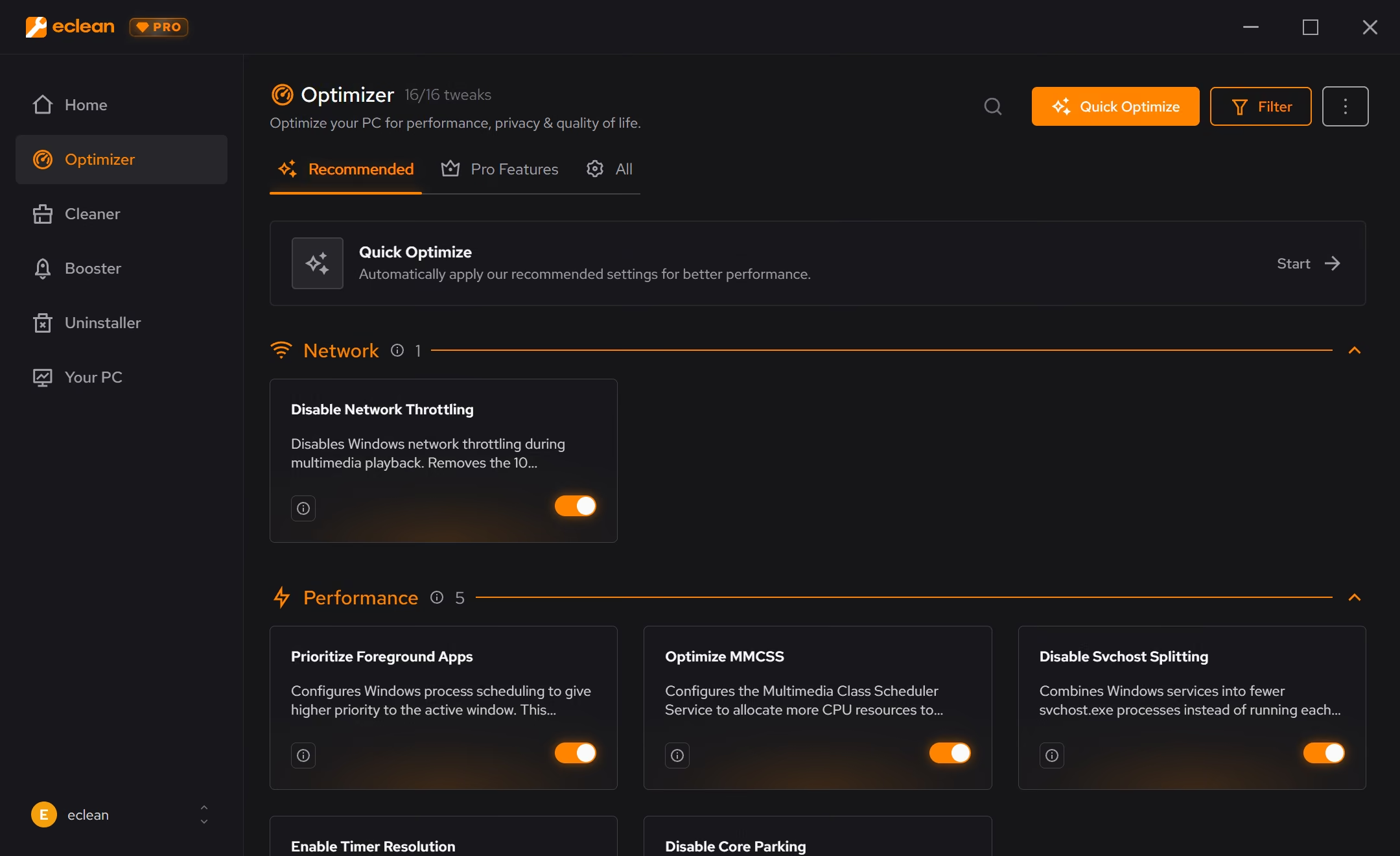
Every recommendation says what it changes and why before you commit to it.
Supported changes keep an undo history, so trying something is never a commitment.
Scans and cleaning run locally. The contents of your files never leave your machine.
“yeah seems to be good so far”
R M
BleachBit deserves to be taken seriously. It is free, open source under the GPL, and in places more thorough than most paid cleaners: it shreds files, wipes free disk space so deleted data is harder to recover, vacuums browser databases, and scripts cleanly from the command line. There is no upsell anywhere in it, and you can read every line of code it runs. Notably, it shares one of eclean's convictions: no registry cleaner.
If that describes what you need, use it. This page will not pretend otherwise.
eclean's difference is not power, it is explanation and scope. Cleaning is grouped by where clutter comes from, and each category says in plain language what it removes and what you give up, before anything happens. Coverage of current browsers, launchers, and games is maintained for you rather than by volunteer definitions strongest on open-source software. And cleaning is one module of five: startup and background control, an uninstaller that hunts leftovers, DNS tools, and a full hardware view live in the same free download. When something goes wrong, a support team answers.
Most of that is free without a timer; Pro adds scheduling, all-drive scans, and secure overwrite in the shredder.
If you are the person who reads CleanerML definitions, BleachBit is a genuinely great tool and you probably already have it installed. If you want the same honesty with explanations instead of expertise as the entry fee, that is the gap eclean is built for. Either way, start with our guide to freeing up disk space; the first steps cost nothing with either tool.
Cleaner · Booster
Advanced SystemCare grades your PC and fixes everything in one click. Here is how eclean compares on cleaning, speed-up claims, and upsell pressure.

Cleaner · Booster · Uninstaller
AVG TuneUp automates PC maintenance behind a subscription. Here is how eclean compares on background apps, cost over time, and vendor track record.

Cleaner
CCleaner made PC cleaning a household habit. Here is how eclean compares on cleaning, transparency, and what each installer asks of you.