Getting a PC ready to sell. Leave nothing of yours behind.
Before a PC changes hands, know what is on it. Inventory your software, shred what is sensitive, and document the hardware honestly for the listing.
Free · Windows 10 and 11
Every change explained, with a route back.
The problem.
A PC that is leaving the house carries years of you on it. Saved logins, tax PDFs in a forgotten downloads folder, software licensed to your accounts. The buyer needs an honest machine and none of your life, and Windows' reset alone does not tell you what was there or prove what the hardware is.
Selling a PC is two jobs wearing one coat. The first is protecting yourself, because the machine holds more of your life than you remember putting there. The second is being fair to the buyer, who deserves to know what they are getting. Both jobs go better with an inventory than with a vague afternoon of clicking around.
Start with the software, because it points at everything else. The inventory shows every desktop program, packaged app, and browser extension with its publisher and install date, and reading that list surfaces the obligations. Licensed software wants deactivating so the seat comes back to you. Browsers hold signed-in sessions worth signing out of. Cloud clients are still syncing folders you are about to wipe. None of this is hard, and all of it is missable without the list in front of you.
The sensitive files deserve the strongest treatment on the way out. Tax documents, scans of identification, and anything with account numbers should not merely be deleted before a stranger owns the drive. The file shredder overwrites what you point it at so recovery tools have nothing to find, and its secure overwrite mode is Pro. The large file finder helps here too, because the file you forgot is by definition the one you will not think to look for, and sorting the drive by size and date finds it for you.
The hardware half of the job is where honesty pays directly. The inventory states the processor, graphics, memory, storage, and exact Windows build in plain terms, which writes your listing for you and answers the buyer's questions before they are asked. A listing with real specifications sells against listings with guesses, and knowing what the machine is protects you from disputes after the sale.
Then comes the step eclean deliberately is not. Windows' own reset is the right final act before a machine changes hands, and eclean's limits say so instead of pretending otherwise. Everything above is what a reset cannot do for you, the knowing, the deactivating, and the shredding, done while the machine is still yours to ask.
What eclean does here. In this order.
Know what is installed before it goes
The inventory lists desktop programs, packaged Windows apps, and browser extensions in one place, so licensed software you should deactivate and accounts you should sign out of stop hiding before the reset.
In Uninstaller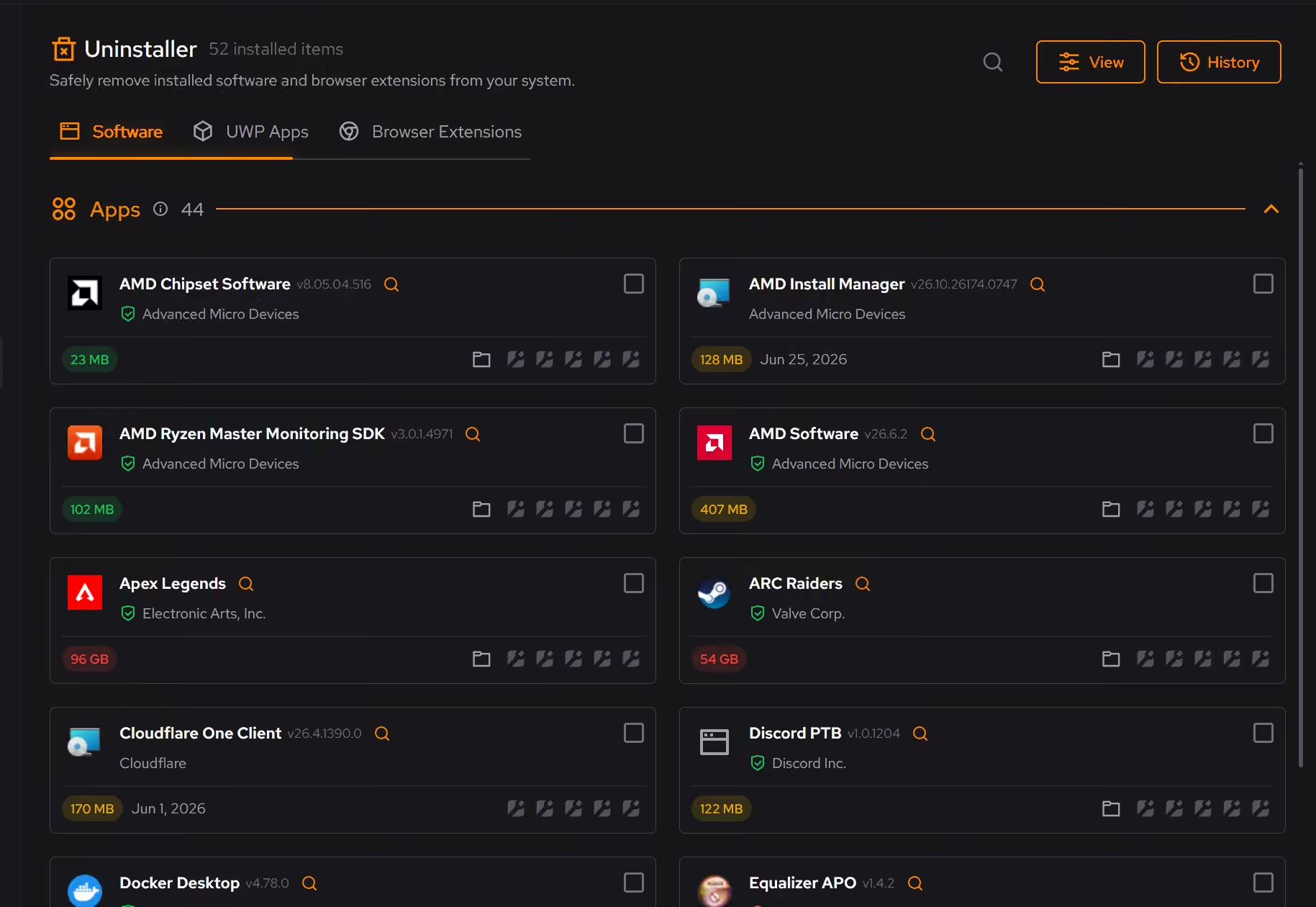
Shred what must not travel
Some files deserve more than the Recycle Bin before a machine changes hands. The file shredder overwrites sensitive files so deletion is not the last line of defense. Secure overwrite mode is Pro.
Pro covers 2 PCs. Family covers 5.
In Cleaner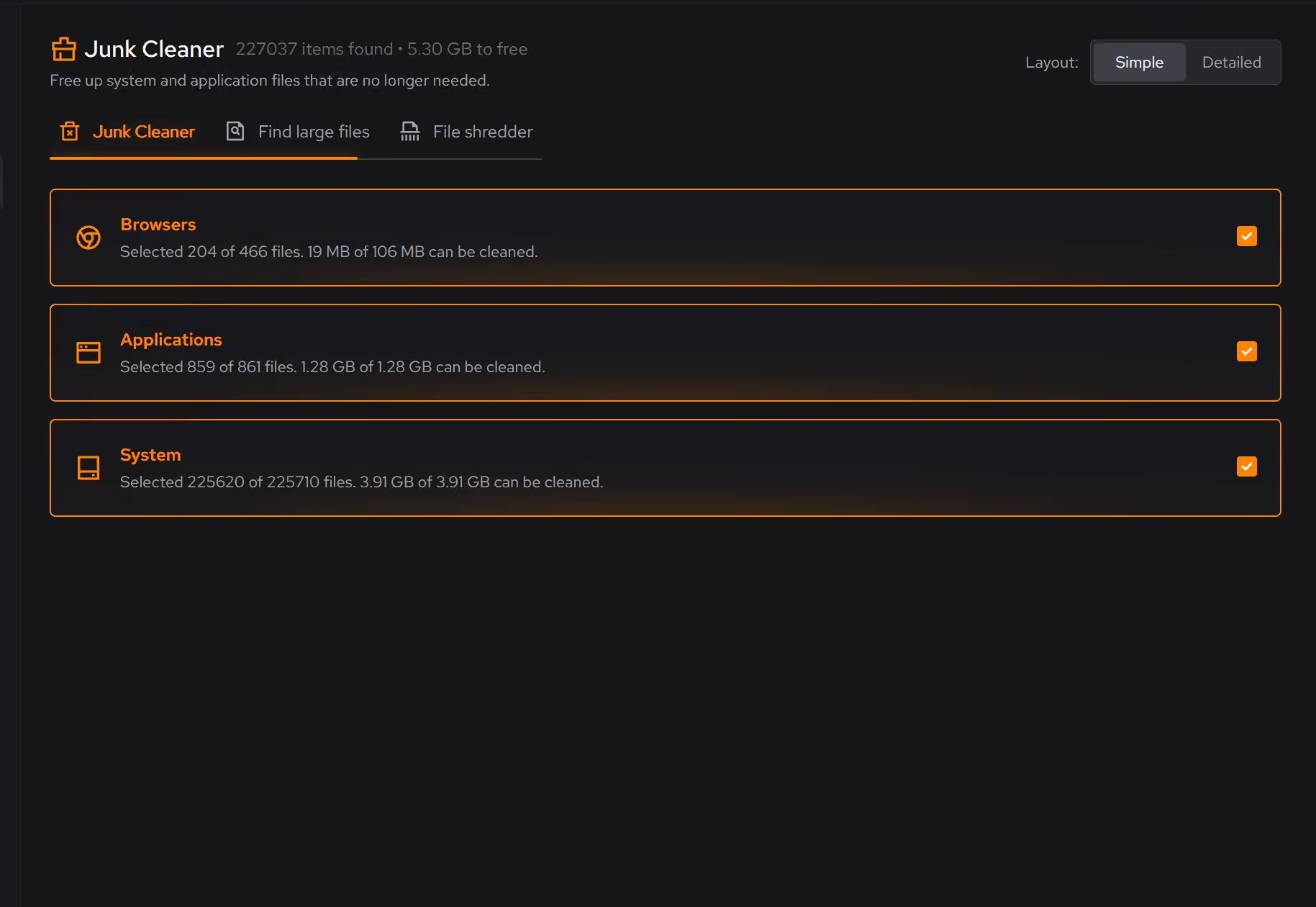
Document the hardware for the listing
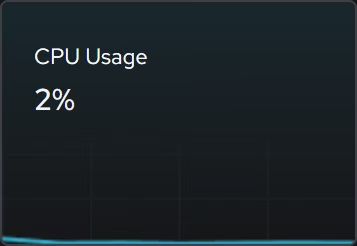
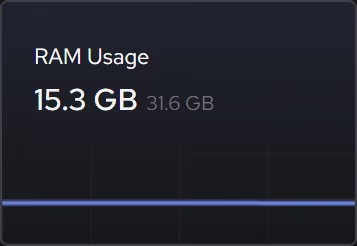
The inventory names the processor, graphics, memory, storage, and Windows build in plain terms, so the listing says what the machine actually is and the buyer's questions have answers.
In Your PC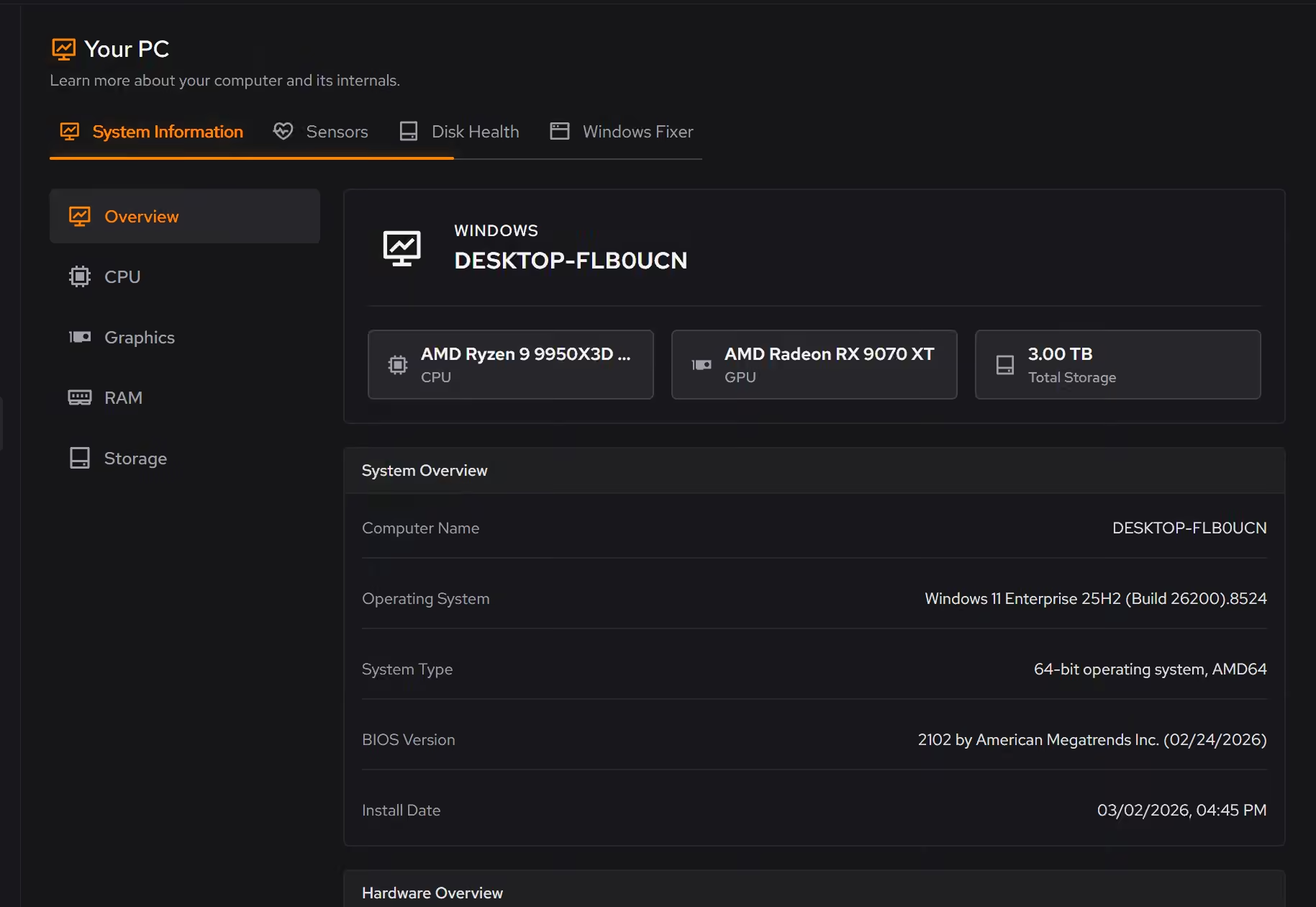
Free on Windows 10 and 11, no trial timer.
Download freeProof, then limits.
What you can check
Desktop programs, packaged Windows apps, and browser extensions share one inventory with size, install date, and publisher.
In UninstallerThe hardware inventory covers Windows, firmware, processor, graphics, memory, storage, and network details together.
In Your PC
Where eclean stops
eclean is the preparation, not the handover. The final step before selling is Windows' own reset, and nothing here replaces it.
The shredder protects the files you point it at. It is not a full-disk wipe.
If eclean steps over a line here, tell us and we'll fix it.
What Pro adds here.
These are the additions the modules on this page gate. Pro covers up to 2 PCs, and Family covers up to 5.
Cleaning that runs on a schedule for the categories you choose
In Cleaner
Large file scans across all drives at once
In Cleaner
Secure overwrite mode in the file shredder
In Cleaner
Still deciding? Fair questions, answered.
Is eclean safe to download?
Yes. The installer is a single signed file from our own release server, with no bundled extras. While our signing certificate is new, Windows SmartScreen may ask you to confirm the publisher, which reads ECLEAN LIMITED, the company that signs our Windows installer. What the app collects, and what it never touches, is documented in the trust center.
Is the free version actually useful?
Yes. The core of eclean, understanding your PC and keeping it tidy, is free without time limits or nagging. Pro adds depth for people who want more control, not the basics held hostage.
Will it break my PC?
It is designed not to. Every change is explained before it is applied, you decide what runs, and supported changes keep a route back inside the app, so nothing you try has to be permanent.