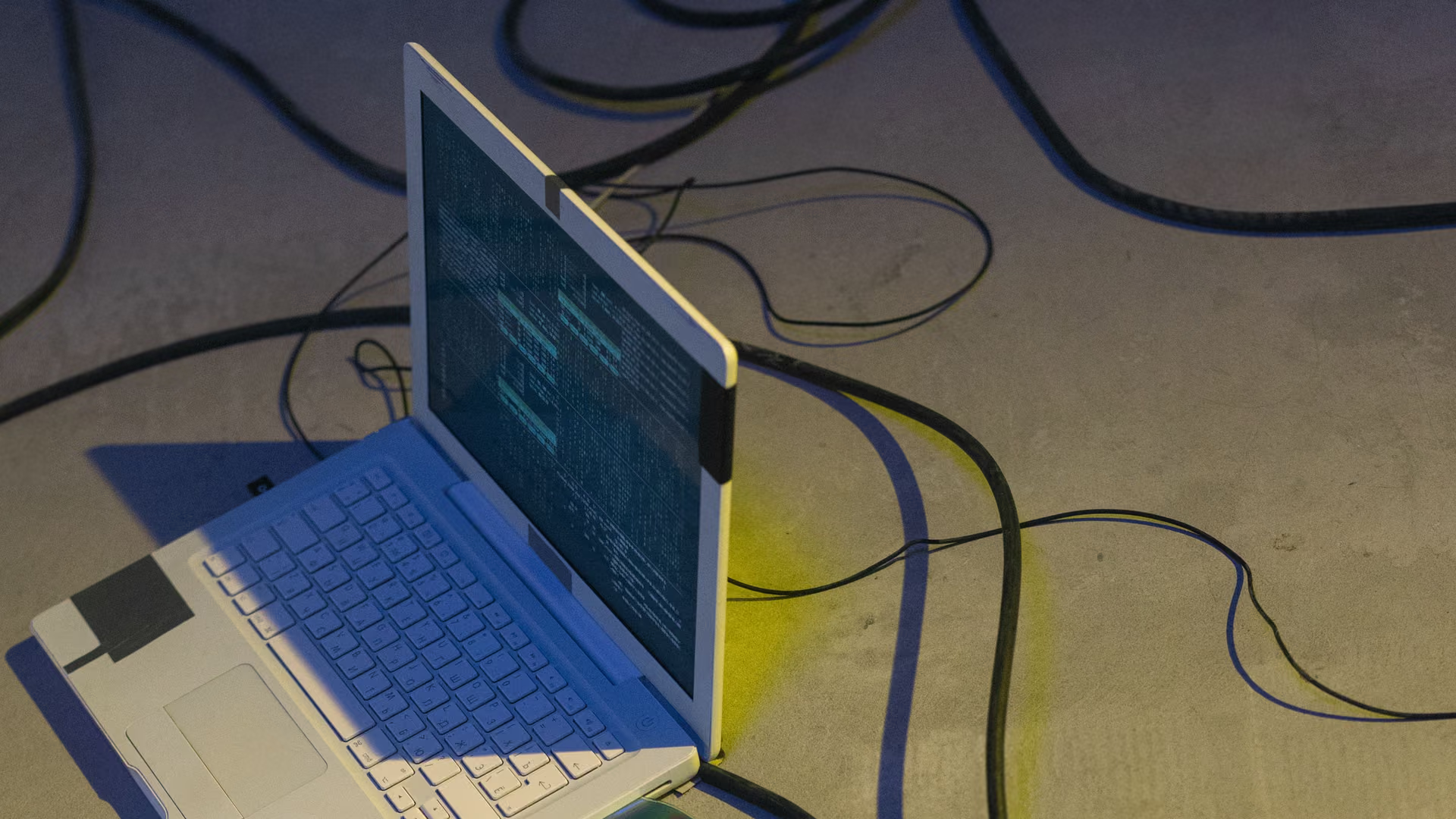
Reviving an old laptop. Decide before you spend the afternoon.
Is the laptop worth saving? Measure what is in it, reclaim the disk, cut the background load, then decide, with honest limits on what software can fix.
Free · Windows 10 and 11
The problem.
There is a laptop in the drawer, or one just got handed down, and the question is not how to tune it. It is whether the machine is worth an afternoon at all. You cannot make that call by guessing, only by knowing what is inside it and what is eating it.
Reviving is a decision, not a ritual. Measure first, because the inventory and live views tell you whether you are looking at a tired installation or tired hardware. A full disk and a crowded startup are fixable in an afternoon. A mechanical drive pinned at full usage is a different conversation.
The step-by-step work lives in the guides below, one for a drive that is simply full and one for a disk stuck at 100 percent usage. If the laptop is still slow once the load is gone, it was never the software, and you can retire it knowing the decision was informed.
What eclean does here. In this order.
First, see what is actually in it
Your PC gathers the Windows version, processor, graphics, memory, storage, and network details into one plain-language inventory, with live views that show what is being asked of the hardware. That is the difference between guessing and deciding.
In Your PC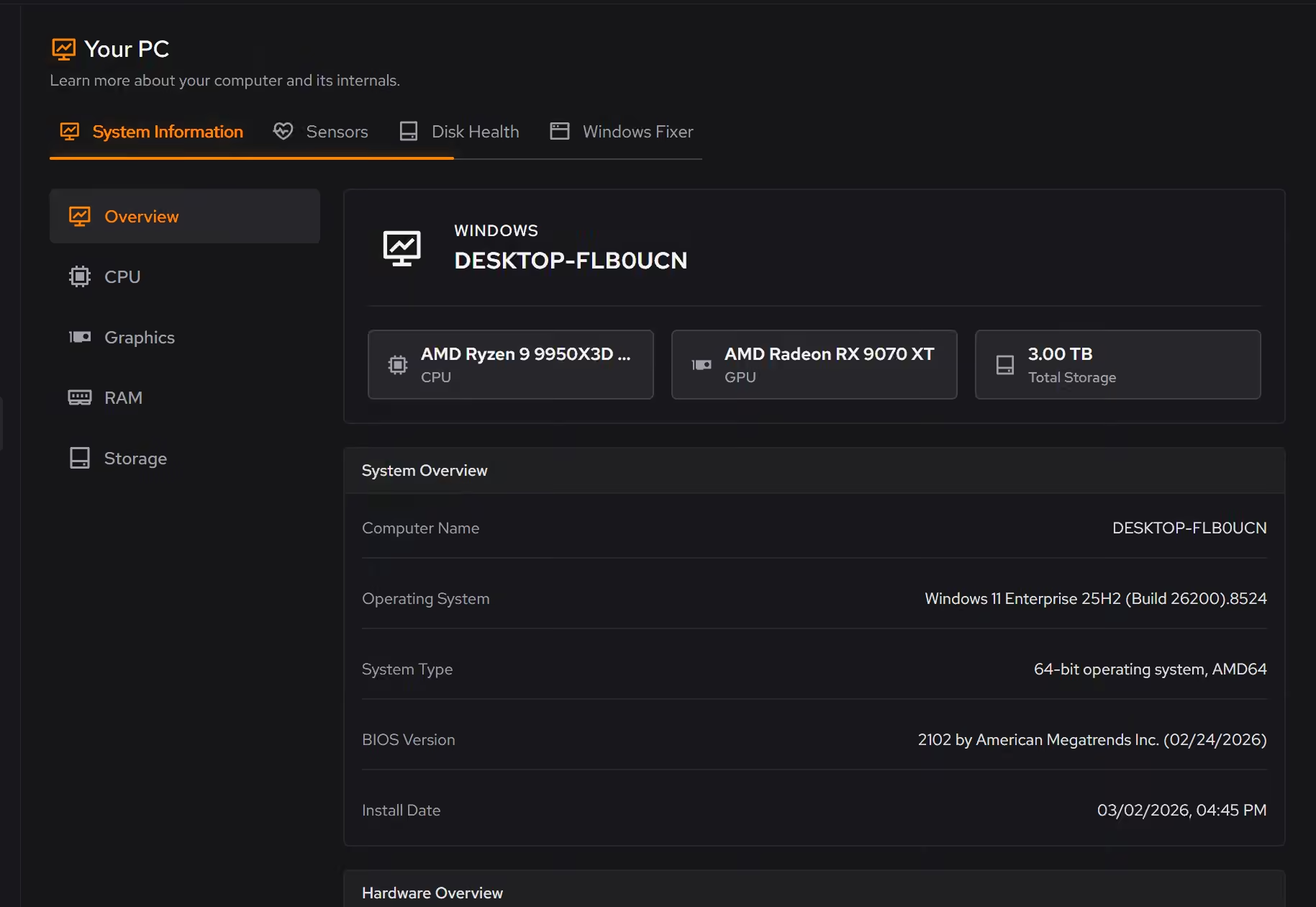
Reclaim the disk
A drive that sat full for years slows everything around it. Cleaner previews the clutter by category, and the large file finder surfaces what is actually taking the space, with size and modified date next to every result.
In Cleaner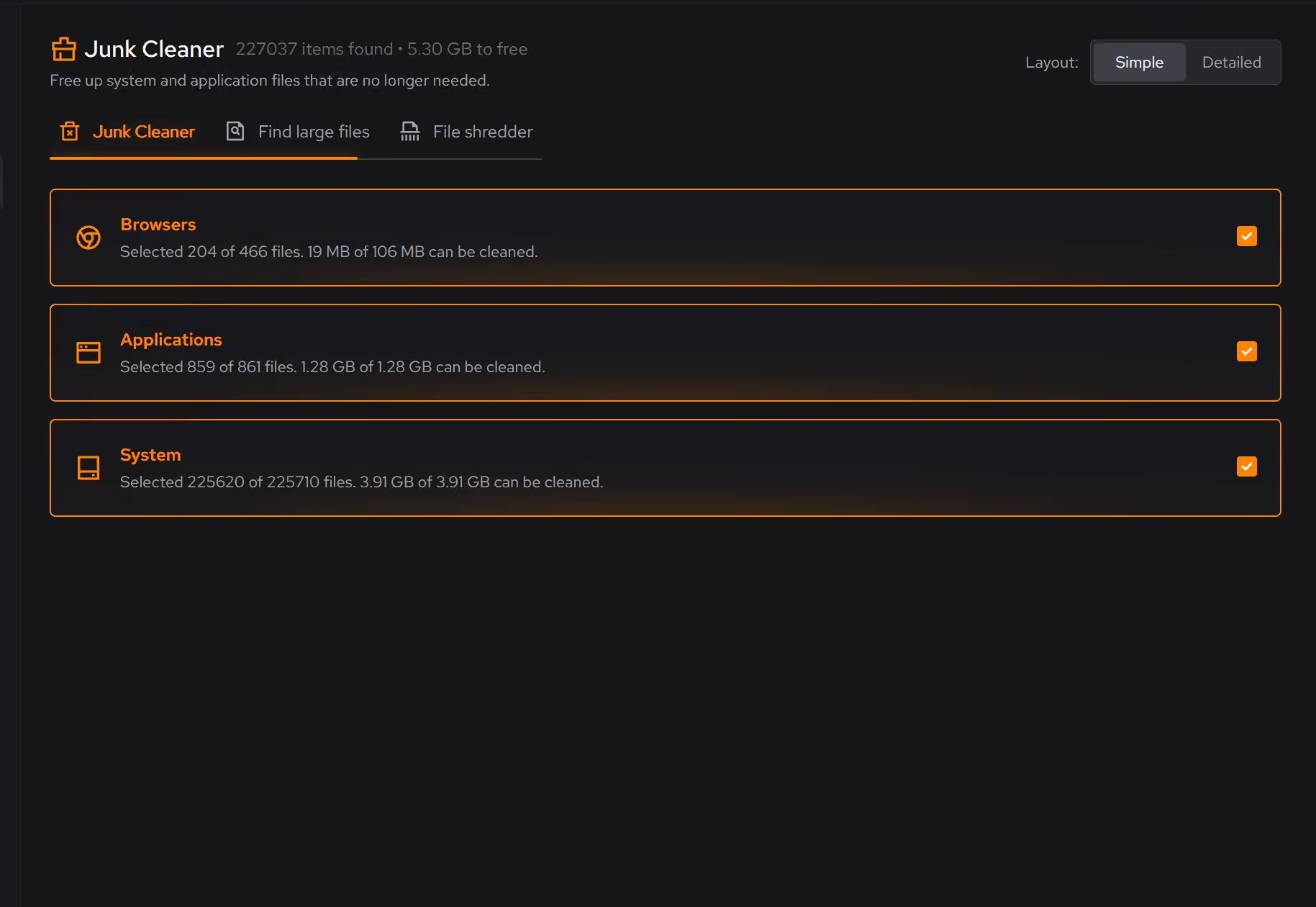
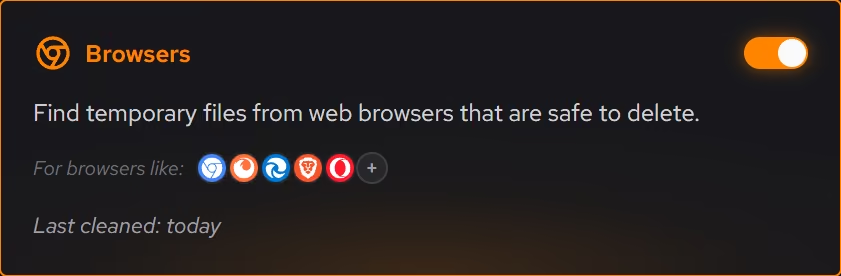
Cut the background load
An old laptop often boots into a queue of things it was asked to run years ago. Booster shows what starts with Windows, what keeps running in the background, and what is scheduled, so you can trim the load before judging the hardware.
In Booster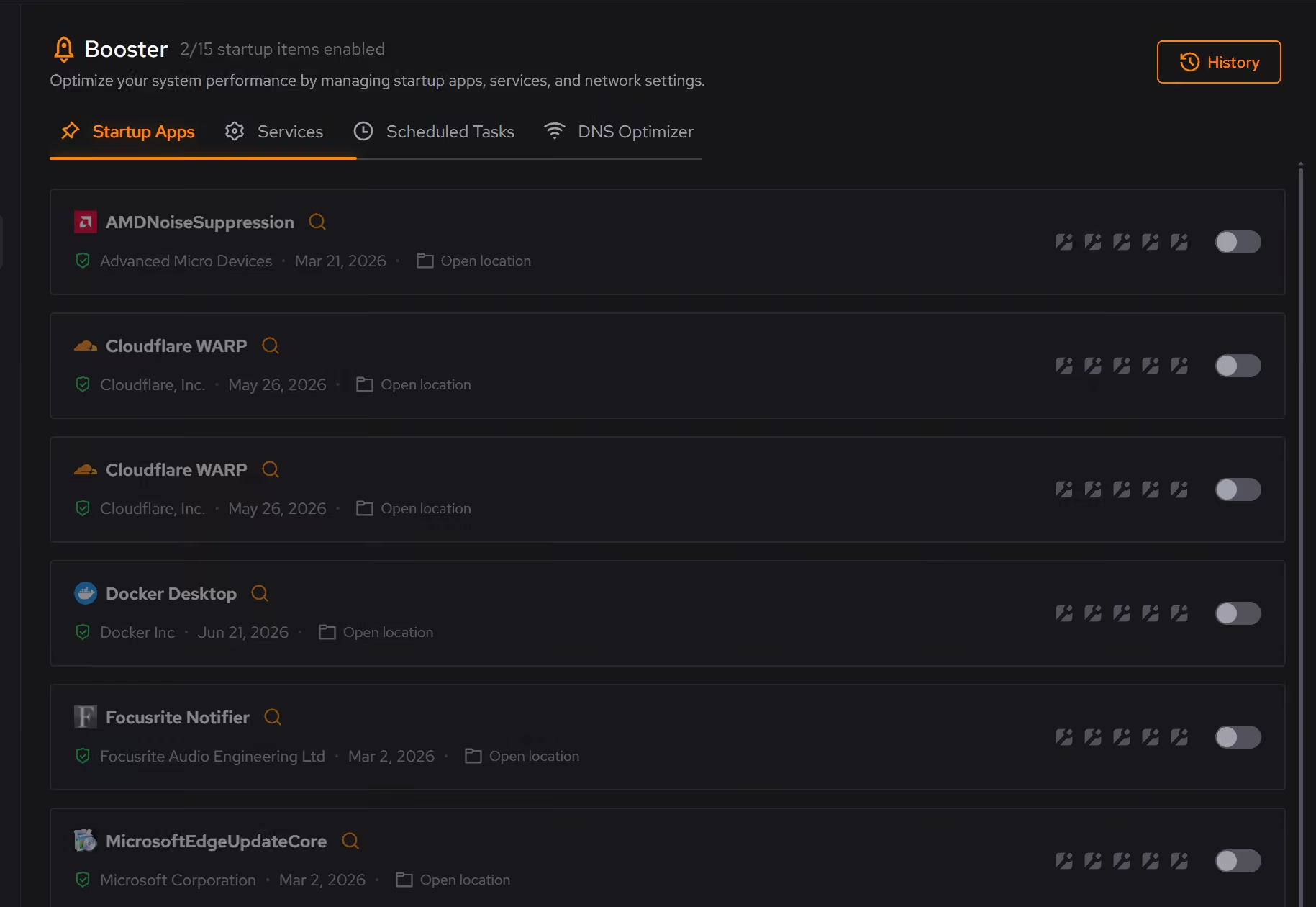
Strip the forgotten software
Old laptops carry the software of their previous life. Uninstaller lists desktop programs, Windows apps, and browser extensions side by side and looks for what remains after removal, so what goes is actually gone.
In Uninstaller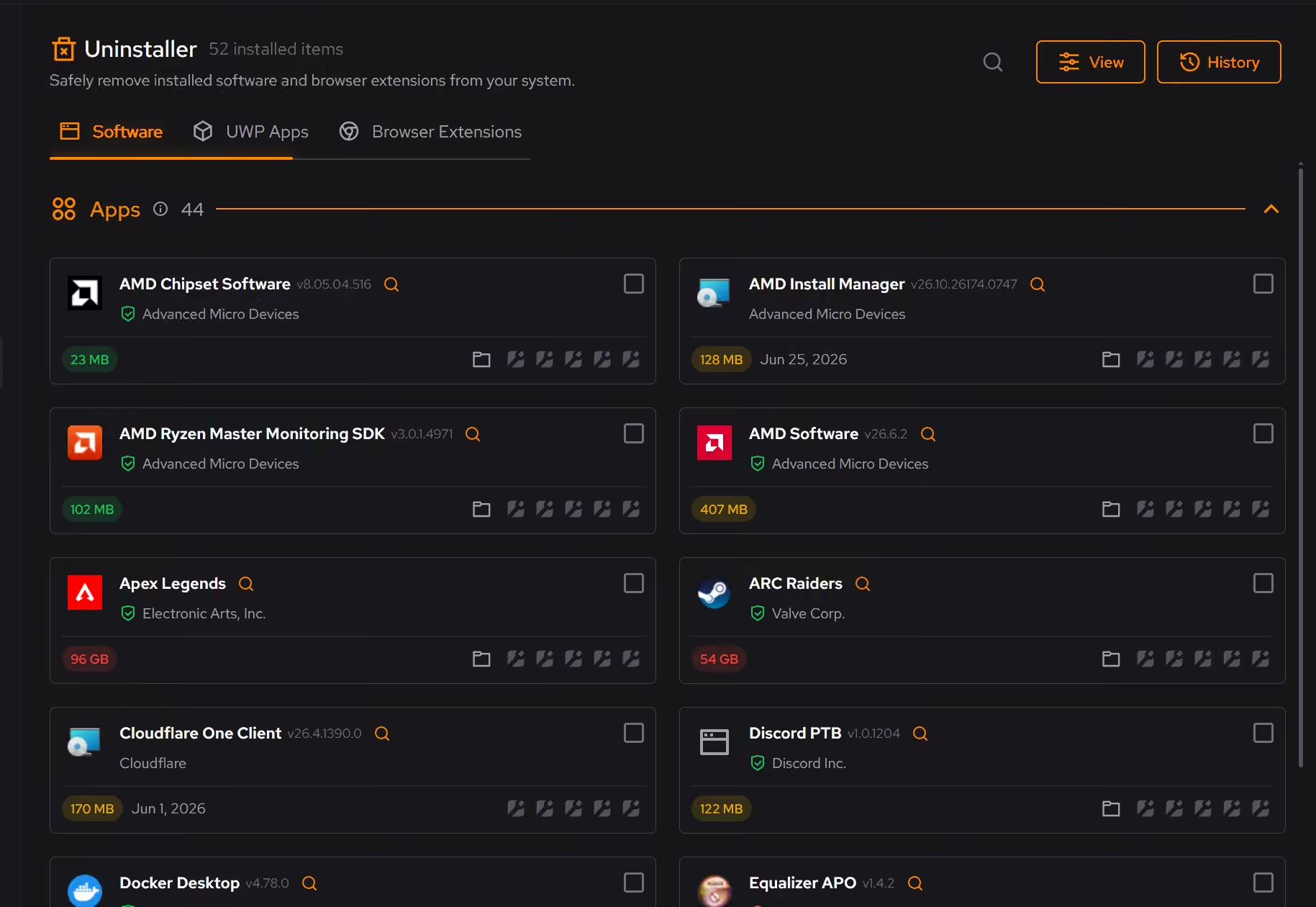
Proof, then limits.
What you can check
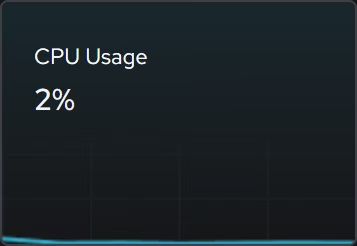
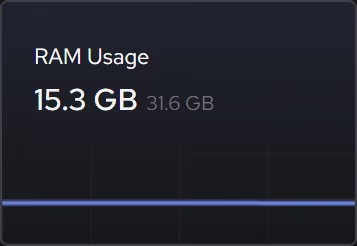
Focused CPU, graphics, memory, and storage views show what is being asked of the hardware right now, free for everyone.
In Your PCBooster shows what starts with Windows and what keeps running in the background, then lets you decide what deserves the time.
In Booster
Where eclean stops
Software cannot add cores or turn a hard drive into an SSD. If the hardware is the bottleneck, eclean helps you see that, not fix it.
Sometimes replacement is the right call. Measuring first means you find that out in minutes instead of hours.
If eclean steps over a line here, tell us and we'll fix it.