
When Windows Update leaves a slow PC. Find what changed, decide what stays.
A PC that slowed after a Windows update is usually busy, not broken. See the new background load, re-check your tweaks, and reclaim the drive, explained first.
Free · Windows 10 and 11
Every change explained, with a route back.
The problem.
The update finished, the PC came back, and it has felt heavier ever since. Something changed, but Windows does not hand you a list of what. The fan spins at idle, login takes longer, and the advice online splits between waiting it out and running a script somebody attached to a forum post.
The first honest thing to say about a post-update slowdown is that some of it is temporary. For a while after a big update, Windows indexes, optimizes, and tidies in the background, and a machine that feels heavy on day one can feel normal by day three. The problem is telling that settling-in period apart from a change that is here to stay, and guessing is not a method.
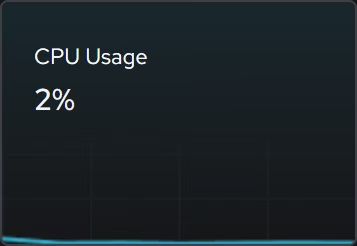
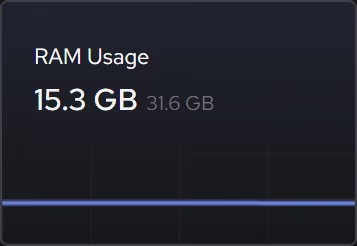
Measuring is. The live views show processor, memory, and storage demand as it happens, so idle-time busyness is a fact you can watch rather than a fan noise you interpret. A drive working hard at idle in week one reads very differently from the same drive doing it in week four, and the difference decides whether patience or investigation is the right spend.
If the slowness stays, the background list is where the answers live. Booster shows startup apps, services, and scheduled tasks in one place, which makes the after picture readable next to your memory of the before. Feature updates also like to introduce their own passengers, and the tweaks named further down this page address the usual ones, turning off Widgets' feeds, Copilot's components, suggested app installs, and update sharing to other PCs. Each tweak describes what it changes before you apply it and lands in a history with a route back, which matters here more than anywhere, because an update-season machine is exactly the wrong place for unexplained changes.
The drive deserves a check too. Major updates keep a copy of the previous installation for a while, and on a small drive that alone can push things uncomfortably full. eclean's cleanup previews the routine clutter by category, the large file finder shows what else is holding space with size and date beside it, and the linked guide covers the full drive case in step-by-step detail.
Where eclean stops is the update itself. It does not block updates, defer them, or roll them back, because update management belongs to Windows and pretending otherwise creates worse problems than slowness. What it offers instead is visibility and a clean way back to a machine you understand, which is usually the whole distance between an update you resent and one you stop noticing.
What eclean does here. In this order.
Read the new background load
Updates arrive with work attached, and some of it stays. Booster shows startup apps, services, and scheduled tasks in one list, so what is running now can be compared against what you remember agreeing to.
In Booster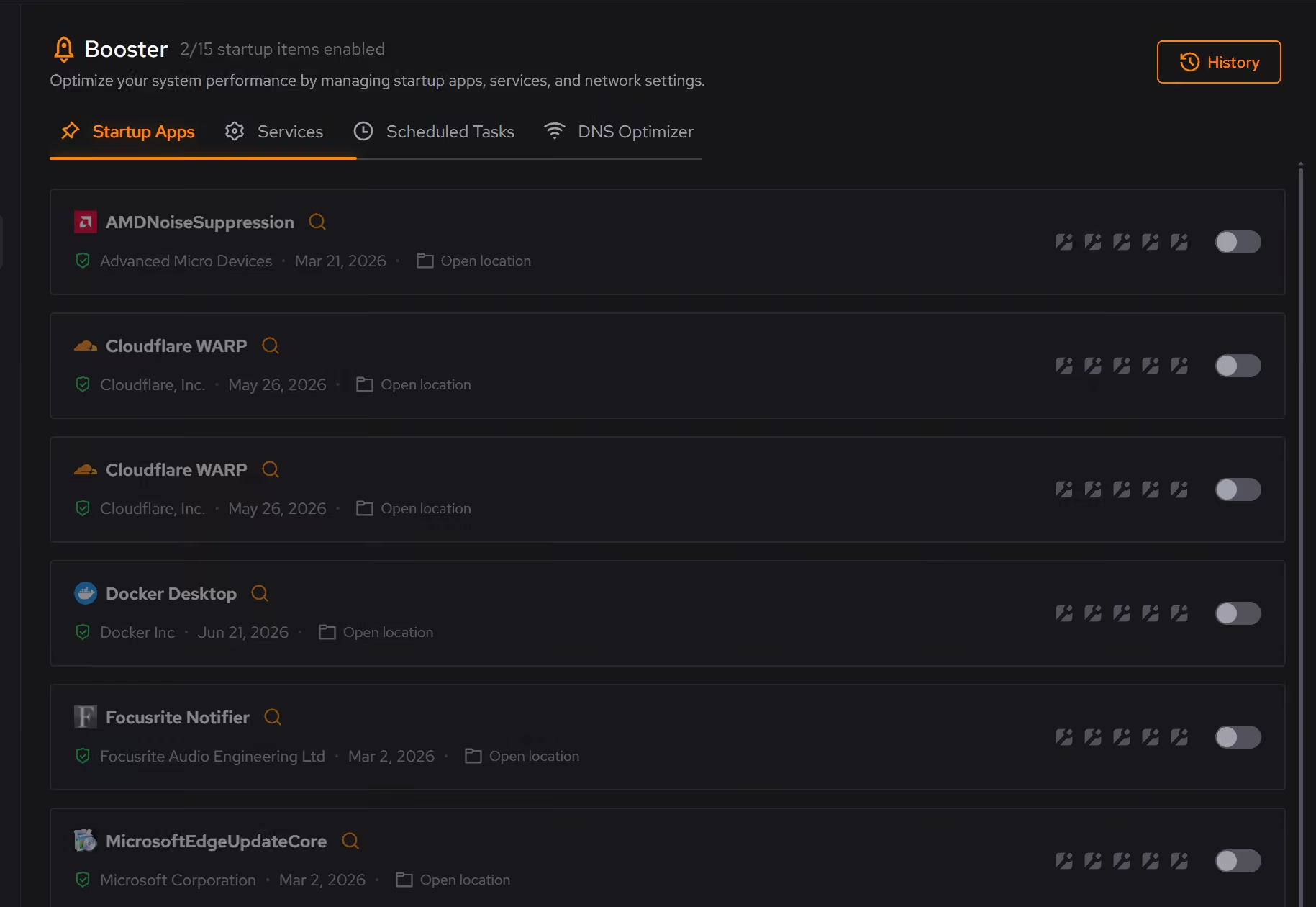
Walk your tweaks again, with receipts
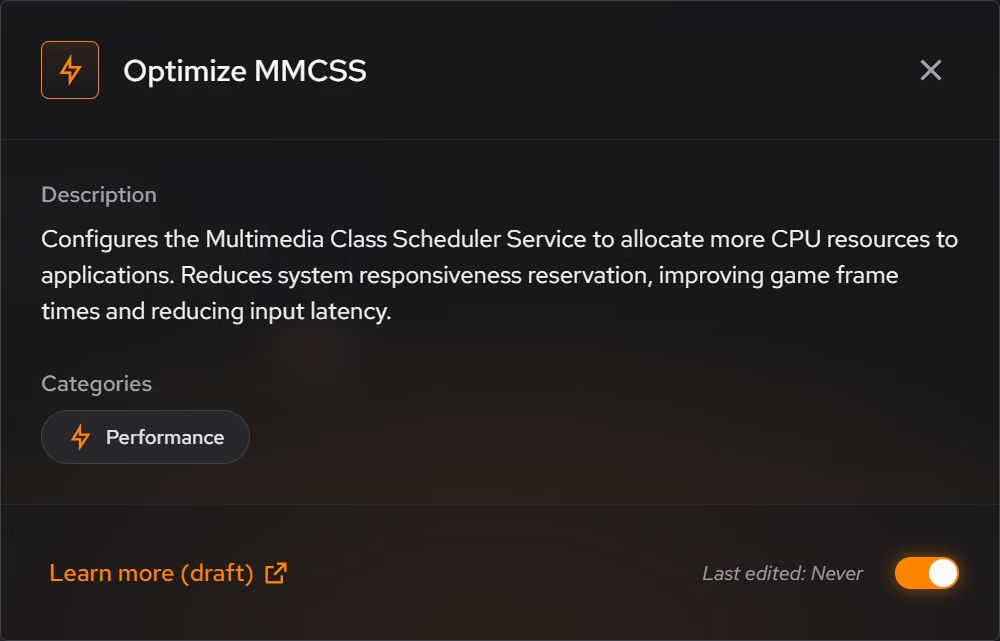
A feature update can ship new defaults and new features switched on. Optimizer's recommendations can be reviewed again after one lands, each explained in plain language, and the history shows what you applied before, with a supported route back either way.
In Optimizer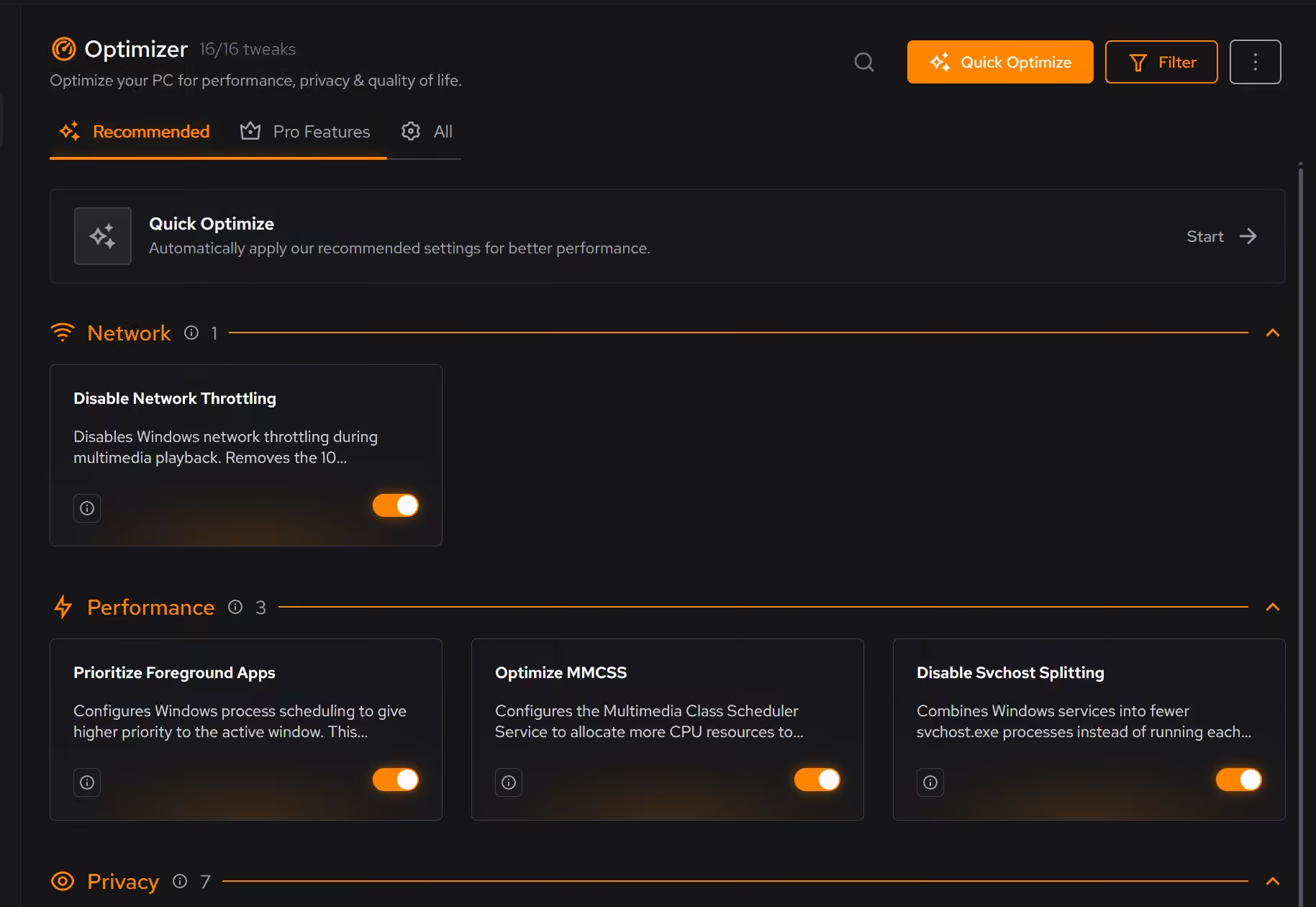
Tell busy apart from broken
Post-update slowness that fades is background work finishing. Slowness that stays is something to find. The live CPU, memory, and storage views show which one you have, in the moment, on facts.
In Your PC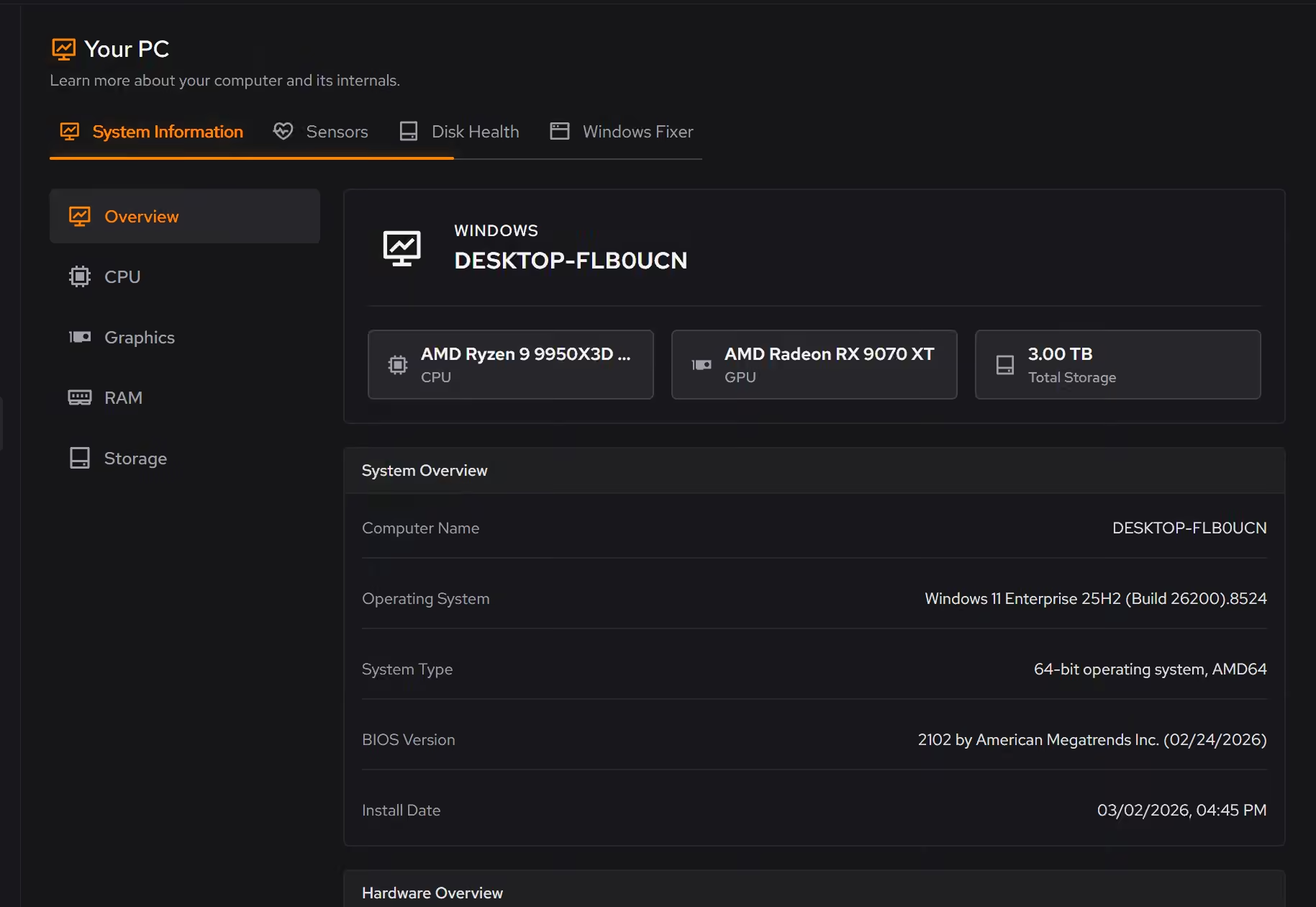
Free on Windows 10 and 11, no trial timer.
Download freeThe tweaks, by name. Each one explains itself before it runs.
Disable Background Apps
Prevents apps from running in the background when not actively in use. This reduces CPU and memory usage, extends battery life on laptops, and improves overall system responsiveness.
Disable Widgets
Turns off the Windows Widgets panel and, when possible, removes related components. This reduces background content fetching, memory usage, and taskbar clutter.
Disable Copilot
Turns off Windows Copilot, hides its taskbar button, and removes related components when Windows allows it.
Disable Content Delivery
Stops Windows from automatically installing suggested apps, showing app recommendations in the Start menu, and displaying tips and advertisements throughout the system.
Disable Delivery Optimization Peering
Sets Delivery Optimization to HTTP-only, no-peering mode. Updates still download normally, but Windows stops sharing update content with other PCs.
Every tweak above changes Windows settings, and applied changes land in a history. See how Optimizer works
Proof, then limits.
What you can check
Booster shows startup apps, services, and scheduled tasks together, so the whole background load is visible in one place.
In BoosterOptimizer keeps a history of what you applied, and supported changes can be reverted from the same place you enabled them.
In Optimizer
Where eclean stops
eclean does not block, remove, or roll back Windows updates. Update management stays with Windows.
If an update brought a driver or hardware fault, eclean helps you see the symptom, not repair it.
If eclean steps over a line here, tell us and we'll fix it.
Still deciding? Fair questions, answered.
Will it break my PC?
It is designed not to. Every change is explained before it is applied, you decide what runs, and supported changes keep a route back inside the app, so nothing you try has to be permanent.
Is eclean safe to download?
Yes. The installer is a single signed file from our own release server, with no bundled extras. While our signing certificate is new, Windows SmartScreen may ask you to confirm the publisher, which reads ECLEAN LIMITED, the company that signs our Windows installer. What the app collects, and what it never touches, is documented in the trust center.
Is the free version actually useful?
Yes. The core of eclean, understanding your PC and keeping it tidy, is free without time limits or nagging. Pro adds depth for people who want more control, not the basics held hostage.