
After an update
A PC that slowed after a Windows update is usually busy, not broken. See the new background load, re-check your tweaks, and reclaim the drive, explained first.
The moments a PC needs attention, from a new build to a full drive, each with an honest starting point and the limits stated up front.
A PC that slowed after a Windows update is usually busy, not broken. See the new background load, re-check your tweaks, and reclaim the drive, explained first.
A fresh Windows install is the easiest PC you will ever maintain. Set the defaults deliberately, clear what the image shipped, and guard the empty startup.
When Windows warns about low disk space, guessing costs files. Preview the clutter, sort what remains by size and date, and decide on the drive's facts.
The first hour with a new gaming PC decides how it ages. What to check, remove, and tune with eclean before the preloads and startup apps settle in.
Is the laptop worth saving? Measure what is in it, reclaim the disk, cut the background load, then decide, with honest limits on what software can fix.
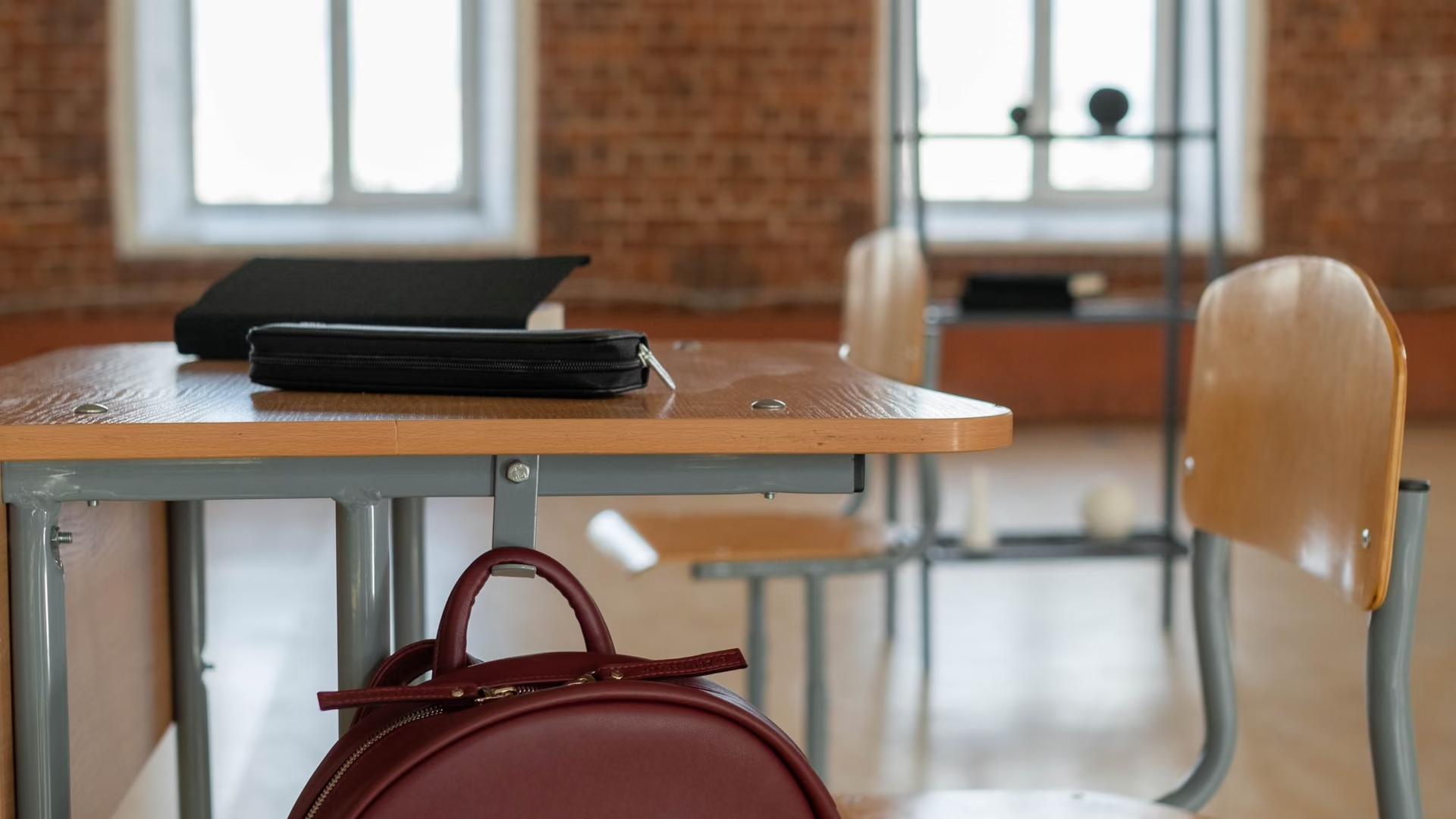
The laptop heading back to school after a summer of games and downloads. Clear the clutter with a preview, quiet the startup, and review what got installed.

Before a PC changes hands, know what is on it. Inventory your software, shred what is sensitive, and document the hardware honestly for the listing.
Every page above is the same free app on Windows 10 and 11.
Download free