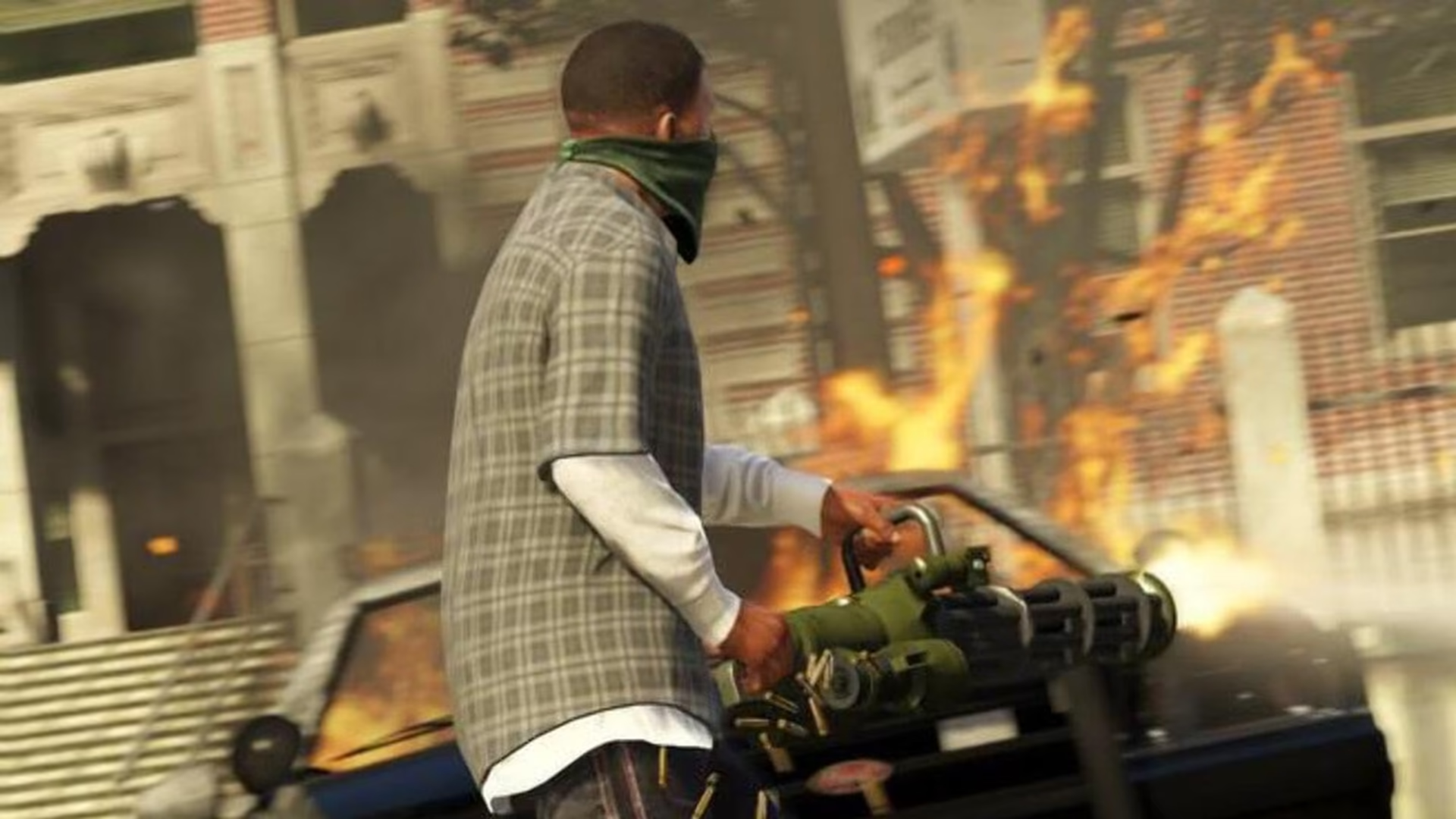
Los Santos on a machine that keeps up. The game and BattlEye stay untouched.
GTA V wants a big drive and a quiet Windows. eclean clears space around the install, trims the background, and shows the hardware live when the city stutters.
Free · Windows 10 and 11 · Never touches BattlEye
Every change explained, with a route back.
The problem.
GTA V is over a decade old and still one of the heaviest things on the drive. The install is enormous, updates land big, and the open world streams assets constantly, which means a full disk or a busy background turns Los Santos into a slideshow. On the aging PCs the game often lives on, the machine around it needs more care than the settings menu.
GTA V has outlived several generations of the hardware it launched on, and that longevity is the problem. The install has grown enormous, GTA Online keeps feeding it updates, and the open world streams assets from disk continuously while you play. A machine that runs the game fine on paper can still deliver a stuttering Los Santos, because the trouble is rarely the frame rate ceiling. It is the drive and the background fighting the asset streaming for attention.
Since GTA Online adopted BattlEye, the tuning conversation carries the same anxiety every protected game has. eclean's line is the one it draws for Valorant, CS2, and League. It changes Windows only, never the game's files, the Rockstar Games Launcher, or the anti-cheat, and every change it makes is explained first and logged with a route back.
Space is where most GTA V problems start, so the space tools lead this page. The clutter scan previews what can go by category, and the large file finder sorts the drive's heaviest occupants by size and modified date, which on a long-lived gaming PC surfaces years of forgotten installers, recordings, and duplicate downloads. Clearing them gives the install room and gives Windows working space on the same drive the game streams from, and nothing is removed without the preview stating it.
The live views earn their place the first time the city hitches. Watching storage and memory demand while driving through a dense district tells you whether the drive is pinned, memory is exhausted, or something else woke up mid-session, and each answer has a different fix. The tweaks named further down handle the recurring background offenders, from Game Bar's recording services to apps running uninvited, each described in the app's own words before it runs.
What this page will not claim is a frame rate. GTA V's settings menu and your hardware own that number. What eclean owns is the Windows underneath, the space the game streams from, the background it competes with, and the visibility to know which one is misbehaving, with every change explained and reversible.
What eclean does here.
Space for the city to breathe
An open world this size punishes a nearly full drive. Cleaner previews clutter by category with the space it frees, and the large file finder sorts the rest by size and date, so room for the install and its updates comes from facts. Large file scans across all drives at once are Pro.
Pro covers 2 PCs. Family covers 5.
In Cleaner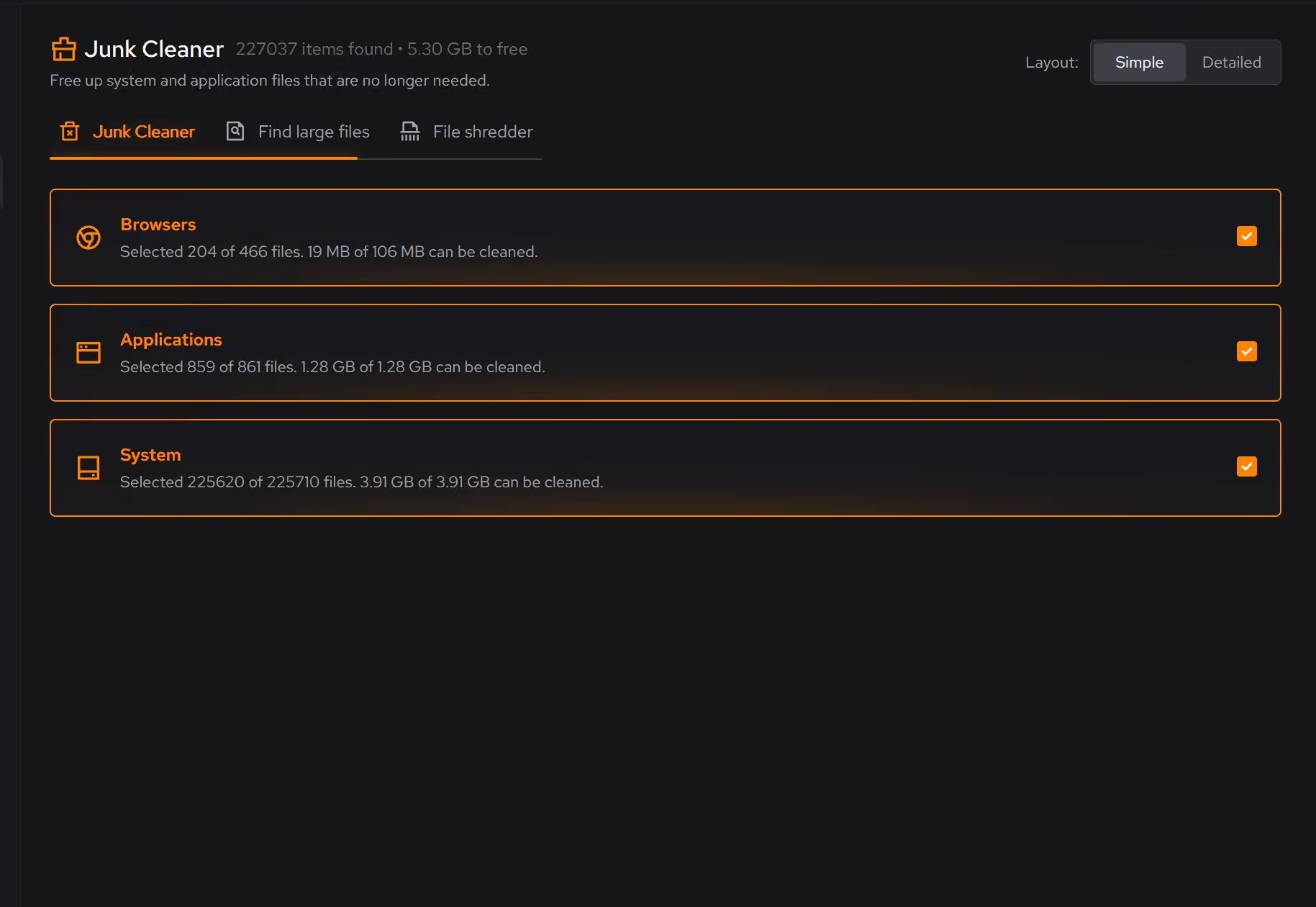
Watch the stutter happen
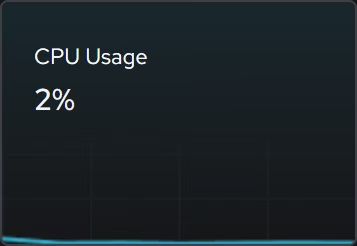
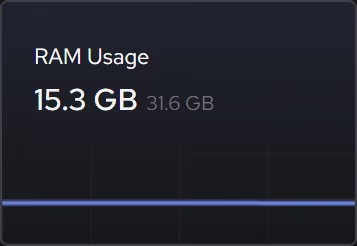
Asset pop-in and hitching point at storage or memory under pressure. The live views show what the hardware is being asked to do while you drive, so the bottleneck turns up as a fact instead of a theory.
In Your PC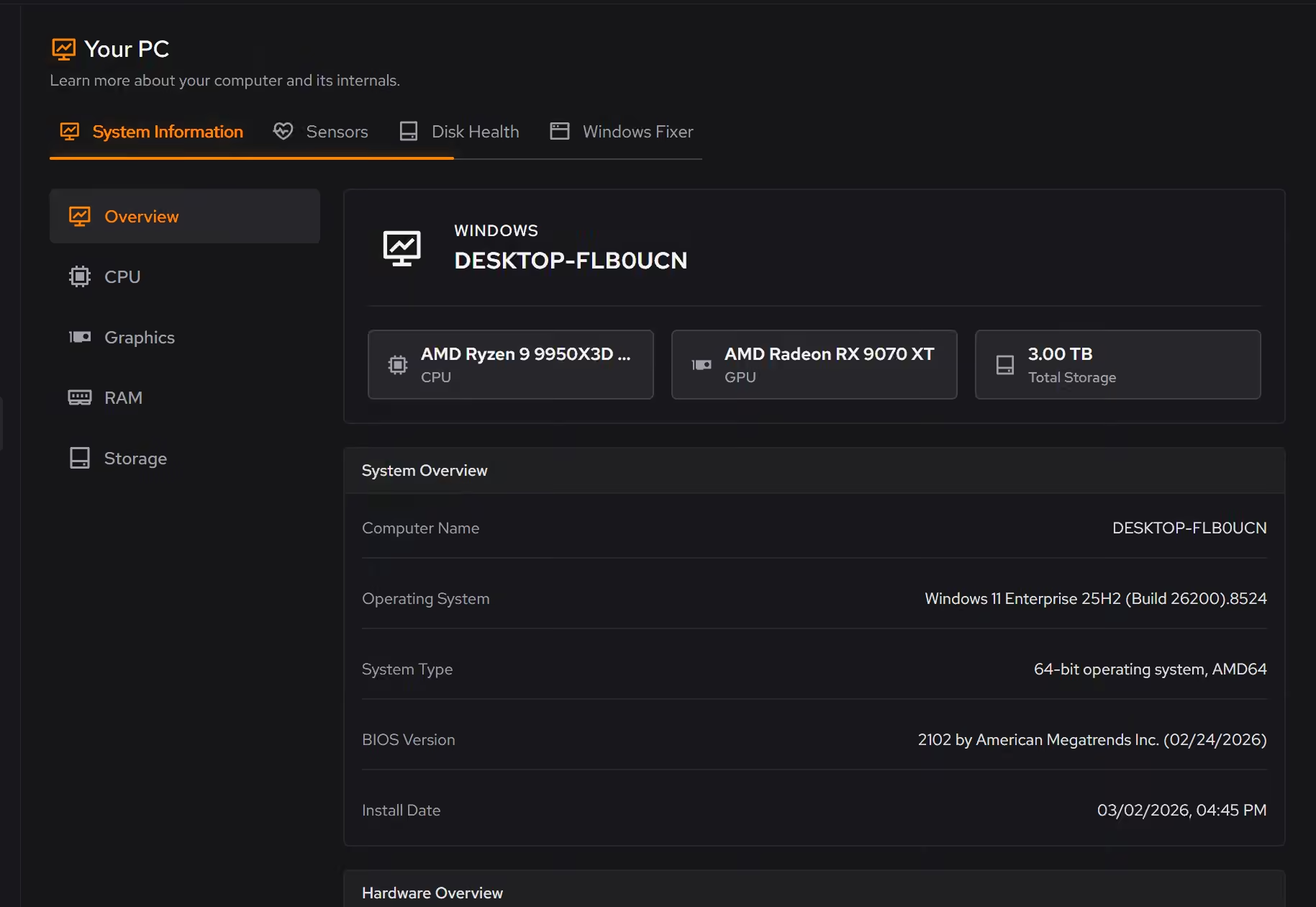
Keep the background out of the streaming
Constant asset streaming leaves little slack for surprise work. Booster puts startup apps, services, and scheduled tasks in one list, so what runs behind the game is a decision.
In Booster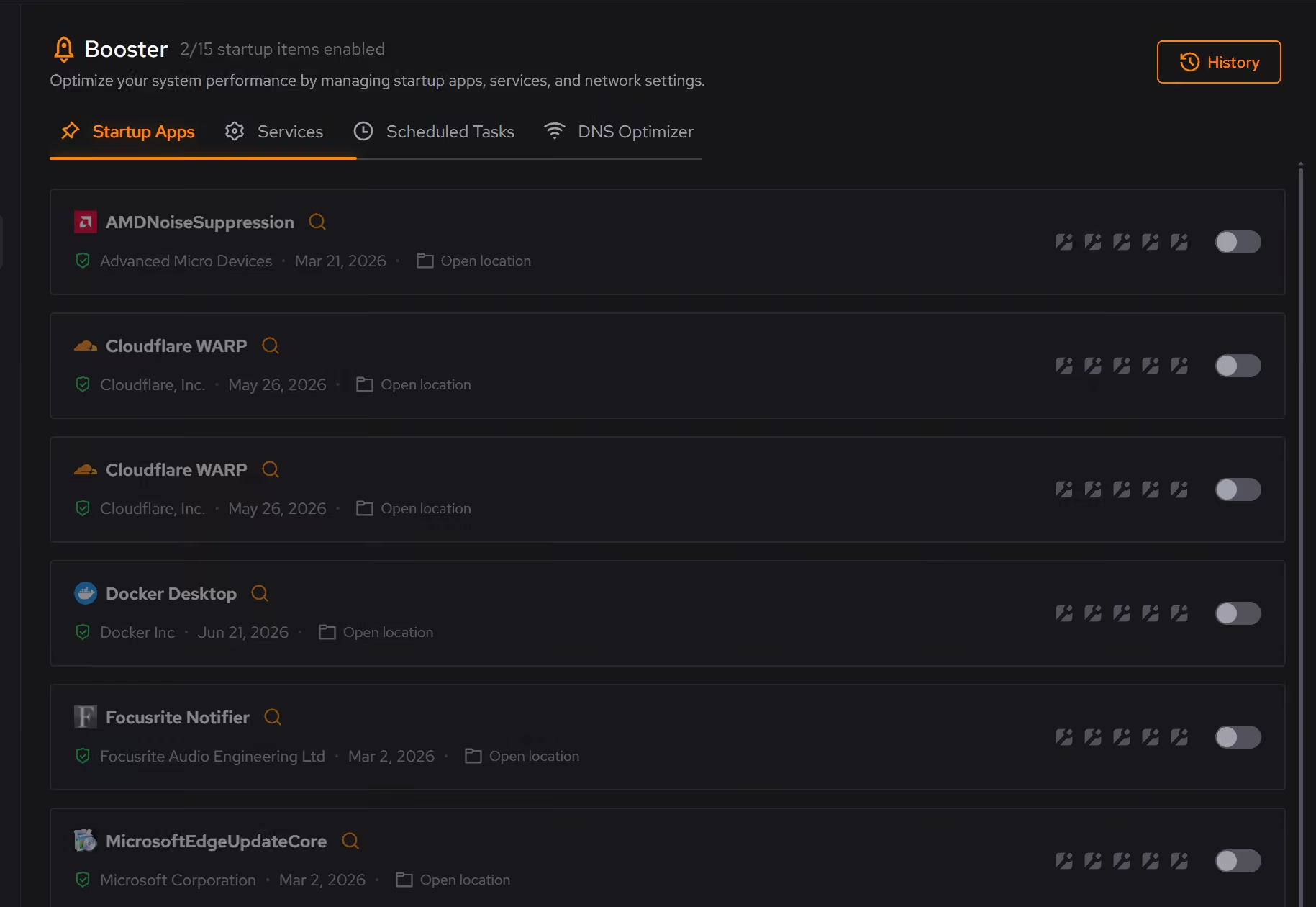
Free on Windows 10 and 11, no trial timer.
Download freeThe tweaks, by name. Each one explains itself before it runs.
Disable Game Bar
Disables Xbox Game Bar, Game DVR, and background game recording features. This reduces CPU and memory overhead during gaming sessions and eliminates overlay-related performance impacts.
Disable Background Apps
Prevents apps from running in the background when not actively in use. This reduces CPU and memory usage, extends battery life on laptops, and improves overall system responsiveness.
Prioritize Foreground Apps
Configures Windows process scheduling to give higher priority to the active window. This improves UI responsiveness, reduces input lag in games, and provides a smoother multitasking experience.
Optimize MMCSS
Configures the Multimedia Class Scheduler Service to allocate more CPU resources to applications. Reduces system responsiveness reservation, improving game frame times and reducing input latency.
Every tweak above changes Windows, never GTA V or BattlEye. See how Optimizer works
Proof, then limits.
What you can check
eclean changes Windows. It does not modify GTA V, the Rockstar Games Launcher, or BattlEye.
In OptimizerClutter is grouped by category, and you see what will be removed and how much space it frees before anything happens.
In Cleaner
Where eclean stops
eclean does not modify GTA V, the Rockstar Games Launcher, or BattlEye.
It cannot shrink the game or its updates. It clears the Windows around them.
If eclean steps over a line here, tell us and we'll fix it.
What Pro adds here.
These are the additions the modules on this page gate. Pro covers up to 2 PCs, and Family covers up to 5.
Cleaning that runs on a schedule for the categories you choose
In Cleaner
Large file scans across all drives at once
In Cleaner
Secure overwrite mode in the file shredder
In Cleaner
Still deciding? Fair questions, answered.
Is the free version actually useful?
Yes. The core of eclean, understanding your PC and keeping it tidy, is free without time limits or nagging. Pro adds depth for people who want more control, not the basics held hostage.
Will it break my PC?
It is designed not to. Every change is explained before it is applied, you decide what runs, and supported changes keep a route back inside the app, so nothing you try has to be permanent.
Is eclean safe to download?
Yes. The installer is a single signed file from our own release server, with no bundled extras. While our signing certificate is new, Windows SmartScreen may ask you to confirm the publisher, which reads ECLEAN LIMITED, the company that signs our Windows installer. What the app collects, and what it never touches, is documented in the trust center.