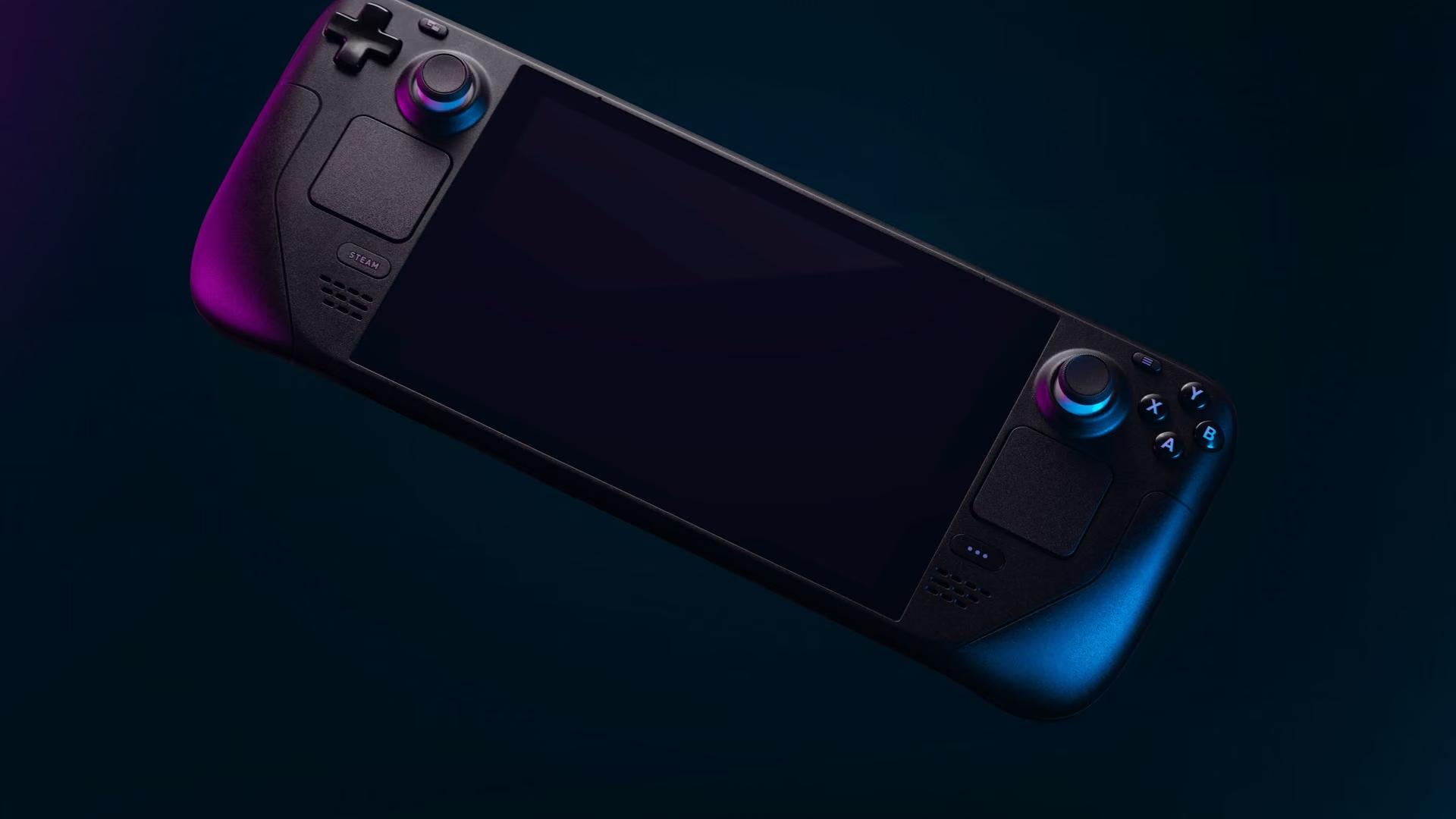
A tidier home for the Steam library. The library is yours. So is the drive.
A Steam library quietly owns the drive it lives on. See what the games and their leftovers cost, clear the clutter around them, and quiet the launcher startup.
Free · Windows 10 and 11
Every change explained, with a route back.
The problem.
A Steam library grows the way a bookshelf does, one sale at a time, until the drive is full and nobody remembers half the titles. Games you finished years ago still hold their gigabytes, launchers stack up at startup, and the update queue decides when the disk gets hammered. The library is worth keeping. The chaos around it is not.
Nobody plans a 2 TB problem. It assembles itself from winter sales, free weekends that turned into installs, and the reasonable decision, made forty separate times, that this game was worth the space. Then one day an update will not fit, and the reckoning arrives all at once, usually five minutes before you wanted to play something.
eclean does not touch the library itself, and that boundary is the point. Steam manages your games, your installs, and your saves, and eclean stays entirely out of all three. What it manages is the Windows around the library, which is where the reckoning actually gets easier, because the space problem is never only the games.
The inventory makes the backlog concrete. Installed software appears with its size and install date, and a list beats a feeling. The game untouched since two winters ago, holding more space than your documents folder ever will, identifies itself, and whatever you decide about it happens through Steam as it should. eclean's contribution is the numbers that make the decision honest.
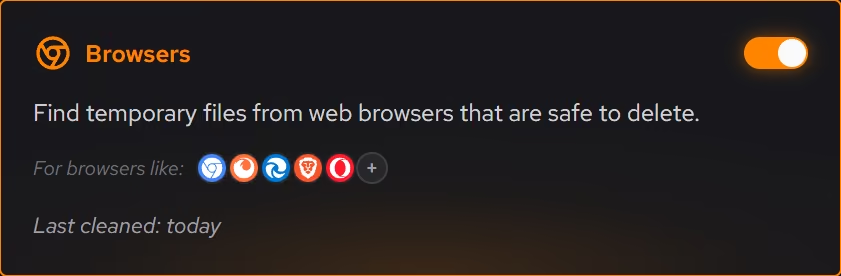
Around the games, there is more reclaimable space than most people expect. The clutter scan has a category for what games and their launchers leave behind, previewed before anything is removed, and the large file finder surfaces the old repair downloads, recorded clips, and duplicate installers that gather on a long-lived gaming drive. The tweaks named further down add the quieter wins, keeping background apps and Game Bar's recording services out of the way and stopping Windows from sharing update downloads with other PCs.
The startup queue is the last habit worth breaking. Every store and launcher registers itself at login, and a gaming PC can spend its first minute loading storefronts nobody asked for that morning. Booster puts the whole queue in one list, so Steam and its neighbors open when you play, and the PC belongs to you the rest of the time.
What eclean does here.
See what the games left behind
Game clutter is its own cleanup category, previewed like everything else, and the large file finder sorts the drive by size and modified date, which is where old installers, recordings, and forgotten downloads surface. Large file scans across all drives at once are Pro.
Pro covers 2 PCs. Family covers 5.
In Cleaner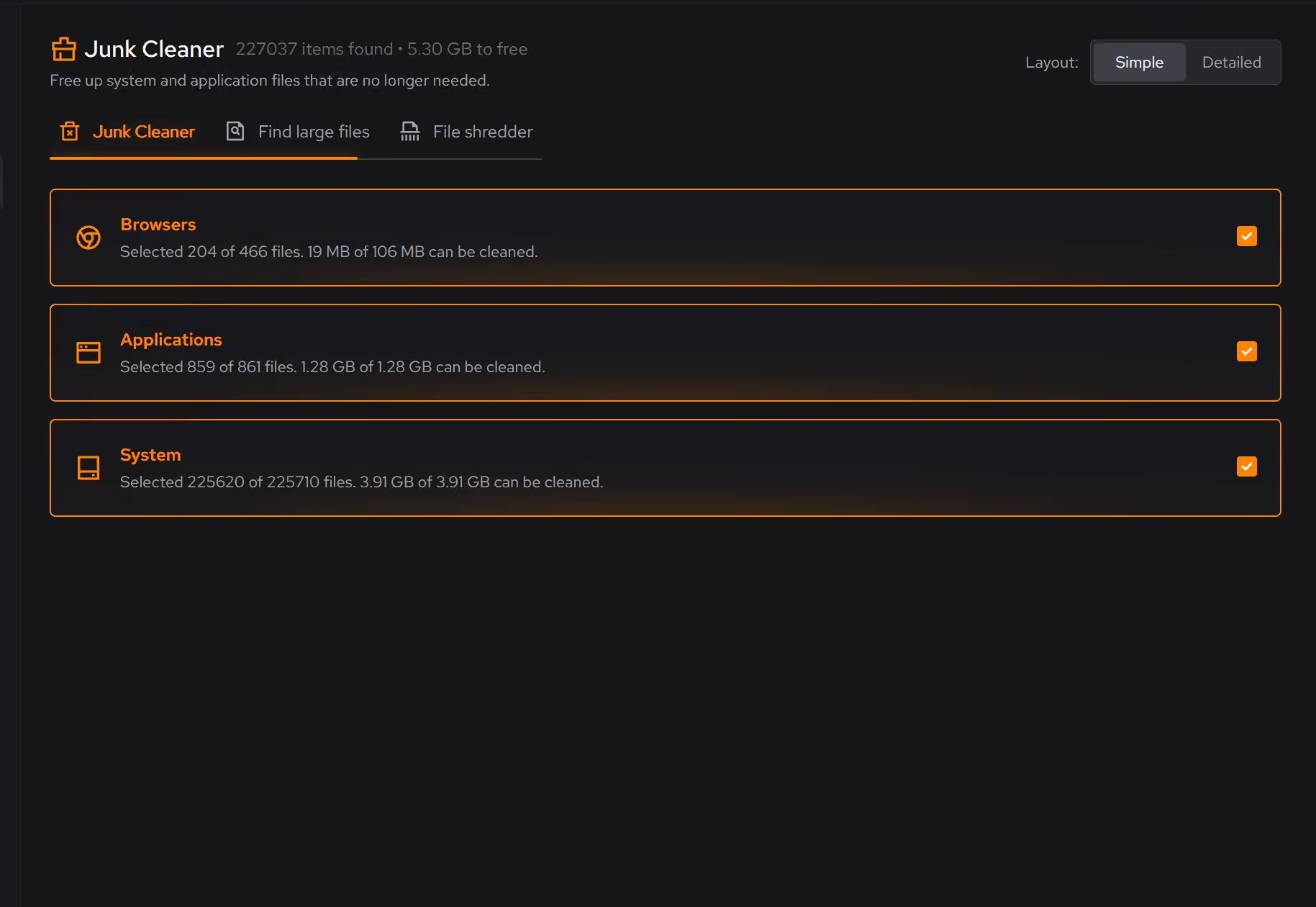
The backlog, with sizes attached
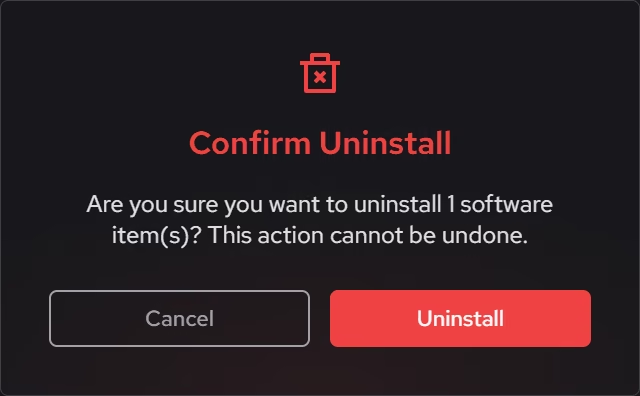
The software inventory lists installed programs with size and install date beside each, so the games untouched since 2023 stop being abstract. What stays and what goes becomes a decision made on numbers.
In Uninstaller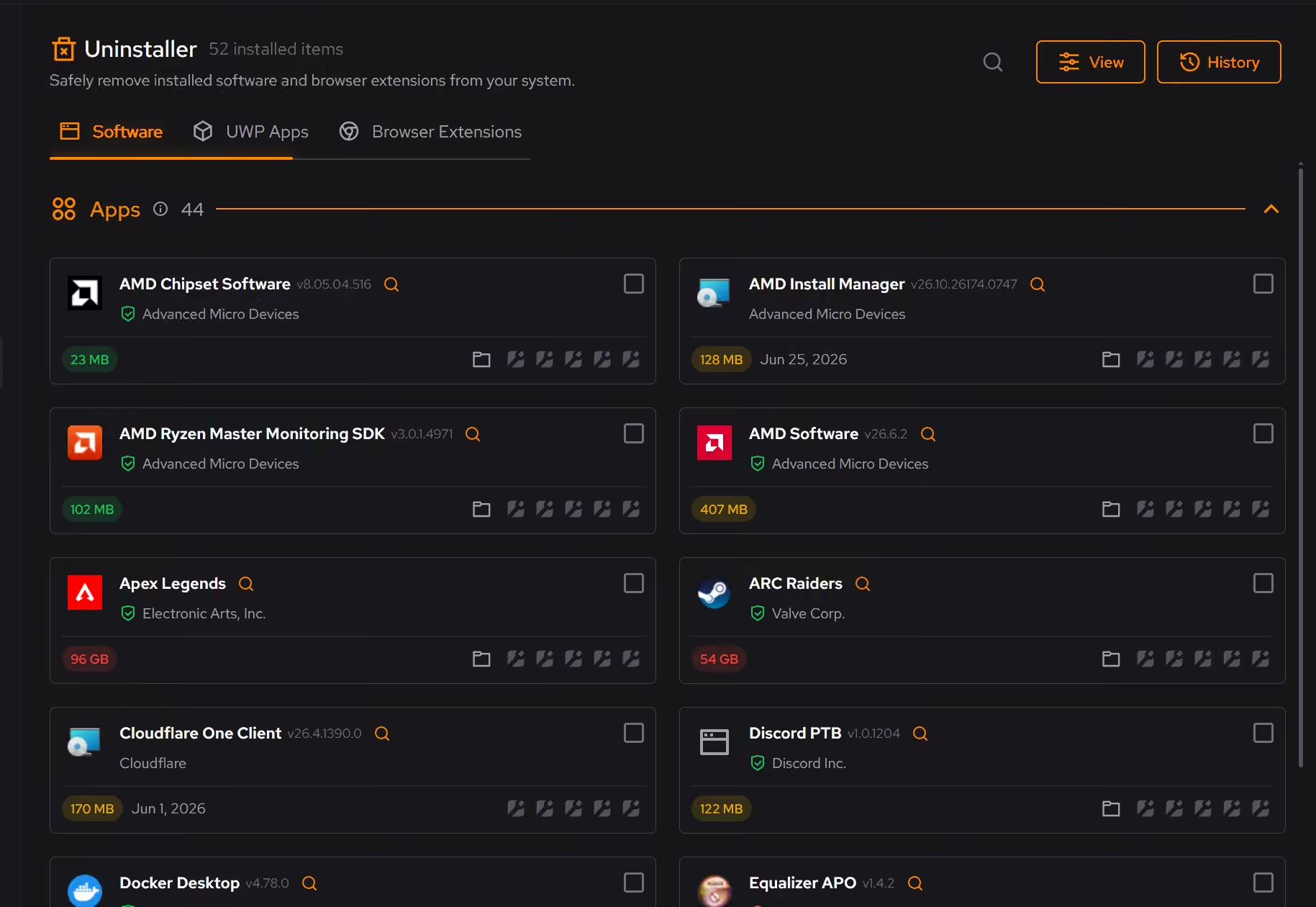
Launchers that wait to be asked
Steam rarely arrives alone, and every store wants to start with Windows. Booster shows the whole startup queue in one list, so the launchers load when you play instead of when you log in.
In Booster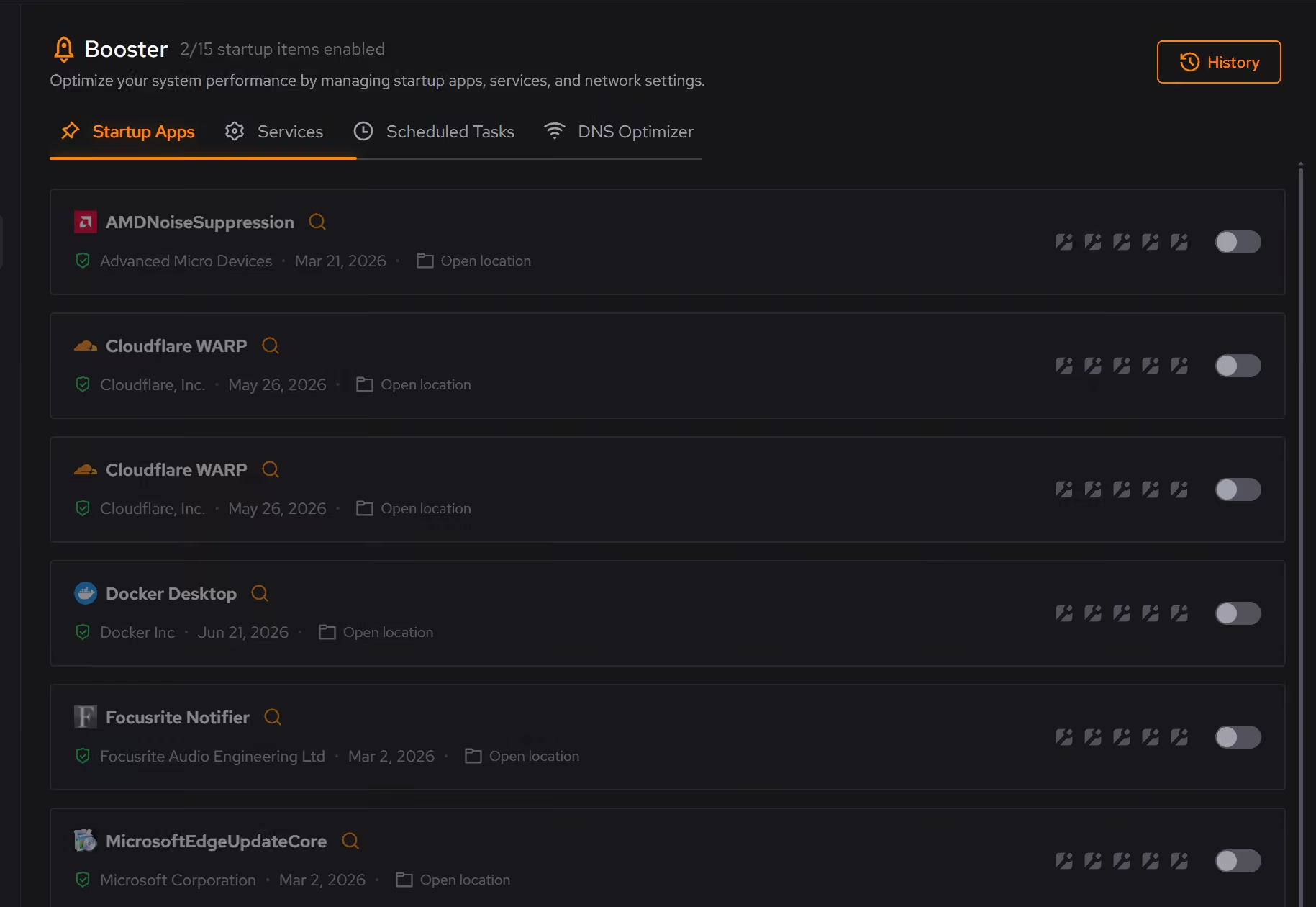
Free on Windows 10 and 11, no trial timer.
Download freeThe tweaks, by name. Each one explains itself before it runs.
Disable Background Apps
Prevents apps from running in the background when not actively in use. This reduces CPU and memory usage, extends battery life on laptops, and improves overall system responsiveness.
Disable Game Bar
Disables Xbox Game Bar, Game DVR, and background game recording features. This reduces CPU and memory overhead during gaming sessions and eliminates overlay-related performance impacts.
Disable Delivery Optimization Peering
Sets Delivery Optimization to HTTP-only, no-peering mode. Updates still download normally, but Windows stops sharing update content with other PCs.
Every tweak above changes Windows settings, and applied changes land in a history. See how Optimizer works
Proof, then limits.
What you can check
eclean changes Windows. It does not modify Steam, your game installs, or your saves.
In OptimizerDesktop programs, packaged Windows apps, and browser extensions share one inventory with size, install date, and publisher.
In Uninstaller
Where eclean stops
eclean does not modify Steam, your library, or your saves, and it does not move game installs between drives.
It cannot make games smaller. It shows what everything costs and clears the space around it.
If eclean steps over a line here, tell us and we'll fix it.
What Pro adds here.
These are the additions the modules on this page gate. Pro covers up to 2 PCs, and Family covers up to 5.
Cleaning that runs on a schedule for the categories you choose
In Cleaner
Large file scans across all drives at once
In Cleaner
Secure overwrite mode in the file shredder
In Cleaner
Still deciding? Fair questions, answered.
Is the free version actually useful?
Yes. The core of eclean, understanding your PC and keeping it tidy, is free without time limits or nagging. Pro adds depth for people who want more control, not the basics held hostage.
Do I need eclean if Windows has Storage Sense?
Storage Sense and Disk Cleanup are a good floor, and eclean does not pretend otherwise. They clear temporary files on a schedule, but they do not review app leftovers, startup, or installed software, and they never explain what went. eclean covers that layer and shows its work, so the two are companions more than rivals.
Is eclean safe to download?
Yes. The installer is a single signed file from our own release server, with no bundled extras. While our signing certificate is new, Windows SmartScreen may ask you to confirm the publisher, which reads ECLEAN LIMITED, the company that signs our Windows installer. What the app collects, and what it never touches, is documented in the trust center.