


Cleaner · Booster
eclean vs Advanced SystemCare
Advanced SystemCare grades your PC and fixes everything in one click. Here is how eclean compares on cleaning, speed-up claims, and upsell pressure.
Last checked

Storage Sense and Disk Cleanup are the right floor for a full C drive. What each one does, how they differ, and what an explained cleaner adds on top.
Keep the built-ins on. Storage Sense and Disk Cleanup are safe, free, and automatic, and they are the right first answer to a filling drive. eclean assumes they are running. What they do not do is clean app by app, find leftovers, explain items, or touch anything beyond disk space. eclean is the explained layer above that floor, not a replacement for it.
Free · Windows 10 and 11
Stay with Storage Sense & Disk Cleanup if…If this list sounds like you, Storage Sense & Disk Cleanup is a fine choice.
The same jobs, done two ways.
With eclean
eclean does not ask you to switch anything off. The built-ins keep handling temp files and the Recycle Bin on their schedule, and eclean picks up where their coverage stops.
With Storage Sense & Disk Cleanup
Storage Sense runs automatically when space gets low, with conservative defaults from Microsoft. As a baseline it is exactly what an operating system should ship.
With eclean
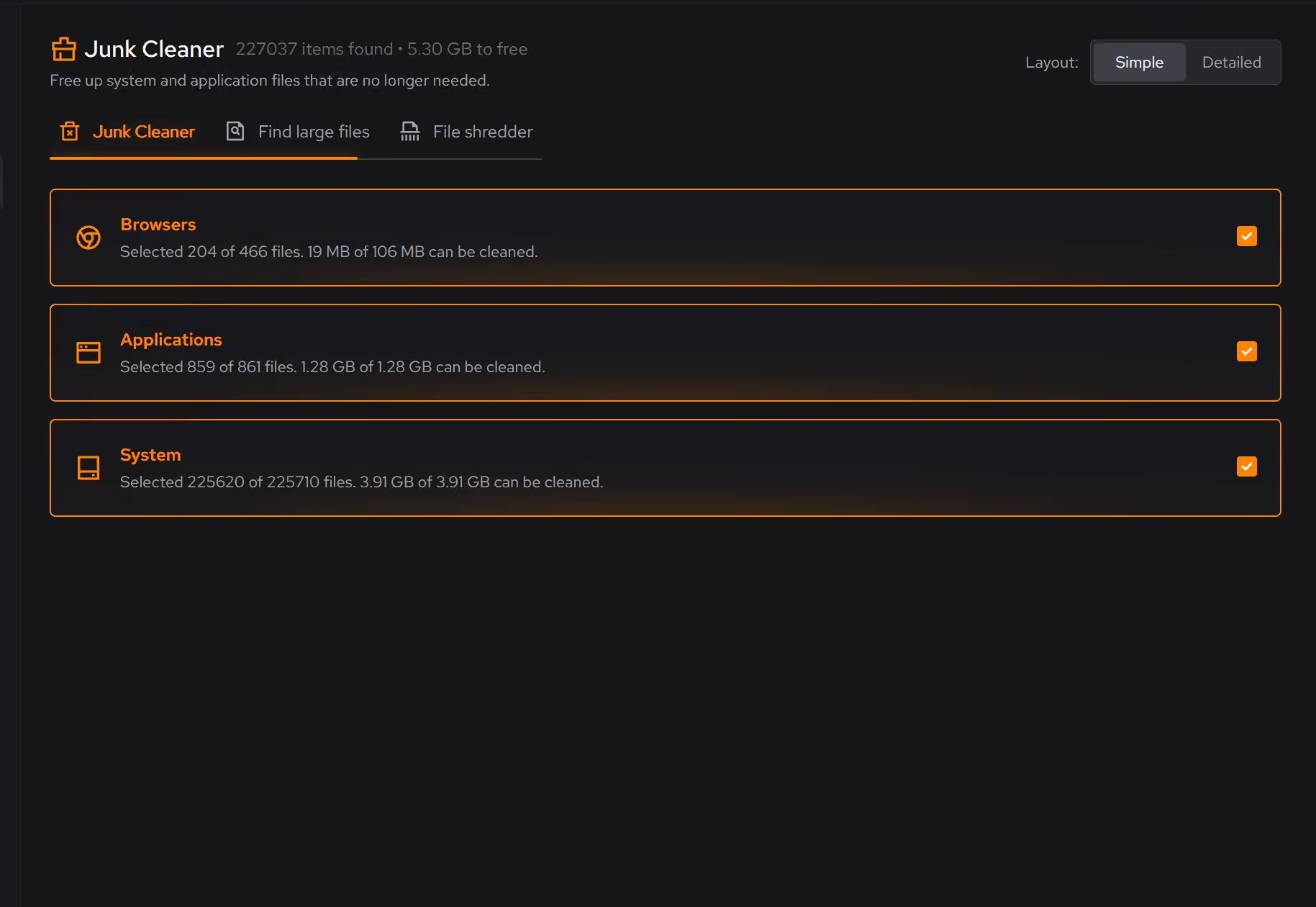
Cleaning covers browsers, individual apps, game launchers, and the leftovers of software you already uninstalled, each as its own category with its own explanation.
With Storage Sense & Disk Cleanup
Both tools work in broad Windows categories (temporary files, the Recycle Bin, update leftovers). App caches, launcher clutter, and leftovers from uninstalled software are out of scope.
With eclean
Every scan ends in a readable list of what was found, where it came from, and how much space it frees, reviewed per item before anything is removed.
With Storage Sense & Disk Cleanup
You get category checkboxes and totals. That is enough for temp files, but there is no per-item review and no explanation of what a category actually contains.
With eclean
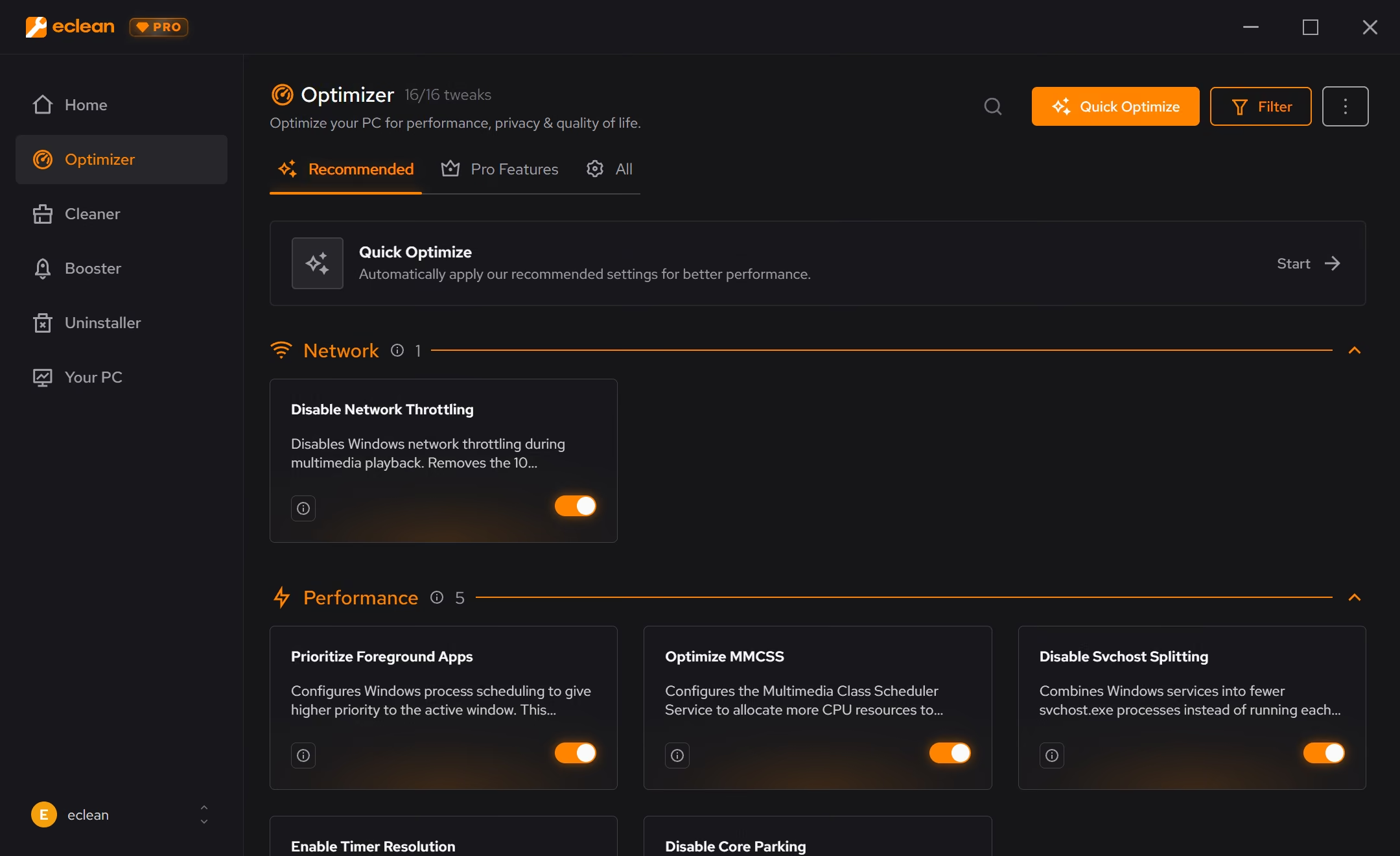
The same download shows what starts with Windows, what runs in the background, and what your hardware is doing, because a full drive and a busy PC are different problems.
With Storage Sense & Disk Cleanup
Both tools end at disk space. Startup and background load live in other corners of Windows, without recommendations or explanations.
Storage Sense and Disk Cleanup are the cleanup tools built into Windows, automatic temp-file housekeeping in Settings plus the classic per-drive utility. Here is how the two line up, feature by feature.
| Capability | eclean Free, or Pro at $45.99 USD/year | Storage Sense & Disk Cleanup Included with Windows |
|---|---|---|
| The built-in floor | ||
| Runs automatically when disk space is low | Scheduled cleaning with Pro | |
| Included with Windows, nothing to install | ||
| Previous Windows installations (Windows.old) | Disk Cleanup | |
| Free up space by making OneDrive files online-only | Storage Sense | |
| What they miss | ||
| Browser and app caches, product by product | ||
| Game and launcher clutter | ||
| Leftovers from uninstalled software | ||
| Large file finder with size and modified date | Category totals only | |
| Per-item preview with explanations | Category checkboxes | |
| Secure file shredder | Secure overwrite with Pro | |
| Beyond disk space | ||
| Startup, services, and scheduled tasks together | ||
| Uninstaller that looks for leftovers | ||
| Hardware inventory and live sensors | ||
| DNS benchmarking and encrypted DNS | ||
Checked by Jack Holmes. Last checked . Spot something out of date? Tell us and we'll fix it.
Everything Storage Sense & Disk Cleanup does here lives in one module of the same free download.
Every recommendation says what it changes and why before you commit to it.
Supported changes keep an undo history, so trying something is never a commitment.
Scans and cleaning run locally. The contents of your files never leave your machine.
“yeah seems to be good so far”
R M
The two built-ins get compared against each other so often that it is worth answering directly.
Storage Sense is the modern one. It lives in Settings under System and Storage, and once enabled it runs on its own: on a schedule, or when disk space gets low. It clears temporary files, empties the Recycle Bin after a period you choose, can do the same for the Downloads folder if you opt in, and can make locally stored OneDrive files online-only to reclaim space.
Disk Cleanup (cleanmgr.exe) is the classic desktop utility. It is manual and per-drive, and its "Clean up system files" mode reaches things Storage Sense mostly does not surface as clearly: Windows Update cleanup, delivery optimization files, and previous Windows installations in Windows.old, which can be tens of gigabytes after a major update.
The practical answer is not either or. Leave Storage Sense on for the schedule, and run Disk Cleanup's system files pass after a big Windows update. Our guide to freeing up disk space walks through both before any third-party tool enters the picture.
Microsoft's tools are deliberately conservative, and that is a feature. But it also defines their ceiling. They think in broad Windows categories, so they never clean app by app: browser caches, game launcher downloads, and the leftovers of software you uninstalled years ago are all out of scope. There is no per-item review, no explanation of what a category contains, and no view of unusually large files with size and date beside them. And they end at disk space entirely; what starts with Windows and what runs in the background are someone else's department.
eclean is built to sit on top of that floor, not to argue with it. Cleaning picks up the coverage the built-ins skip, grouped by where clutter comes from, with every item previewed and explained before removal. The large file finder shows what is actually taking the space. And the same free download covers startup, services, scheduled tasks, and a full hardware view, because a full drive is often only half the story. Scheduling, all-drive scans, and secure overwrite come with Pro; the layer above the built-ins is free.
Cleaner · Booster
Advanced SystemCare grades your PC and fixes everything in one click. Here is how eclean compares on cleaning, speed-up claims, and upsell pressure.

Cleaner · Booster · Uninstaller
AVG TuneUp automates PC maintenance behind a subscription. Here is how eclean compares on background apps, cost over time, and vendor track record.

Cleaner
BleachBit is free, open source, and genuinely powerful. An honest look at where it wins and what eclean adds in explanation, coverage, and support.