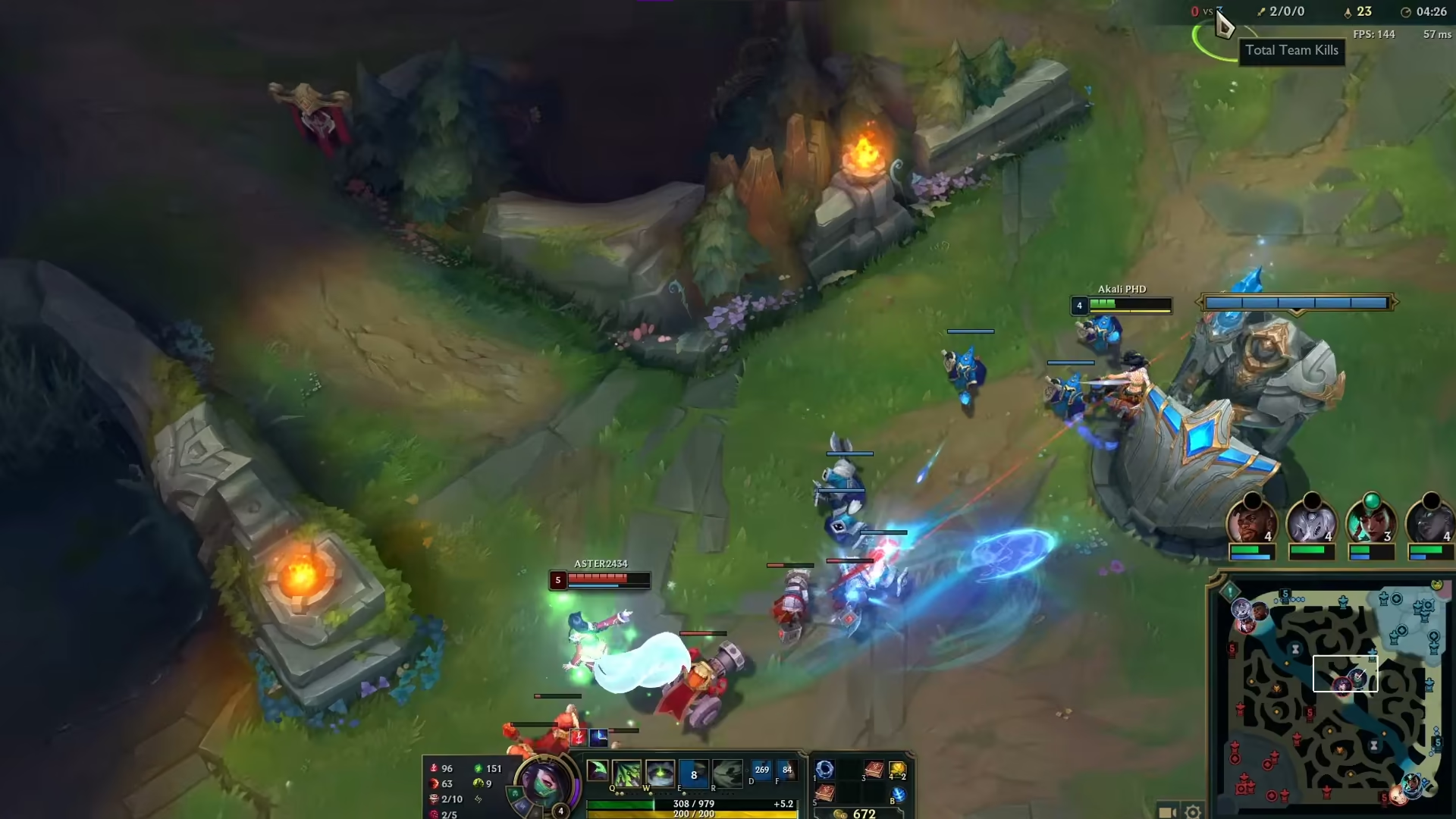
A steadier Windows for the Rift. The game and Vanguard stay untouched.
eclean tunes the Windows under League of Legends with explained scheduler tweaks and a quieter startup, and never touches the game, its client, or Vanguard.
Free · Windows 10 and 11 · Never touches Vanguard
Every change explained, with a route back.
The problem.
League runs on almost anything until the teamfight starts, and that is exactly when the hitch arrives. The machine is often a laptop or an older desktop with years of startup apps behind it, the fix threads argue about what Vanguard tolerates, and the tweak packs on offer cannot say what they change. Meanwhile the real problem is usually the Windows underneath.
League's hardware bar is famously low, and that is precisely why its performance problems are so stubborn. The game ends up on machines nothing else would tolerate, hand-me-down laptops, family desktops, and PCs that have been collecting startup apps for years. When a teamfight stutters on a machine like that, the game is rarely the culprit. It is everything else the PC was already doing.
Since Vanguard arrived on League, the stakes of random tweaking went up too. The same anti-cheat that guards Valorant now sits under League, forum threads disagree about what it tolerates, and nobody wants to test the question with their account. eclean's answer is the same line it draws for every Riot title. It changes Windows only, through Windows' own mechanisms, and never reaches into the game, the client, or the anti-cheat. Every tweak this page lists further down says what it changes before it runs, and supported changes revert from the history.
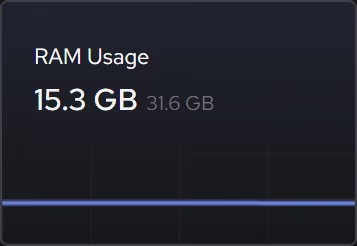
Diagnosis comes first on hardware like this, because the bottleneck is genuinely unknown. The live views show processor, graphics, memory, and storage demand in the moment a fight hitches, and on an 8 GB laptop the answer is very often memory rather than anything a settings tweak reaches. That finding redirects the afternoon. Trimming background apps and the boot queue returns memory the machine was wasting, and that is free tier work from start to finish.
The scheduler tweaks then handle the interference that remains. MMCSS explains its effect on frame times before you apply it, foreground priority tells Windows the game's window is the one that matters, and disabling Game Bar removes recording services nobody asked for on a MOBA machine. The advanced pair, timer resolution and core parking, is Pro, and each states its power cost as plainly as its benefit, which matters on the laptops half of League is played on.
What none of this does is manufacture frames the graphics chip cannot draw, and eclean says that in its own limits rather than in fine print. The claim is narrower and kept. A quieter, understood Windows under the game, a diagnosis you can trust when something still hitches, and a route back from every change you tried.
What eclean does here.
Find the cause before the fix
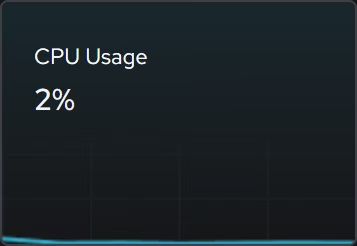
When the frame hitches in a teamfight, the live CPU, graphics, memory, and storage views show what the hardware was being asked to do at that moment, so you can tell a busy machine from a starved one before changing anything.
In Your PC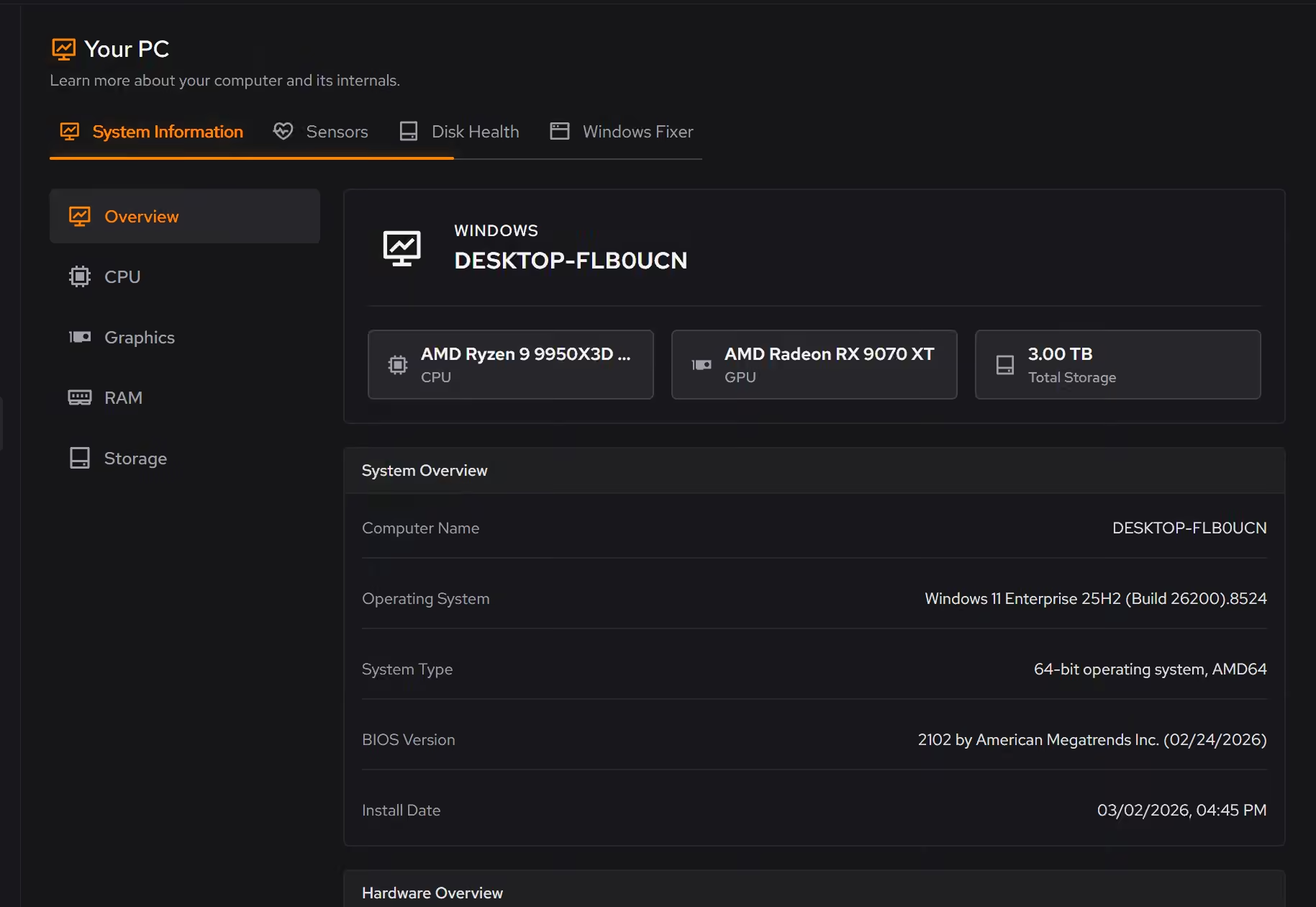
Tuning that stops at the client's edge
eclean changes Windows scheduling and background behavior and never reaches into League, the Riot client, or Vanguard. Each tweak explains its effect before you apply it, and supported changes revert from the history. Timer resolution and core parking are Pro.
Pro covers 2 PCs. Family covers 5.
In Optimizer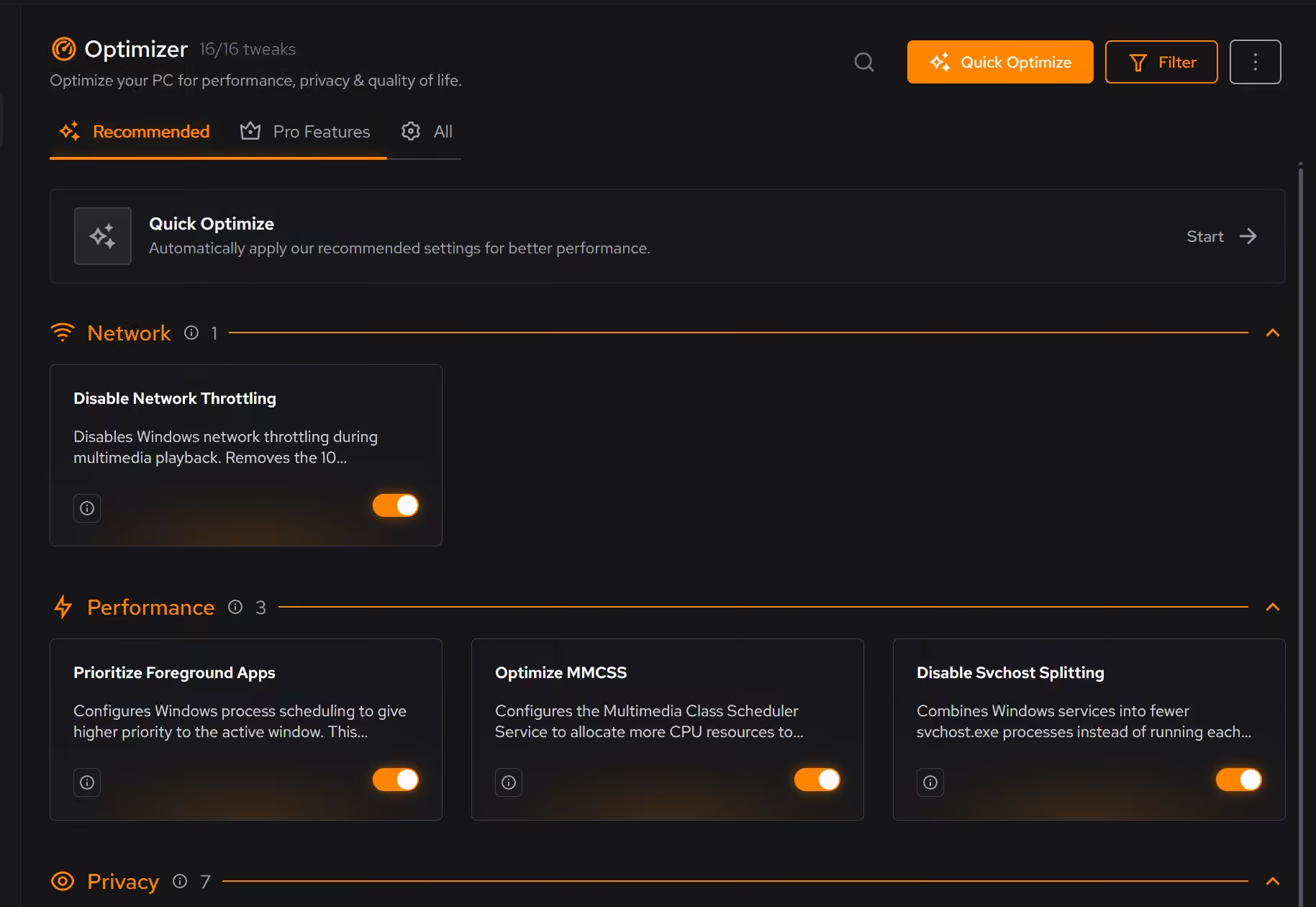
A startup that leaves room for the game
On the shared laptops and aging desktops League lives on, the boot queue is the real enemy. Booster lists startup apps, services, and scheduled tasks together, so the background load is something you chose.
In Booster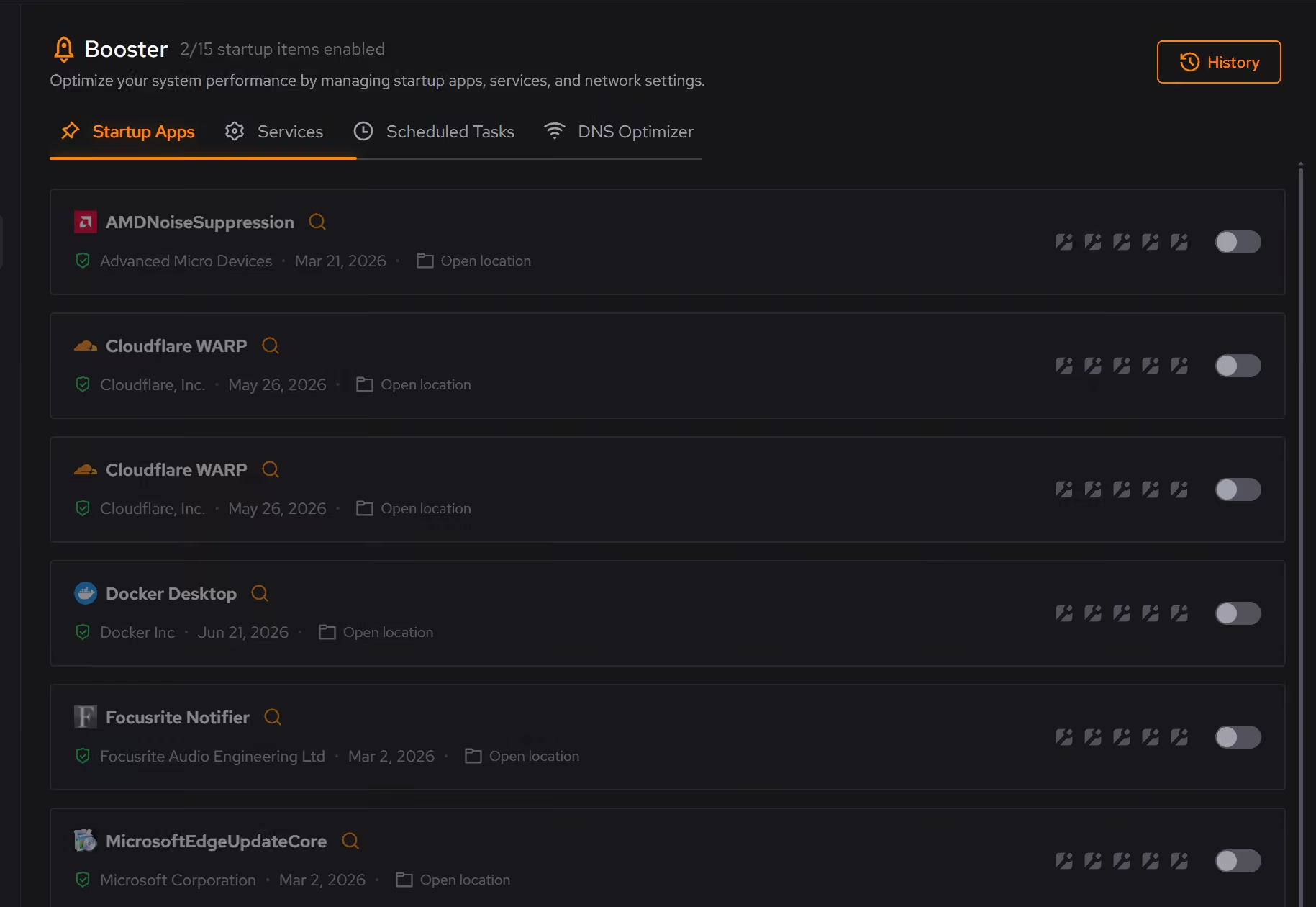
Free on Windows 10 and 11, no trial timer.
Download freeThe tweaks, by name. Each one explains itself before it runs.
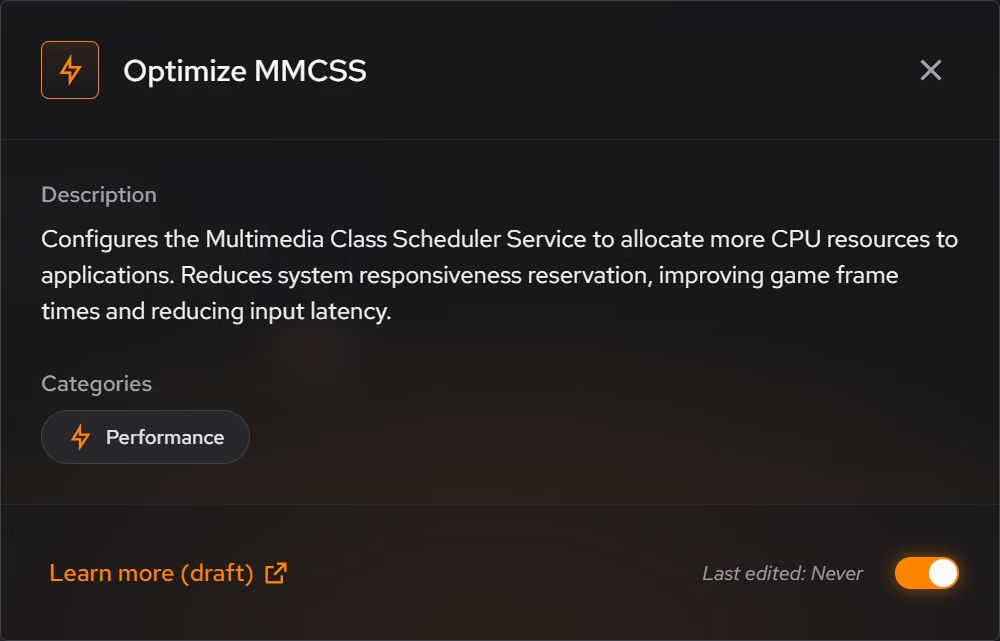
Optimize MMCSS
Configures the Multimedia Class Scheduler Service to allocate more CPU resources to applications. Reduces system responsiveness reservation, improving game frame times and reducing input latency.
Prioritize Foreground Apps
Configures Windows process scheduling to give higher priority to the active window. This improves UI responsiveness, reduces input lag in games, and provides a smoother multitasking experience.
Disable Game Bar
Disables Xbox Game Bar, Game DVR, and background game recording features. This reduces CPU and memory overhead during gaming sessions and eliminates overlay-related performance impacts.
Disable Network Throttling
Disables Windows network throttling during multimedia playback. Removes the 10 packets/ms limit to improve network performance for gaming, streaming, and VoIP applications.
Enable Timer Resolution Pro
Allows global timer resolution requests for lower latency in some apps. This is an advanced setting and can increase power use because the CPU wakes more often.
Disable Core Parking Pro
Keeps all CPU cores active instead of allowing Windows to park idle cores. Provides more consistent performance and eliminates micro-stutters from core wake-up latency, but increases power consumption.
Every tweak above changes Windows, never League of Legends or Vanguard. See how Optimizer works
Proof, then limits.
What you can check
eclean changes Windows settings. It does not modify League of Legends, the Riot client, or Vanguard.
In OptimizerApplied tweaks land in a history, and supported ones can be reverted from the same place you enabled them.
In Optimizer
Where eclean stops
eclean does not modify League of Legends, the Riot client, or Vanguard.
It promises no FPS numbers. Windows tuning helps frame consistency, and your hardware decides the rest.
If eclean steps over a line here, tell us and we'll fix it.
What Pro adds here.
These are the additions the modules on this page gate. Pro covers up to 2 PCs, and Family covers up to 5.
Advanced tweaks such as timer resolution, core parking, and modern standby
In Optimizer
Beta tweaks as they roll out
In Optimizer
Still deciding? Fair questions, answered.
Is eclean safe to download?
Yes. The installer is a single signed file from our own release server, with no bundled extras. While our signing certificate is new, Windows SmartScreen may ask you to confirm the publisher, which reads ECLEAN LIMITED, the company that signs our Windows installer. What the app collects, and what it never touches, is documented in the trust center.
Will it break my PC?
It is designed not to. Every change is explained before it is applied, you decide what runs, and supported changes keep a route back inside the app, so nothing you try has to be permanent.
Is the free version actually useful?
Yes. The core of eclean, understanding your PC and keeping it tidy, is free without time limits or nagging. Pro adds depth for people who want more control, not the basics held hostage.