The PC your workday depends on. Quiet, dependable, and explained.
For the home office PC. Keep calls smooth by trimming the background, see what a laggy meeting is hitting, and clear the drive that fills with work.
Free · Windows 10 and 11
Every change explained, with a route back.
The problem.
When the PC is the office, every slowdown happens in front of colleagues. The call stutters mid-sentence, the screen share takes a minute nobody budgeted, and the fan announces a mystery every afternoon. There is no IT department to call, because you are the IT department now, on top of the actual job.
Working from home quietly made everyone their own IT department. The company laptop has a help desk. The personal PC that became the office one March and never went back has you, and slowdowns on it now have an audience, because they happen mid-call, mid-share, and mid-sentence.
The awkward truth about most call stutter is that the meeting app is rarely the villain. A video call needs a steady slice of CPU and network, and it needs them continuously, which makes it the first thing to suffer when a backup job wakes up, a sync client starts churning, or an updater picks its moment. The call drops frames because something else took the machine, and finding that something is the actual fix.
That is diagnosis work, and it is what the live views are for. Watching CPU, memory, and network while a call struggles shows which resource ran out in the moment it matters, and the answer changes the response entirely. A pinned network points at the connection or what else is using it. Pinned memory points at the browser and background apps. A busy CPU with the meeting app innocent points at the background, and Booster's single list is where that background gets trimmed for good.
The rest of the routine is ordinary hygiene that a workday machine never gets scheduled for. The cleanup pass with its preview handles the drive that fills with recordings and downloads, the software inventory keeps the tool sprawl reviewable, and the tweaks named further down stop Windows spending the machine on suggested apps, web search results, and Widgets feeds during working hours. Each explains itself first and reverts from the history.
The limits are drawn where a workplace would want them. eclean has no fleet controls, no VPN, and no opinions about your employer's software, and it never touches the meeting apps themselves. It keeps the Windows underneath the workday quiet, visible, and reversible, which is most of what an IT department would do for this machine, minus the ticket queue.
What eclean does here.
A background that respects the meeting
Video calls compete with everything Windows does behind them. Booster puts startup apps, services, and scheduled tasks in one list, so the machine's background load is trimmed before the week's calls, not during them.
In Booster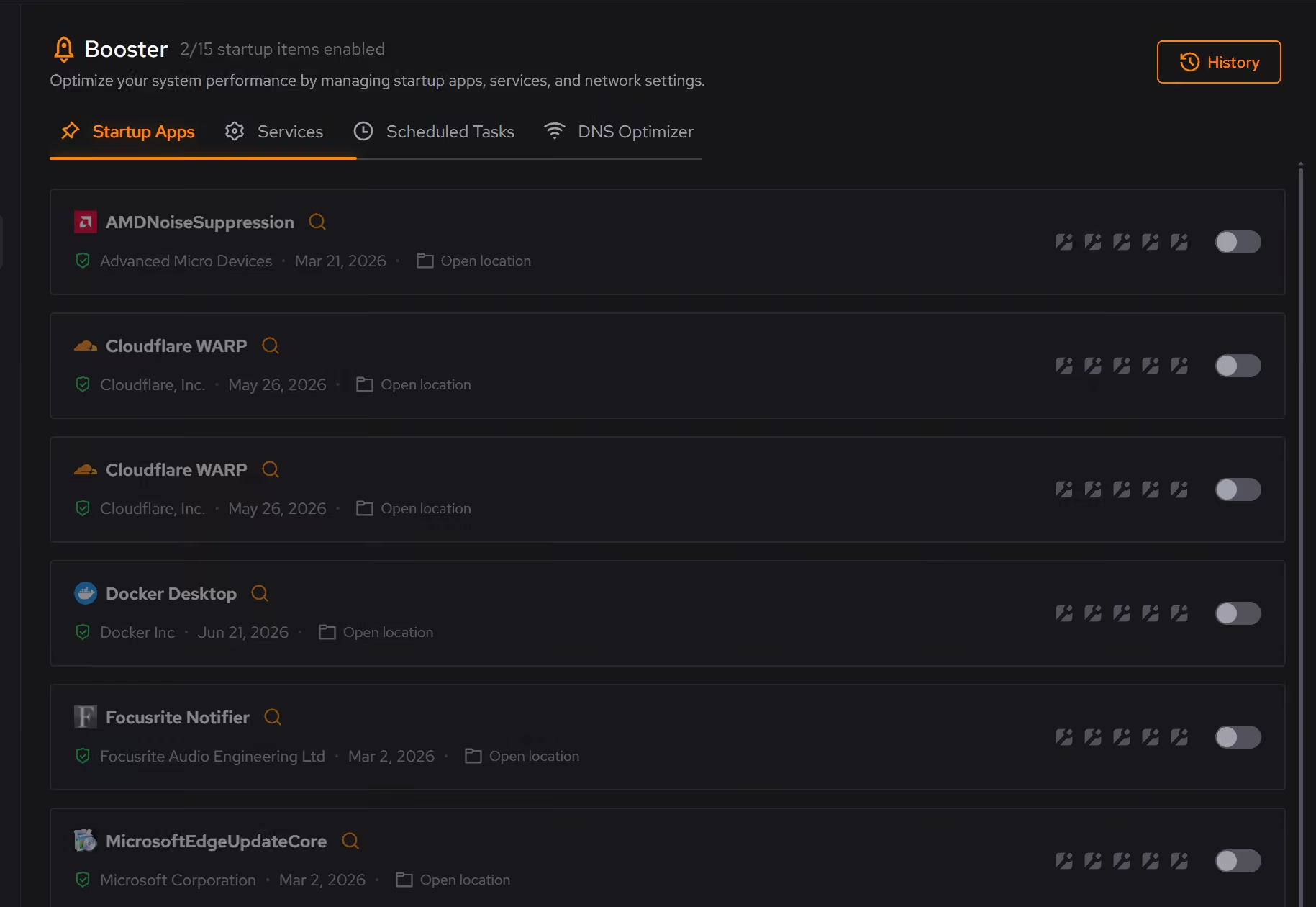
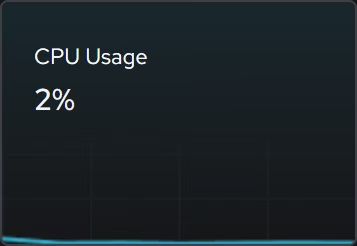
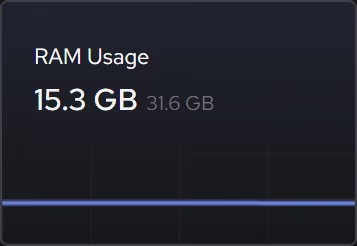
See what the laggy call is hitting
When a meeting stutters, the live CPU, memory, and network views show what is being asked of the machine at that moment, so the fix targets the actual constraint instead of restarting everything and hoping.
In Your PC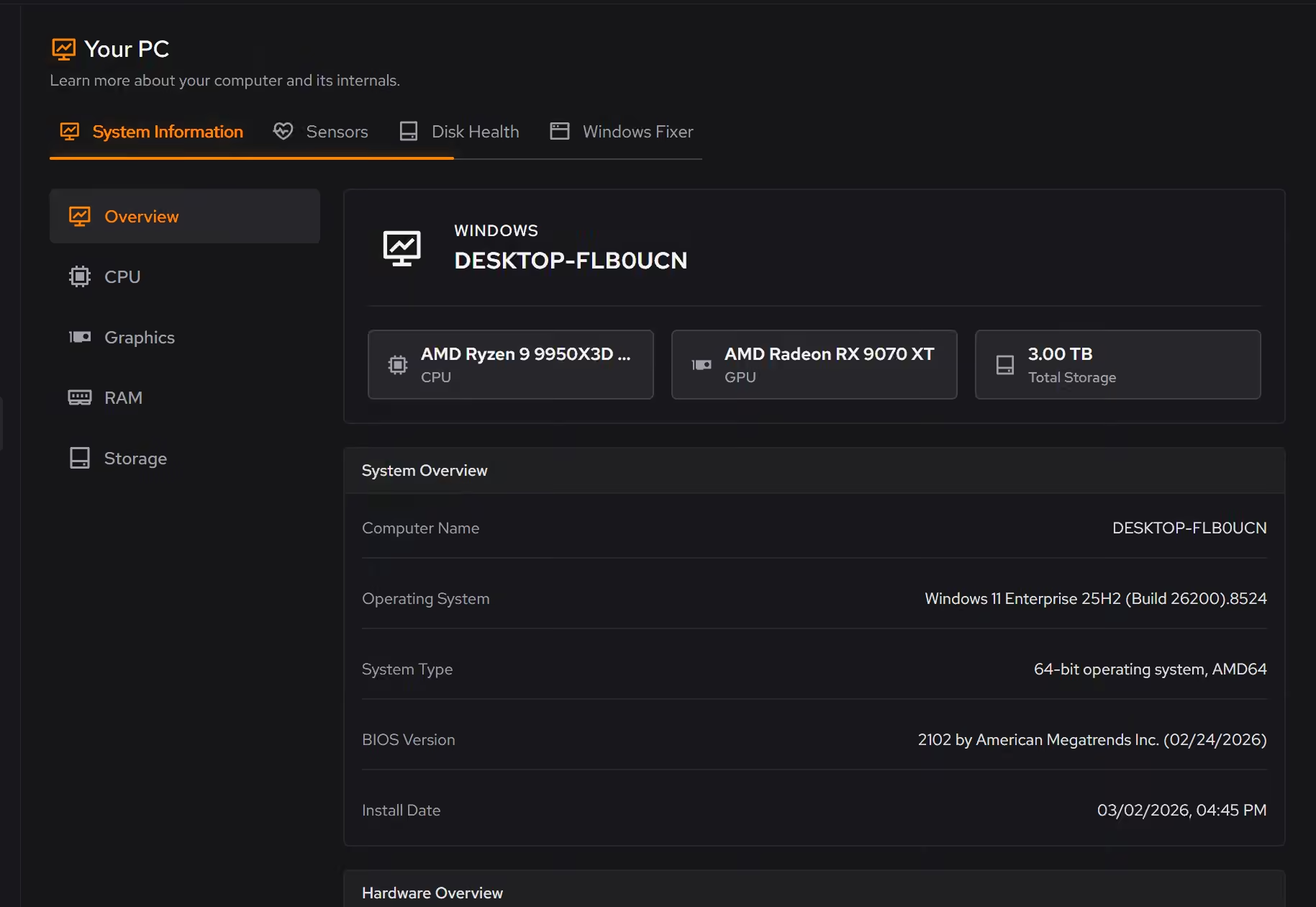
A drive that fills with the job
Recordings, shared files, and years of downloads accumulate faster than anyone tracks. Cleaner previews the clutter with the space it frees, and the large file finder sorts the rest by size and date.
In Cleaner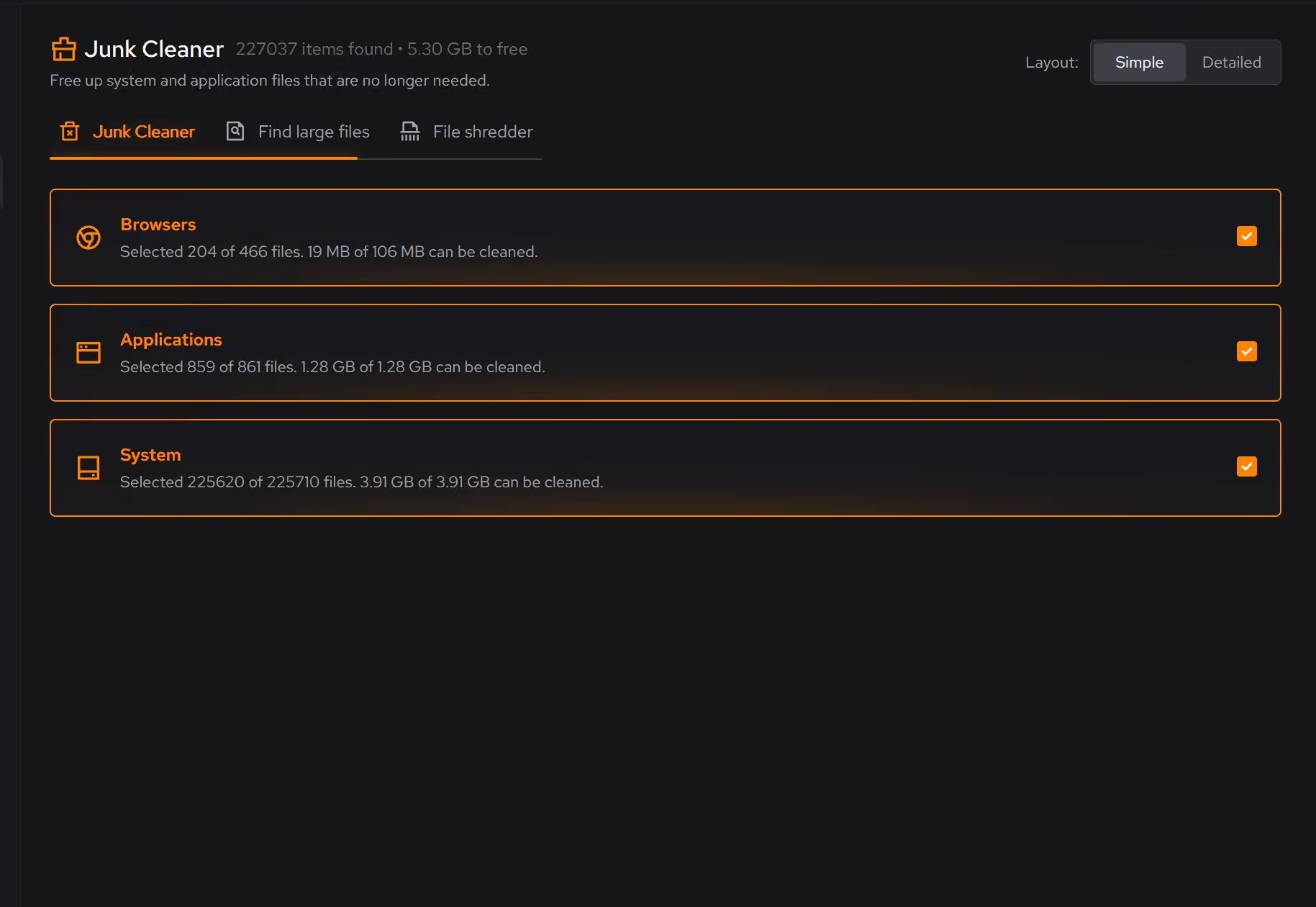
Free on Windows 10 and 11, no trial timer.
Download freeThe tweaks, by name. Each one explains itself before it runs.
Disable Background Apps
Prevents apps from running in the background when not actively in use. This reduces CPU and memory usage, extends battery life on laptops, and improves overall system responsiveness.
Disable Content Delivery
Stops Windows from automatically installing suggested apps, showing app recommendations in the Start menu, and displaying tips and advertisements throughout the system.
Limit Windows Search to Local Results
Keeps Windows Search focused on local results by turning off Bing web search, cloud results, and search suggestions. Local file search still works as normal.
Disable Widgets
Turns off the Windows Widgets panel and, when possible, removes related components. This reduces background content fetching, memory usage, and taskbar clutter.
Every tweak above changes Windows settings, and applied changes land in a history. See how Optimizer works
Proof, then limits.
What you can check
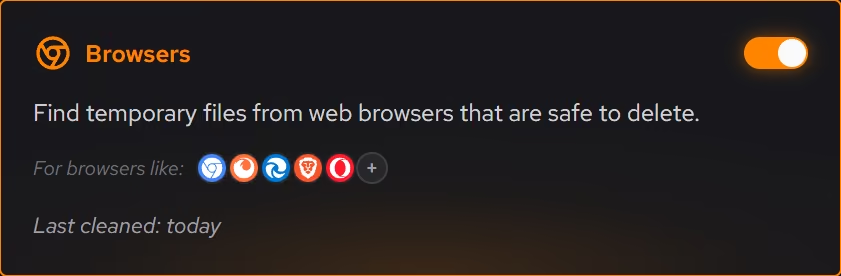
Startup apps, services, and scheduled tasks appear in one place, so the whole background load is visible before you trim it.
In BoosterLive processor, graphics, memory, storage, and network activity can be followed as it changes, free for everyone.
In Your PC
Where eclean stops
eclean is not an IT department. It has no fleet management, no VPN, and no policy controls.
It does not configure your meeting or work apps. It keeps the Windows underneath them quiet and understood.
If eclean steps over a line here, tell us and we'll fix it.
Still deciding? Fair questions, answered.
Is eclean safe to download?
Yes. The installer is a single signed file from our own release server, with no bundled extras. While our signing certificate is new, Windows SmartScreen may ask you to confirm the publisher, which reads ECLEAN LIMITED, the company that signs our Windows installer. What the app collects, and what it never touches, is documented in the trust center.
Is the free version actually useful?
Yes. The core of eclean, understanding your PC and keeping it tidy, is free without time limits or nagging. Pro adds depth for people who want more control, not the basics held hostage.
Can it run maintenance on a schedule?
Yes, with Pro. Scheduled maintenance runs your routine automatically, alongside the deeper optimization and secure deletion Pro adds. The free tier runs whenever you open the app.