

Cleaner · Booster
eclean vs Advanced SystemCare
Advanced SystemCare automates PC care with one-click scans and an AI Mode. Here is how eclean compares on cleaning, explanations, and cost.
Last checked

WinDirStat is the open-source classic for seeing where disk space went. Here is how eclean compares on finding, understanding, and clearing it.
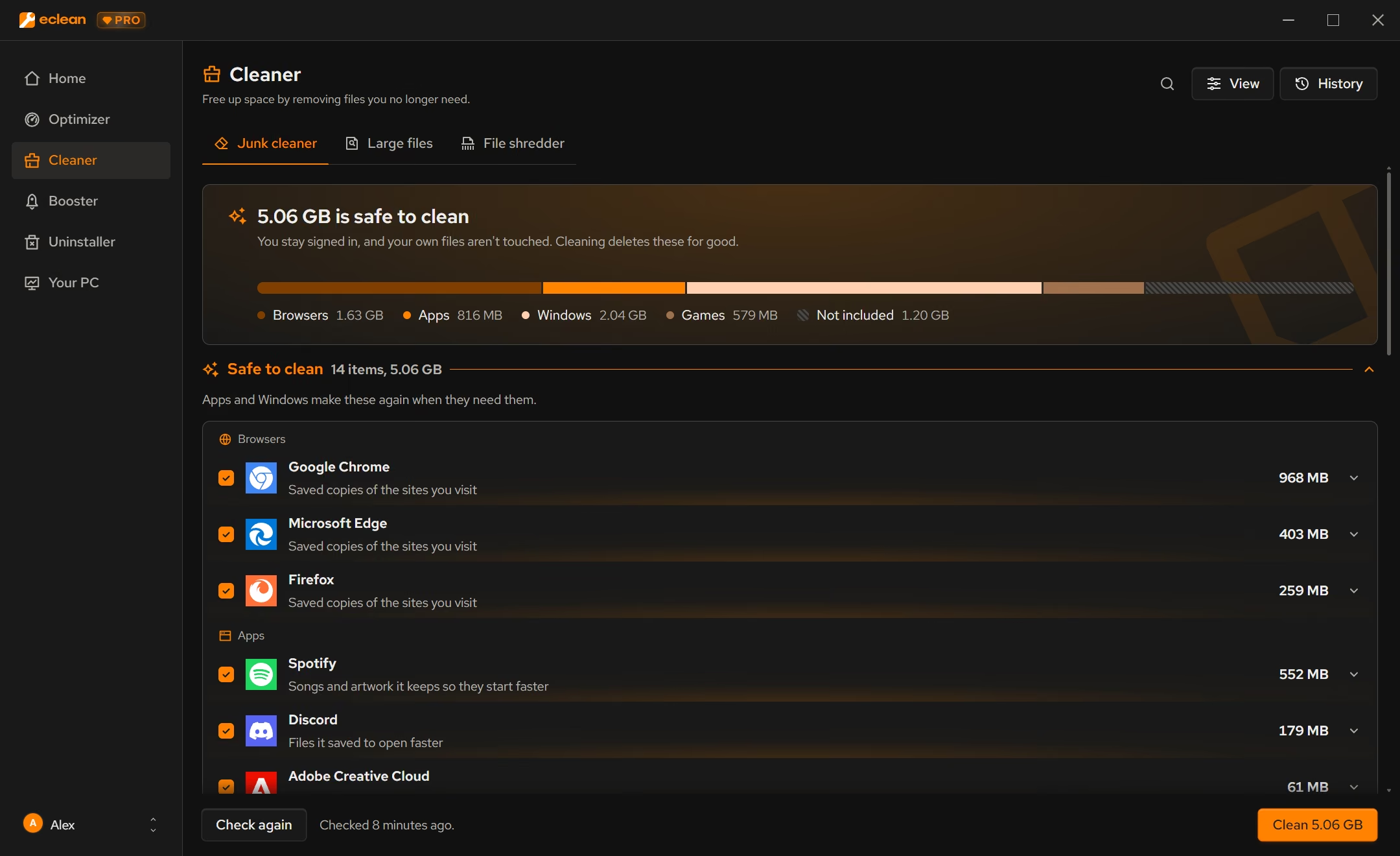
WinDirStat is a leading free map of a full drive. The treemap shows every file as a block sized by how much space it takes, and the 2.x releases added duplicate detection, deleted-file recovery, and exports. It shows you where the space went and leaves the judgment to you. eclean finds the large files too, then says what each one is and whether it is safe to remove, and it clears the everyday clutter a map does not show.
Free · Windows 10 and 11
Stay with WinDirStat if…If this list sounds like you, WinDirStat is a fine choice.
The same jobs, done two ways.
With eclean
Large files checks every drive at once and sorts what it finds into what is usually safe to remove, your own files, and what is best removed from inside its app.
With WinDirStat
The treemap and directory list show exactly where space is going, down to the file. Deciding what a folder is and whether it can go is up to you.
With eclean
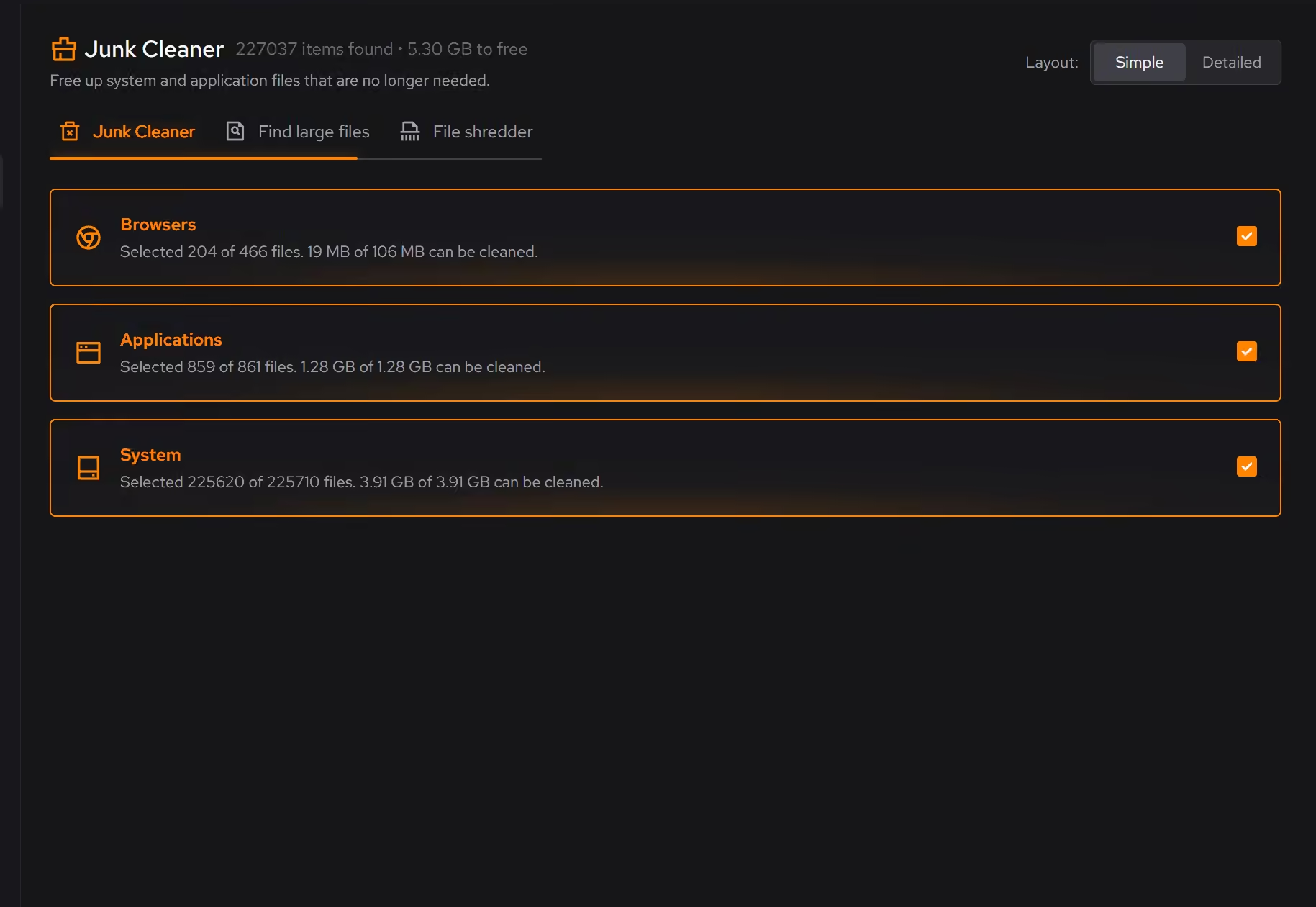
Cleaner also clears the small stuff that adds up (browser and app caches, Windows leftovers, game launcher clutter), grouped by source and previewed first.
With WinDirStat
WinDirStat is built around large files and folders. Caches spread over thousands of small files are easy to miss in a treemap.
With eclean
Each cleaning item explains what changes if it goes and how it comes back. Sensitive files go through a separate shredder.
With WinDirStat
You can delete or recycle straight from the tree, and the docs warn that cleanup commands can make destructive changes. It trusts you to know the file.
With eclean
The same download covers startup, services, uninstalling with leftover scans, DNS, and a hardware view.
With WinDirStat
WinDirStat does one job. It needs no account and publishes its source code.
WinDirStat is a free, open-source Windows disk usage analyzer that maps where space goes with a treemap and finds duplicate files. Here is how the two line up, feature by feature.
| Capability | eclean Free, or Pro at $59.99/year | WinDirStat Free and open source |
|---|---|---|
| Finding space | ||
| Scan every drive at once | ||
| Treemap view of the whole drive | ||
| Largest files list | ||
| Says what a large file is and if it is safe to remove | ||
| Duplicate file finder | By file content | |
| Export results to CSV or JSON | ||
| Clearing it | ||
| Browser, app, Windows, and game clutter by source | Not listed | |
| Preview with explanations before removal | Delete or recycle from the tree | |
| Secure file shredder | Secure overwrite with Pro | Not listed |
| Recover deleted files | ||
| Automatic cleanup | Weekly, with Pro | |
| How it treats you | ||
| Free | Free core, optional Pro | Entirely free |
| Open source | GPL | |
| Portable mode | ||
| Startup, uninstaller, and hardware view in the same app | ||
Checked by William Hallin. Last checked . Spot something out of date? Tell us and we'll fix it.
Sources: WinDirStat home page (checked 10 Nov 2026)WinDirStat releases on GitHubWinDirStat getting started guide
Free on Windows 10 and 11, no trial timer.
Download freeEverything WinDirStat does here lives in one module of the same free download.
Every recommendation says what it changes and why before you commit to it.
Supported changes keep an undo history, so trying something is never a commitment.
Scans and cleaning run locally. eclean does not upload your files, documents or installed-program list.
WinDirStat has been the answer to "where did my disk space go?" for more than twenty years, and it is still in active development. Version 2.9.3 shipped in October 2026, with native ARM64 builds, and the 2.x line added duplicate detection by file content, deleted-file recovery, and CSV and JSON exports. It is free, open source under the GPL, and runs from a folder if you want it to.
The treemap is the reason people love it. Every file is a colored block sized by how much space it takes, so the one huge video or forgotten disk image jumps out immediately.
A map shows where space is going. It does not say whether
C:\ProgramData\Package Cache is safe to clear, or whether a 9 GB folder
belongs to a game you still play. That judgment is left to you, and getting
it wrong can break an install.
eclean's Large files starts from the same scan of every drive and adds that judgment. It sorts what it finds into what is usually safe to remove, your own files, and what is best removed from inside its app, and any item opens to say what it is.
Much of the clutter is small. Browser caches, app leftovers, and launcher downloads are spread over thousands of files that never show up as a big block in a treemap. eclean's Cleaner groups them by where they come from and previews them first. With Pro, space watch tells you when a drive starts filling and which folder grew while eclean is open or in the tray, and weekly cleanup clears what apps leave behind.
If you want the map, keep WinDirStat. It is excellent and free. If you want the answers along with it, eclean is built for that.
Cleaner · Booster
Advanced SystemCare automates PC care with one-click scans and an AI Mode. Here is how eclean compares on cleaning, explanations, and cost.

Cleaner · Booster · Uninstaller
AVG TuneUp automates PC maintenance behind a subscription. Here is how eclean compares on background apps, cost over time, and vendor track record.

Cleaner
BleachBit is free, open source, and thorough. See where it wins, what eclean adds in plain-language previews, game coverage, and support, and which to pick.
5.0 out of 5 on Trustpilot from 11 reviews
“Easy to use. Great support. And it really helped me clean my computer. When you are uncertain which files you could delete, the program solves that for you. I don't even need to think, that's great. =)”