Public beta preview

Everything you need, nothing you don't

Clean junk files, tune Windows settings, watch system health, and remove software from one app. Every change is reversible, and the public beta preview is available now for Windows 10 and 11.

Optimizer

Introducing
Quick Optimize

A guided 3-step wizard that analyzes your system and applies the perfect tweaks for your needs. Select your priorities, let us process, then review before applying.

1
Select
2
Processing
3
Review

Select your optimization priorities to get started

Cleaner

Reclaim Your
Disk Space

Three powerful tools: Junk Cleanup scans browsers, system, apps, and games; Large Files Finder locates space hogs; File Shredder permanently destroys sensitive files with 7-pass overwrite.

Junk Cleanup

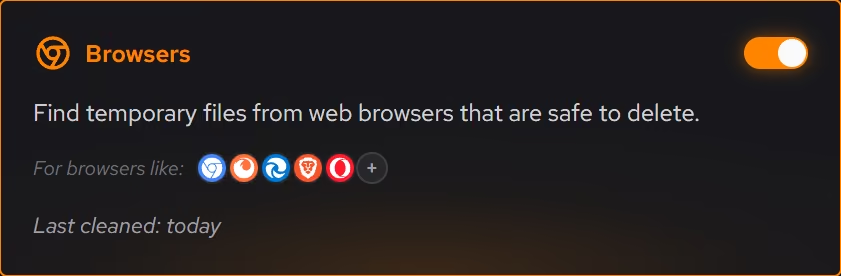
Scan browsers, system files, apps, and games. Supports Chrome, Firefox, Edge, and 20+ more browsers.

Large Files Finder

Discover space-hogging files across your drives, sortable by size with quick actions.

Secure File Shredder

Permanently destroy files with 7-pass overwrite. Deleted files cannot be recovered.

Key Benefits

  • Preview files before deletion
  • 4 scan categories: Browsers, System, Applications, Games
  • Real-time streaming scan progress
  • Supports Chrome, Firefox, Edge, Brave, Opera, and 17+ more browsers
  • Safe defaults protect important files
Your PC

Know Your
Hardware

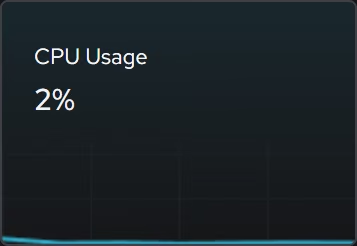
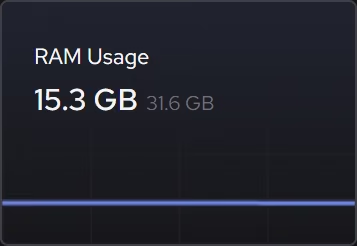
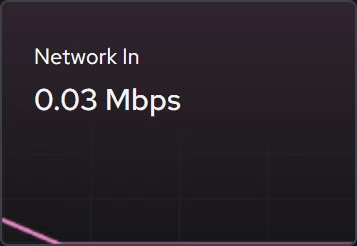
Two sections cover everything: System Information shows full hardware specs, and Sensors display real-time charts for all your components.

System Information

Full specs for CPU, GPU, RAM, storage, and network adapters. Works with NVIDIA and AMD.

Real-time Sensors

Live charts for CPU, GPU, RAM, network, and disk with historical data streaming.

Key Benefits

  • Beautiful real-time graphs with event streaming
  • Full NVIDIA and AMD GPU sensor support
  • Per-disk and per-adapter breakdowns
  • Historical data to track performance over time
Booster

Faster Boot,
Every Time

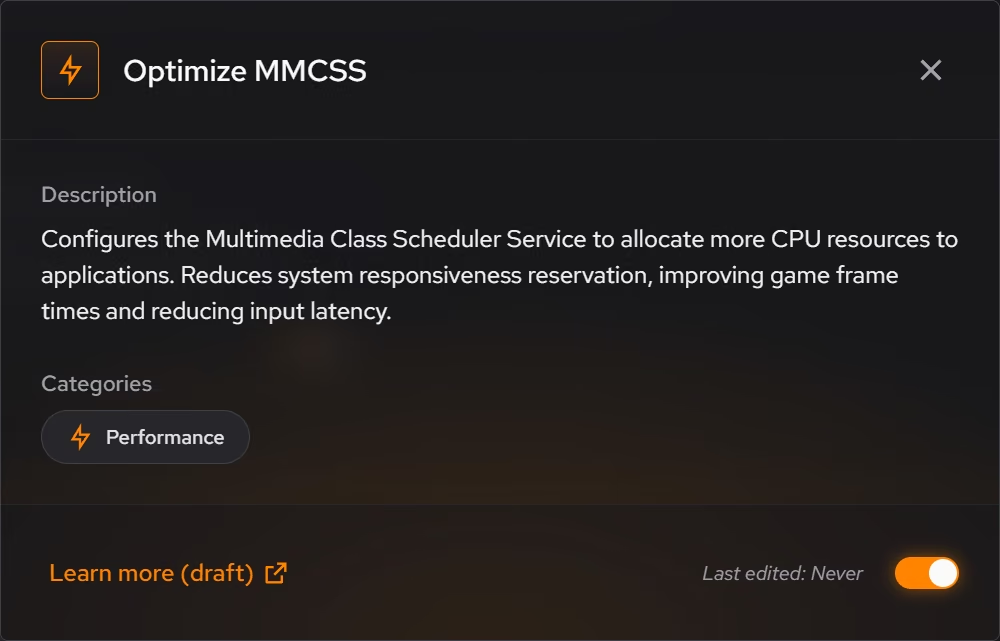
Take control of what runs when your PC starts. Manage startup apps with impact ratings, configure Windows services, set faster DNS for better browsing, and control scheduled tasks.

Startup Apps Manager

See which apps slow boot the most (High/Medium/Low impact) and disable them.

Windows Services

Manage service startup types to reduce background resource consumption.

DNS Optimizer

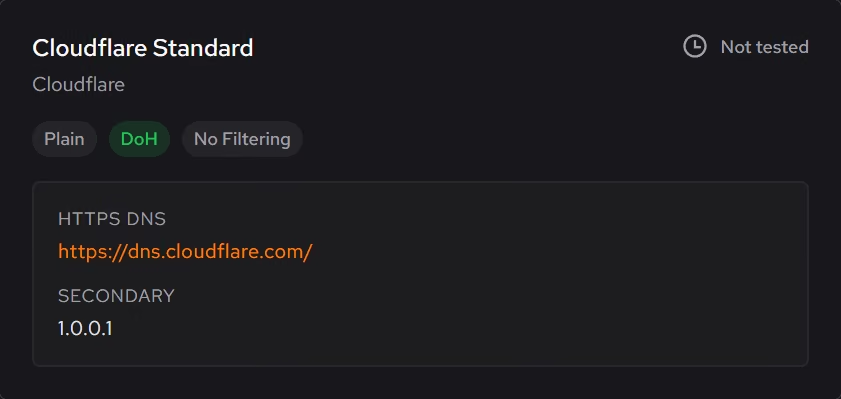
Switch to faster DNS servers like Cloudflare or Google for quicker browsing.

Task Scheduler

Review and control Windows scheduled tasks that run in the background.

Key Benefits

  • Impact ratings show which apps slow down boot the most
  • Faster PC startup times
  • Lower idle resource usage
  • Easy enable/disable toggles
  • Publisher and startup type info for each app
Uninstaller

Complete Removal,
Zero Leftovers

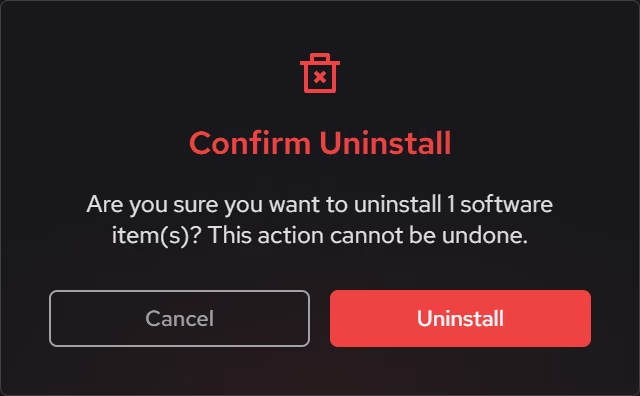
Uninstall Win32 software, UWP/Store apps, and browser extensions. Batch uninstall multiple programs at once, and detect leftover files and registry entries with confidence-scored cleanup.

Desktop Software

Uninstall Win32 applications with size indicators and install dates.

UWP/Store Apps

Remove Windows Store and built-in Microsoft apps you don't need.

Browser Extensions

View and remove extensions from Chrome, Firefox, Edge, and other browsers in one place.

Leftover Detection

Find residual files and registry keys after uninstall with confidence scoring.

Key Benefits

  • Confidence-scored leftover cleanup
  • Batch uninstall multiple programs in sequence
  • Grid view with color-coded size indicators
  • Full history of uninstallation actions
  • Search, filter, and sort by name, size, or date
Public beta preview

Get feature updates

Get release notes, feature highlights, and public beta preview updates by email.

No spam, ever. Unsubscribe anytime.

Ready to speed up your PC?

Download the public beta preview today, then lock in discounted Pro pricing before v1 if you want the best long-term rate.

Public beta preview for Windows 10 and 11.