
Getting a PC ready for GTA VI. Before Rockstar names a PC date.
GTA VI reaches consoles on 19 November 2026 and has no PC date yet. Make room, know your hardware, and quiet the background while you wait.
Free · Windows 10 and 11 · No PC date for GTA VI yet
The problem.
GTA VI launches on PlayStation 5 and Xbox Series X|S on 19 November 2026, and Rockstar has not announced a PC version or its requirements. Rockstar's recent games reached PC between seven and nineteen months after consoles. That gap is time to get the drive, the hardware facts, and the background in order, so the PC launch is a download instead of a scramble.
GTA VI (GTA 6 to most searchers) is the biggest release in years, and on PC it is still a waiting game. The console version lands on 19 November 2026. Rockstar has not confirmed a PC version, a date, or a single line of system requirements, and a reported early 2027 PC window remains a report Rockstar has not commented on. The history points the same direction anyway. GTA IV, GTA V, and Red Dead Redemption 2 all came to PC later, the slowest of them nineteen months after console.
That makes now the cheap moment to prepare. A PC that is ready for GTA VI is mostly a PC with a large, healthy SSD, known hardware, and a quiet background, and none of those depend on the requirements Rockstar has yet to publish. GTA V Enhanced already wants about 105 GB and requires an SSD, and Fable, the other headline release of early 2027, lists 135 GB on an SSD for its PC version. Planning for that kind of footprint is reasonable. Promising a frame rate before the game exists is not, and this page will not.
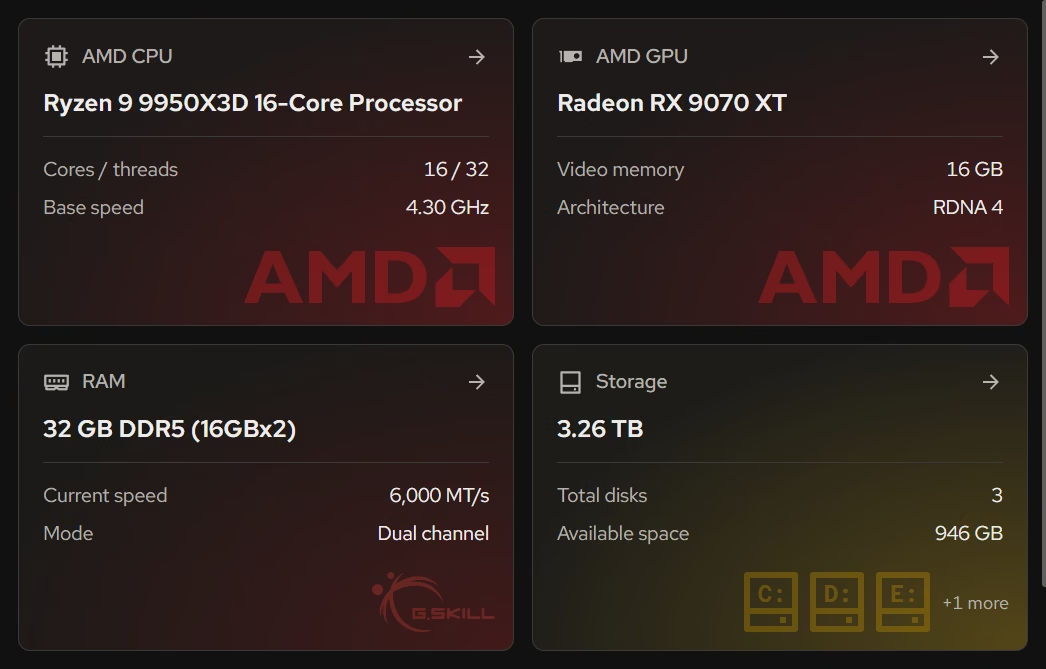
The hardware inventory is the first stop because it turns the day requirements drop into a quick comparison. It shows the processor, graphics card, memory, and storage in plain terms, beside the Windows version and build, and the live views show how hard your current games push each part. If your graphics card is the part already running flat out in GTA V, you will know where the pressure lands before anyone publishes a minimum spec.
Space is the part you can fix today. Cleaner groups clutter by where it comes from and states what will be removed before anything goes, and the large file finder turns up old installers, recordings, and forgotten downloads by size and date. The Uninstaller then lists games by size and last played date, so the backlog you finished in 2024 can make way for Vice City with its leftovers removed too.
Rockstar's PC games run under anti-cheat, and GTA Online has used BattlEye since 2024. Whatever GTA VI ships with on PC, eclean's line stays where it is for every protected game. It changes Windows, never the game, its launcher, or its anti-cheat, and every change is explained first and kept in a history with a supported route back.
What eclean does here.
Know what is inside before the requirements land
When Rockstar publishes PC requirements, checking them takes a minute if you already know your processor, graphics, memory, and storage. The inventory lists them in plain terms, and the live views show how hard today's games already push each one.
In Your PC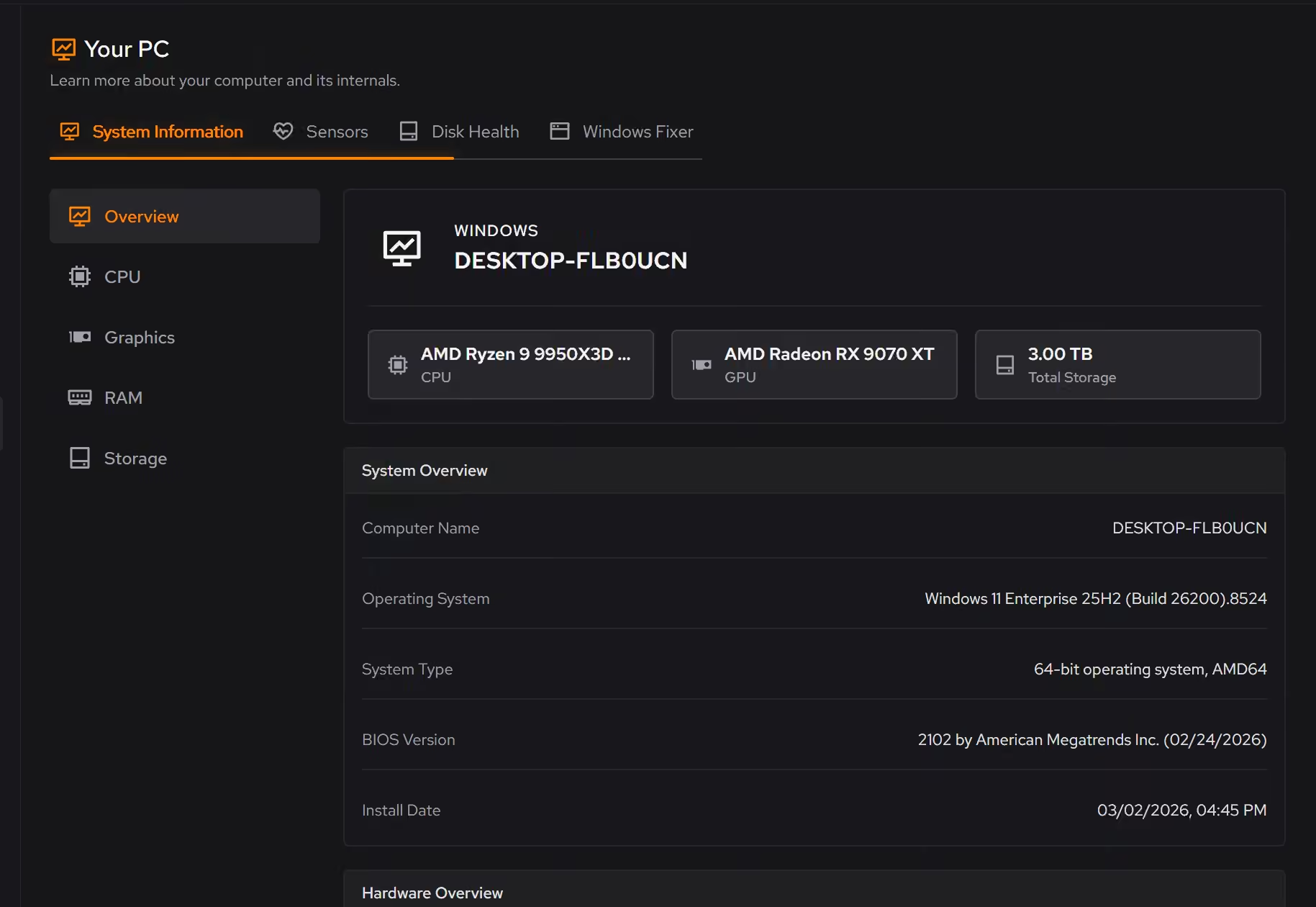
Room on the SSD, kept free until launch
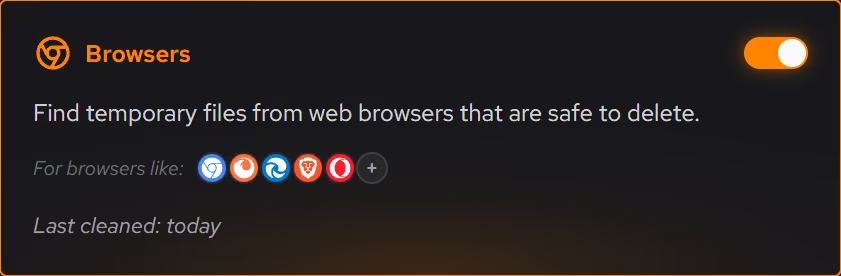
GTA V Enhanced already asks for about 105 GB. Cleaner previews clutter by category with the space it frees, the large file finder sorts the rest, and with Pro, Space watch tells you when the drive starts filling up again and which folder grew.
Pro covers 2 PCs. Family covers 5.
In Cleaner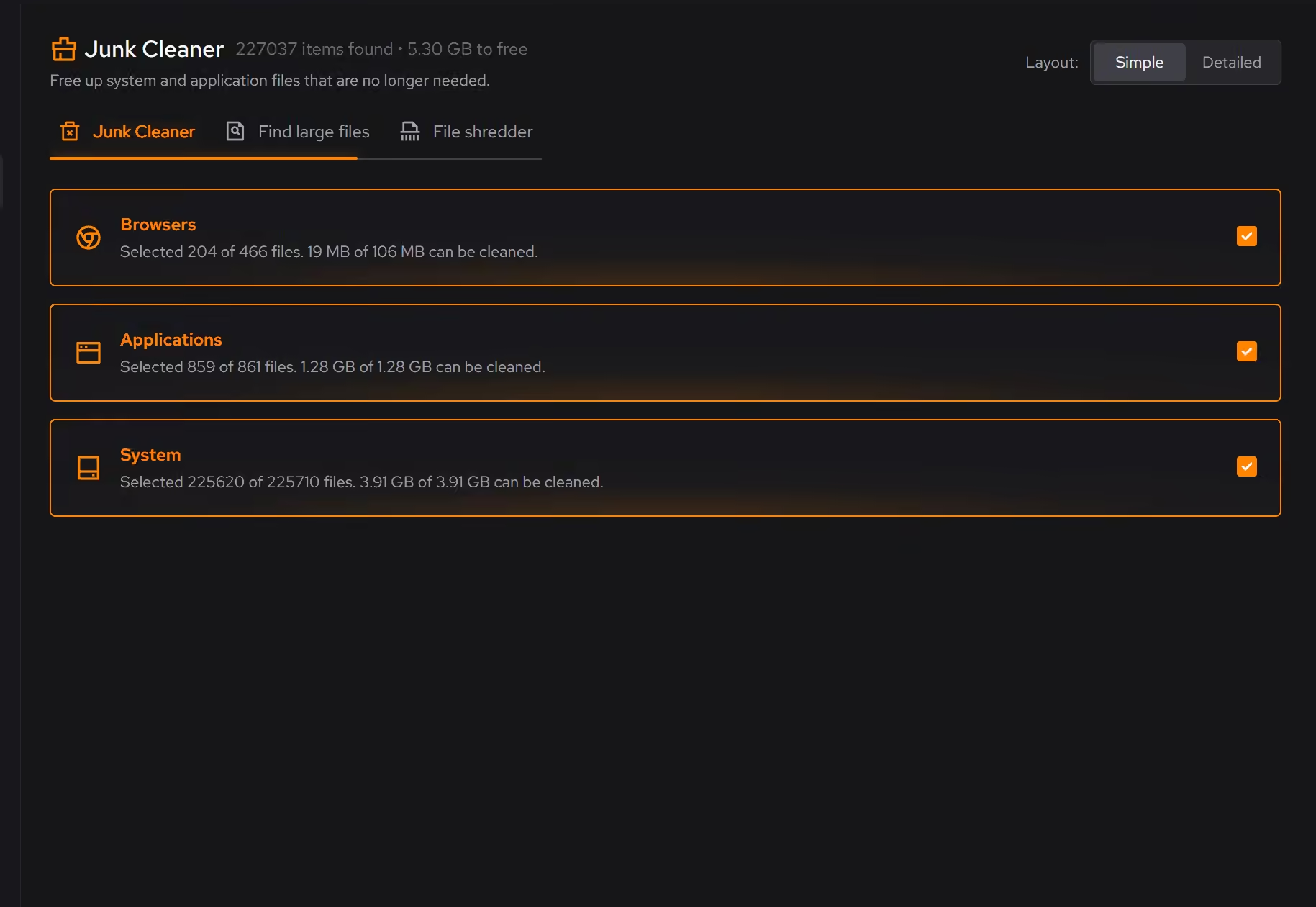
Retire the games you finished
The inventory shows what each game takes and when it was last played, so clearing a backlog is a decision by size and date. Leftovers are checked after every removal, so the space actually comes back.
In Uninstaller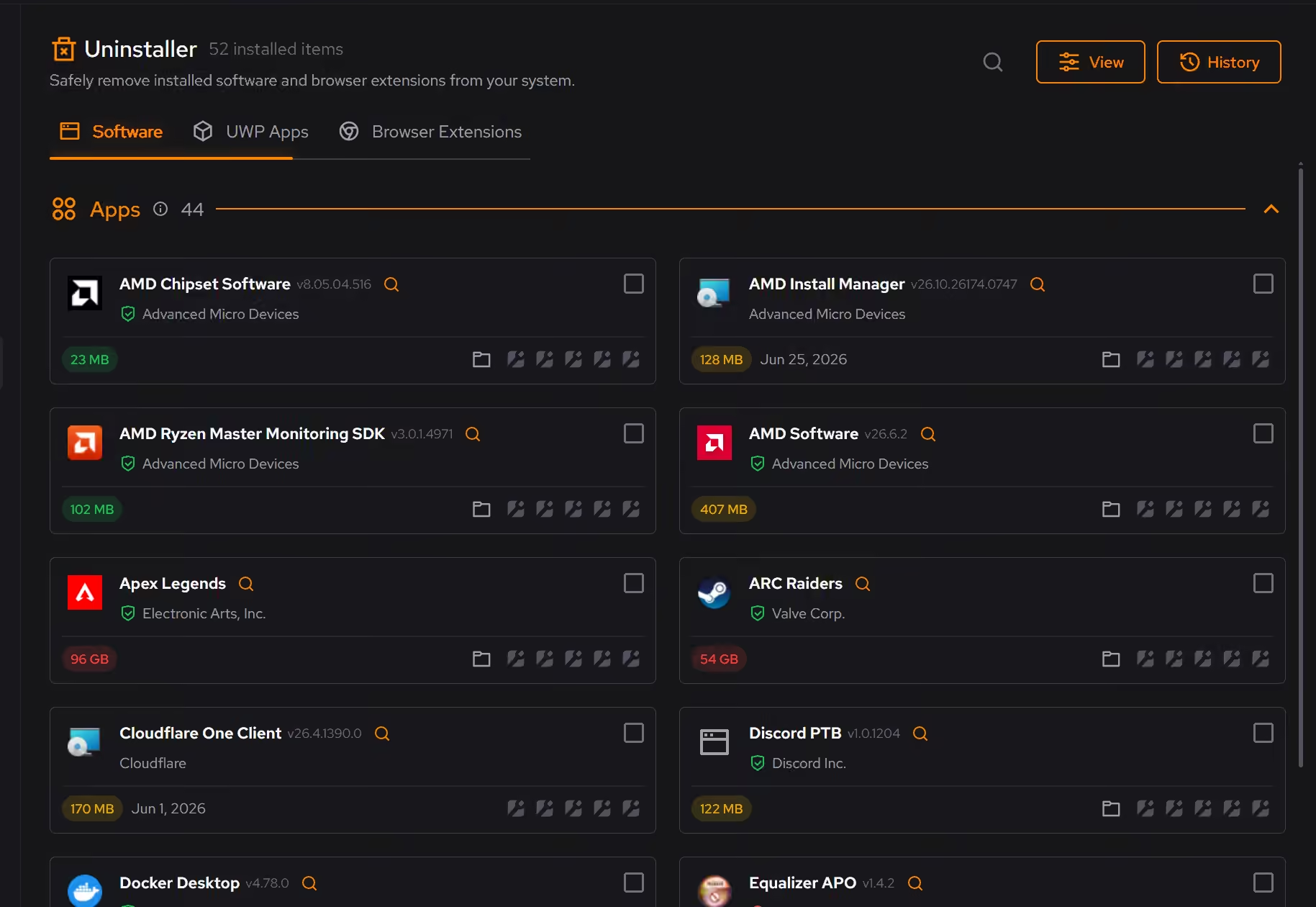
Free on Windows 10 and 11, no trial timer.
Download freeThe tweaks, by name. Each one explains itself before it runs.
Disable Game Bar
Disables Xbox Game Bar, Game DVR, and background game recording features. This reduces CPU and memory overhead during gaming sessions and eliminates overlay-related performance impacts.
Disable Background Apps
Prevents apps from running in the background when not actively in use. This reduces CPU and memory usage, extends battery life on laptops, and improves overall system responsiveness.
Prioritize Foreground Apps
Configures Windows process scheduling to give higher priority to the active window. This improves UI responsiveness, reduces input lag in games, and provides a smoother multitasking experience.
Optimize MMCSS
Configures the Multimedia Class Scheduler Service to allocate more CPU resources to applications. Reduces system responsiveness reservation, improving game frame times and reducing input latency.
Every tweak above changes Windows settings, and applied changes land in a history. See how Optimizer works
Proof, then limits.
What you can check
Rockstar has announced GTA VI for PlayStation 5 and Xbox Series X|S, with no PC version or PC requirements published yet.
www.rockstargames.comThe hardware inventory covers Windows, firmware, processor, graphics, memory, storage, and network details together.
In Your PCUninstaller shows each app's size and when it was installed or last played, and checks for leftovers after every removal.
In Uninstaller
Where eclean stops
eclean cannot tell you whether your PC will run GTA VI. Nobody can until Rockstar publishes PC requirements.
eclean changes Windows only. It will not modify GTA VI, the Rockstar Games Launcher, or whichever anti-cheat the PC version ships with.
If the requirements outgrow your hardware, the honest fix is new hardware, and eclean will say so.
If eclean steps over a line here, tell us and we'll fix it.
What Pro adds here.
These are the additions the modules on this page gate. Pro covers up to 2 PCs, and Family covers up to 5.
Automatic cleanup clears what apps leave behind every week, even with eclean closed, and clears more when your system drive runs low while eclean is open or in the tray
In Cleaner
Space watch tells you when a drive is filling up and which folder grew, while eclean is open or in the tray
In Cleaner
Secure delete overwrites files in the file shredder before deleting them
In Cleaner
Still deciding? Fair questions, answered.
What does my PC need to run it?
Very little. If your PC runs Windows 10 or 11 (64-bit), it runs eclean. The full spec sheet is one page long.
Is the free version actually useful?
Yes. The core of eclean, understanding your PC and keeping it tidy, is free without time limits or nagging. Pro adds the upkeep that runs on its own, like weekly cleanup.
Will it break my PC?
It is designed not to. Every change is explained before it is applied, you decide what runs, and supported changes keep a route back inside the app, so nothing you try has to be permanent.