
Battlefield 6 with the background out of the fight. Javelin and Secure Boot stay exactly as they are.
Battlefield 6 requires Secure Boot and TPM 2.0 for its Javelin anti-cheat. Trim the background, clear space, and watch the hardware without touching either.
Free · Windows 10 and 11 · Never touches Javelin
The problem.
Battlefield 6 throws 64 players, destruction, and vehicles at the CPU at once, and on PC it will not start without Secure Boot and TPM 2.0 enabled. Most performance advice online still begins with turning Windows security off, which is the one thing this game punishes, so the safe gains are in the background, the drive, and knowing what the hardware is doing.
Battlefield 6 is one of the most processor-hungry shooters on PC. Sixty-four players, vehicles, and destruction all compete for the same cores, so background work that would go unnoticed in a smaller game shows up as stutter in a large match. It is also one of the strictest games about Windows security. EA's Javelin anti-cheat requires Secure Boot and TPM 2.0, and the official requirements list virtualization-based security capability as well.
That second fact rules out a lot of familiar advice. Guides that open by turning off Core Isolation or CPU mitigations are trading away the protections this game checks for. eclean's Optimizer does offer changes like those, each with a plain statement of what it costs, and none of them appear on this page. The tweaks listed below cut recording overhead, background apps, and scheduling contention, and leave Windows' protections where Battlefield 6 expects them.
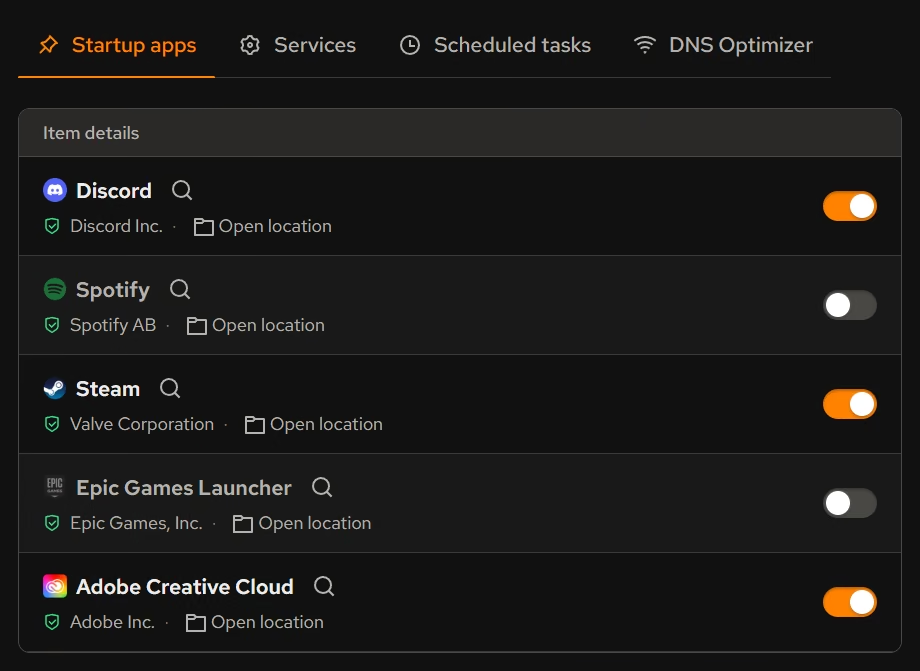
The background is the safe place to find headroom. Booster brings startup apps, services, and scheduled tasks into one list with each entry's publisher, so the launcher helpers, RGB utilities, and updaters that wake in the middle of a match can be switched off once, deliberately.
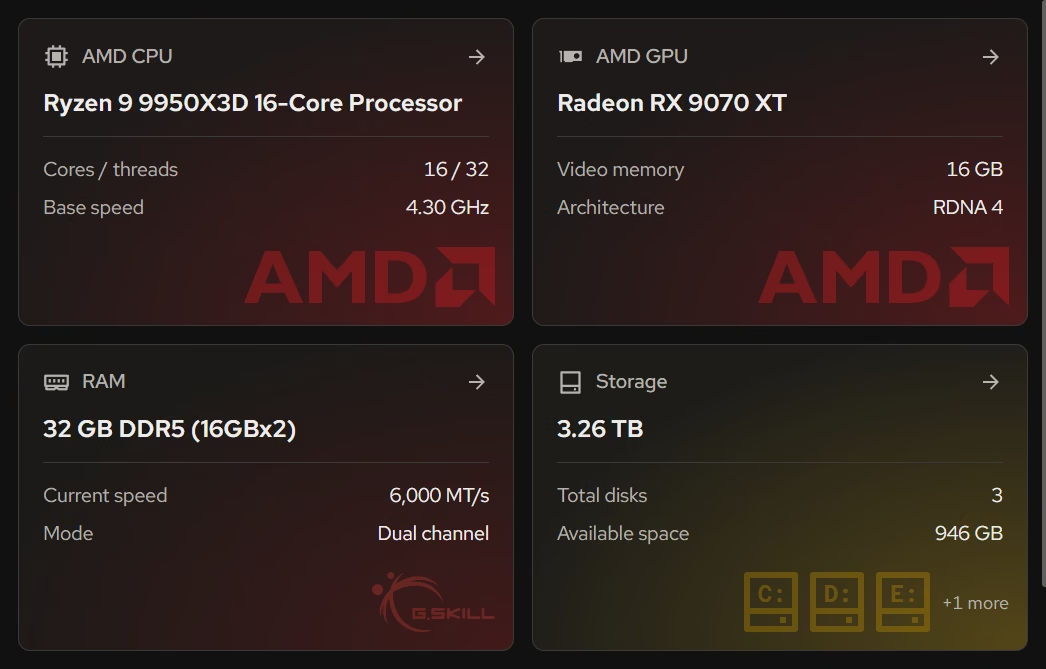
The live views settle the CPU or GPU argument with evidence. In a crowded firefight, processor and graphics activity sit side by side in real time, so you can see which one hit its ceiling. A saturated processor points at the background and at settings that load the CPU, while a saturated graphics card points at resolution and effects. Cleaner covers the drive, with clutter grouped by category and previewed before removal, so seasonal patches always have room.
eclean never modifies Battlefield 6, the EA app or Steam, or Javelin. Your PC's security summary shows at a glance whether Secure Boot is on. eclean does not change Secure Boot or TPM, since both are firmware settings, and the guide linked below covers checking TPM and switching both on.
What eclean does here.
Clear the background before the round starts
Large matches lean on the processor, so surprise work hurts most here. Startup apps, services, and scheduled tasks share one list with their publishers, so what runs beside the game is a decision.
In Booster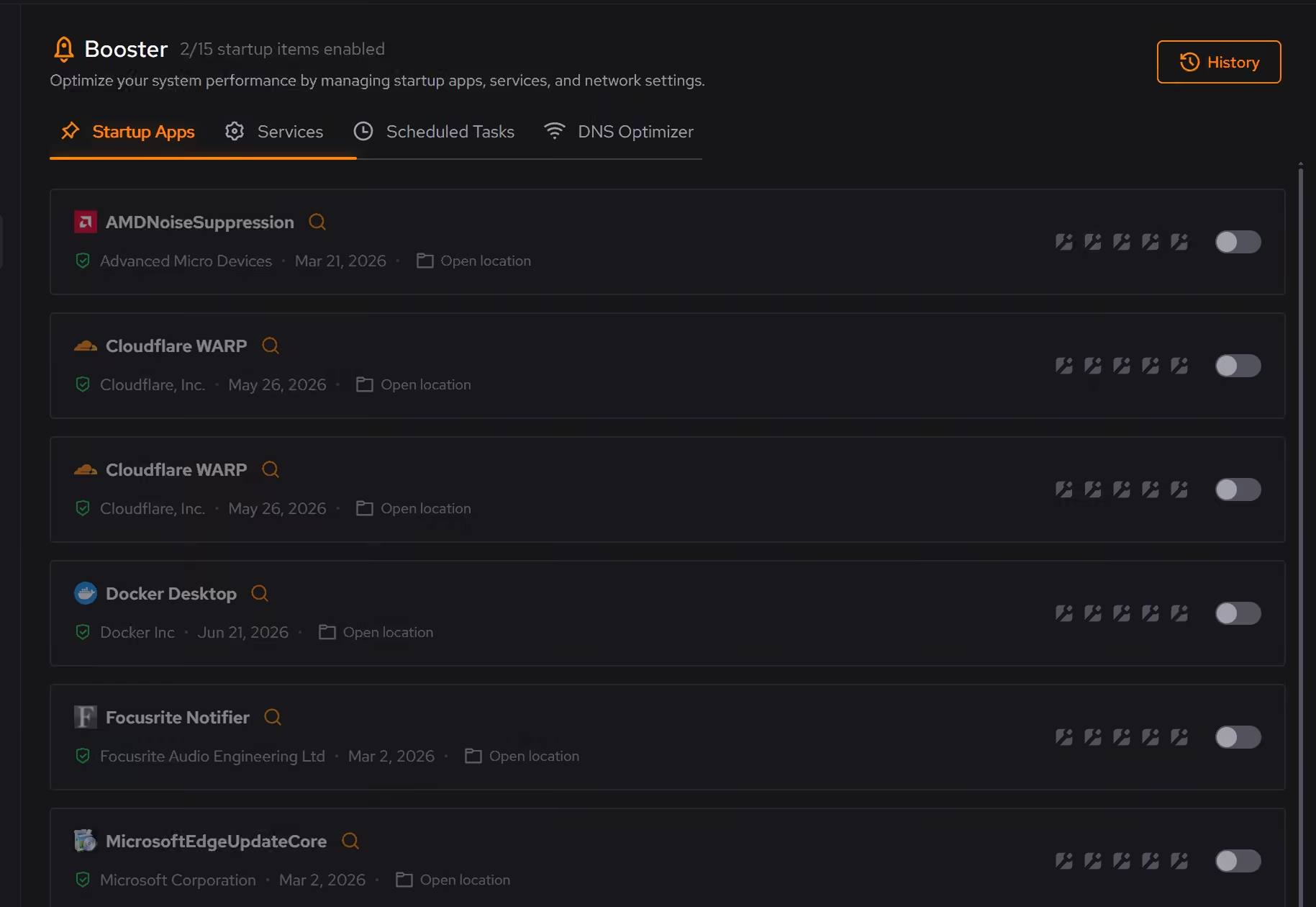
Space for every season's patch
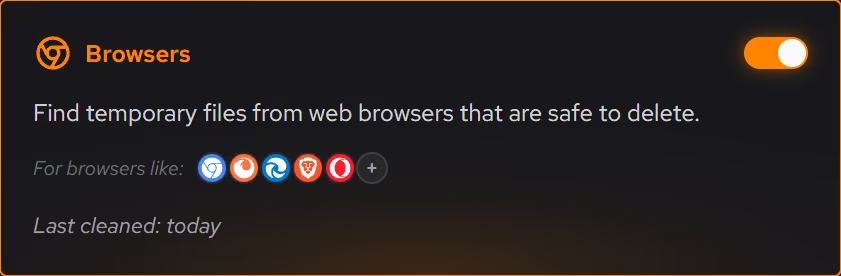
Seasonal updates arrive large. Cleaner previews clutter by category with the space it frees, and the large file finder sorts the rest by size and date, so the next patch never stalls on a full drive.
In Cleaner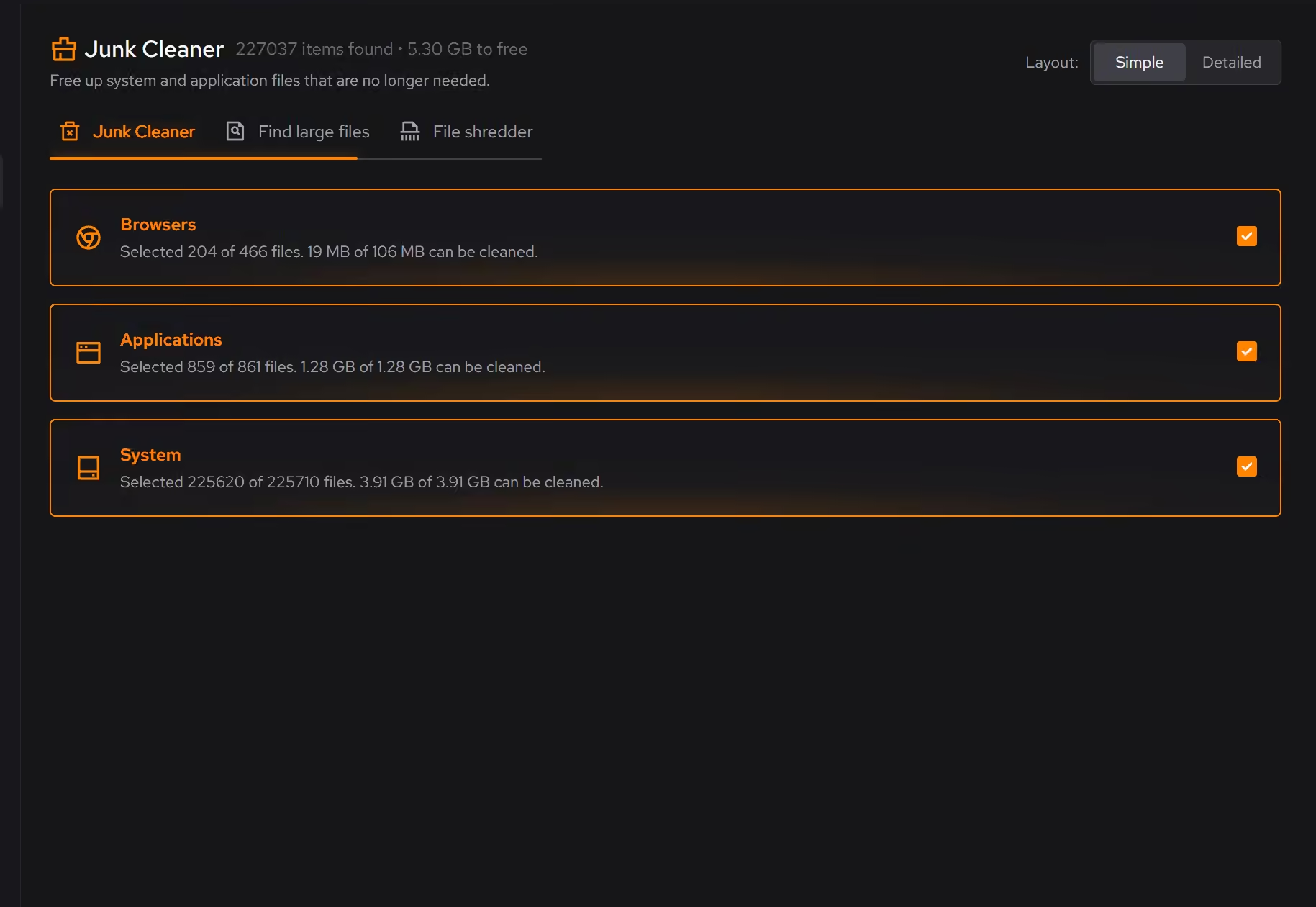
Know whether it is the CPU or the GPU
When frame pacing collapses in a busy firefight, the live processor and graphics views show which one hit its limit, which decides whether the fix is a setting, the background, or hardware.
In Your PC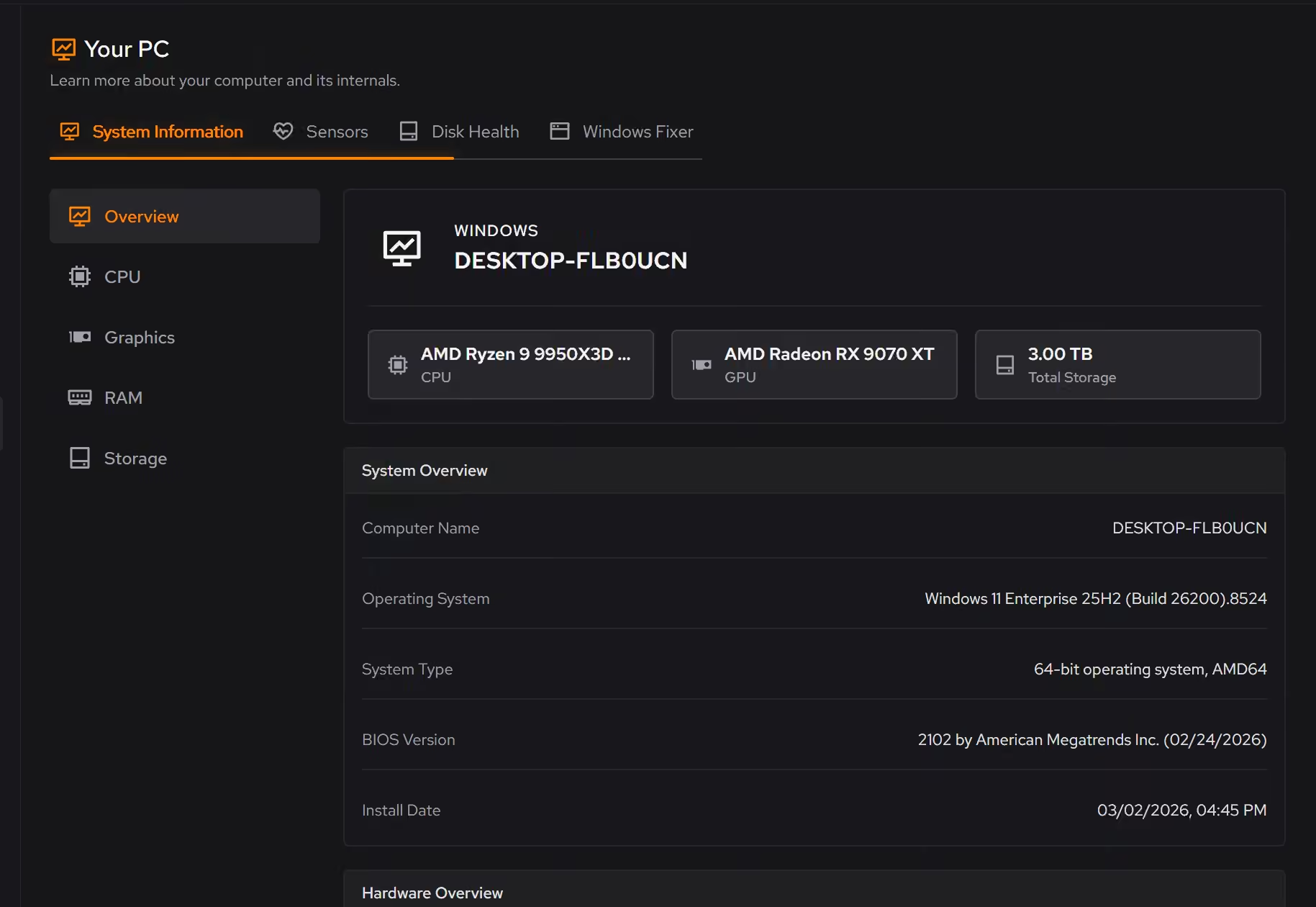
Free on Windows 10 and 11, no trial timer.
Download freeThe tweaks, by name. Each one explains itself before it runs.
Disable Game Bar
Disables Xbox Game Bar, Game DVR, and background game recording features. This reduces CPU and memory overhead during gaming sessions and eliminates overlay-related performance impacts.
Disable Background Apps
Prevents apps from running in the background when not actively in use. This reduces CPU and memory usage, extends battery life on laptops, and improves overall system responsiveness.
Prioritize Foreground Apps
Configures Windows process scheduling to give higher priority to the active window. This improves UI responsiveness, reduces input lag in games, and provides a smoother multitasking experience.
Optimize MMCSS
Configures the Multimedia Class Scheduler Service to allocate more CPU resources to applications. Reduces system responsiveness reservation, improving game frame times and reducing input latency.
Disable Network Throttling
Disables Windows network throttling during multimedia playback. Removes the 10 packets/ms limit to improve network performance for gaming, streaming, and VoIP applications.
Every tweak above changes Windows, never Battlefield 6 or Javelin. See how Optimizer works
Proof, then limits.
What you can check
EA lists TPM 2.0 and Secure Boot as required on PC for Battlefield 6 and its Javelin anti-cheat.
www.ea.comYour PC's security summary shows whether Secure Boot is on, beside drive encryption, antivirus, and the firewall.
In Your PCStartup apps, services, and scheduled tasks appear together in Booster, each with its publisher.
In Boostereclean changes Windows. It does not modify Battlefield 6, the EA app, or Javelin.
In Optimizer
Where eclean stops
eclean shows whether Secure Boot is on but does not enable it or TPM for you. Both are firmware settings, covered in the linked guide.
It never modifies Battlefield 6, the EA app, Steam, or Javelin.
A processor at its limit in a 64-player match is a hardware ceiling, and the live views will show it plainly.
If eclean steps over a line here, tell us and we'll fix it.
Still deciding? Fair questions, answered.
Will it break my PC?
It is designed not to. Every change is explained before it is applied, you decide what runs, and supported changes keep a route back inside the app, so nothing you try has to be permanent.
Is eclean safe to download?
Yes. The installer is a single signed file from our own release server, with no bundled extras. While our signing certificate is new, Windows SmartScreen may ask you to confirm the publisher, which reads eclean Labs AB, the company that signs our Windows installer. What the app collects, and what it never touches, is documented in the trust center.
What does my PC need to run it?
Very little. If your PC runs Windows 10 or 11 (64-bit), it runs eclean. The full spec sheet is one page long.