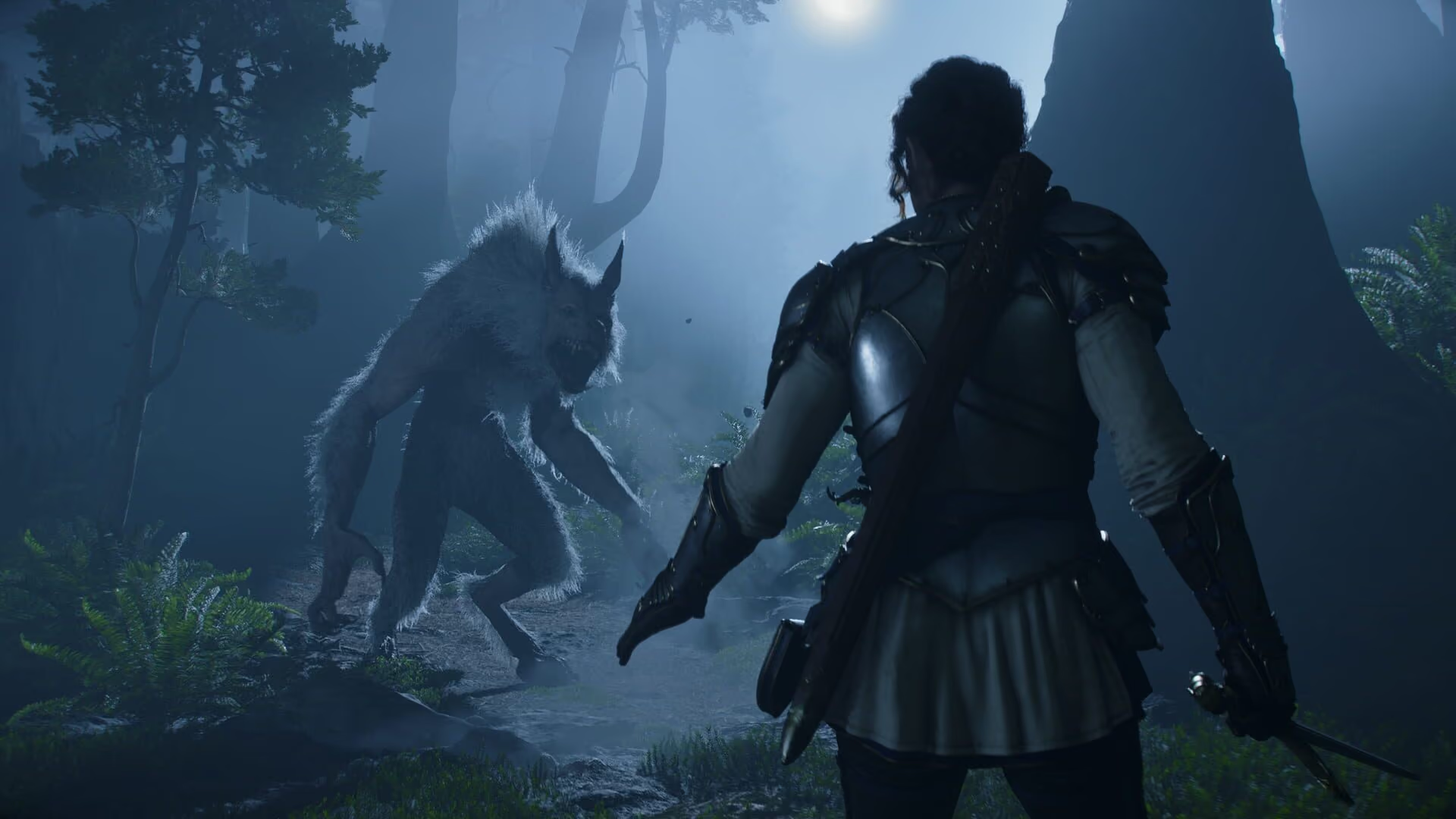
Making room for Albion. 135 GB on an SSD, cleared in advance.
Fable comes to PC on 23 February 2027 and asks for 135 GB on an SSD. Clear the drive, retire old installs, and check your hardware before preload.
Free · Windows 10 and 11 · Fable on PC 23 February 2027
The problem.
Fable launches on 23 February 2027 on PC, Xbox Series X|S, and PlayStation 5, and its PC minimum already asks for 135 GB of free space on an SSD. On most gaming PCs that is the single biggest install on the drive, and the room has to exist before the preload starts, not on launch night.
Fable is Playground Games' return to Albion, and on PC it arrives on 23 February 2027, including on Steam, the same day as the consoles. Unlike most games this close to launch, its PC requirements are already public, and the headline is storage. The minimum tier lists 135 GB of free space and an SSD, alongside graphics cards from the 2019-era RTX 2060 class, which means many PCs that can run it will still have to make room for it.
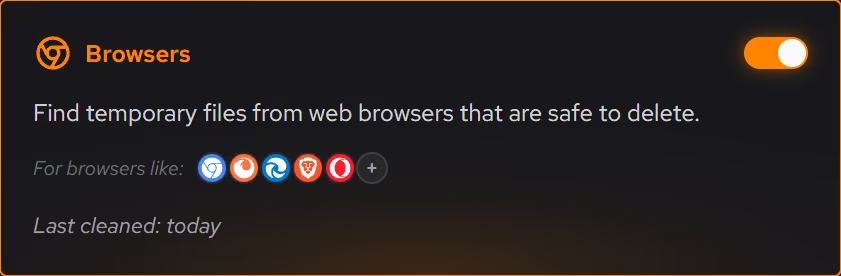
Room is where this page starts. Cleaner groups clutter by where it comes from (browsers, apps, Windows itself, and games) and states what will be removed and how much space returns before anything happens. The large file finder handles everything that is not clutter, sorting the drive by size with the modified date beside each result, which on a long-lived gaming PC usually surfaces a few old installers and recordings worth more than any cache.
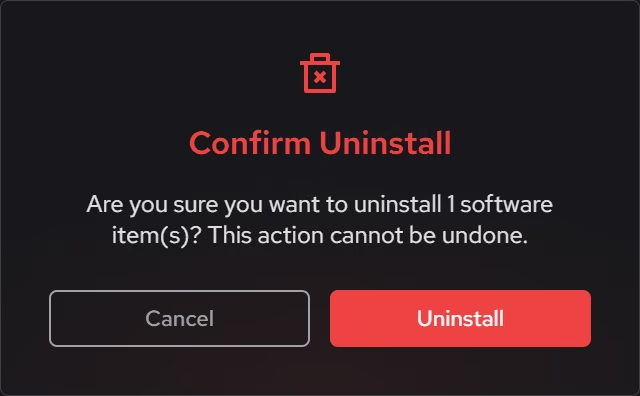
Most of the space, though, sits in games you have finished. The Uninstaller lists games and apps by size with the date each was installed or last played, so a backlog from two years ago reads as what it is. You can remove several at once, and eclean checks for leftover files and registry entries after each removal, so the space you planned on actually comes back. A game library you might return to can always be downloaded again, and the inventory makes that trade visible before you make it.
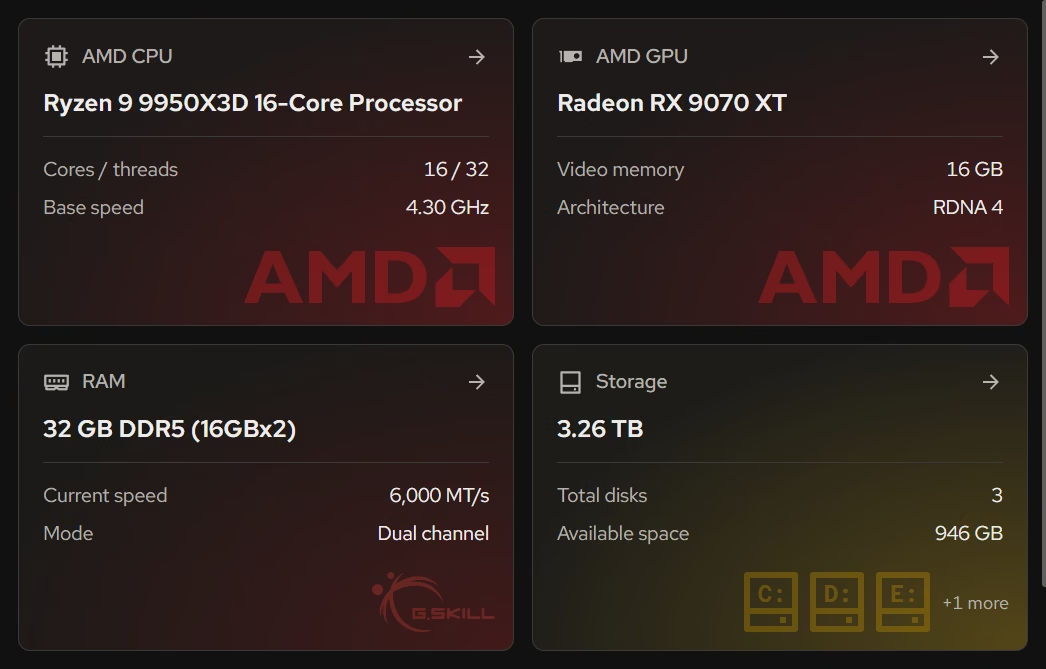
The hardware check is quick because the requirements exist. Your PC lists the processor, graphics card, memory, and storage in plain terms beside the Windows version and build, so lining them up against Playground's minimum and recommended tiers takes a minute. Windows 10 22H2 is still on the minimum list, which matters for anyone running it under Microsoft's extended security updates.
What eclean will not do is touch the game. It changes Windows only, never Fable's files, settings, or launcher, and every change it makes is explained first and logged with a supported route back. Frame rates belong to your hardware and the game's own settings menu, so this page does not promise one.
What eclean does here.
Find 135 GB without guessing
Cleaner previews everyday clutter by category with the space it frees, and the large file finder sorts what is left by size and date, so the room for Albion comes from old installers and recordings instead of your own files.
In Cleaner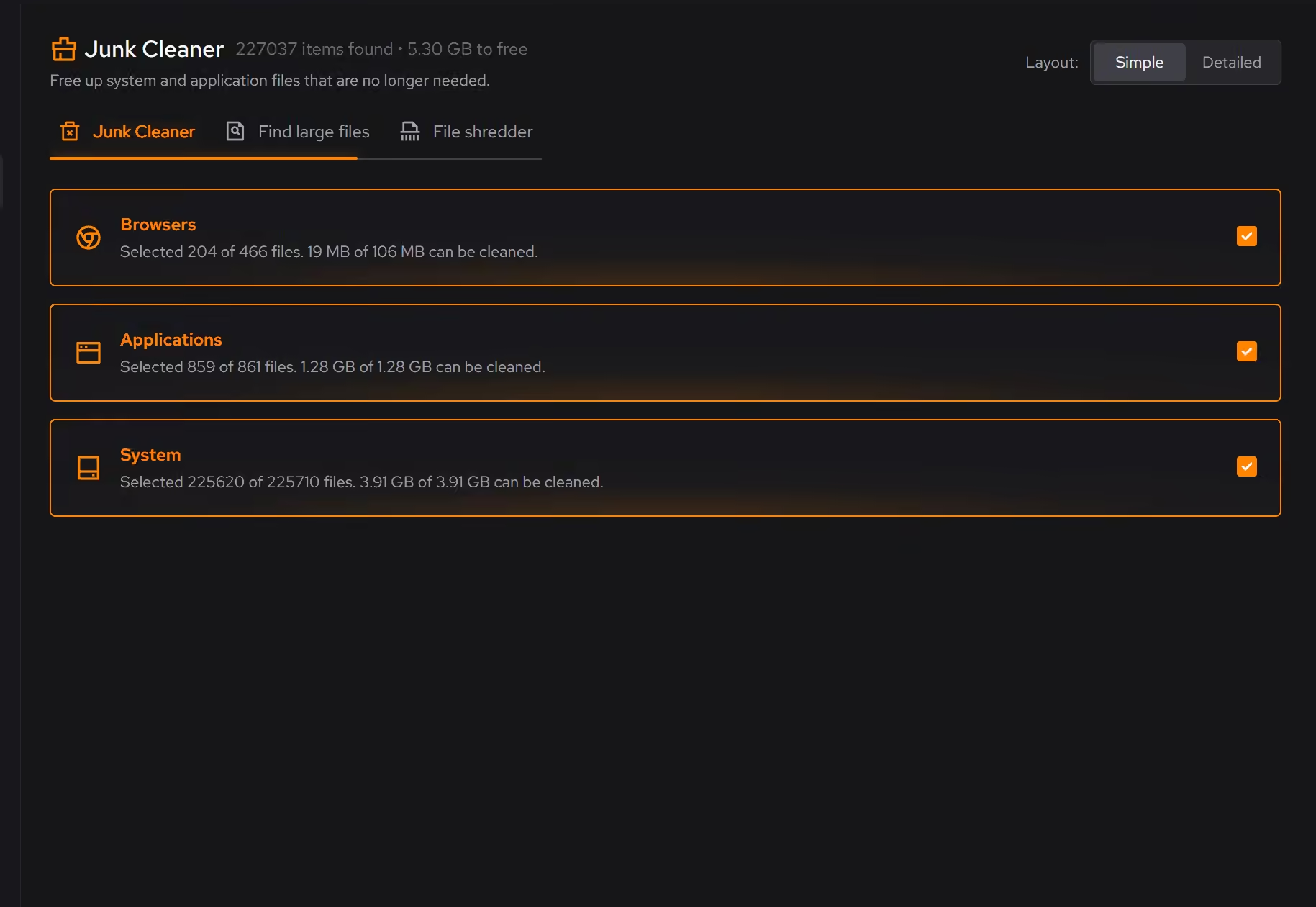
Let the finished games go
Games are listed by size with the date you last played them, so the backlog you are done with is easy to spot. Remove several at once, and the leftovers they leave behind are checked after every removal.
In Uninstaller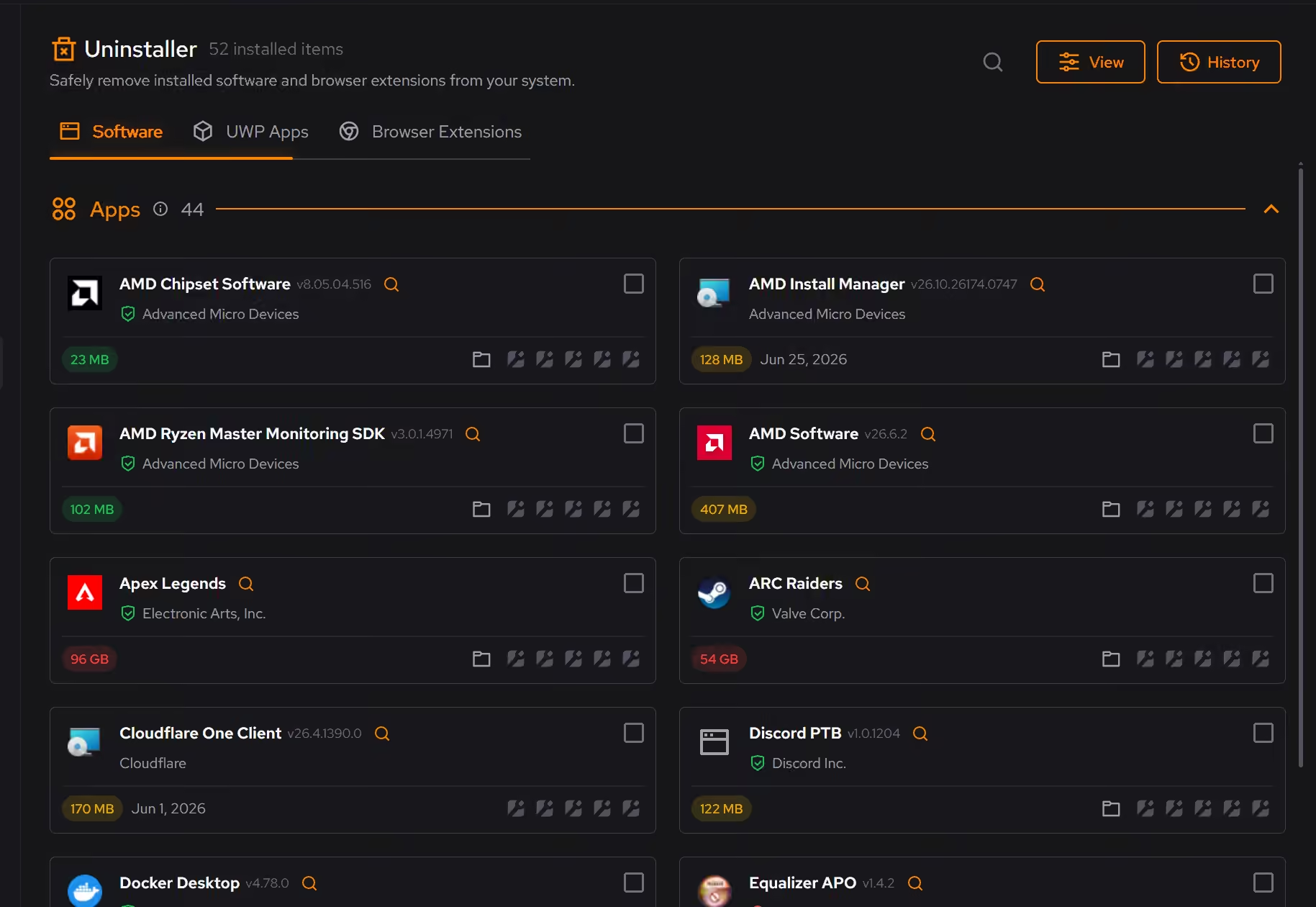
Check the spec sheet against your own
Playground has published PC requirements. The inventory puts your processor, graphics, memory, and storage in plain terms beside Windows' version, so comparing takes a minute, and the live views show what your current games already demand.
In Your PC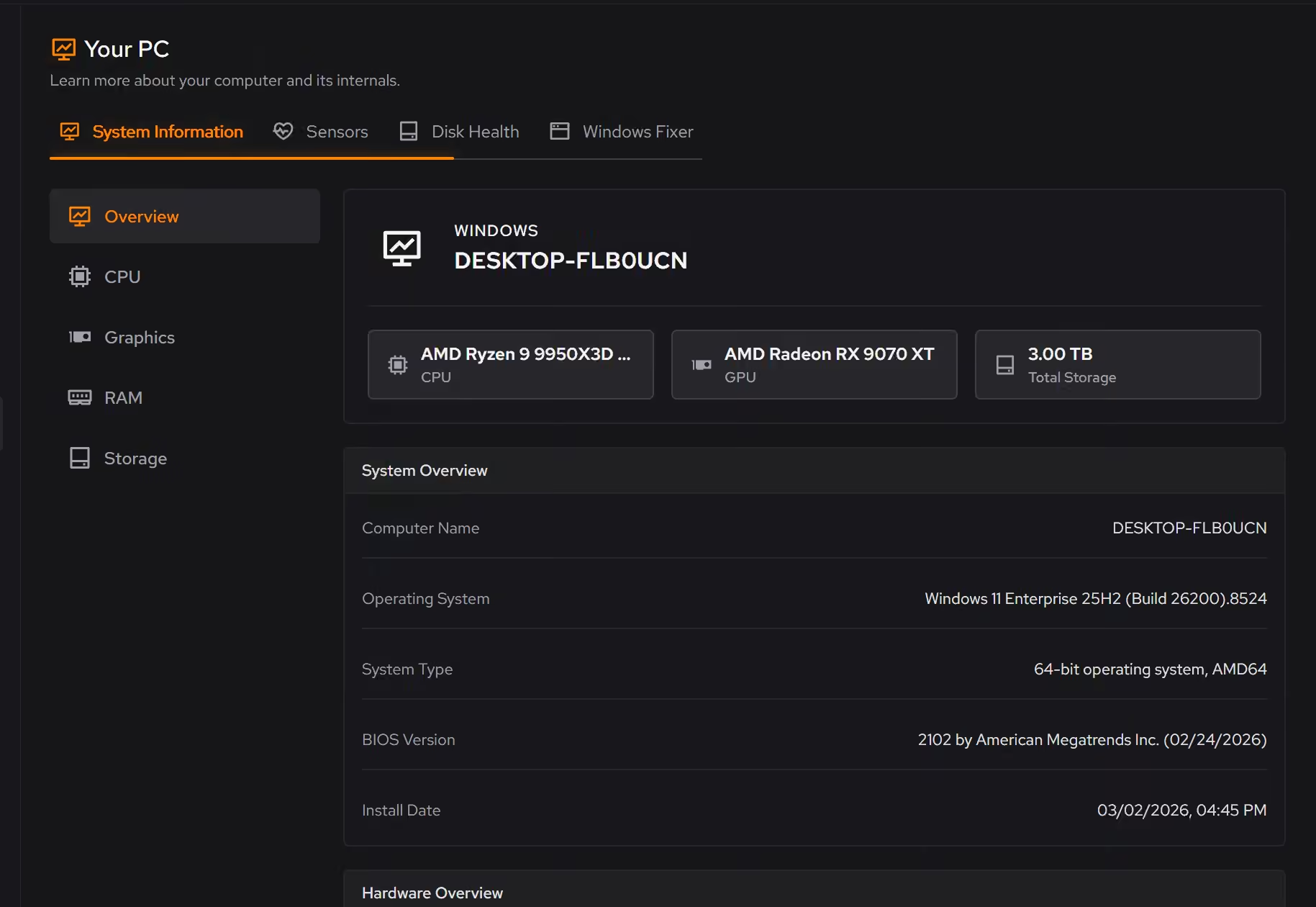
Free on Windows 10 and 11, no trial timer.
Download freeThe tweaks, by name. Each one explains itself before it runs.
Disable Game Bar
Disables Xbox Game Bar, Game DVR, and background game recording features. This reduces CPU and memory overhead during gaming sessions and eliminates overlay-related performance impacts.
Disable Background Apps
Prevents apps from running in the background when not actively in use. This reduces CPU and memory usage, extends battery life on laptops, and improves overall system responsiveness.
Disable Delivery Optimization Peering
Sets Delivery Optimization to HTTP-only, no-peering mode. Updates still download normally, but Windows stops sharing update content with other PCs.
Optimize NTFS
Disables NTFS 'last access' timestamp updates and legacy 8.3 filename generation to reduce filesystem overhead.
Every tweak above changes Windows settings, and applied changes land in a history. See how Optimizer works
Proof, then limits.
What you can check
Fable's published PC minimum lists 135 GB of storage on an SSD and Windows 10 22H2 or later.
www.thesixthaxis.comLarge files checks every drive at once and sorts what it finds into usually safe to remove, your own files, and best removed inside its app.
In CleanerDesktop apps, Store apps, and browser extensions share one inventory with size, publisher, and install or last played date.
In Uninstaller
Where eclean stops
eclean does not change Fable, its launcher, or its settings. It works on the Windows around the game.
It cannot make a graphics card meet a requirement it misses. The inventory will show the gap honestly.
If eclean steps over a line here, tell us and we'll fix it.
Still deciding? Fair questions, answered.
What does my PC need to run it?
Very little. If your PC runs Windows 10 or 11 (64-bit), it runs eclean. The full spec sheet is one page long.
Is the free version actually useful?
Yes. The core of eclean, understanding your PC and keeping it tidy, is free without time limits or nagging. Pro adds the upkeep that runs on its own, like weekly cleanup.
Is eclean safe to download?
Yes. The installer is a single signed file from our own release server, with no bundled extras. While our signing certificate is new, Windows SmartScreen may ask you to confirm the publisher, which reads eclean Labs AB, the company that signs our Windows installer. What the app collects, and what it never touches, is documented in the trust center.