Replacing the old PCs in your office. Check, clear, and hand over.
Windows 10 support has ended. Check what each office PC is, free space before upgrading, and prepare old PCs to hand over or sell.
Free · Windows 10 and 11
The problem.
Windows 10 reached end of support on 14 October 2025, and the office still has PCs running it. Some may be able to move to Windows 11, some may be due for retirement, and the ones leaving still hold files and logins from people who used them. You need the facts per machine before spending anything.
Windows 10 support ended on 14 October 2025, and Microsoft has since extended its free consumer Extended Security Updates program to 12 October 2027. It covers security updates only and requires Windows 10 22H2, so check which program applies to your office before counting on it. Either way, an office with several older PCs ends up making the same three decisions for each one, which is whether it moves to Windows 11, whether it stays for now, and whether it is retired.
Start by knowing the machines. Your PC lists the Windows version and build, the processor, graphics, memory, and storage, and its security summary shows whether Secure Boot is on. That gives you a sheet per PC to compare against Microsoft's requirements. It does not judge eligibility, so use Microsoft's PC Health Check for the verdict. The linked guide covers the TPM and Secure Boot settings that most often block an upgrade.
For the PCs that will upgrade, free space first. Cleaner groups clutter by where it came from and shows what removing it frees, and the large file finder sorts the rest by size and date. Nothing is deleted until you choose to clean.
For the PCs that are leaving, the job is the one in getting a PC ready to sell. The inventory shows every program, app, and extension, so licenses and sign-ins can be dealt with first. The file shredder removes sensitive files you point it at, and with Pro, Secure delete overwrites them first. Then Windows' own reset finishes the job, because eclean deliberately does not replace it.
None of this is automated across a fleet. Each PC is checked and prepared by whoever is at it, which is workable for a small office and slow for a large one. For a team that wants one owner and one invoice, eclean for Business pools devices from 5 devices, and the small teams page explains what that does and does not cover.
What eclean does here. In this order.
Find out what each PC is
Your PC shows the Windows version and build, processor, graphics, memory, and storage in plain terms, plus whether Secure Boot is on. It is the per-machine sheet you want in hand before deciding who gets a new PC.
In Your PC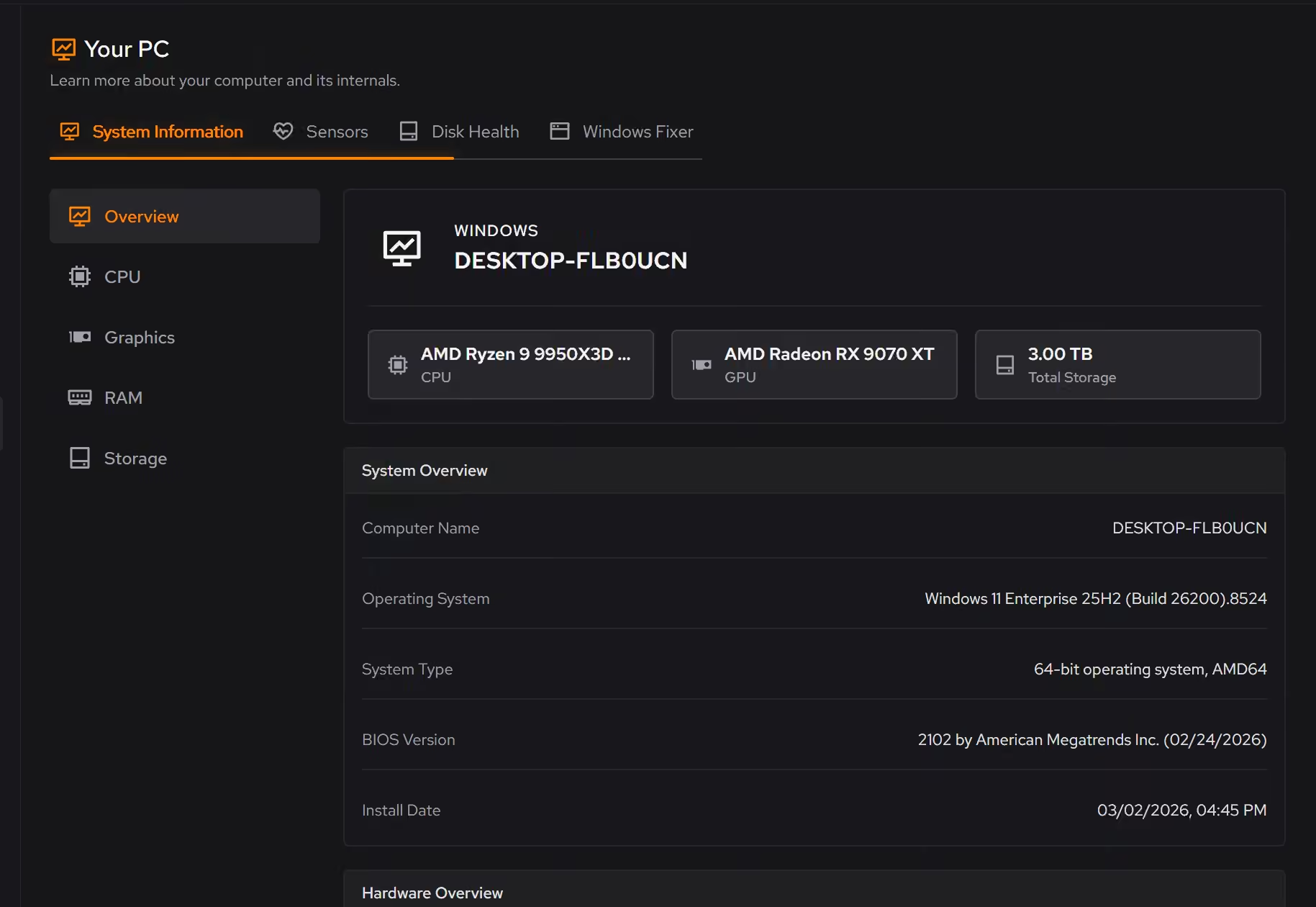
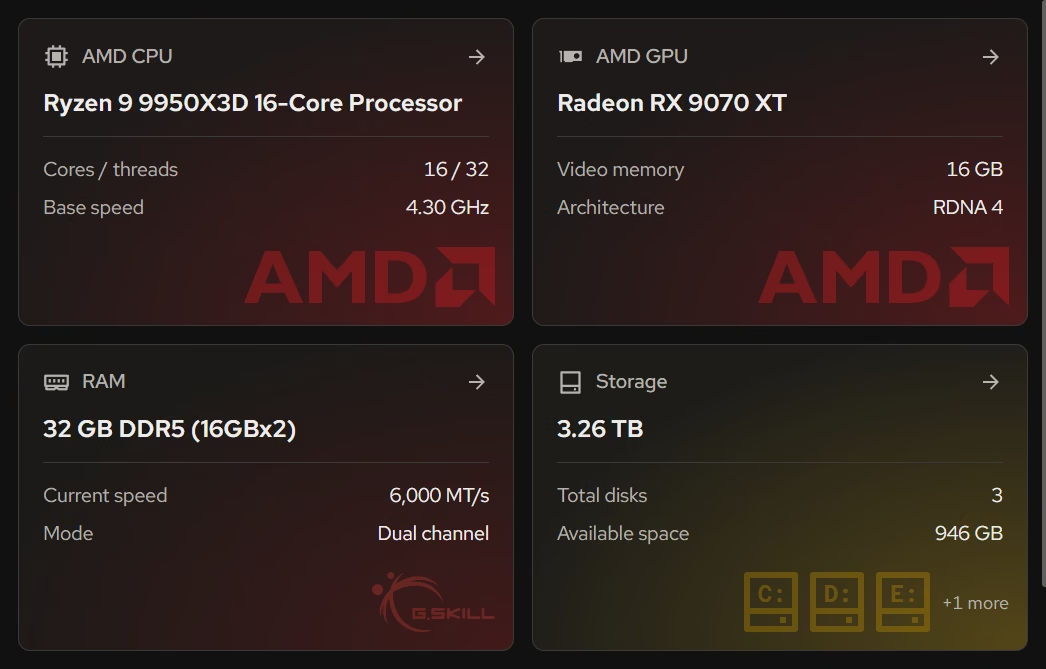
Room for the upgrade, and shredding for the handover
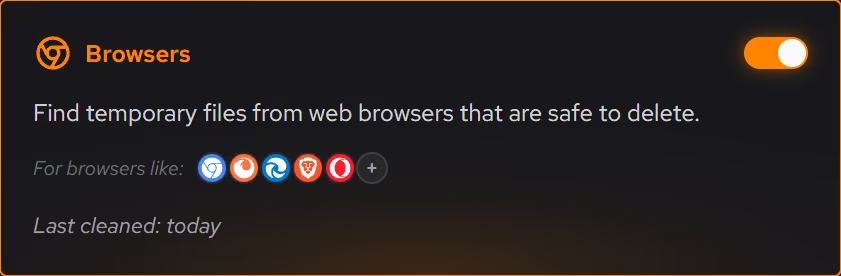
A Windows upgrade wants free space on the system drive, and Cleaner shows what is safe to clean before anything goes. For files that must not travel, the file shredder deletes without the Recycle Bin.
In Cleaner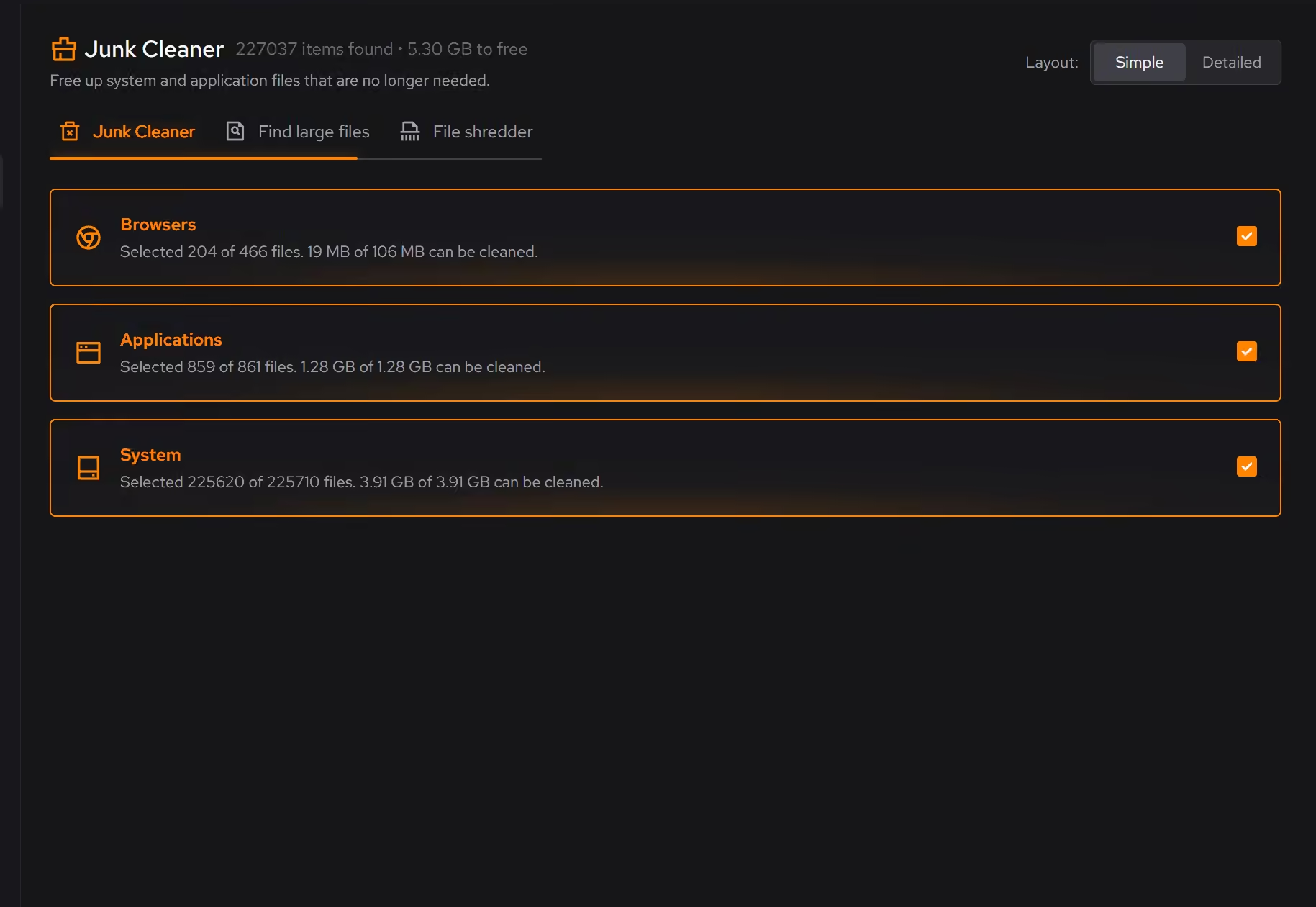
Know what is installed before a PC changes hands
Desktop programs, Store apps, and browser extensions share one list, so licensed software to deactivate and accounts to sign out of are visible before the reset instead of after.
In Uninstaller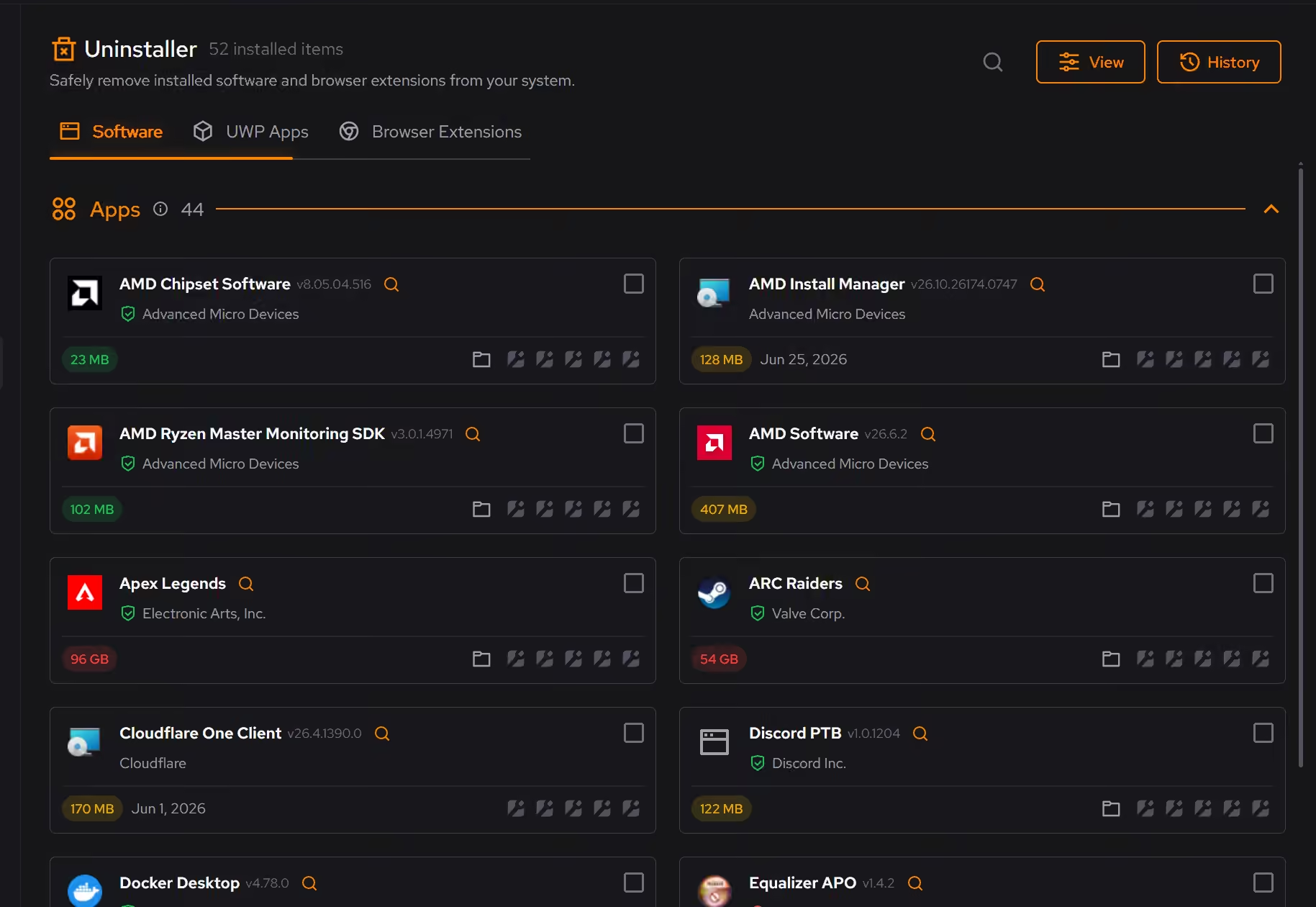
Free on Windows 10 and 11, no trial timer.
Download freeProof, then limits.
What you can check
The hardware inventory covers Windows, firmware, processor, graphics, memory, storage, and network details together.
In Your PCDesktop programs, packaged Windows apps, and browser extensions share one inventory with size, install date, and publisher.
In Uninstaller
Where eclean stops
eclean does not judge Windows 11 eligibility. Microsoft's PC Health Check gives that verdict, and eclean does not install updates or enroll you in Extended Security Updates.
The shredder protects the files you point it at and is not a full-disk wipe. Windows' own reset stays the final step before a PC changes hands.
eclean works one PC at a time with no remote deployment, so whoever sits at each machine runs it. Business pools devices and is billed per device from 5 devices.
If eclean steps over a line here, tell us and we'll fix it.
Still deciding? Fair questions, answered.
What does my PC need to run it?
Very little. If your PC runs Windows 10 or 11 (64-bit), it runs eclean. The full spec sheet is one page long.
Is eclean safe to download?
Yes. The installer is a single signed file from our own release server, with no bundled extras. While our signing certificate is new, Windows SmartScreen may ask you to confirm the publisher, which reads eclean Labs AB, the company that signs our Windows installer. What the app collects, and what it never touches, is documented in the trust center.
Is the free version actually useful?
Yes. The core of eclean, understanding your PC and keeping it tidy, is free without time limits or nagging. Pro adds the upkeep that runs on its own, like weekly cleanup.