
PC maintenance for a small team. Pro for the PCs your team relies on.
Keep a small team's Windows PCs lean. Each member runs eclean on their own PC, and eclean for Business pools devices under one owner from 5 devices.
From 5 devices, one shared pool, invoices with your VAT ID
The problem.
Five people, five PCs, and no IT department. Each machine slows down in its own way, tool invoices land in whoever's inbox is nearest, and nobody owns the list of who runs what. Most small teams want each PC kept lean and the billing in one place, without rolling out a management system.
A small team's PCs get looked after by whoever is least busy. That is usually fine until three people hit the same slow login in one week, or a drive fills up an hour before a client call. The fix on each machine is ordinary maintenance, and the hard part is that nobody has the time to do it consistently.
eclean does that maintenance in the open. Booster shows what starts with Windows, Cleaner previews what it will remove and how much space that frees, and the software inventory shows what is installed. Every optimization explains itself first and keeps a history, so a person who is not an IT specialist can work through their own PC without guessing. The free app covers all of this on Windows 10 and 11.
What a team adds is ownership and billing. eclean for Business puts Pro on a shared pool of devices. An owner handles billing, admins invite people and manage devices, and members keep their own sign-ins and settings. You pay for devices, not people, and a pool starts at 5 devices. Admins can verify your company email domains so invites stay within the company, and an audit log records who was invited, removed, or given a role.
The limits matter as much as the features. Nothing here deploys software to a PC or reaches into one remotely. Each member installs eclean on their own machine and runs it there, and admins can see which devices are active in the pool and deactivate one that is no longer in use. If your needs include pushing settings to every PC, a management system does that job and eclean does not.
Teams with old machines can start with replacing office PCs, and anyone who works from home will recognize the routine on the home office page.
What eclean does here.
Trim what starts with every workday
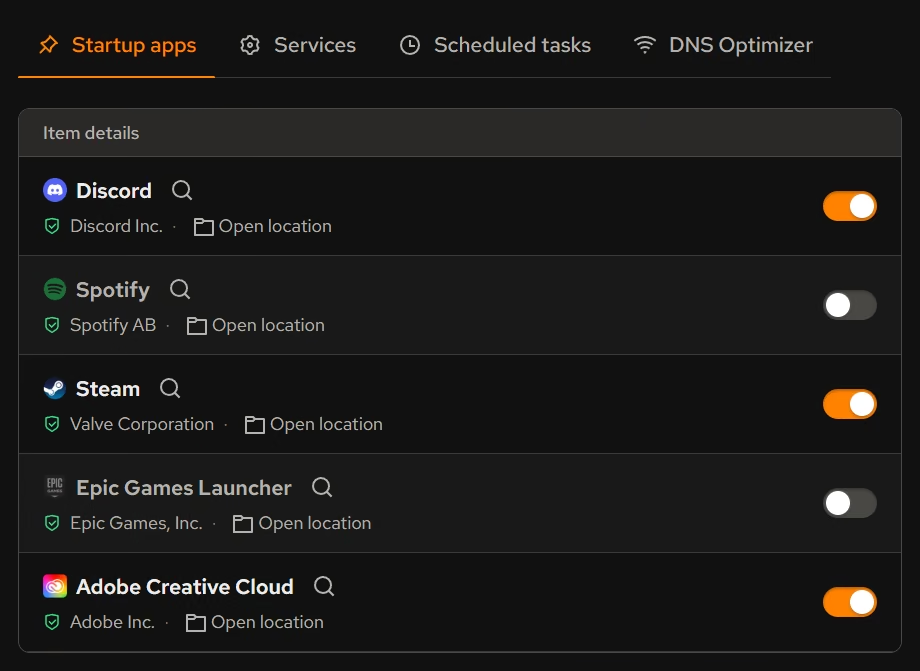
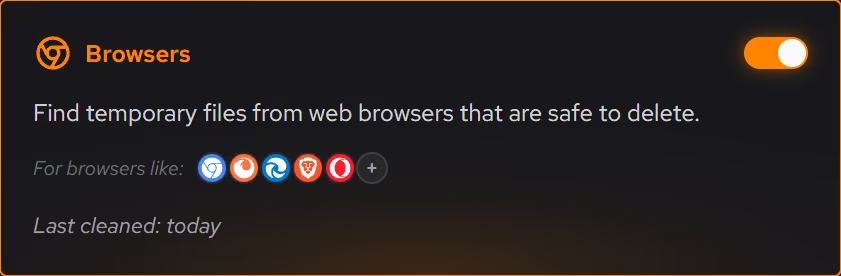
Chat clients, sync tools, and updaters pile up in startup on every PC. Booster lists startup apps, services, and scheduled tasks together with a switch on each, so a slow login becomes a short list to work through.
In Booster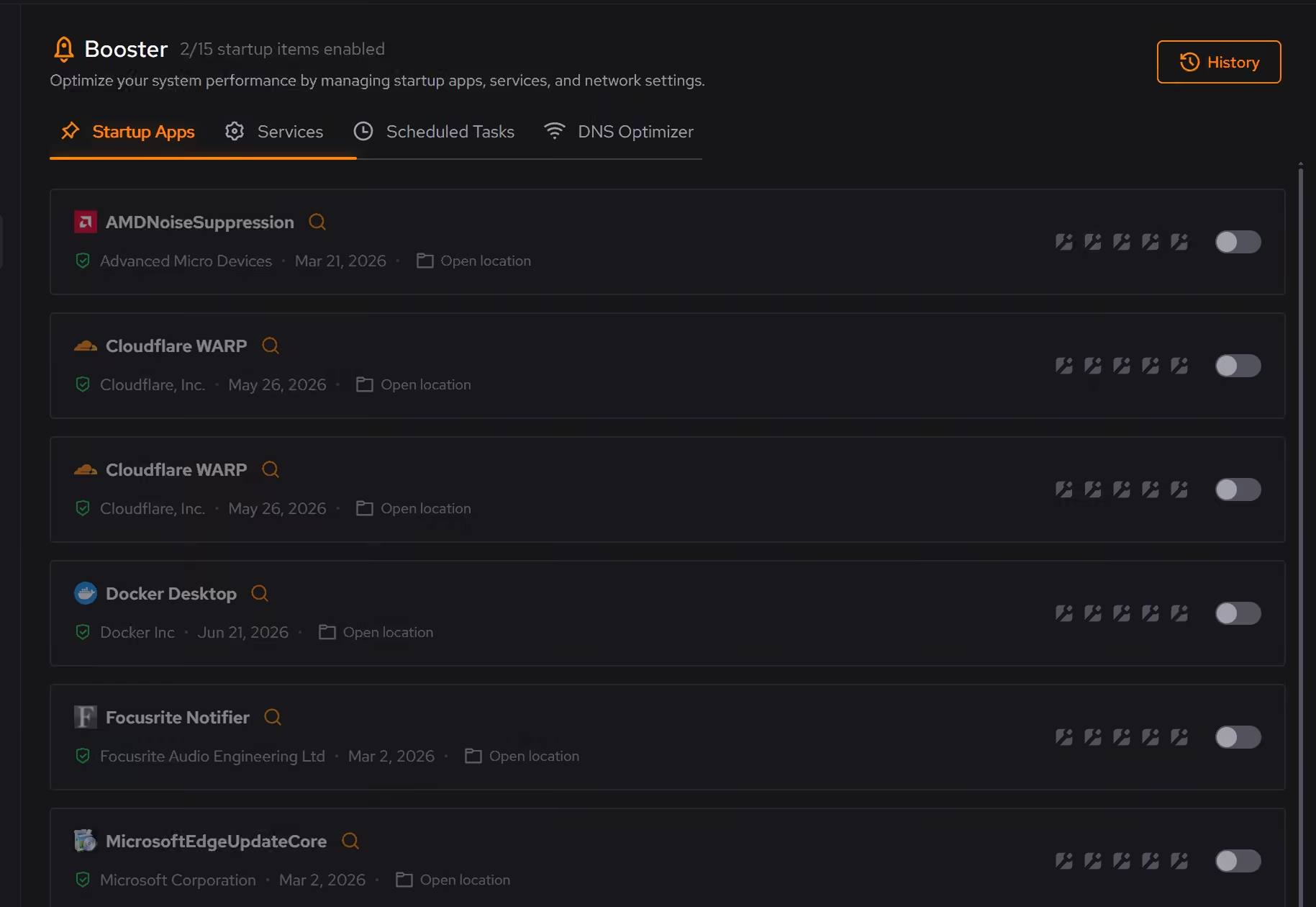
Know what each machine actually is
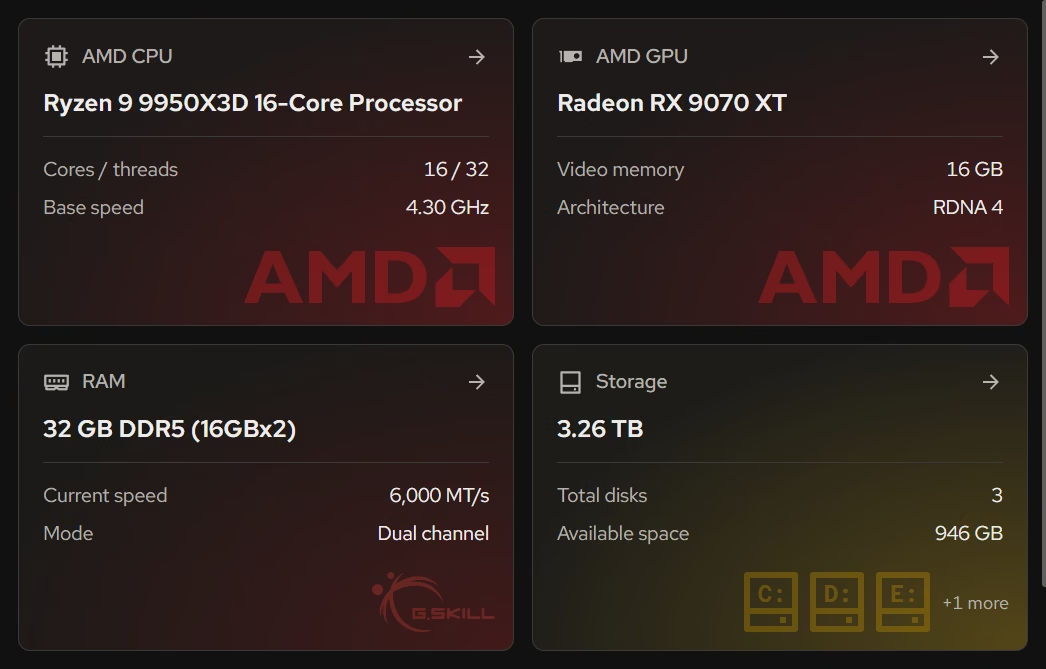
Your PC shows the Windows version and build next to the processor, graphics, memory, and storage. When someone says their PC is slow, you can see what they are running on before deciding whether it needs cleaning or replacing.
In Your PC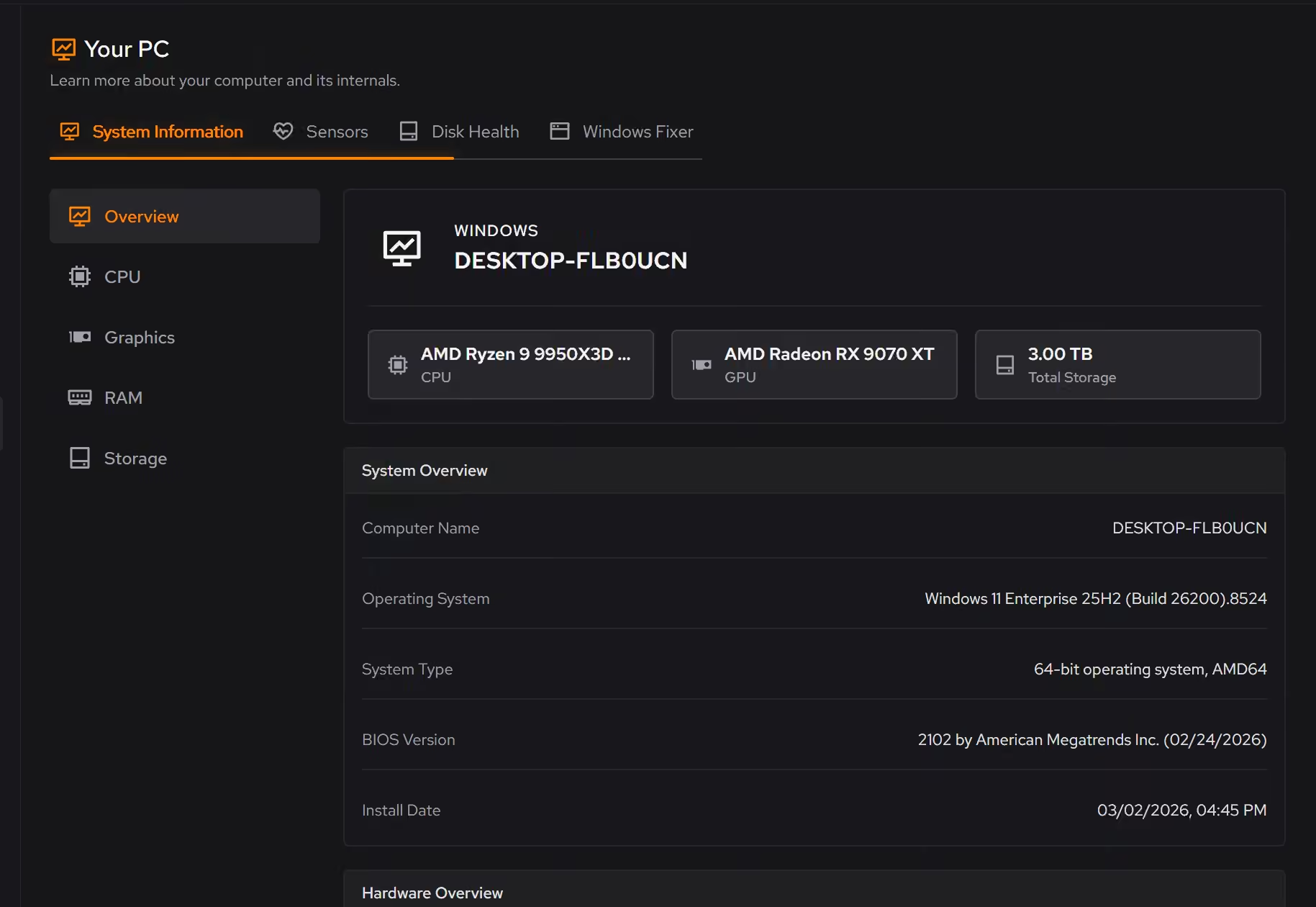
Space back on drives that fill with work
Cleaner shows what is safe to clean and what each item is before anything goes. With Pro, which Business includes, Automatic cleanup runs weekly even with eclean closed, so full drives are less of a surprise.
Pro covers 2 PCs. Family covers 5.
In Cleaner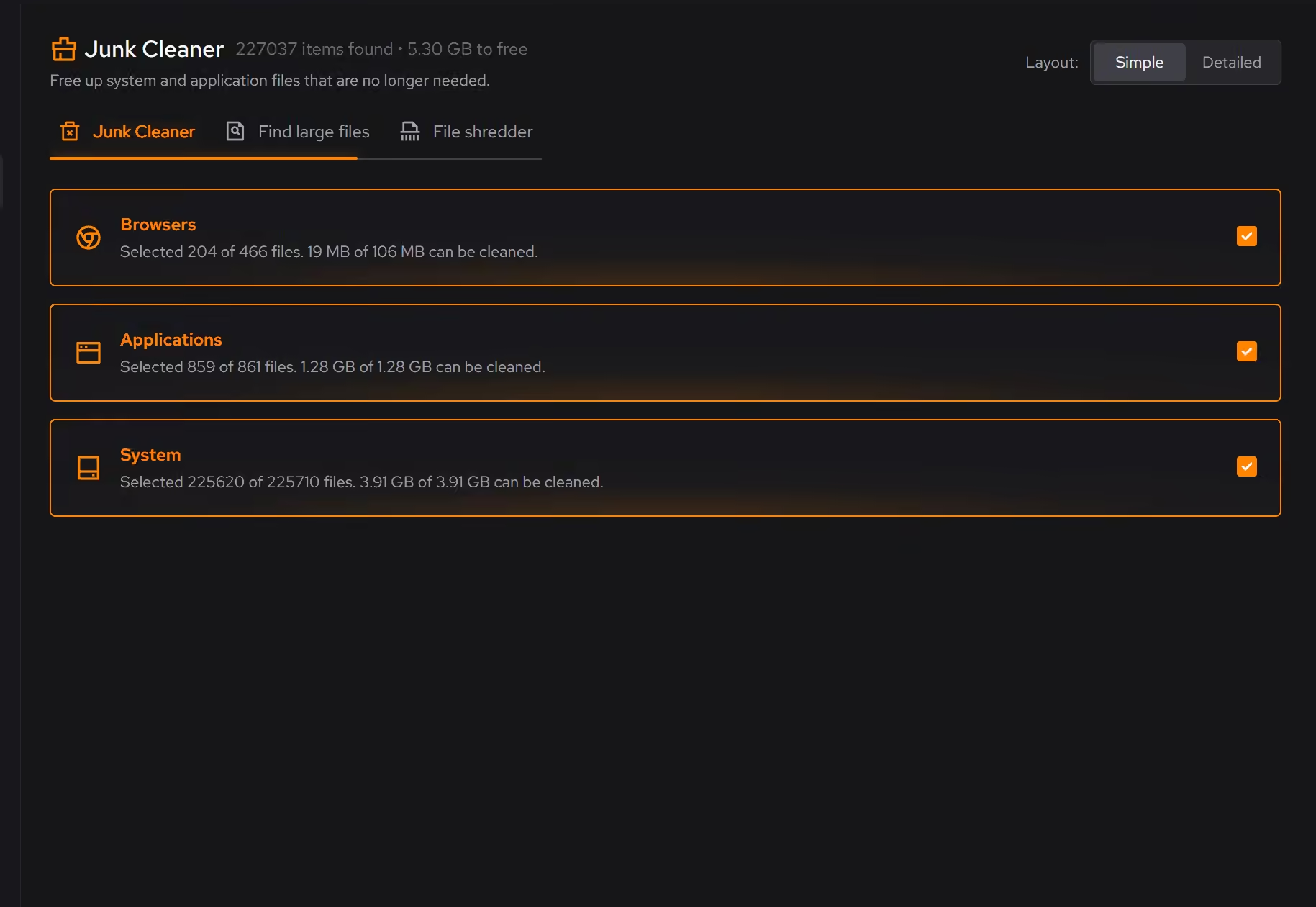
One inventory of what is installed
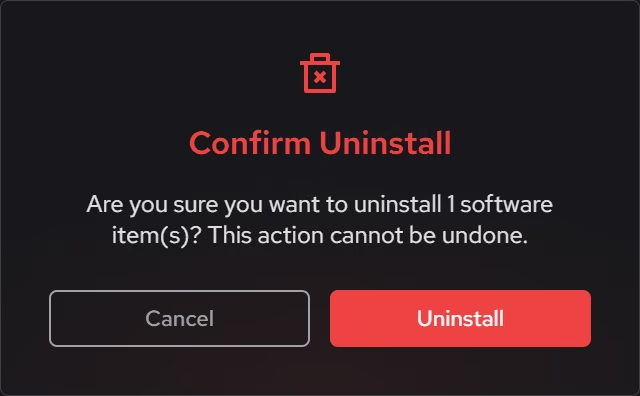
Desktop programs, Store apps, and browser extensions share one list with size, publisher, and install date. Software nobody remembers adding is easy to spot and remove, with a check for leftovers afterward.
In Uninstaller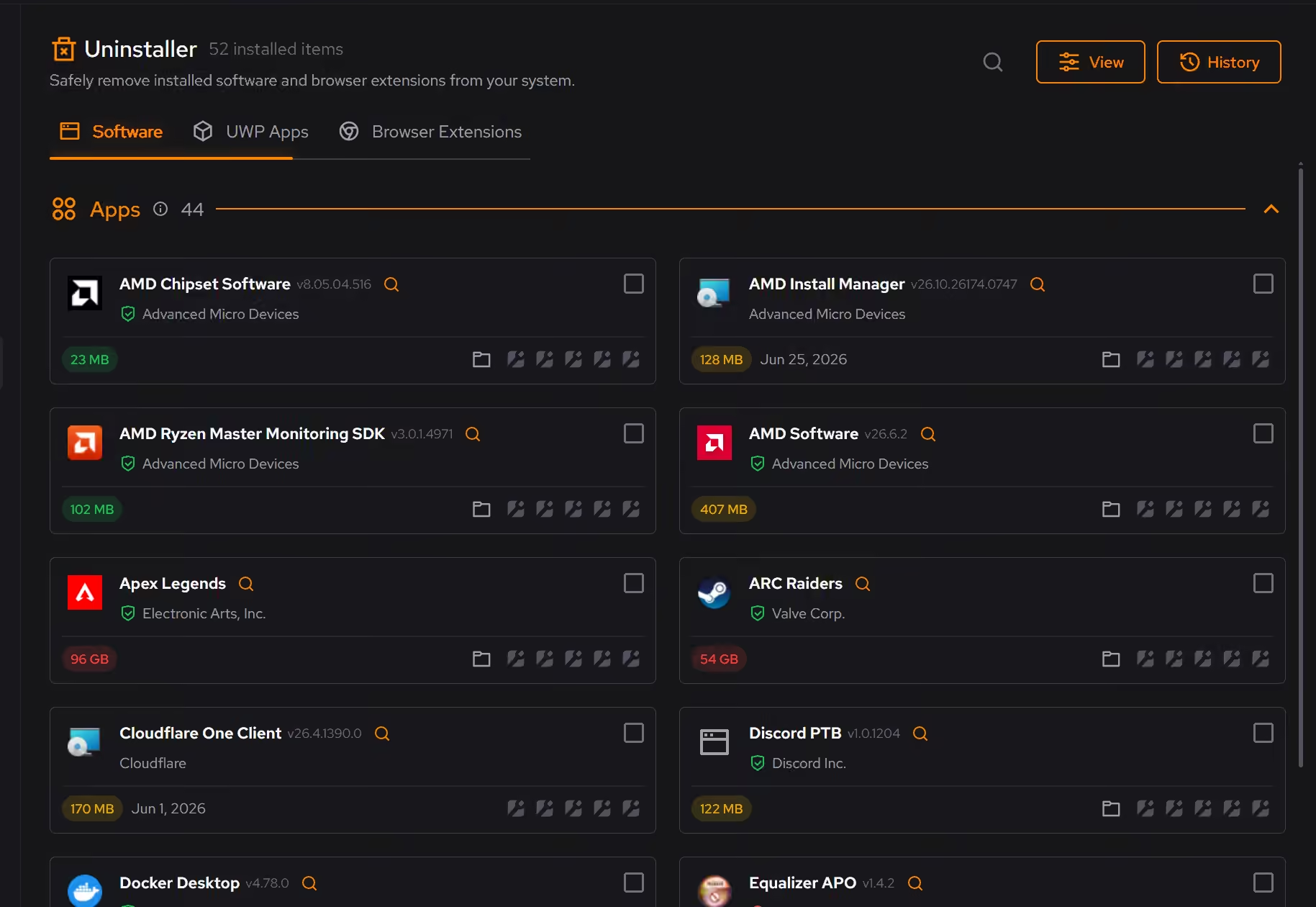
Free on Windows 10 and 11, no trial timer.
Download freeThe tweaks, by name. Each one explains itself before it runs.
Disable Background Apps
Prevents apps from running in the background when not actively in use. This reduces CPU and memory usage, extends battery life on laptops, and improves overall system responsiveness.
Disable Content Delivery
Stops Windows from automatically installing suggested apps, showing app recommendations in the Start menu, and displaying tips and advertisements throughout the system.
Disable Widgets
Turns off the Windows Widgets panel and, when possible, removes related components. This reduces background content fetching, memory usage, and taskbar clutter.
Every tweak above changes Windows settings, and applied changes land in a history. See how Optimizer works
Proof, then limits.
What you can check
eclean for Business is Pro on a shared pool of devices, with an owner, admins, and invoices made out to your company.
eclean.ggA pool starts at 5 devices and has no member limit. Only devices count, and admins can set a device cap per member.
eclean.ggAdmins can verify company email domains, see each pool device with its last seen date, and review an audit log of invites, removals, and roles.
eclean.ggInvoices carry your company VAT ID, and the owner manages billing in one portal.
eclean.gg
Where eclean stops
There is no remote deployment or MDM. Each member installs and runs eclean on their own PC, and admins cannot change settings on it.
There is no single sign-on, and no usage reports or dashboards. Sign-ins and settings stay personal for each member.
eclean is not an IT department. It keeps Windows lean and explained on each PC, and it does not replace backups, antivirus, or a support contact.
If eclean steps over a line here, tell us and we'll fix it.
What Pro adds here.
These are the additions the modules on this page gate. Pro covers up to 2 PCs, and Family covers up to 5.
Automatic cleanup clears what apps leave behind every week, even with eclean closed, and clears more when your system drive runs low while eclean is open or in the tray
In Cleaner
Space watch tells you when a drive is filling up and which folder grew, while eclean is open or in the tray
In Cleaner
Secure delete overwrites files in the file shredder before deleting them
In Cleaner
Still deciding? Fair questions, answered.
What are the plans?
Free, Pro, and Family. Pro covers up to 2 PCs you personally use and adds upkeep that runs on its own, like weekly cleanup. Family shares Pro across up to 5 PCs in your household, each with their own account. Current prices are on the pricing page.
Can I use one license on several PCs?
A Pro license covers up to 2 PCs you personally use, so install eclean on your desktop and laptop with the same account. For a household with several people, the Family plan shares Pro across up to 5 PCs, each with their own account.
Is eclean safe to download?
Yes. The installer is a single signed file from our own release server, with no bundled extras. While our signing certificate is new, Windows SmartScreen may ask you to confirm the publisher, which reads eclean Labs AB, the company that signs our Windows installer. What the app collects, and what it never touches, is documented in the trust center.
Is the free version actually useful?
Yes. The core of eclean, understanding your PC and keeping it tidy, is free without time limits or nagging. Pro adds the upkeep that runs on its own, like weekly cleanup.