
Discord without the weight it gathers. You stay signed in, and the chats stay put.
Discord starts with Windows, keeps a growing cache, and runs beside every game. Decide when it launches, clear what it stores, and keep your login.
Free · Windows 10 and 11
The problem.
Discord installs itself to start with Windows, keeps a cache of every image, video, and emoji it has shown you, and runs an overlay and updater beside your games. None of it is harmful, but together it adds a launch at every login, a folder that keeps growing, and one more app awake while you play.
Discord is on most gaming PCs, and it rarely gets a second look. It sets itself to start with Windows when you install it, keeps an updater running, and saves a local cache of the images, clips, and emoji it has displayed. Each piece is reasonable on its own. Together they add a launch at every login, a folder that only grows, and one more process awake beside every game you play.
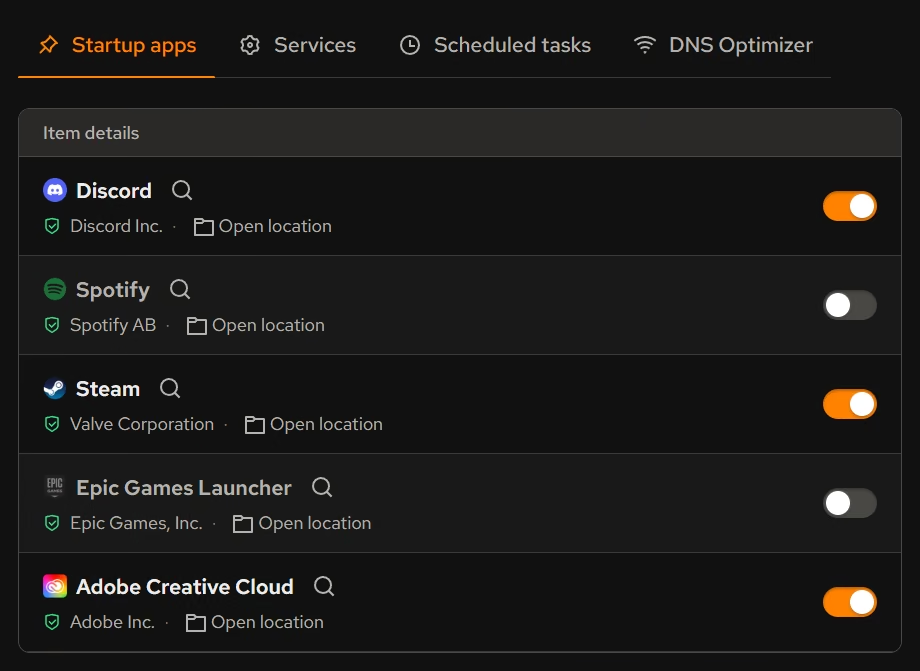
Startup is the first decision because it is the one most people never made. Booster lists Discord among your startup apps with its publisher beside a switch, so you can keep it if you join voice the moment you log in, or turn it off and open it when you need it. The same list holds the services and scheduled tasks other apps added, so the whole background load is visible in one place.
The cache is the second. Cleaner groups Discord with your other apps and opens each item to explain what it is, what changes if you clean it, and how it comes back. You stay signed in, your servers and messages live on Discord's side, and the cache simply rebuilds as you scroll. Clearing it is a tidy-up and also a common fix when images or emoji stop loading properly.
The Uninstaller rounds out the picture. Discord sits in the same inventory as everything else with its size, publisher, and install scope, which also reveals a stray Canary or PTB build installed for testing and forgotten. If you do remove one, eclean checks afterward for the files and registry entries a standard uninstall leaves behind.
eclean does not read your messages, sign into your account, or modify Discord itself. It works with what Discord stores on your PC and what Windows starts on its behalf, and every change is explained before it runs.
What eclean does here.
Choose when Discord starts
Discord turns up in Booster's startup list beside its publisher. Leave it on if you join voice the moment you log in, or switch it off and let it open when you do, which keeps the login quieter.
In Booster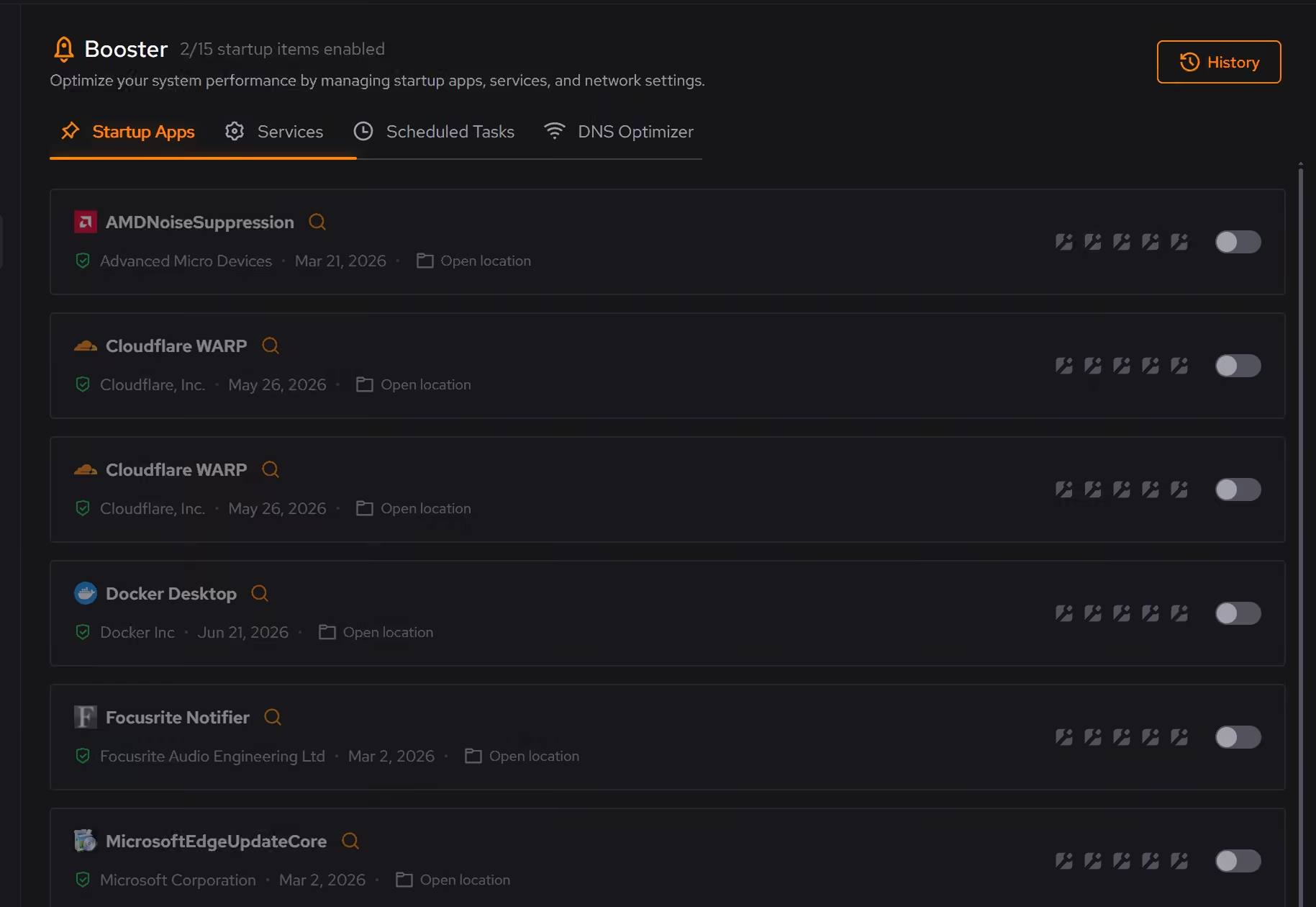
See what it actually takes
The inventory shows Discord's size, its publisher, and whether it was installed for you alone, beside every other app. If you run Canary or PTB too, both show up, and leftovers are checked after any removal.
In Uninstaller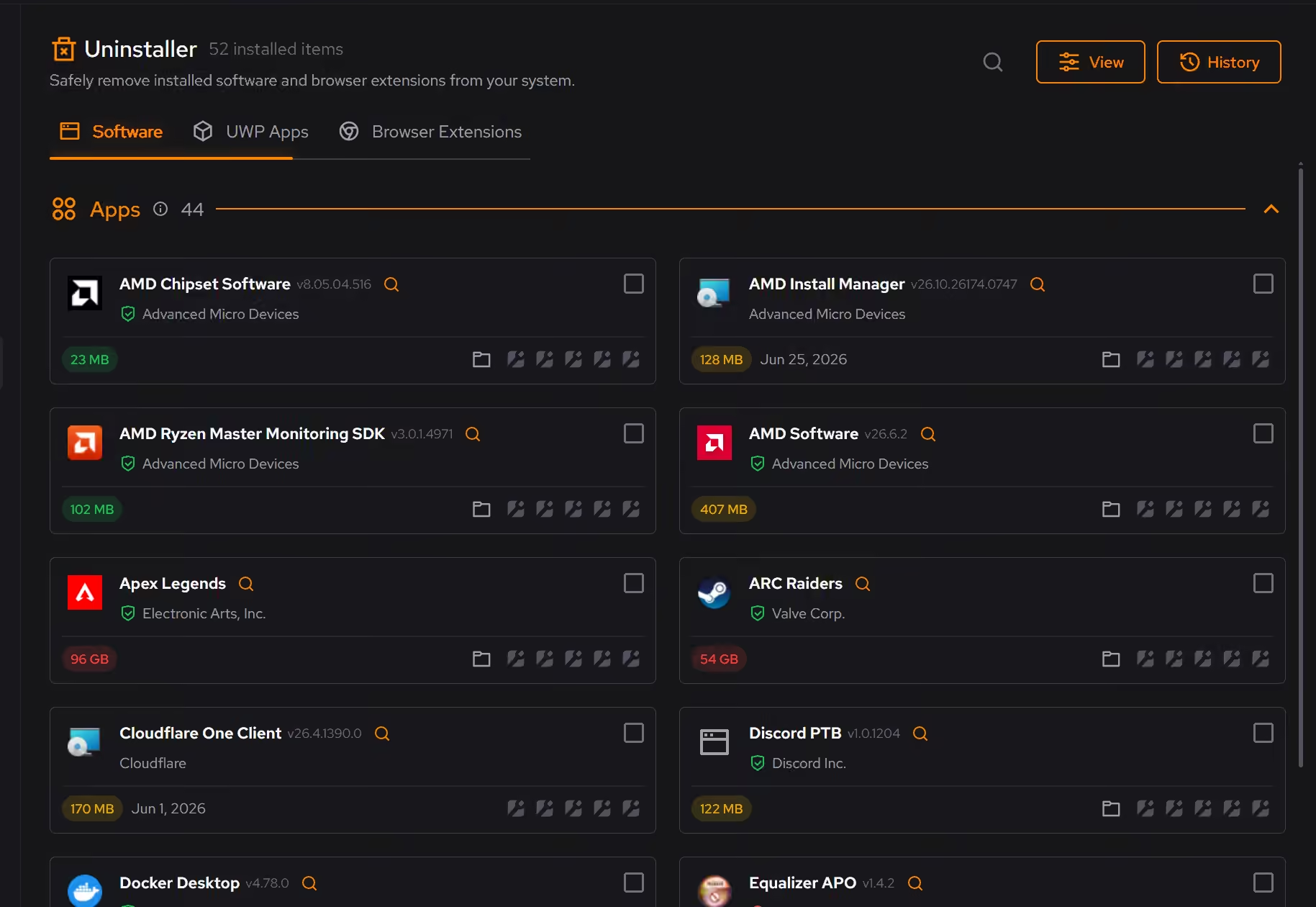
Clear the cache, keep the login
Cleaner groups Discord's junk with your other apps and explains what each item is, what changes if you clean it, and how it comes back. You stay signed in, and the cache rebuilds as you browse.
In Cleaner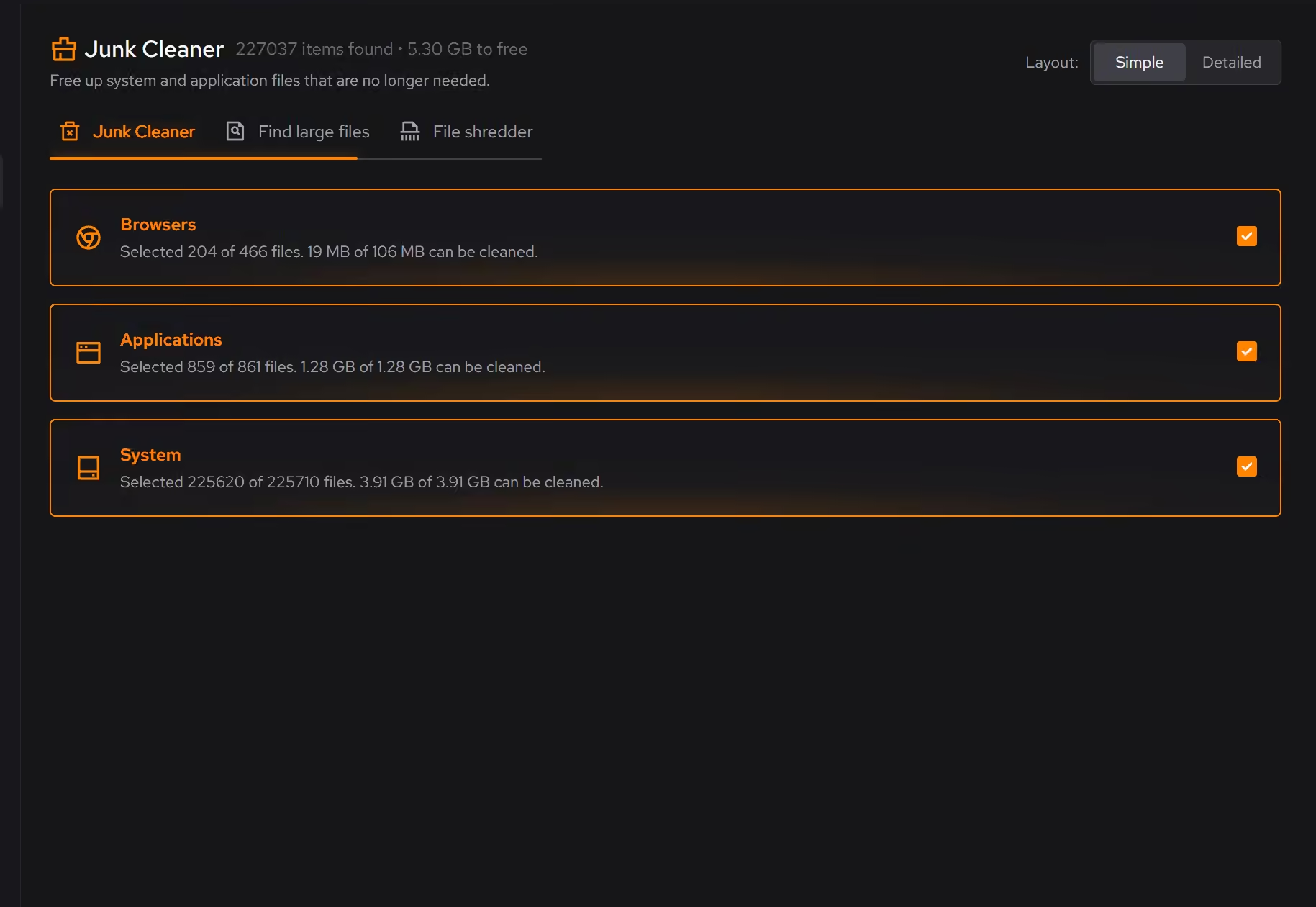
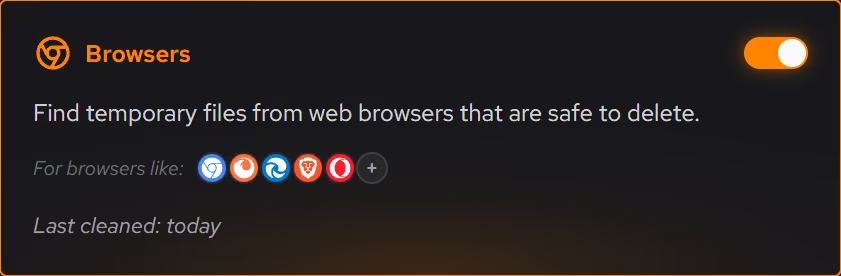
Free on Windows 10 and 11, no trial timer.
Download freeThe tweaks, by name. Each one explains itself before it runs.
Disable Background Apps
Prevents apps from running in the background when not actively in use. This reduces CPU and memory usage, extends battery life on laptops, and improves overall system responsiveness.
Disable Game Bar
Disables Xbox Game Bar, Game DVR, and background game recording features. This reduces CPU and memory overhead during gaming sessions and eliminates overlay-related performance impacts.
Prioritize Foreground Apps
Configures Windows process scheduling to give higher priority to the active window. This improves UI responsiveness, reduces input lag in games, and provides a smoother multitasking experience.
Every tweak above changes Windows settings, and applied changes land in a history. See how Optimizer works
Proof, then limits.
What you can check
Cleaner groups app junk by where it comes from, and you stay signed in after cleaning.
In CleanerStartup apps appear in Booster with their publisher and a switch.
In BoosterUninstaller shows each desktop app's size, publisher, and whether it was installed for you only or for every user.
In Uninstaller
Where eclean stops
eclean never reads your messages or touches your account. It works with the files Discord stores on your PC.
A cleared cache refills as you use Discord. That is normal, and the cleaner says so before it runs.
If eclean steps over a line here, tell us and we'll fix it.
Still deciding? Fair questions, answered.
Is eclean safe to download?
Yes. The installer is a single signed file from our own release server, with no bundled extras. While our signing certificate is new, Windows SmartScreen may ask you to confirm the publisher, which reads eclean Labs AB, the company that signs our Windows installer. What the app collects, and what it never touches, is documented in the trust center.
Is the free version actually useful?
Yes. The core of eclean, understanding your PC and keeping it tidy, is free without time limits or nagging. Pro adds the upkeep that runs on its own, like weekly cleanup.
Does it replace tools like CCleaner?
For the everyday maintenance those utilities are known for, yes. eclean covers cleaning, startup, and app management in one place, and the comparison pages walk through the differences feature by feature.